Best Tool to Generate an AI Video in 2026: 8 Tools Compared
Find the best tool to generate an AI video in 2026, from cinematic clips to avatar presenters, with free plans, pricing, credits, and honest pros and cons.

- Editor's choice
 Runway
Cinematic text and image to video
Starts at$15 per monthVisit runwayml.comFull review - Great alternative
 Kling AI
Photorealistic clips at low cost
Starts at$10 per monthVisit klingai.comFull review - Also consider
 Pika
Playful social clips and effects
Starts at$10 per monthVisit pika.artFull review
TL;DR:
- Runway and Kling lead for cinematic text to video clips, while Pika suits playful, social first short clips.
- Synthesia and HeyGen are best for avatar presenters, training videos, and multilingual content, not for cinematic footage.
- InVideo AI and Pictory suit marketers who want a finished video from a script, article, or existing footage, with less manual editing.
- Veed is best if you also need editing, subtitles, and resizing after generation, all in one browser tool.
- Free plans are useful for testing, but most limit credits, length, resolution, or add a watermark, so check export terms before you publish.
Quick comparison
| Tool | Best for | Starts at | Free plan? | |
|---|---|---|---|---|
| Runway | Cinematic text and image to video | $15 per month | Yes | Visit |
| Kling AI | Photorealistic clips at low cost | $10 per month | Yes | Visit |
| Pika | Playful social clips and effects | $10 per month | Yes | Visit |
 Synthesia | Avatar training and explainer videos | $29 per month | Yes | Visit |
 HeyGen | Avatar videos and translation | $29 per month | Yes | Visit |
 InVideo AI | Prompt to finished marketing video | $9 per month | Yes | Visit |
 Pictory | Turning text and footage into clips | $29 per month | Free trial | Visit |
 Veed | Editing and AI video in one place | $25 per month | Yes | Visit |
The best tool to generate an ai video
These eight tools cover three different jobs, which are generating original footage, creating an avatar presenter, and turning a script into a finished video. Pick the category first, then the tool inside it.

Runway is the creative leader in this list, with its Gen-4 models producing detailed, cinematic short clips from text or image prompts. You can guide camera movement, style, and motion, then use built in tools for background removal, inpainting, and motion tracking. That control appeals to filmmakers, designers, and content teams who want original footage rather than stock video.
The Standard plan starts at $15 per month, with a free tier offering limited credits and watermarked output. Heavy users will burn credits quickly, and beginners may need time to learn prompt craft before results look polished. If you want the most film-like AI footage and are willing to learn the tool, Runway is our pick for most creative users.
- Strong cinematic quality and motion control
- Text and image to video
- Built in AI editing tools
- Credit system can get expensive with heavy use
- Learning curve for best results
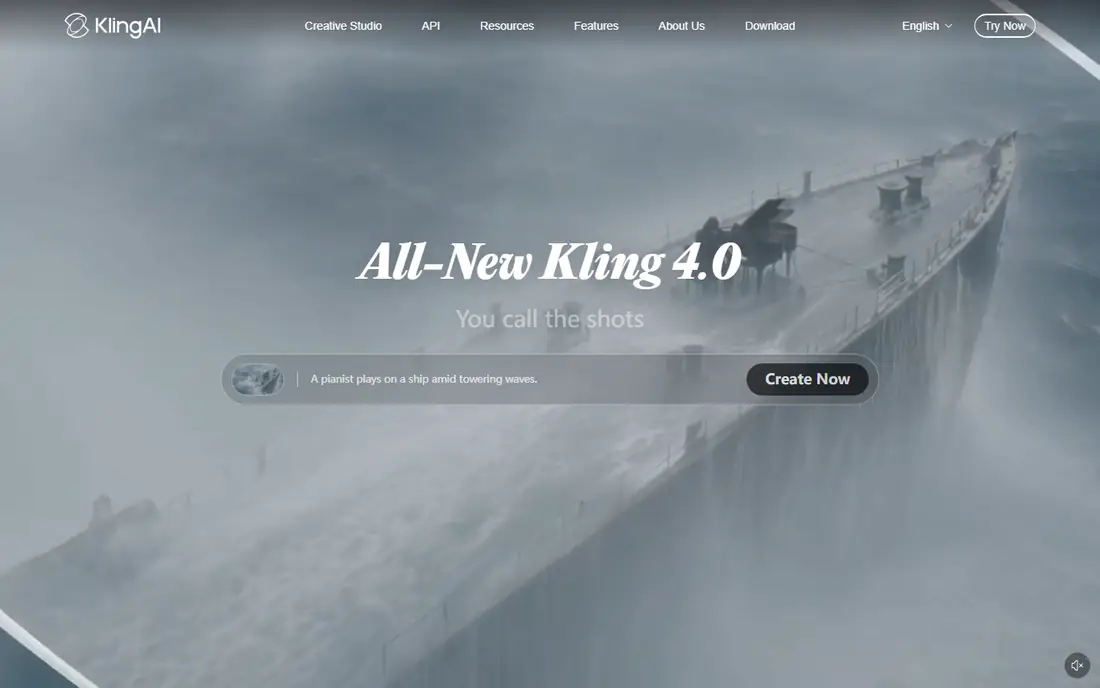
Kling AI, from Kuaishou, has become a favorite for realistic human movement and longer clips at a lower price than many rivals. Paid plans start at $10 per month, and a free tier offers daily credits with watermarked output. Creators use it for product shots, realistic scenes, and B-roll that would cost far more to film.
The platform is less polished than Runway, and results still depend heavily on prompt quality and model choice. Some users also report slower generation at peak times on lower tiers. If budget matters and you want realistic clips without paying Runway prices, Kling is a strong alternative.
- Good value for longer clips
- Realistic human motion
- Free daily credits
- Interface and support can feel less polished
- Output quality varies by prompt
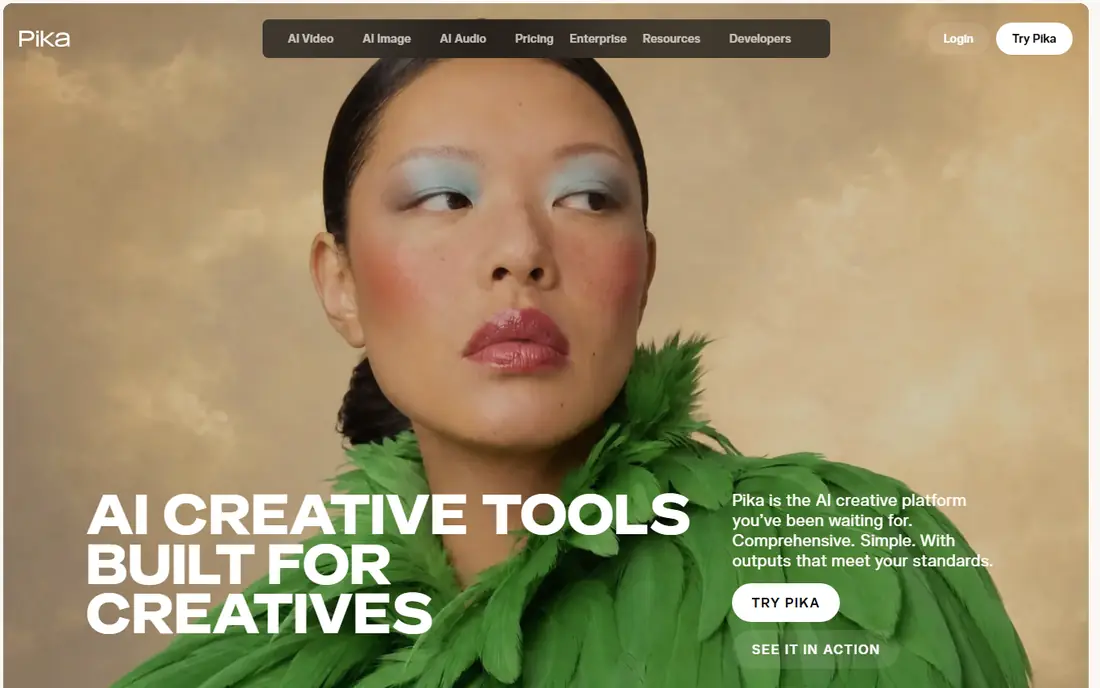
Pika is built for speed and fun, with effects that turn a photo or short prompt into a shareable clip in minutes. Its Pikaffects and stylized looks suit TikTok, Reels, and YouTube Shorts, where a striking few seconds matter more than a long, realistic scene. The interface is simple, so beginners can get a usable result without learning complex controls.
The limit is length and realism. Pika clips are short, and it is not the best choice for a polished, cinematic sequence or a corporate presenter video. Paid plans start at $10 per month, with a free tier for testing. For social creators who want quick, eye catching AI video, Pika is the easiest start in this list.
- Fast, fun effects for social video
- Easy image to video
- Good for short form content
- Clips are short
- Less suited to long cinematic scenes
Synthesia turns a script into a presenter video with an AI avatar, without a camera, studio, or actor. You type or paste text, choose an avatar and voice, add slides or screen recordings, and export a video in many languages. That workflow suits corporate training, onboarding, product explainers, and internal updates that need to be updated often.
The result is professional but clearly synthetic, and avatar delivery can feel formal compared with a real presenter. The free plan covers a small number of video minutes per month with a watermark, and paid plans start at $29 per month. If you need many training videos in several languages, Synthesia is the most mature avatar tool here.
- Large avatar and language library
- Easy script to video workflow
- Good for training teams
- Avatar videos can feel formal
- Free plan is limited to a few minutes per month
HeyGen also creates avatar presenters, but it leans more toward marketing, sales, and personalized video than Synthesia. You can clone an avatar from a photo or video, clone a voice, and translate a video into many languages with lip sync that matches the new audio. That makes it useful for product demos, ads, and localized content at scale.
The free plan allows only a few short videos per month, and paid plans start at $29 per month for Creator, with higher tiers for longer videos and team features. Avatar realism is strong, but results still need careful script and voice choices to avoid a stiff delivery. For marketers who want a spokesperson at scale, HeyGen is our pick in this category.
- Realistic avatars and voice cloning
- Video translation with lip sync
- Good for marketing
- Free plan limits videos per month
- Higher tiers needed for longer or branded videos
InVideo AI is the fastest route from an idea to a finished marketing video. You describe the video you want, and it drafts a script, selects clips, adds voiceover and music, and builds an editable timeline you can adjust in plain language. That suits small businesses, social teams, and creators who need regular content without filming or deep editing skills.
The trade-off is originality. Much of the footage comes from stock or generated clips, so videos can feel familiar if you do not customize them. Paid plans start at $9 per seat per month on annual billing for Basic, with higher tiers for more credits and features. If volume and speed matter more than cinematic originality, InVideo AI is a practical choice.
- Turns a prompt into a full video with script, voice, and clips
- Large template library
- Easy editing
- Generated footage can feel stock-like
- Credits limit heavy use on lower plans
Pictory works best when you already have content to reuse. Paste a blog post or script, or upload a long video, and Pictory builds a captioned video with relevant visuals, voiceover, and text highlights. It can also cut long recordings into short social clips, which saves hours for podcasters, course creators, and marketers.
Pictory does not offer a permanent free plan, only a trial, and paid plans start at $29 per month. It is also not the right tool for generating original cinematic scenes from a text prompt, where Runway or Kling fit better. If your main job is repurposing, Pictory will save more time than any generator in this list.
- Turns blogs and long videos into short clips
- Automatic captions
- Good for repurposing
- No permanent free plan
- Less suited to generating original cinematic footage
Veed is an all in one browser video editor that now includes AI generation, avatars, and text to video alongside its core editing tools. You can generate a clip, add automatic subtitles, remove background noise, and resize for TikTok, Reels, or YouTube, without leaving the browser. That end to end workflow suits creators and small teams who edit as much as they generate.
Generation quality does not match Runway or Kling for cinematic footage, and the most useful features sit on paid plans starting at $25 per month. Veed is best as a finishing tool, where generation is one step in a larger edit, rather than as a pure generator. If you want one place to create, edit, and publish, Veed is a strong final pick.
- Browser editor with subtitles, avatars, and resizing
- Good for social formats
- Team features
- AI generation is not as advanced as Runway
- Higher tiers needed for full features
How we picked these
We compared official feature pages, pricing pages, and public reviews for AI video tools that are actively available in October 2026. We required a real generation feature, not just editing alone, and we covered cinematic generation, avatar video, and script to video workflows. We weighed output quality, ease of use, free tiers, credit systems, export terms, and pricing, and we mixed well-known leaders with strong value options.
We did not claim hands-on lab testing of every model. Our picks reflect what vendors publish about models, credits, and pricing, plus how users describe output quality, speed, and ease of use.
How to choose the right AI video tool
Match the tool to the job
Start by naming the output you need. Choose Runway, Kling, or Pika for original short clips, Synthesia or HeyGen for a presenter who reads a script, and InVideo AI or Pictory for a finished marketing video or repurposed clips. Veed fits when editing, subtitles, and publishing matter as much as generation itself.
Check credits, length, and watermarks
Most tools use credits, not unlimited generation, so a low monthly price can still mean a small number of videos. Check how many seconds each generation costs, whether free exports carry a watermark, and what resolution you get on your plan. Trial the free tier with a real project before you pay for a year.
Review rights and disclosure
Read the terms for commercial use, especially if you plan to use videos in ads or client work. Some plans limit commercial rights or require attribution, and AI generated people and voices raise disclosure questions in advertising and training. When in doubt, label AI content clearly and keep a human review step before publishing.
FAQ
What is the best app to generate AI videos for social media?
Pika and InVideo AI are best for social media, thanks to fast short clips, templates, and easy resizing. Pika suits playful, effect driven clips, while InVideo AI suits finished marketing videos with voiceover and captions.
What is the best AI tool to generate videos from text?
Runway is best for cinematic text to video, Kling is best for realistic clips at a lower price, and InVideo AI is best for turning a text prompt into a complete video with script and voice. The right pick depends on whether you want raw footage or a finished video.
Are there free AI video generators?
Yes. Runway, Kling, Pika, Synthesia, HeyGen, InVideo AI, and Veed all offer free tiers or free credits, while Pictory offers a trial instead. Free plans usually limit credits, length, resolution, or add a watermark, so they suit testing rather than regular publishing.
How much does AI video generation cost?
Entry paid plans in this list start at $9 to $29 per month, depending on the tool and billing period. Heavy users should budget for higher tiers or credit packs, since generation credits, not just the monthly fee, set how many videos you can actually make.
Can AI video tools replace a real presenter?
For training, explainers, and localized updates, avatar tools like Synthesia and HeyGen can replace a presenter for many routine videos. For ads, storytelling, or high trust content, a real presenter still feels more natural, and many teams use AI avatars for volume and real presenters for hero content.
Which AI video tool is best for beginners?
InVideo AI and Pika are the easiest for beginners, with simple prompts and templates that produce a usable video quickly. Runway and Kling offer higher quality, but they reward users who spend time learning prompts, settings, and editing.