Best AI to Build an App in 2026: 8 Tools Compared
Looking for the best ai to build an app? We compared 8 AI app builders, from prompt-to-app tools like Lovable and Bolt to Bubble and Glide this year, in full.
- Editor's choice
 Lovable
Prompt-to-app web MVPs
Starts at$25 per monthVisit lovable.devFull review - Great alternative
 Bolt
Prompt-to-code prototypes
Starts at$25 per monthVisit bolt.newFull review - Also consider
 Bubble
Complex no-code apps
Starts at$29 per monthVisit bubble.ioFull review
TL;DR:
- Lovable is our pick for most non-coders who want a working web app from a prompt, with code they can keep.
- Bolt is best for technical founders who want AI help plus real code in the browser.
- Bubble suits complex apps with real logic, roles and scale, though it takes longer to learn.
- Always check credit limits, hosting and code export before you build, since those decide what you own and what a launch will cost.
Quick comparison
| Tool | Best for | Starts at | Free plan? | |
|---|---|---|---|---|
| Lovable | Prompt-to-app web MVPs | $25 per month | Yes | Visit |
| Bolt | Prompt-to-code prototypes | $25 per month | Yes | Visit |
| Bubble | Complex no-code apps | $29 per month | Yes | Visit |
 Glide | Spreadsheet-powered apps | $25 per month | Yes | Visit |
 v0 | AI-generated interfaces | $30 per user per month | Yes | Visit |
 Replit | AI plus full code workspace | $20 per month | Yes | Visit |
 FlutterFlow | Mobile apps with code export | See website | Yes | Visit |
 Adalo | Simple native mobile apps | $36 per month | Yes | Visit |
The best ai to build an app
AI app builders split into two groups: prompt-to-code tools that generate a codebase you can keep, and visual no-code platforms that host the app for you. Prompt tools are faster for a first version, while visual platforms offer more control over logic, permissions and scale. The eight below cover both, so match the tool to how you want to maintain the app after launch.
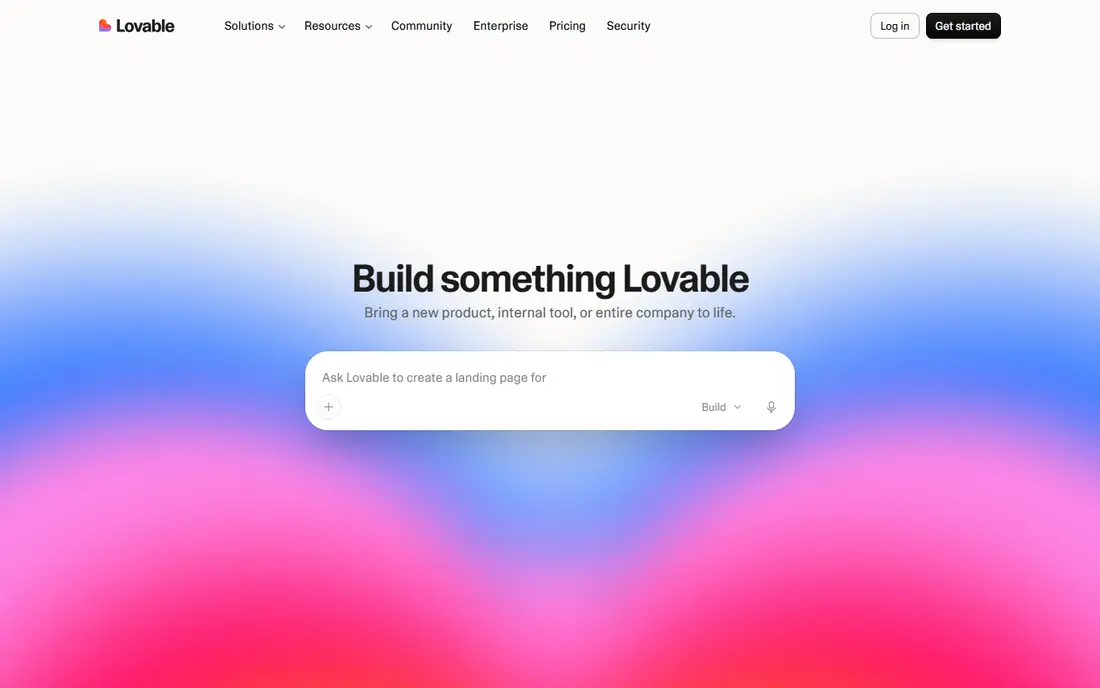
Lovable turns a plain-language prompt into a working web app, with a front end, database and hosting, and it generates React code with Supabase as a common backend. That combination suits founders and marketers who want a clickable product to test, without hiring a developer for the first version. Recent comparisons list a free tier with daily credits, and Pro from 25 dollars per month, or 21 dollars per month billed annually.
The limit is iteration cost. Each prompt and fix uses credits, so a vague brief can burn through a plan quickly, and a complex app still needs someone technical to review security, data rules and edge cases. For a minimum viable product, a landing page with real function, or an internal tool, Lovable is the fastest credible starting point here.
- Prompt generates a full-stack web app
- Code you can keep
- Supabase backend integration
- Credits limit how much you can iterate
- Complex apps still need technical review
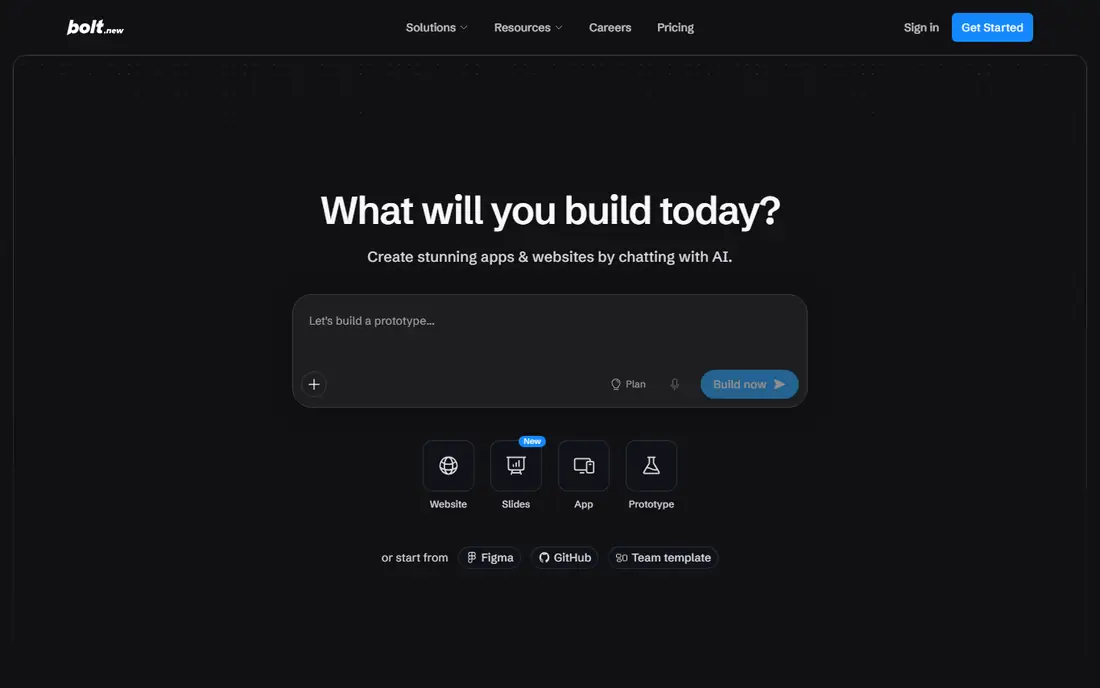
Bolt, from StackBlitz, lets you prompt a full-stack app in the browser and see it run immediately, with code you can edit, download and deploy. Recent comparisons list a free tier with a monthly token allowance, and Pro from 25 dollars per month, with Teams plans higher. Bolt suits technical founders and developers who want AI speed without giving up code access, since the generated React, Node and database code remains visible and editable.
Bolt is not a managed no-code platform, so you own more of the maintenance, hosting and security work as the app grows. For prototypes, hackathons, demos and early products where code ownership matters, Bolt is one of the best prompt-to-code options available.
- Browser-based building
- Full-stack code generation
- Instant preview and deploy
- Token limits apply
- Large apps need code review and refactoring
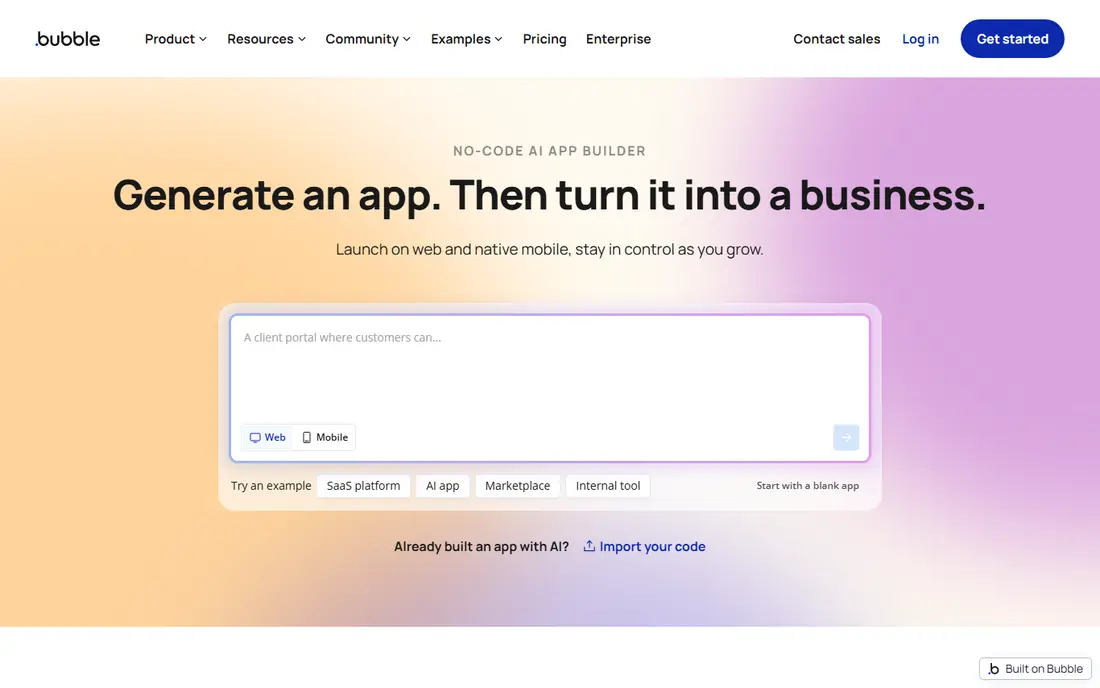
Bubble is the most powerful visual no-code builder here for complex web apps, with databases, workflows, user roles, payments and API connections built into a visual editor. AI helps start a project, but the real strength is control: you can build multi-step logic, conditional rules and admin tools that simpler prompt builders cannot handle. Recent comparisons list a free plan for building, with Starter from 29 dollars per month billed annually, or 32 dollars billed monthly, for going live.
The trade-offs are learning time and lock-in. Bubble takes longer to learn than Lovable or Bolt, and your app runs on Bubble, so leaving later means rebuilding. Workload units also need modeling, since heavy use can raise costs. For a serious SaaS or marketplace idea that needs real logic, Bubble remains the strongest no-code choice.
- Deep visual logic and workflows
- User roles and permissions
- Large plugin ecosystem
- Steep learning curve
- Apps stay on Bubble platform
- Workload pricing needs careful modeling
Glide turns a spreadsheet or database into a mobile-friendly app, which suits operations teams, small businesses and internal tools. You can build directories, trackers, client portals and field tools from data you already have, with AI helping to generate screens and layouts. Recent comparisons list a free tier, with paid plans from around 25 dollars per month billed monthly, or lower on annual billing, depending on the plan.
Glide is less suited to a public consumer app with complex logic or custom design, where Bubble or a code tool fits better. For a team that already lives in spreadsheets and needs a usable app this week, Glide is one of the fastest and most practical options here.
- Turns spreadsheets into apps
- AI app generation
- Good for internal tools
- Less suited to public consumer apps
- Customization is thinner than Bubble
v0, from Vercel, generates polished user interfaces from prompts, producing React and Next.js code that can be deployed on Vercel. It is best for designers and front-end developers who need a strong interface fast, whether for a landing page, a dashboard or a product prototype. Recent comparisons list a free tier with a small credit allowance, and Plus from 30 dollars per user per month.
v0 is front-end focused, so a full app still needs a backend, database and authentication, which you can add with Supabase, a Vercel integration or your own code. For interface work and Vercel-based products, v0 output quality is high, but it is not a complete app builder on its own.
- Polished React and Next.js interfaces
- Vercel deployment
- Code you can keep
- Focused on front end, not full backends
- Per-user pricing adds up for teams
Replit combines an AI agent with a full browser-based development workspace, so you can prompt, edit code, run and deploy an app without leaving the tool. Recent comparisons list a free tier, with Core from 20 dollars per month billed monthly, or lower on annual billing, including a credit allowance for agent use. That setup suits builders who want AI help but also want a real code environment for custom work.
The cost warning is real. Heavy agent use can push spending above the base plan, since credits are consumed by model runs, and agent code still needs human review for security and correctness. For developer-led builds, student projects and prototypes that need a full workspace, Replit is a strong, flexible choice.
- AI agent plus full IDE
- Hosting and deployment in one place
- Supports many languages
- Usage credits can raise costs
- Agent output needs review
FlutterFlow is a visual builder for mobile apps that generates Flutter code, which you can export and maintain outside the platform. It supports iOS and Android from one project, integrates with Firebase for auth and data, and includes AI features to help start screens and flows. That code export is a major advantage over closed no-code tools, since it reduces long-term lock-in.
FlutterFlow takes longer to learn than Adalo or Glide, and publishing to app stores generally needs a paid plan. For a mobile app that may grow into a larger product, or where code ownership matters, FlutterFlow is the best balance of visual speed and developer control here.
- Visual builder for iOS and Android
- Flutter code export
- Firebase integration
- Learning curve for complex apps
- Paid plans needed for app store deployment
Adalo lets non-developers build native mobile apps with drag and drop components, a built-in database, actions and app store publishing. Recent comparisons list a free tier for building, with paid plans from 36 dollars per month for publishing and fuller features. That simplicity suits small businesses, clubs, directories and simple customer apps that need to be on a phone, not just in a browser.
Adalo is less powerful than FlutterFlow for complex logic, and less suited to large-scale consumer apps than Bubble or a code tool. For a simple native app with a clear, limited feature set, Adalo is the easiest path from idea to app store on this list.
- Drag and drop native app builder
- App store publishing
- Simple database and actions
- Less powerful than FlutterFlow or Bubble
- Performance limits at larger scale
How we picked these
We compared vendor pricing pages and recent AI app builder comparisons, and we favored tools that are actively maintained, offer a free tier or trial, and produce a working app, not just a mockup. We included prompt-to-code tools, visual no-code platforms and a mobile-specific builder, since different app types need different tools. We left out general chatbots and image generators, since they do not build a usable app.
How to choose an AI app builder
Start with the app you need, not the demo. Write one paragraph describing who uses it, what they do first, what data it stores, and how users log in. Then build that core flow in a free tier before paying, and check whether the tool handles auth, payments, notifications and data rules for your case.
Own your code, data and launch costs
Check code export, data export and hosting terms before you build a business on a tool. Prompt tools like Lovable, Bolt and v0 give you code, while Bubble and Glide keep the app on their platform, which affects a future move. Model credit, token or workload costs at ten times your first-week usage, since iteration is where AI builder bills grow.
Test security and real use early
Add login, roles and basic validation before you share the app widely, and test it with real users on real devices. AI builders can generate plausible screens with weak security defaults, so review auth, data access and payment flows yourself or with a developer. A working demo is not a launched product until those checks are done.
FAQ
What is the best AI to build an app without coding?
Lovable is the best AI app builder for non-coders who want a working web app from a prompt, while Glide suits spreadsheet-based internal tools. Bubble is more powerful but takes longer to learn. Start with a free tier, build your core flow, and only pay when the app is ready to share or launch.
What is the best AI tool to build an app with code?
Bolt and Replit are the best AI tools for builders who want code, since both generate and host real code you can edit. v0 is best for front-end interfaces, while FlutterFlow suits mobile apps with code export. Choose Bolt for fast prototypes, Replit for a full workspace, and FlutterFlow for native mobile apps.
Can AI build a full app by itself?
AI can generate a working first version, including screens, database and basic logic, but a full production app still needs human review for security, data rules, edge cases and testing. Prompt builders are best for MVPs, prototypes and internal tools, while complex consumer apps still need design, engineering and testing work. Treat AI as a builder partner, not a replacement for product judgment.
How much does it cost to build an app with AI?
Free tiers let you prototype at no cost, while paid plans for the tools here start around 20 to 36 dollars per month, plus credit, token or workload costs for heavy use. App store fees, domains, databases and third-party services add to the total. Budget for iteration, not just the headline monthly price, since prompts and fixes consume credits.
Is Bubble or Lovable better for a startup MVP?
Lovable is faster for a first MVP you can show and test, especially if you want code you can keep. Bubble is better when the MVP needs complex logic, roles, payments and scale from the start, and you are willing to learn its editor. Many founders start in Lovable for speed, then rebuild in Bubble or code once the product and market are proven.