Best alternatives to Perplexity Pro features in 2026: 9 tools compared
Compare 9 alternatives to Perplexity Pro features in 2026, from ChatGPT and Claude to Gemini, Copilot, You.com, Poe, Kagi, DeepSeek and Brave Leo for work.

- Editor's choice
 ChatGPT
Everyday research and writing
Starts at$20 per monthVisit chatgpt.comFull review - Great alternative
 Claude
Long documents and careful writing
Starts at$20 per monthVisit claude.comFull review - Also consider
 Google Gemini
Google Workspace and long context
Starts at$19.99 per monthVisit gemini.google.comFull review
TL;DR:
- ChatGPT and Claude are the closest general replacements, while You.com and Kagi stay closest to search-first research.
- Google Gemini and Microsoft Copilot win mainly for people already inside Google or Microsoft apps.
- Poe is the cheapest way to compare several models without buying separate subscriptions.
- DeepSeek and Brave Leo give capable free starting points, with fewer integrations than paid plans.
Quick comparison
| Tool | Best for | Starts at | Free plan? | |
|---|---|---|---|---|
| ChatGPT | Everyday research and writing | $20 per month | Yes | Visit |
| Claude | Long documents and careful writing | $20 per month | Yes | Visit |
| Google Gemini | Google Workspace and long context | $19.99 per month | Yes | Visit |
 Microsoft Copilot | Word, Excel, Outlook, and Teams users | See website | Yes | Visit |
 You.com | Search-first AI answers with sources | See website | Yes | Visit |
 Poe | Trying many models under one subscription | $4.99 per month | Yes | Visit |
 Kagi | Ad-free search plus an AI assistant | $5 per month | Free trial | Visit |
 DeepSeek | Low-cost, capable open chat | Free | Yes | Visit |
 Brave Leo | Private AI chat inside the Brave browser | Free | Yes | Visit |
The best alternatives to Perplexity Pro features
We compared official feature pages, pricing pages, app store listings, and privacy pages for each tool, then weighed search quality, citations, and everyday usefulness. The list below moves from general chatbots to search-first tools and free options.
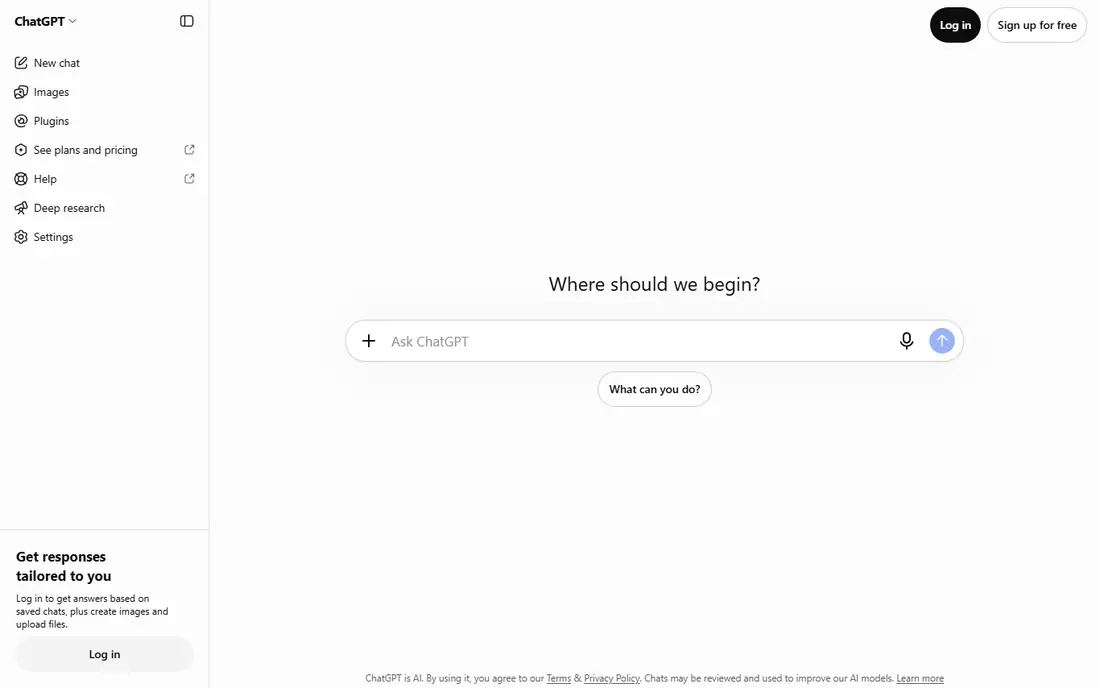
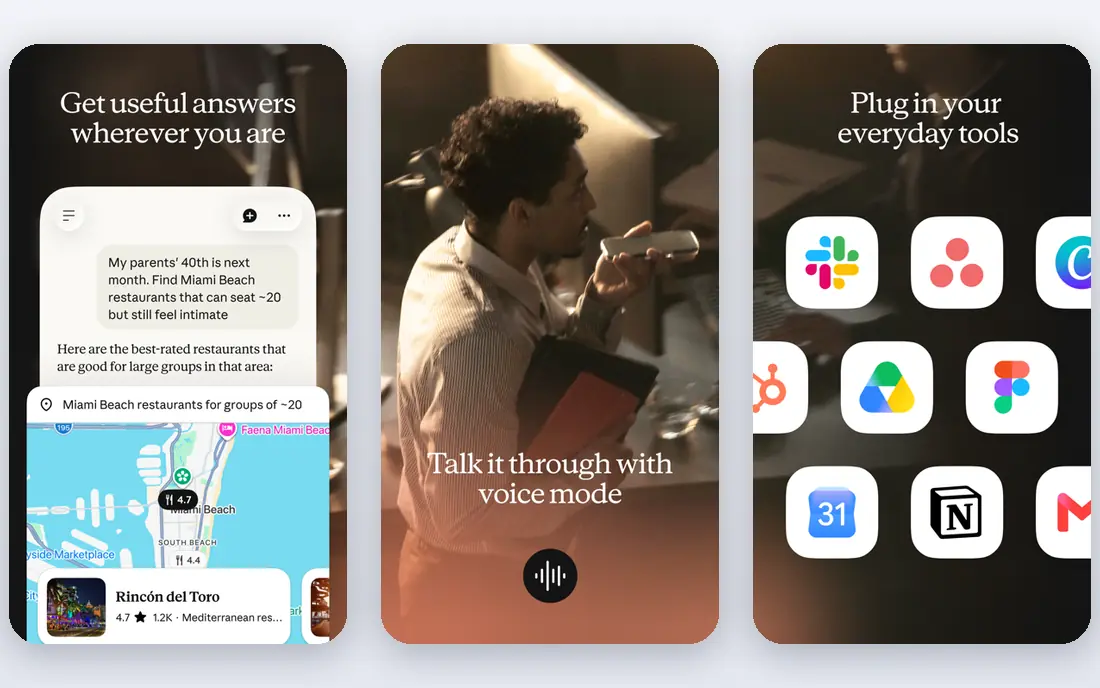
ChatGPT is the easiest swap for most Perplexity Pro users because it covers chat, drafting, file review, and image work in one place. The Plus plan adds higher limits and newer models, plus tools for browsing and deeper research tasks.
For research, ask for sources and then open them yourself. ChatGPT often gives a clean summary first, which helps when you need a quick brief before reading the original pages.
The catch is focus. It is a general assistant, not a pure search engine, so answers can drift toward explanation when you wanted a short list of links. Try the free plan first, then pay only if you hit its limits often.
- Wide model choice and file handling
- Voice and image tools in the same app
- Large library of custom GPTs
- Paid plan still has usage limits on some features
- Source links need checking on fast-moving topics
Claude suits readers who work with long reports, contracts, or manuscripts and want careful summaries. Its Projects feature keeps source material and related chats in one place, which helps on multi-day work.
In our comparison, Claude stood out for tone and structure. Drafts tend to need less editing, and it handles follow-up questions about a document without losing the thread.
The trade-off is that it is less of a web search replacement. If your main need is fresh news and live citations on every query, pair it with a search tool or pick a search-first option below.
- Strong long-document handling
- Clear, structured writing
- Projects keep related chats together
- Web research feels less central than in a search-first tool
- Some features sit behind the paid plan

Gemini makes most sense if your notes, mail, and documents already live in Google apps. On a paid plan, it can pull context from those apps instead of asking you to paste everything again.
The long context window is the practical win here. You can work through a long PDF or a set of notes in one conversation and ask pointed questions about specific sections.
Check the current plan page before you buy, because Google bundles storage and app perks with the AI plan. If you do not use Google apps, much of that value goes unused.
- Deep links into Gmail, Docs, and Drive on paid plans
- Very long context for large files
- Strong multimodal input
- Best value needs a Google account and Google apps
- Plan names and bundles change often
Copilot is the natural pick for people who spend the day in Word, Excel, Outlook, or Teams. It can draft, summarise, and rework material where that work already happens.
That in-app placement matters more than raw chat quality. A summary that lands inside your inbox or document saves the copy-and-paste step that other tools require.
The catch is cost and fit. If you do not use Microsoft 365 daily, a standalone chatbot gives you similar chat for less. Confirm the current personal plan on the vendor page first.
- Works inside Microsoft 365 apps
- Good for drafting mail and summarising meetings
- Familiar Microsoft sign-in
- Full value depends on a Microsoft 365 subscription
- Plan names have changed over time
You.com is closer to Perplexity in shape than the general chatbots are. It starts from search, returns answers with sources, and lets you switch between chat modes for different jobs.
That search-first design helps when you want to verify a claim quickly. You can follow a citation to the source page instead of taking the summary on trust.
The downside is familiarity. Fewer people use it, so community guides and integrations are thinner. It is still a strong pick if cited, current answers matter most to you.
- Search and chat in one interface
- Cited answers for fact checking
- Agent modes for multi-step tasks
- Smaller brand than the big chatbot apps
- Some advanced modes need a paid plan
Poe solves a different problem: choosing a model. Instead of paying for three separate subscriptions, you can test ChatGPT-style, Claude-style, and other models from one account.
That comparison habit is useful. When one model gives a thin answer, you can send the same prompt to another and pick the stronger result without opening a new app.
Watch the points system. Free points reset daily, and paid points depend on the model you pick, so heavy use of top models can run through an allowance faster than a flat plan would.
- Access to many models and bots in one app
- Easy side-by-side comparison
- Custom bots for repeat jobs
- Point-based limits can confuse new users
- Cost varies by model and message length
Kagi appeals to people who want search itself to improve, not just a chatbot on top of it. Results are ad-free, and you can shape them with lenses and personal settings.
The assistant is the bridge to Perplexity-style work. On higher tiers it can answer with models and research modes, while the search engine stays the main tool.
The honest catch is price psychology. Paying for search takes a mental shift, and the cheapest tier limits monthly searches. The trial lets you test whether ad-free results are worth it to you.
- No ads in results
- Fast, clean search pages
- Assistant access on higher tiers
- Paid search feels unusual at first
- AI access varies by tier
DeepSeek is the budget pick in this list. Its free chat handles everyday writing, coding help, and reasoning questions well, with no subscription needed to start.
We compared its official feature pages and app listings with the paid options here, and for plain chat work the gap is smaller than the price gap suggests.
The limit is breadth. It does not match the app integrations, voice features, or office bundles of the big paid plans. Use it as your daily chat tool, and add a specialist tool only when a gap shows up.
- Free chat with strong reasoning on many tasks
- Simple interface
- Low friction for everyday questions
- Fewer built-in app integrations
- Availability and limits can vary by demand
Brave Leo is for readers who want AI help without adding another account or app. It lives inside the Brave browser, so you can ask questions about a page you are already reading.
Privacy is the selling point here. Brave positions Leo as a browser assistant that does not require the same account setup as a standalone chatbot service.
The catch is scope. If you do not use Brave, or you want projects, voice, and deep office integrations, a full chatbot app fits better. Inside Brave, though, it is a neat, low-friction option.
- Built into Brave browser
- Privacy-focused design
- No separate account needed for basic use
- Tied to using Brave
- Fewer standalone app features than full chatbot apps
How we picked these
We compared official feature pages, pricing pages, app store listings, and privacy policies for each tool. We did not claim hands-on testing we did not do. Instead, we checked what each vendor says its plan includes, what its free tier allows, and where its limits sit. We favoured tools that were easy to verify, still available in October 2026, and clearly useful for research, writing, or search. Where a price was unclear or changed often, we wrote See website rather than guessing. We also gave extra weight to tools that show sources or explain limits clearly. A fast answer is less useful when you cannot trace it back, so search-first tools scored well on research tasks even when their chat features were narrower than the big general apps.
Picking the right Perplexity Pro replacement
Think about cost over a full year, not just the monthly price. A tool you open daily is worth a subscription, while one you use twice a month may be better on a free tier or a cheaper plan.
Match the tool to the job
Start with the task you repeat most. If that task is cited research, favour You.com, Kagi, or a chatbot with browsing. If it is drafting and document work, favour Claude, ChatGPT, or Gemini. Office users should test Copilot or Gemini inside the apps they already open daily.
Check the free tier before you pay
Most tools here let you start free. Use that period to test the exact job you care about, such as summarising a long PDF or checking a news claim. Pay only when you hit a limit that blocks real work, not because a plan looks popular.
Verify sources on important claims
AI answers can sound confident while missing a detail. For health, money, legal, or news claims, open the cited source and read it yourself. A tool that shows its sources clearly is worth more than one that answers faster but hides them.
FAQ
What is the closest alternative to Perplexity Pro?
You.com is closest in shape because it starts from search and returns cited answers. ChatGPT and Gemini are closer if you want a general assistant that also browses and researches. Pick based on whether search or chat is your main habit.
Can I replace Perplexity Pro with a free tool?
For many everyday questions, yes. DeepSeek, Brave Leo, and the free tiers of ChatGPT, Claude, and Gemini cover plain chat and basic research. Paid plans mainly add higher limits, newer models, and app integrations.
Which option is best for long documents?
Claude and Gemini stand out for long documents, thanks to projects and long context handling. Upload a sample document on the free tier first and test follow-up questions before you commit to a paid plan.
Is Poe cheaper than buying several subscriptions?
Poe can be cheaper if you want to sample many models, since its paid plan starts low. Costs depend on points and model choice, so heavy users should check the points page and compare it with one flat subscription.
Do these tools replace web search?
They help you summarise and explore, but they do not fully replace search. For fresh news, prices, and official statements, open the source pages directly and treat AI summaries as a starting point, not the final word.