Best AI Art Tools in 2026: 8 Tools Compared
Find the best AI art tools for your work in 2026. We compare 8 AI art apps and tools on style, text, pricing, and commercial use for beginners and pros.
- Editor's choice
 Midjourney
Artists and designers who want striking, artistic images
Starts at$10 per monthVisit midjourney.comFull review - Great alternative
 ChatGPT with DALL-E
Beginners who want easy image generation in a chat
Starts at$20 per monthVisit openai.comFull review - Also consider
 Adobe Firefly
Designers who need commercially safer images in Adobe apps
Starts at$9.99 per monthVisit adobe.comFull review
TL;DR:
- Midjourney is our pick for artistic quality and composition.
- ChatGPT with DALL-E is the easiest starting point for beginners.
- Adobe Firefly leads for commercially safer client work in Adobe workflows.
- Check licensing and text handling first, because those two limits decide whether an image is actually usable.
Quick comparison
| Tool | Best for | Starts at | Free plan? | |
|---|---|---|---|---|
| Midjourney | Artists and designers who want striking, artistic images | $10 per month | No | Visit |
| ChatGPT with DALL-E | Beginners who want easy image generation in a chat | $20 per month | Yes | Visit |
| Adobe Firefly | Designers who need commercially safer images in Adobe apps | $9.99 per month | Yes | Visit |
 Stable Diffusion | Users who want free, local, and highly controlled generation | Free | Yes | Visit |
 Leonardo AI | Game artists and designers who want asset-focused tools | See website | Yes | Visit |
 Ideogram | Designers who need readable text inside images | See website | Yes | Visit |
 Flux | Developers and advanced users who want photorealistic control | See website | Yes | Visit |
 Recraft | Brand designers who need consistent vectors and illustrations | See website | Yes | Visit |
The best AI art tools
We compared AI art tools on image quality, style range, text rendering, editing, licensing, and price, and we kept only tools that generate original art reliably in 2026. Midjourney is our pick for artistic quality, while ChatGPT with DALL-E suits beginners best.
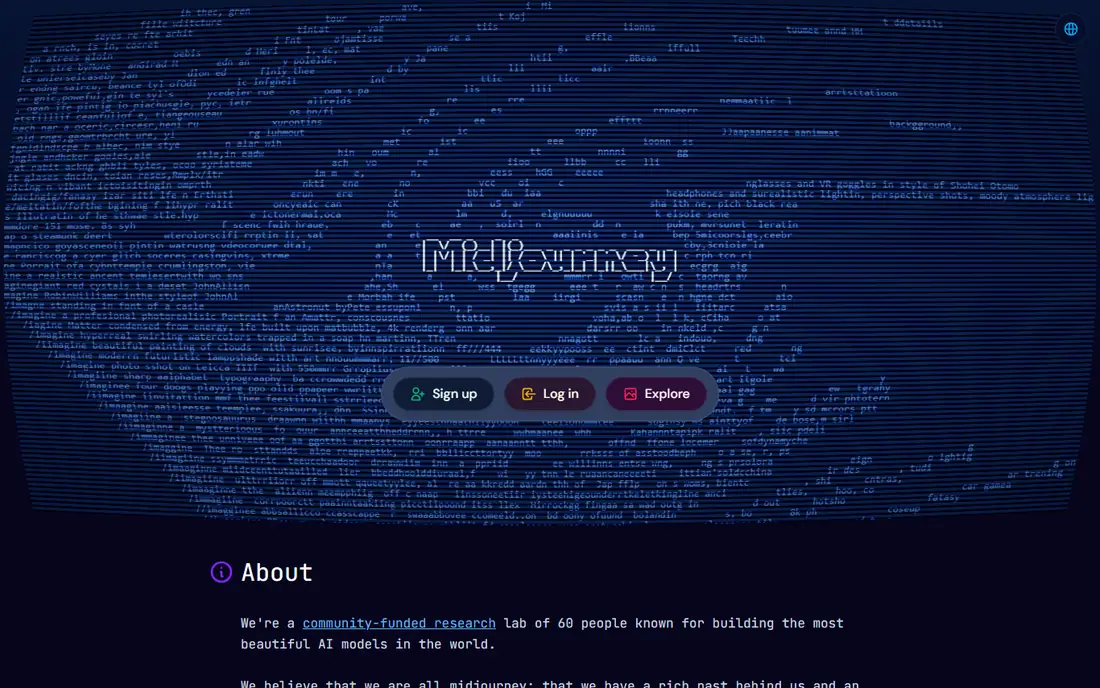
For many teams, Midjourney is the first name that comes up in this category, and there is a good reason for that. Its strength is artistic quality, with images that often look composed rather than generated.
Concept artists and illustrators use it for mood boards, character ideas, and editorial art. The web editor makes it easier than the old Discord-only flow.
The catch is text. Words inside images can still be unreliable, so check text-heavy designs and plan edits elsewhere if needed.
- Strong artistic style and composition
- Active community
- Web editor
- No free tier
- Text in images can be weak
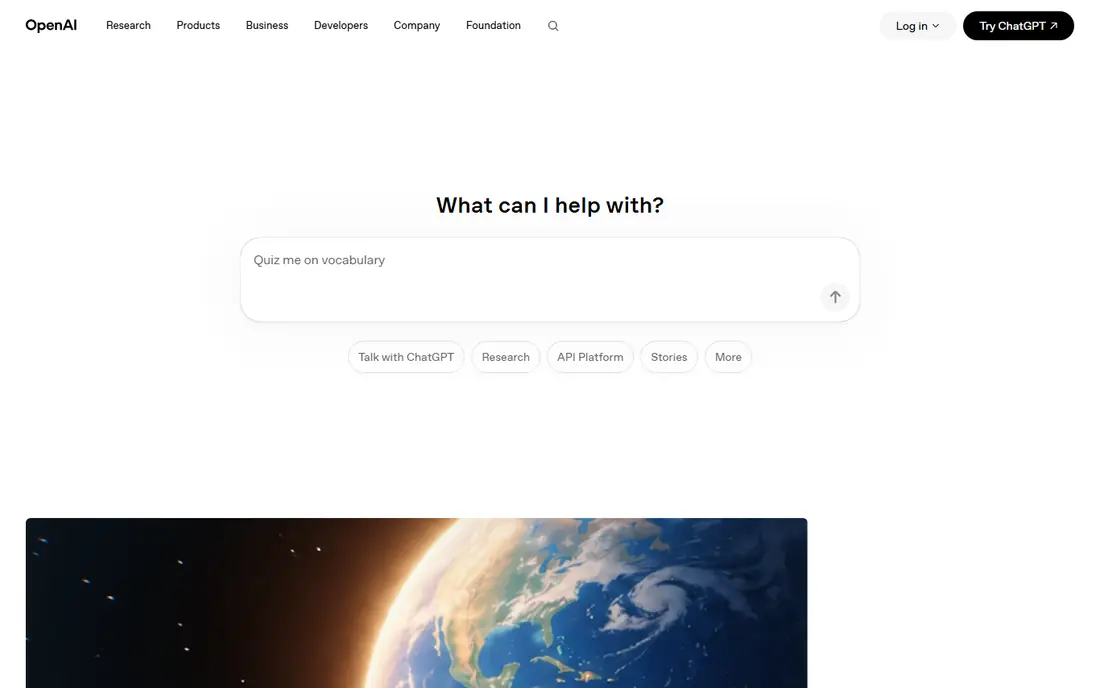
If your shortlist is getting long, ChatGPT with DALL-E is worth a closer look before you decide. Its strength is ease, with image generation inside a chat you already use for writing and ideas.
A user can describe an image, refine it in plain language, and edit parts by asking for changes. That loop suits beginners and marketers.
The catch is style. For high-end artistic work, Midjourney often gives a more striking result, so compare outputs for your use case.
- Easy chat-based prompts
- Good prompt understanding
- Editing in chat
- Image style is less artistic than Midjourney
- Limits apply on free use
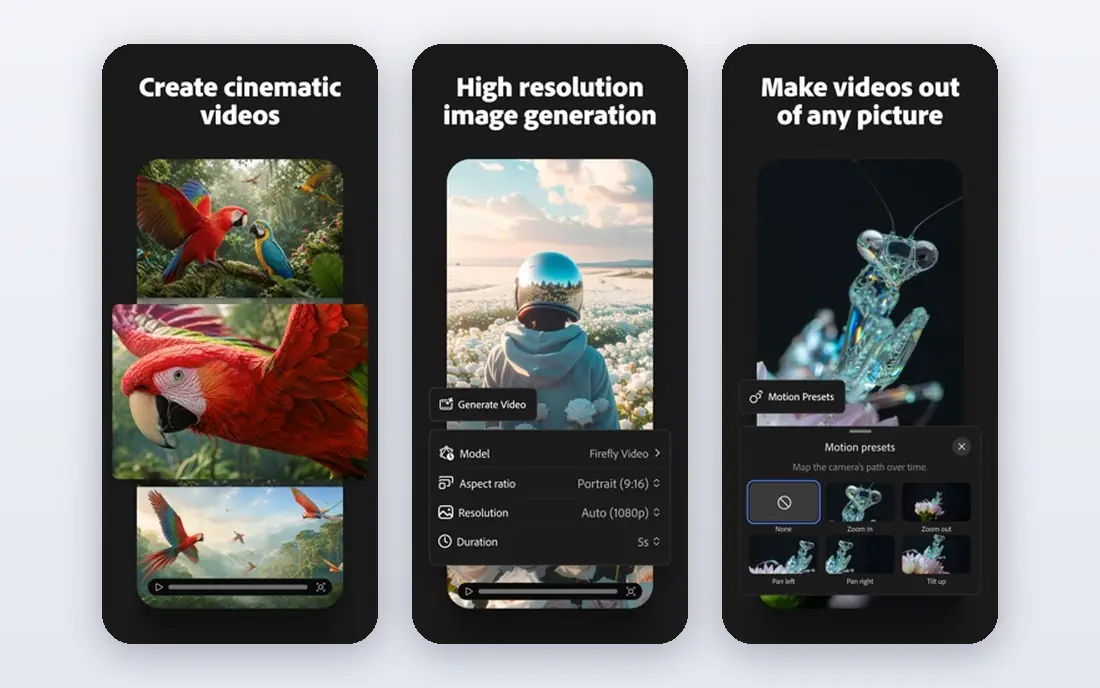
Some buyers choose Adobe Firefly for its breadth, while others choose it for one feature done well. Its strength is commercial safety, with training on licensed Adobe Stock and public domain content.
Designers can generate images, fill areas in Photoshop, and use assets in marketing with clearer licensing terms. That matters for client work.
The catch is credits. Generation uses credits that limit monthly output, so check the plan that matches your volume.
- Trained on licensed content
- Photoshop and Express links
- Commercial use terms
- Style range is narrower than some rivals
- Credits limit generation
Stable Diffusion
Best for: Users who want free, local, and highly controlled generation
We put Stable Diffusion on this list because it solves a clear problem for a clear kind of buyer. Its strength is control, with local generation and custom models that advanced users can tune deeply.
Artists can train styles, control composition, and run generation on their own hardware. That suits privacy-minded users and developers.
The catch is setup. It needs a capable computer and technical skill, so beginners should start with a hosted tool first.
- Local generation
- Open weights
- Custom models and controls
- Needs hardware and skill
- Setup is technical for beginners
Look past the marketing for Leonardo AI and you find a practical tool with a specific job to do. Its strength is asset work, with models and tools aimed at game art, characters, and product design.
Designers can generate consistent assets, refine them on canvas, and build a library for a project. That focus helps game and product teams.
The catch is credits. Heavy use needs a paid plan, so check credit costs against your monthly output.
- Game asset styles
- Fine-tuned models
- Canvas editing
- Some features need paid credits
- Style learning takes time
Among the options here, Ideogram stands out for the way it fits into daily work. Its strength is text, with posters, logos, and graphics where words must read correctly.
Marketers can generate social graphics, posters, and typography-led art without fixing garbled text in another app. That saves editing time.
The catch is range. For pure artistic illustration, Midjourney or Stable Diffusion may give a wider style set.
- Strong text rendering
- Poster and logo styles
- Prompt help
- Artistic range is narrower than Midjourney
- Editing tools are limited
Flux
Best for: Developers and advanced users who want photorealistic control
A buyer who values simplicity may pass over Flux at first, which would be a mistake for some teams. Its strength is photorealism with good text handling, plus API access for developers.
Developers can build image features into apps, while advanced users can run models locally or through hosted services. That flexibility suits technical teams.
The catch is access. The best use needs technical setup or API work, so casual users should pick a simpler hosted app.
- Strong photorealism and text
- API options
- Open model variants
- Setup and API use need technical skill
- Hosted options vary
The case for Recraft is not that it does everything, but that it does its core job with care. Its strength is brand consistency, with vector illustrations and styles that stay coherent across a set.
Designers can build logos, icons, and illustrations that match a brand kit, with vector output for print and web. That suits marketing teams.
The catch is realism. For photorealistic images, a different tool will serve better, so match the tool to your output type.
- Vector output
- Brand-consistent styles
- Illustration tools
- Less suited to photorealistic art
- Some features need paid plans
How we picked these
We compared official product pages, model descriptions, pricing pages, and licensing terms for each tool. We favoured tools with clear commercial use terms, usable editing, and honest credit limits, and we noted where text rendering or style range is a known limit. We did not claim hands-on testing, and we did not present generated images as our own work.
We also checked pricing transparency and noted where a vendor requires a quote, because a hidden price makes comparison harder for a small buyer. Where a price changed recently or differed between sources, we used the safer wording rather than publishing a figure we could not confirm. That approach keeps the comparison useful without overstating what we verified, and it lets readers check the current price on the vendor site before they buy.
How to choose an AI art tool
Match the tool to the output
Artistic illustration, photorealism, posters with text, and brand vectors need different strengths. Pick the tool that wins for your main output, not the one with the longest feature list.
Check licensing before client work
Read commercial use terms, training data claims, and indemnity details before using images for a client or product. Adobe Firefly offers clearer terms for many commercial buyers.
Test text and consistency
Generate a poster with text and a set of images in one style during a trial. Those two tests reveal the limits that matter most for real projects.
What a good trial should prove
A trial should answer one question for each part of your workflow, not just show a demo. Pick a real task, such as onboarding one person, sending one proposal, running one campaign, or opening one ticket, and run it end to end with your own data. Note where you needed help, where the steps felt slow, and where the result differed from what you expected. If a trial only lets you click through sample data, ask for a longer pilot or a guided session with your own use case, because sample data hides the friction that matters in daily work.
Costs beyond the headline price
The headline price rarely tells the full story, because seats, add-ons, volume limits, and support tiers can change the total. Ask what happens when you add users, exceed a limit, or need a higher support level, and get that answer in writing before you sign. Also check contract length, renewal terms, and any setup or migration fees, since those items can matter more than a small monthly difference. A tool that looks cheap at five users can become costly at fifty, so model the price at your next stage of growth.
Support, security, and exit options
Support quality, security controls, and exit options deserve the same attention as features. Check how you reach support, what hours it covers, and whether help is included or paid, because a tool you rely on daily needs a clear route when something breaks. Review security basics such as access controls, two-factor sign-in, and data handling, and ask how you export your data if you leave. A clean export path protects your work and gives you freedom to change tools later without losing history.
FAQ
What is the best AI art tool for beginners?
ChatGPT with DALL-E is the easiest for beginners, with chat-based prompts and editing. Adobe Firefly also suits beginners inside Adobe apps, with a free plan to start.
What is the best app for AI art with text?
Ideogram leads for readable text in posters and graphics, while Flux and ChatGPT also handle text well. Midjourney is weaker for text-heavy designs.
What is the best AI tool for art with commercial use?
Adobe Firefly leads for commercially safer work, with licensed training data and clear terms. Check the plan terms for your use case before publishing client work.
What are the best AI apps for art on a budget?
Stable Diffusion is free for local use, while Ideogram, Leonardo AI, and Adobe Firefly offer free plans. Free plans limit credits, so check monthly output before relying on them.
Is Midjourney the best AI art app?
Midjourney is the best for artistic quality, but not for every job. It is weaker for text, and it has no free tier, so beginners and text-heavy designers may prefer another tool.