Top 5 AI App Builder Tools on the Market for 2026 (Prices and Free Plans)
Best AI app builder tools on the market: 5 contenders ranked by fit, with entry costs and free tiers. With pricing notes and limits. See the full list.
- Editor's choice
 Glide
Business apps from a spreadsheet
Starts at$25 per monthVisit glideapps.comFull review - Great alternative
 v0
Full-stack web app design and iteration
Starts at$30 per user a monthVisit v0.devFull review - Also consider
 Replit
Prompt-to-app building without coding
Starts at$18 a month, billed annuallyVisit replit.comFull review
Direct answer
Our first pick is Glide, best for business apps from a spreadsheet. Listed starting prices: Glide from $25 per month, v0 from $30 per user a month and Replit from $18 a month, billed annually. If your case is different, v0 suits full-stack web app design and iteration and Replit suits prompt-to-app building without coding. The other 2 tools in the list cover narrower or pricier cases.
TL;DR:
- Top of the list is Glide, which targets business apps from a spreadsheet.
- A fair warning about Bubble: visual editing carries a ramp-up time.
- Free plans exist at 3 of 5 tools (Glide, v0, FlutterFlow).
- FlutterFlow is the one to check for mobile apps for the app keeps.
Last checked November 2026. Prices and plan details were read from the vendors' own pages in November 2026; vendors change plans often, so confirm the current price on the vendor site before you buy.
Quick comparison
| Tool | Best for | Starts at | Free plan? | |
|---|---|---|---|---|
| Glide | Business apps from a spreadsheet | $25 per month | Yes | Visit |
| v0 | Full-stack web app design and iteration | $30 per user a month | Yes | Visit |
| Replit | Prompt-to-app building without coding | $18 a month, billed annually | Not stated | Visit |
 Bubble | AI speed plus visual precision | See website | Not stated | Visit |
 FlutterFlow | Mobile apps for the app keeps | $29 a month | Yes | Visit |
AI App Builder Tools on the Market compared in detail
Choosing AI app builder tools on the market usually comes down to price, fit and limits. This LinkVetted guide sets 5 tools side by side on those three points, with the facts kept short and checkable.
Glide works best for business apps from a spreadsheet. It suits teams that already keep data in spreadsheets and want a usable internal app without a long development cycle.
Drawbacks to consider: Less geared toward public consumer apps.
Its stated focus is internal business apps, so it is not positioned for consumer-facing products or app store releases. Glide starts at: $25 per month. Free access exists with Glide.
- Build from a spreadsheet or a prompt
- Ready in minutes
- Centered on internal business apps
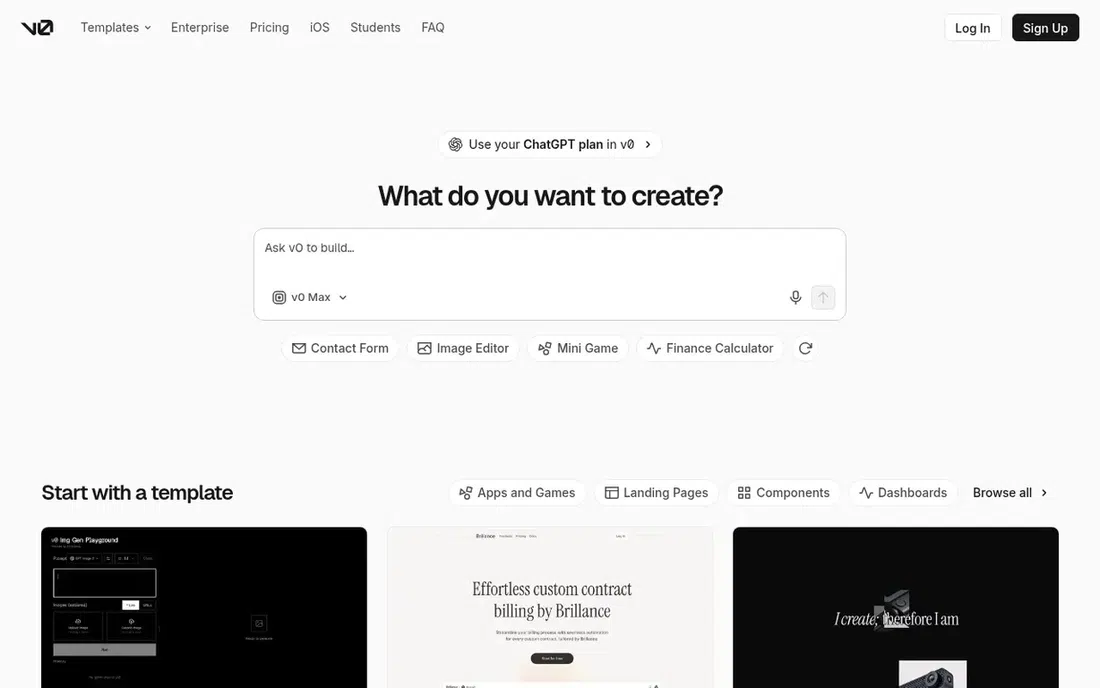
For full-stack web app design and iteration, v0 is a natural candidate. v0 by Vercel is described as a collaborative AI assistant to design, iterate and scale full-stack applications for the web.
The main drawbacks: Web-focused instead of native mobile.
Its stated focus is the web, so teams whose main goal is a native iPhone or Android app should look at a mobile-oriented builder instead. What you pay to start with v0: $30 per user per month. v0 offers a free plan.
- Made for iterating and scaling
- Collaborative AI assistant workflow
- Assumes some familiarity with web concepts
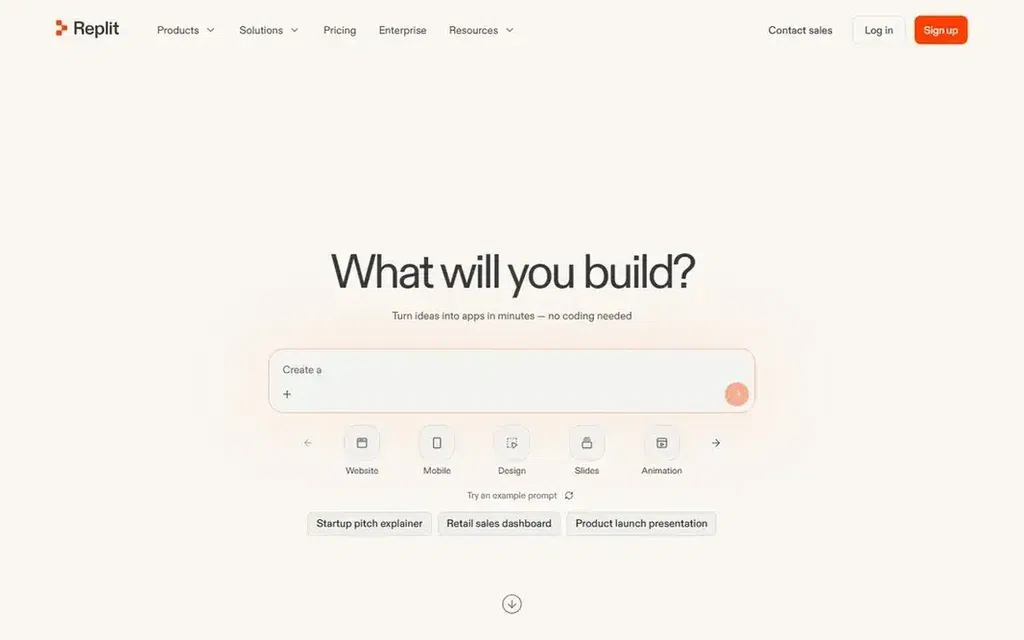
Choose Replit for prompt-to-app building without coding. Pick something else if your project relies on a highly specific visual system or deep backend customization from the first screen. Also, Replit positions itself as an AI app and website builder where you describe what you want and it builds it, producing a working app or website in minutes with no coding required.
Where it falls short: Less control over fine visual detail.
That makes it a natural starting point for founders, marketers and beginners who want to move from an idea to something runnable rapidly, and for anyone who prefers describing changes over writing code. Since the system leans on description-driven generation, teams that require pixel-level design control or intricate custom logic may find themselves editing results afterward. Replit pricing: $18 per month, billed annually. As for free access: Not stated.
- No coding required
- Working app or website in minutes
- Complicated logic may need manual work
Choose Bubble for AI speed plus visual precision. Teams that only need a fast internal tool or a one-screen prototype might prefer a lighter, more narrowly focused builder.
Downsides: Visual editing carries a ramp-up time.
What works well: Handles database. Bubble describes itself as a no-code AI app builder where you can build with AI when you want speed and edit visually when you want precision, handling design, database, logic and privacy rules. The combination of AI generation and visual editing means there is real depth to learn, so straightforward projects may feel over-equipped. Bubble does not show a starting price in this comparison, so check the vendor site for current pricing. Trial and free access: Not stated.
- Logic and privacy rules
- Edit visually for precision
- Wide feature set takes time to master
FlutterFlow is built with mobile apps for the app keeps in mind. FlutterFlow lets you build an iPhone and Android app by describing it, start with a first version in about five minutes, ask the agent for changes and send it to the App Store and Google Play.
Starting cost for FlutterFlow: $29 per month. Free access exists with FlutterFlow.
Limits to weigh: Store submission still needs setup.
- First version in about five minutes
- Build by describing the app
- Mobile-first focus over web apps
What went into this list
We compared the tools on published pricing, free plan or trial availability, feature coverage for AI app builder tools on the market, and the limits each vendor documents. Figures are shown as the vendors publish them. Billing terms, seat minimums and add-ons can change the real cost. Tools are placed by general fit for AI app builder tools on the market, with price clarity and free access as tie-breakers. A different team can reasonably rank them differently.
Things to verify first
- Get a written quote from Bubble; the list shows no starting price for them.
- Look at free plan limits closely: Glide, v0 and FlutterFlow have one, and the caps decide whether it is usable for real work.
- Read the limits listed for Glide first: centered on internal business apps.
- Compare total cost, not headline price: for Glide, add extra seats, add-ons and any usage-based charges.
- Before rolling out v0, verify the integrations your workflow depends on.
FAQ
How are the tools for AI app builder tools on the market ordered?
Glide sits first and FlutterFlow last because the order follows typical fit for AI app builder tools on the market, then price clarity and free access. It is a judgement call, so read each profile for fit and limits.
Do these tools publish their prices?
Not all of them. Bubble publishes no starting price, so expect a quote request for it. The rest, Glide included, show a starting price, though seats and billing terms still change the final cost.
Which AI app builder is a good match for beginners?
Glide comes first here and is built for business apps from a spreadsheet. Buyers with other needs may prefer v0 (for full-stack web app design and iteration) or Replit (for prompt-to-app building without coding). Compare costs and limits first.
Which options for AI app builder tools on the market have a free plan?
Glide, v0 and FlutterFlow offer a free plan in this list. Free plans usually cap users, projects or features, so check the limits on the vendor page.
Is Glide the right pick for everyone comparing AI app builder tools on the market?
No single tool suits every team. Glide comes first because it fits business apps from a spreadsheet, while v0 suits full-stack web app design and iteration and Replit suits prompt-to-app building without coding. Match the tool to your own size, budget and workflow before deciding.
Sources
- https://www.glideapps.com
- https://v0.dev
- https://replit.com
- https://bubble.io
- https://www.flutterflow.io