Top 6 Chatbot Platforms Developer Tools for 2026, Compared
6 best chatbot platforms developer tools, compared on pricing, free plans and best-fit use. Every pick includes one clear drawback. Built for quick decisions.
- Editor's choice
 Rasa
Engineering teams that require self-hosting and full control over data and models
Starts atFree Developer Edition, premium Growth from around 35,000 dollars per year, third-partyVisit rasa.comFull review - Great alternative
 Dialogflow
Google Cloud teams building structured and generative conversational agents
Starts at0.007 dollars per text request for Dialogflow CX Flows, or 0.012 dollars per request for Standard PlaybooksVisit cloud.google.comFull review - Also consider
 IBM watsonx Assistant
Large IBM enterprise teams that require governed assistants with audit trails
Starts at140 dollars a month for Plus, third-party reported from the IBM pricing pageVisit ibm.comFull review
Direct answer
Start with Rasa if you need engineering teams that require self-hosting and full control over data and models. Dialogflow is the stronger choice for Google Cloud teams building structured and generative conversational agents, while IBM watsonx Assistant suits large IBM enterprise teams that require governed assistants with audit trails.
TL;DR:
- Top of the list is Rasa, which targets engineering teams that need self-hosting and full control over data and models.
- What to know about IBM watsonx Assistant first: IBM now points much of its assistant selling toward watsonx Orchestrate, so buyers should confirm the current product and plan names with IBM before they sign.
- Microsoft Bot Framework fits Microsoft and Azure teams building bots for Teams, web chat, and custom channels.
- Free plans exist at 4 of 6 tools (Rasa, IBM watsonx Assistant, Botpress, Microsoft Bot Framework).
Quick comparison
| Tool | Best for | Starts at | Free plan? | |
|---|---|---|---|---|
| Rasa | Engineering teams that require self-hosting and full control over data and models | Free Developer Edition, premium Growth from around 35,000 dollars per year, third-party | Yes | Visit |
| Dialogflow | Google Cloud teams building structured and generative conversational agents | 0.007 dollars per text request for Dialogflow CX Flows, or 0.012 dollars per request for Standard Playbooks | 600 dollars in free credits for new Google Cloud accounts, valid for the first 12 months | Visit |
| IBM watsonx Assistant | Large IBM enterprise teams that require governed assistants with audit trails | 140 dollars a month for Plus, third-party reported from the IBM pricing page | Yes | Visit |
 Botpress | Developer teams that want a visual builder | 150 dollars per month billed yearly for Plus, or 189 dollars per month billed per month | Yes | Visit |
 Cognigy | Large regulated contact centres that require voice, chat, and strict compliance | Quote, third-party reported from 2,500 dollars per month on a usage basis | No | Visit |
 Microsoft Bot Framework | Microsoft and Azure teams building bots for Teams | Free, with premium channels at 0.50 dollars per 1,000 messages | Yes | Visit |
Our 6 chatbot platforms developer tools
If you are comparing chatbot platforms developer tools, this page covers 6 tools in one place: what each is best for, what it costs to start, whether it has a free plan, and the main limit to know about.
Rasa
Best for: Engineering teams that require self-hosting and full control over data and models
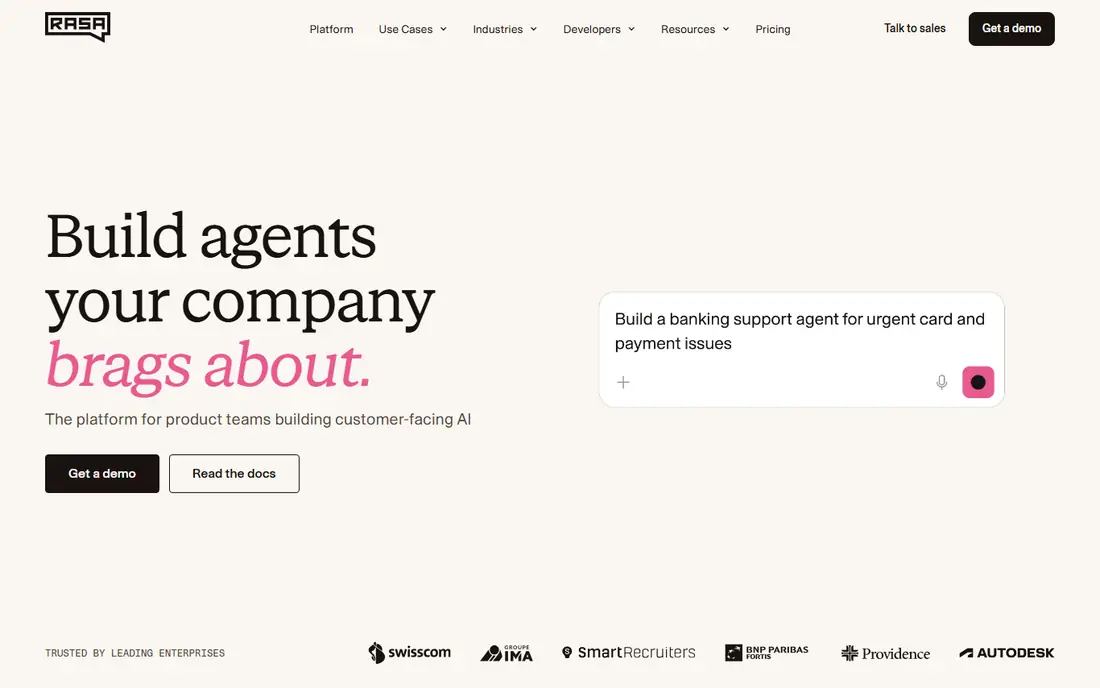
Rasa was built for engineering teams that require self-hosting and full control over data and models. Rasa is a Python framework for building enterprise AI agents in your own cloud or data centre. Its CALM approach uses a language model for understanding whereas your code defines the actions.
Strengths: self-hosted deployment.
On top of that, premium plans are quote-based, so budget planning needs a sales conversation once you pass the free limits. Rasa Pro brings enterprise search, channel connectors, observability, and PII data management, whereas Rasa Studio brings a visual flow builder. Starting cost for Rasa: Free Developer Edition, premium Growth from around 35,000 dollars a year, third-party. Free access exists with Rasa. Drawbacks to consider: You own the infrastructure, upgrades, on-call work.
- Open source framework
- Pricing based on conversation volume with no per-seat fees
- There is no mid-priced premium level between the free edition and the five-figure Growth plan
Dialogflow
Best for: Google Cloud teams building structured and generative conversational agents
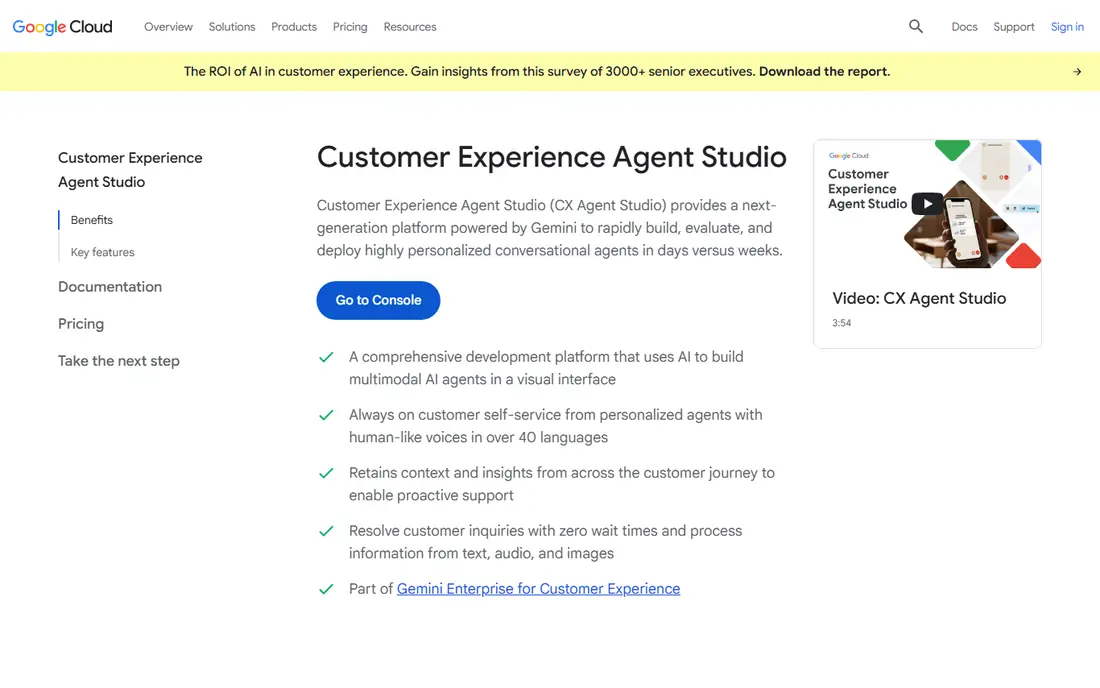
Dialogflow is built with Google Cloud teams building structured and generative conversational agents in mind. Dialogflow CX, now sold as part of Google Conversational Agents, builds deterministic agents with intents and flows, plus generative Playbooks that use Gemini. In daily use, Dialogflow ES charges 0.002 dollars per text request.
Beyond that, there is no permanent free level for CX beyond the new account credits. Developers work with APIs, client libraries, and a console, and can link agents to web chat, voice, and telephony. Price to start with Dialogflow: 0.007 dollars per text request for Dialogflow CX Flows, or 0.012 dollars. Free options: 600 dollars in free credits for new Google Cloud accounts, valid for the first 12 months.
Where it is weaker: Per-request costs add up quick at high volume.
- Solid Google Cloud integration
- Gemini generative features
- The system ties you closely to Google Cloud services and pricing
IBM watsonx Assistant
Best for: Large IBM enterprise teams that require governed assistants with audit trails
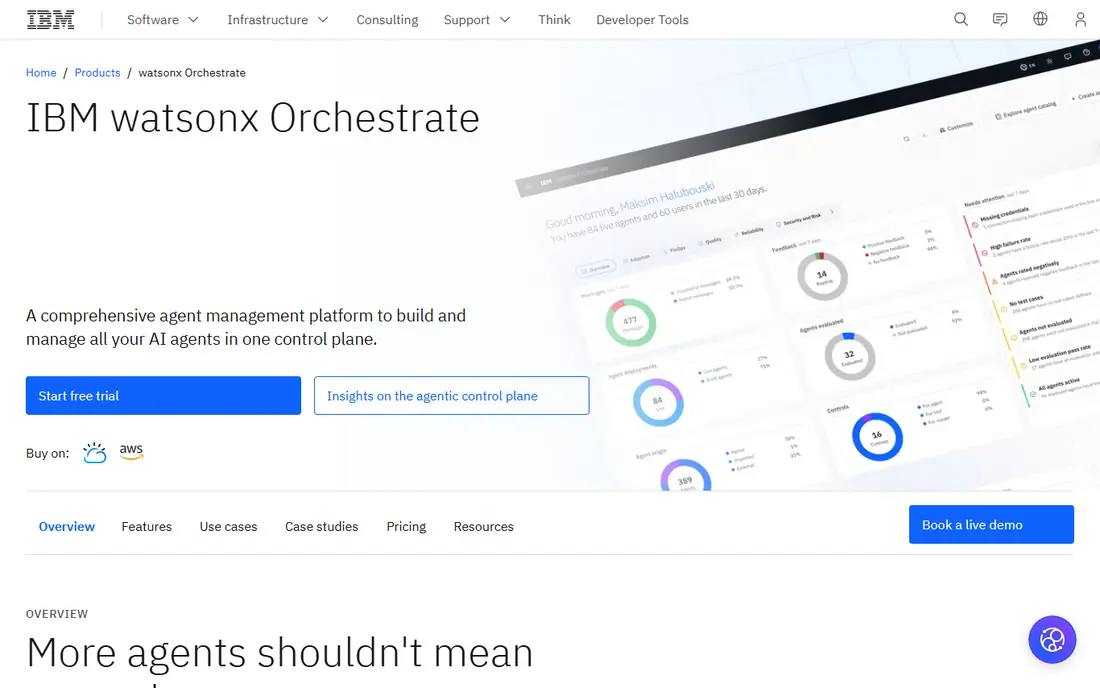
Where IBM watsonx Assistant fits: large IBM enterprise teams that require governed assistants with audit trails. Developers can build actions, link to enterprise systems, and use IBM language models on IBM Cloud. In daily use, since IBM has reshaped its watsonx pages during 2026, confirm the current price with IBM.
Beyond that, the Enterprise plan is reported at 6,000 dollars per month and comes with up to 50,000 monthly active users. The Plus plan is reported at 140 dollars per month and contains the first 1,000 monthly active users and the first 100 resource units, with additional users at 14 dollars per 100. For everyday use, IBM watsonx Assistant is a product for building assistants for customer service and employee support. Starting cost for IBM watsonx Assistant: 140 dollars a month for Plus, third-party reported from the IBM pricing. Free access exists with IBM watsonx Assistant.
- Capable governance and security features
- IBM Cloud integration
- IBM now points much of its assistant selling toward watsonx Orchestrate, so buyers should confirm the current product and plan names with IBM before they sign
Pick Botpress if this describes you: developer teams that want a visual builder with code hooks and fast shipping. Botpress Cloud is now the only choice for new builds, since open source version 12 was sunset. Beyond that, Botpress is a cloud product for building AI agents with a visual studio, custom code actions, webhooks, and API access.
Where it is weaker: from 150 dollars to 750 dollars per month billed yearly, with no middle tier.
Plus comes with 250 conversations per month and 25 dollars of AI usage, whereas Team contains 1,500 conversations and 150 dollars of AI usage. Developers can build flows in the studio and drop into code for custom logic, database calls, or an external API. Botpress pricing: 150 dollars a month billed annually for Plus, or 189 dollars a. Free access exists with Botpress.
- Many integrations
- A clear free tier for testing
- The jump from Plus to Team is steep
Cognigy
Best for: Large regulated contact centres that require voice, chat, and strict compliance
Cognigy is a good fit for large regulated contact centres that require voice, chat, and strict compliance. Cognigy.AI is an enterprise conversational AI product for voice and digital channels, used by large contact centres in regulated sectors.
Watch-outs: implementation can take months.
Developers build flows in Cognigy.AI, extend them with code, and link to contact centre, CRM, and knowledge systems through APIs. Starting cost for Cognigy: Quote, third-party reported from 2,500 dollars a month on a usage basis. Cognigy has no free plan.
- Deep contact centre and voice features
- Low-code tools on top of a developer API
- No public pricing and no self-serve plan, so every deployment needs a sales negotiation
Microsoft Bot Framework
Best for: Microsoft and Azure teams building bots for Teams
Microsoft Bot Framework is designed for Microsoft and Azure teams building bots for Teams, web chat, and custom channels. Hosting runs on Azure App Service and is billed separately, from about 15 dollars per month for an entry-level level, and language understanding now comes from Azure AI Language, which replaced the retired LUIS service.
For everyday use, standard channels like Web Chat and Microsoft Teams carry no direct messaging charge, whereas premium channels like Direct Line cost 0.50 dollars per 1,000 messages after the free allowance. Microsoft Bot Framework pricing: Free, with premium channels at 0.50 dollars per 1,000 messages. You can start on Microsoft Bot Framework without paying.
Trade-offs to know: The original Bot Framework SDK is no longer maintained.
- Free standard channels
- Deep Teams and Azure integration
- Microsoft now points new development to the Microsoft 365 Agents SDK, so teams must follow a migration path
How these tools differ
Pick the system that matches the cloud and the channels you already use, since integration work commonly costs more than the licence. In daily use, test one channel end to end before you commit, and check fallback and handover to a human agent.
Choosing chatbot platforms developer tools: what matters
Choose a managed system when you want to ship quick and let the vendor run hosting, scaling, and model updates. Worth adding: if your security team forbids customer chat data leaving your cloud, that rule alone narrows the list to Rasa and the enterprise plans that offer private deployment.
Chatbot Platforms Developer Tools cost breakdown
The example assumes five text requests per conversation, so 10,000 conversations equal 50,000 requests. It uses list prices checked on 11 November 2026 and leaves out hosting, language model calls, and staff time. If those 10,000 conversations produce 50,000 messages, the first 10,000 premium messages are free and the remaining 40,000 cost 20 dollars, plus App Service hosting from about 15 dollars per month.
Botpress Team costs 750 dollars per month billed yearly and contains 1,500 conversations. From a buyer's view, the remaining 8,500 conversations need 85 packs of 100 at 50 dollars each, which brings 4,250 dollars, for a total of 5,000 dollars before AI usage. Cognigy does not publish a price, and third parties report a starting point from 2,500 dollars per month.
Our selection method
LinkVetted looked at what each vendor publishes: pricing, plan limits, feature coverage for chatbot platforms developer tools and stated drawbacks. No hands-on testing is claimed. Treat prices as a snapshot: vendors change plans often, so check the vendor site for the figure that applies today. The ranking is editorial: typical fit first, then clear pricing, then free access. If your needs are unusual, read the profiles rather than relying on position.
Pre-purchase checklist
- Check the current price for Rasa, Microsoft Bot Framework and the rest on each vendor page, since seats and billing terms change the total.
- Check what the free option really includes: Rasa, IBM watsonx Assistant, Botpress and Microsoft Bot Framework offer a free plan, and usage caps differ.
- Before choosing Rasa, weigh its main limit: you own the infrastructure, upgrades, and on-call work, and there is no mid-priced premium level between the free edition and the five-figure Growth plan.
- Before rolling out Dialogflow, verify the integrations your workflow depends on.
- Ask Botpress about contract length, onboarding fees and user minimums before you sign.
FAQ
What should I check before I choose a chatbot product?
Check the API and SDK for your language, the deployment choices, data residency, and how the vendor counts a billable conversation, request, or session. Test fallback handling, human handover, and conversation history on one channel.
How much does Dialogflow CX cost for a small bot?
Dialogflow CX Flows charges 0.007 dollars per text request. So a bot handling 1,000 conversations per month at five requests each costs about 35 dollars in request charges. In practice, voice, telephony, and generative Playbooks add separate charges, so check the Conversational Agents pricing page.
Do these tools publish their prices?
Yes. Every tool from Rasa to Microsoft Bot Framework shows a starting price, though seats, add-ons and billing terms still change the final cost.
How are the chatbot platforms developer tools ordered?
Rasa sits first and Microsoft Bot Framework last because the order follows typical fit for chatbot platforms developer tools, then price clarity and free access. It is a judgement call, so read each profile for fit and limits.
Is Rasa the right pick for everyone comparing chatbot platforms developer tools?
No single tool suits every team. Rasa comes first because it fits engineering teams that need self-hosting and full control over data and models, while Dialogflow suits Google Cloud teams building structured and generative conversational agents and IBM watsonx Assistant suits large IBM enterprise teams that need governed assistants with audit trails. Match the tool to your own size, budget and workflow before deciding.
Which chatbot platforms developer tools have a free plan?
On this list, Rasa, IBM watsonx Assistant, Botpress and Microsoft Bot Framework include a free plan. Caps on seats, usage or features are common, so test the free plan against your real workload.