Best AI Tool for Documentation: 8 Tools Compared in 2026
Compare the best AI tool for documentation in 2026, from Mintlify and GitBook to ReadMe, Fern and Swimm, with pricing, AI features and team fit for your team.

- Editor's choice
 Mintlify
Polished developer docs sites
Starts at$450 per monthVisit mintlify.comFull review - Great alternative
 GitBook
Mixed writer and engineer teams
Starts at$65 per site per monthVisit gitbook.comFull review - Also consider
 ReadMe
Interactive API references
Starts at$250 per monthVisit readme.comFull review
TL;DR:
- Mintlify is our pick for polished developer docs, but its paid AI features start at a high price.
- GitBook suits mixed teams where writers and engineers edit the same docs.
- ReadMe is strongest for API-first products that need interactive references.
- Check AI answer allowances and seat costs, since both can change the real monthly bill.
Quick comparison
| Tool | Best for | Starts at | Free plan? | |
|---|---|---|---|---|
| Mintlify | Polished developer docs sites | $450 per month | Yes | Visit |
| GitBook | Mixed writer and engineer teams | $65 per site per month | Yes | Visit |
| ReadMe | Interactive API references | $250 per month | Yes | Visit |
 Fern | Docs plus SDKs from one spec | See website | Yes | Visit |
 Swimm | Code-linked internal docs | $29 per user per month | Yes | Visit |
 DocuWriter.ai | Auto-generating docs from code | $20 per month | Free trial | Visit |
 Theneo | AI-generated API portals | $120 per month | Yes | Visit |
 Docusaurus | Open-source docs with full control | Free | Yes | Visit |
The best AI tool for documentation
AI documentation tools help teams draft pages, answer reader questions, and keep docs current as code changes. We compared official pricing pages, AI features, editor styles and free plan limits for the tools below.
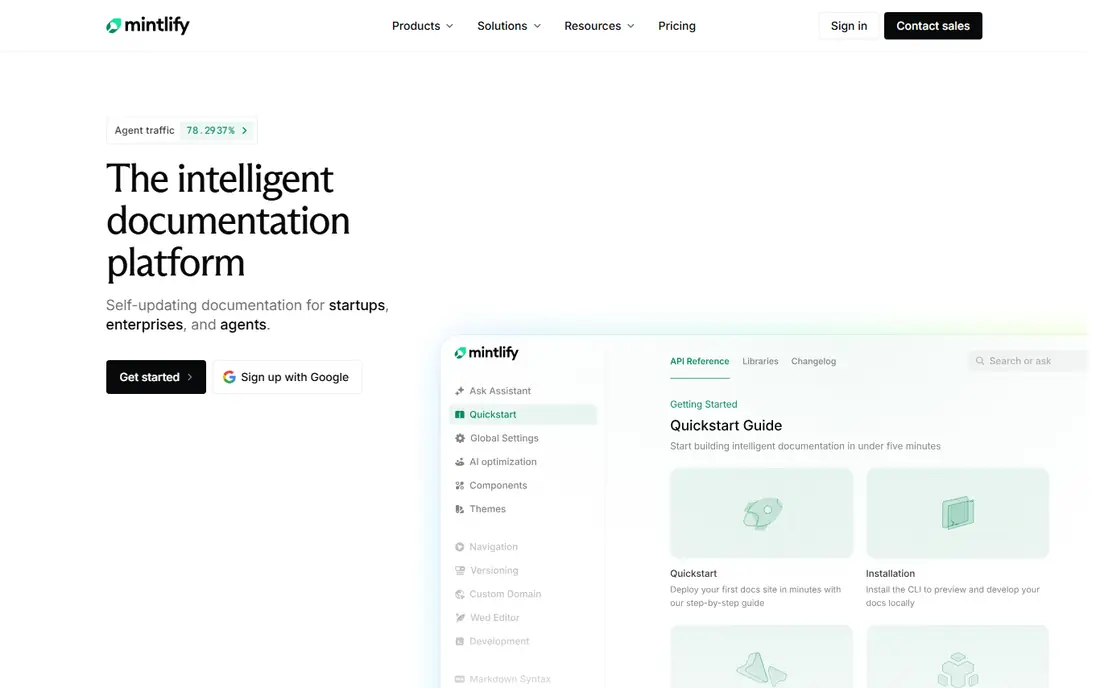
Mintlify is the tool many developer teams reach for when docs need to look sharp without a custom website build. You write in MDX, connect a GitHub repo, and docs deploy on each push. The AI writing agent can draft pages from a codebase, flag stale content, and help with search optimisation for AI answers.
The price jump is the main drawback. The free plan has no AI features, and Pro starts at $450 per month, with AI usage metered on top. Small teams may find that hard to justify until docs drive a clear share of sign-ups. For a funded startup or a growing API company, the polish and workflow are worth it.
- Clean design and MDX editing
- AI writing agent
- API playground and analytics
- Steep jump from free to paid
- AI usage is metered in credits
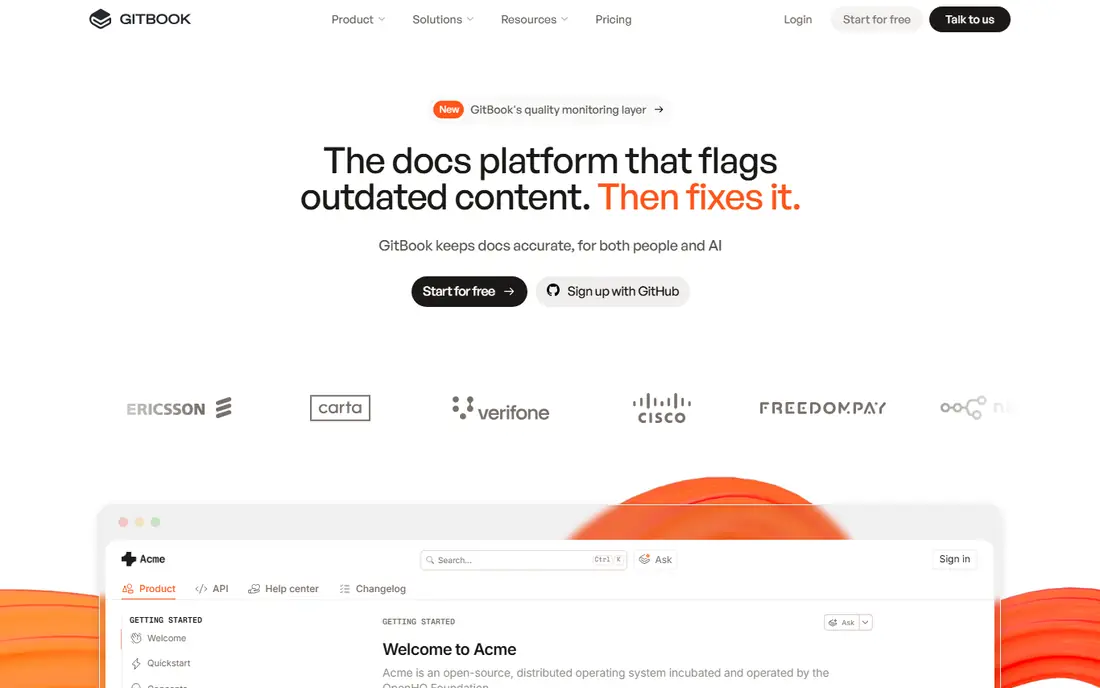
GitBook suits a team where product writers, support staff and engineers all edit docs. The visual block editor is easy for non-developers, while Git sync keeps a code-based workflow for engineers. AI search and writing help are available, though full reader chat sits on the Ultimate plan at $249 per site per month plus seats.
That two-part pricing needs careful modelling. A team with several sites and many editors can see costs rise fast, even though the entry price looks low. For a single site with a mixed team, GitBook is one of the easiest docs tools to adopt and maintain.
- Visual editor plus Git sync
- Easy for non-developers
- Strong search and AI options
- Price is per site plus per user
- Reader AI chat sits on the highest plan

ReadMe is built for API-first products that need more than static pages. Readers can try real API calls from the docs with their own keys, and teams can see which endpoints get used and where readers struggle. That feedback helps a team improve guides for the endpoints that matter most.
The full Ask AI assistant is a $150 per month add-on, which pushes the real cost above the base Pro price of $250 per month. Team seats also add cost beyond the included count. For an API company where adoption is the goal, ReadMe is still one of the strongest choices.
- Live try-it API calls
- Reader usage data
- Personalised developer keys
- Full AI assistant is a paid add-on
- Pricing grows with team size
Fern takes an API specification and generates both docs and client SDKs, which keeps code samples and reference pages in step with the API itself. The free tier includes a monthly AI credit allowance, which makes it easier to test AI features without a large commitment. Output is clean and modern, with little manual styling needed.
Fern is less suited to general product guides or internal wikis, since it is built around API specs. Enterprise pricing is quote-based, so larger teams need a sales conversation. For an API-led team that also needs SDKs, Fern removes a whole category of manual work.
- Docs and SDKs generated from one API spec
- Free tier includes AI credits
- Clean output
- Enterprise pricing is quote-based
- Best suited to API-led teams
Swimm keeps internal documentation tied to the code it describes. When code changes, Swimm can flag docs that may be out of date, which helps a team avoid the common problem of guides that describe an old version. AI analysis helps draft and update pages from code context, and the tool fits onboarding for new engineers.
Swimm is not a public docs site builder, so a team that needs a polished customer-facing portal will still need another tool. Pricing per user also adds up for a large team. For internal knowledge that must stay current with code, Swimm is a strong specialist pick.
- Docs stay linked to code
- AI analysis of code changes
- Good for onboarding
- Focused on internal docs, not public sites
- Pricing can rise with team size
DocuWriter.ai suits a team with little or no existing documentation. It reads a codebase and generates reference docs, guides and explanations, which gives a team a starting draft instead of a blank page. The Starter plan at $20 per month is one of the cheapest AI documentation entries on this list.
Generated docs still need human review, since AI can misread intent or miss business context. DocuWriter.ai also focuses on generation rather than hosting a polished public site, so you may need a separate publishing tool. As a drafting aid, it saves real time for a small team.
- Low entry price
- Generates docs from codebases
- Supports many languages
- Output needs human review
- Not a hosted docs site on its own
Theneo builds AI-generated API portals with AI features included in flat tiers rather than metered by the credit in the same way as some rivals. That pricing shape makes costs easier to predict for a team with steady reader traffic. Setup is fast from an OpenAPI spec, and the reference output is clean and readable.
The ecosystem is smaller than Mintlify or GitBook, so integrations and community resources are thinner. A team that needs deep customisation or a large plugin range may find Theneo limited. For a straightforward API portal with predictable AI costs, it is a good value option.
- AI included in flat tiers
- Fast API portal setup
- Clean reference output
- Smaller ecosystem than Mintlify or GitBook
- Fewer integrations
Docusaurus is the open-source option for teams that want full control and no subscription. Built by Meta, it turns Markdown files into a docs site with versioning, search and custom themes. Many large open-source projects use it, so community examples and plugins are plentiful.
There is no built-in AI assistant, so a team that wants AI answers must build or add that layer itself. Hosting, search setup and maintenance also fall to the team. For an engineering-led team with time to run its own site, Docusaurus gives freedom that no hosted tool can match, at zero licence cost.
- Free and open source
- Full control over hosting and design
- Large community
- No built-in AI
- You own hosting, search and maintenance
How we picked these
We compared AI documentation tools that are available in October 2026, using official pricing pages, AI feature descriptions and editor styles. We favoured tools with a real AI feature, not just a marketing claim, and a working free plan or trial where possible. We left out general wikis with no documentation focus, and tools whose AI features could not be confirmed from public pages.
How to choose an AI documentation tool
Decide who reads the docs
Public API docs, internal engineering guides and support knowledge bases need different tools. ReadMe and Fern suit public API readers, Swimm suits internal engineers, and GitBook suits mixed audiences. A tool that serves the wrong reader will feel awkward even if its AI features look strong.
Model seats plus AI usage
Headline prices hide the real bill. GitBook charges per site plus per user, ReadMe charges for seats plus an AI add-on, and Mintlify meters AI in credits. Model your real team size and expected reader questions, then compare the total. A flat-tier tool such as Theneo may win for steady traffic.
Keep a human review step
AI drafts save time, but they can invent parameters, miss edge cases or describe old behaviour. Require a human review for API parameters, pricing claims and security guidance before publishing. The best workflow uses AI for drafting and humans for accuracy, especially for public docs.
FAQ
What is the best AI tool for documentation?
Mintlify is the best overall choice for polished public developer docs, while GitBook suits mixed teams and ReadMe suits API-first products. For a low budget, Docusaurus is free but has no built-in AI, and DocuWriter.ai is a cheap drafting aid. The best tool depends on whether your readers are developers, internal staff or support users.
Can AI write documentation from code?
Yes, tools such as Mintlify, Swimm and DocuWriter.ai can draft pages from code and API specs, and flag docs that may be stale after a code change. Output still needs human review for accuracy, especially for parameters, limits and security notes. AI works best as a drafting aid, not as a fully automatic publisher.
Is Mintlify worth $450 per month?
Mintlify Pro can be worth it for a growing API company where docs drive sign-ups and support load, since the design, workflow and AI agent are strong. For a small team with light docs traffic, the free plan or a cheaper tool such as GitBook may be enough. Model AI credit usage as well, since that adds to the base price.
What is the difference between GitBook and ReadMe?
GitBook is a general docs platform with a visual editor and Git sync for mixed teams, while ReadMe is an API portal with live try-it calls and developer usage data. GitBook suits guides and internal docs, while ReadMe suits API adoption. Some teams use both, with GitBook for guides and ReadMe for reference.
Do I need AI in my documentation tool?
AI helps most when readers ask many questions or docs change often, since an AI assistant can answer from your pages and draft updates. For a small, stable docs site, good search and clear writing may be enough. Start with a free plan that includes AI, measure how often readers use it, and upgrade only if the usage justifies the cost.