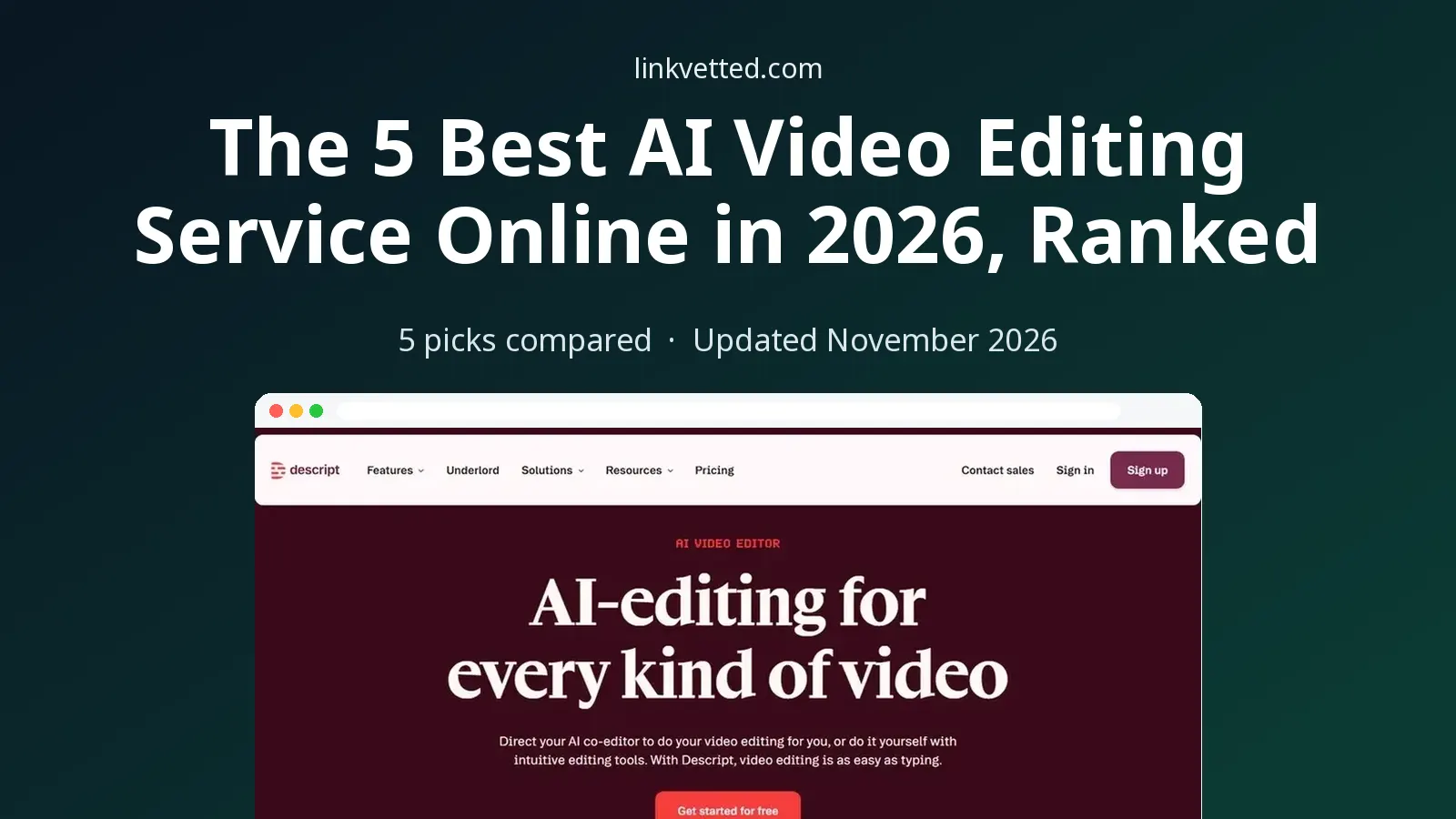
The 5 Best AI Video Editing Service Online in 2026, Ranked
Best AI video editing service online in 2026: 5 contenders with entry costs and free tiers. Plus the drawbacks of each tool. Reviewed in November 2026.
- Editor's choice
 InVideo AI
Creating videos from prompts without limits
Starts at$4 per seat/mo, billed yearlyVisit invideo.ioFull review - Great alternative
 Descript
Text-based AI video and audio editing
Starts at$16 per person per monthVisit descript.comFull review - Also consider
 Synthesia
Business avatar videos and training content
Starts at$19 a monthVisit synthesia.ioFull review
Direct answer
InVideo AI is the first pick on this list for creating videos from prompts without limits. Listed starting prices: InVideo AI from $4 per seat/mo, billed yearly, Descript from $16 per person per month and Synthesia from $19 a month. Descript is the stronger choice for text-based AI video and audio editing, while Synthesia suits business avatar videos and training content. The full list of 5 tools follows, with prices and free plan facts.
TL;DR:
- InVideo AI takes the first slot, best suited to creating videos from prompts without limits.
- A fair warning about Descript: less suited to complicated visual effects.
- The cheapest monthly starting price in the list is $4 per seat/mo, billed annually, offered by InVideo AI.
- Free plans exist at 3 of 5 tools (Descript, Synthesia, HeyGen).
- Adobe Premiere Pro suits professional editing with AI-assisted tools.
Last checked November 2026. Prices and plan details were read from the vendors' own pages in November 2026; vendors change plans often, so confirm the current price on the vendor site before you buy.
Quick comparison
| Tool | Best for | Starts at | Free plan? | |
|---|---|---|---|---|
| InVideo AI | Creating videos from prompts without limits | $4 per seat/mo, billed yearly | Not stated | Visit |
| Descript | Text-based AI video and audio editing | $16 per person per month | Yes | Visit |
| Synthesia | Business avatar videos and training content | $19 a month | Yes | Visit |
 HeyGen | Personal avatar videos without repeated filming | $29 a month | Yes | Visit |
 Adobe Premiere Pro | Professional editing with AI-assisted tools | See website | Not stated | Visit |
The best AI video editing service online
This LinkVetted guide covers 5 options for AI video editing service online. Each profile lists a starting price, free plan details, strengths and drawbacks, so you can drop poor fits quickly.
InVideo AI targets creating videos from prompts without limits. InVideo AI is an editor for creating and editing AI videos with Agent Two.
On top of that, if frame-level precision is essential, a traditional editor is more appropriate. Beyond that, output style also relies on the assets and templates available. Starting cost for InVideo AI: $4 per seat/mo, billed annually. Free plan details: Not stated.
Drawbacks to consider: Less manual control over fine details.
- Fits rapid content production
- Prompt-driven video creation
- Output style relies on available assets
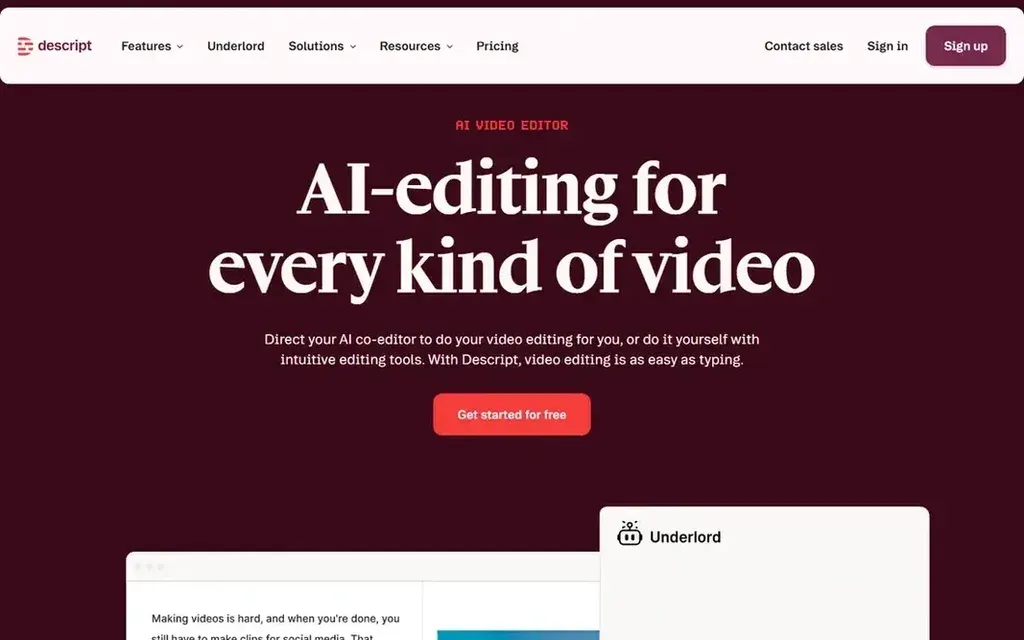
Descript is a good fit for text-based AI video and audio editing. Descript is an AI video and audio editor that makes editing as simple as editing text. The text-first approach accelerates cutting filler words and restructuring dialogue.
Strengths: publish in one tool.
Descript is less suited to heavy visual effects or frame-accurate compositing. Transcript accuracy can also affect how precisely edits land, so review is still needed. For everyday use, if your work is effects-driven or highly visual, a traditional timeline editor may be the better choice. Entry price for Descript: $16 per person per month. A free plan is available with Descript.
Limits to weigh: Less suited to complicated visual effects.
- Edit video by editing transcribed text
- Fits podcast and talking-head workflows
- Transcript accuracy can affect editing precision
Pick Synthesia if this describes you: business avatar videos and training content. Synthesia is not a general-purpose timeline editor for complicated postproduction. If you need practical creative editing, pair it with a dedicated editor or choose another tool.
In daily use, Synthesia is an AI video product for business that helps teams communicate, train, and upskill. It concentrates on avatar-led videos and multilingual production, which suits corporate learning, internal communication, and explainer content. On cost, Synthesia starts like this: $19 per month. Synthesia includes a free tier.
Limits to weigh: Avatar style may not suit entertainment content.
- Multilingual video production
- Supports communication and training use cases
- Not a general-purpose timeline editor
HeyGen is designed for personal avatar videos without repeated filming. The avatar approach helps maintain a personal presence across repeated videos.
HeyGen is centred on avatar-based formats instead of general editing. It is less suited to projects that require wide timeline control or visual effects. HeyGen pricing: $29 per month. You can start on HeyGen without paying.
Honest limits: Centred on avatar-based formats.
- Build videos with a personal avatar
- Cuts the have to film every video
- Less suited to general editing tasks
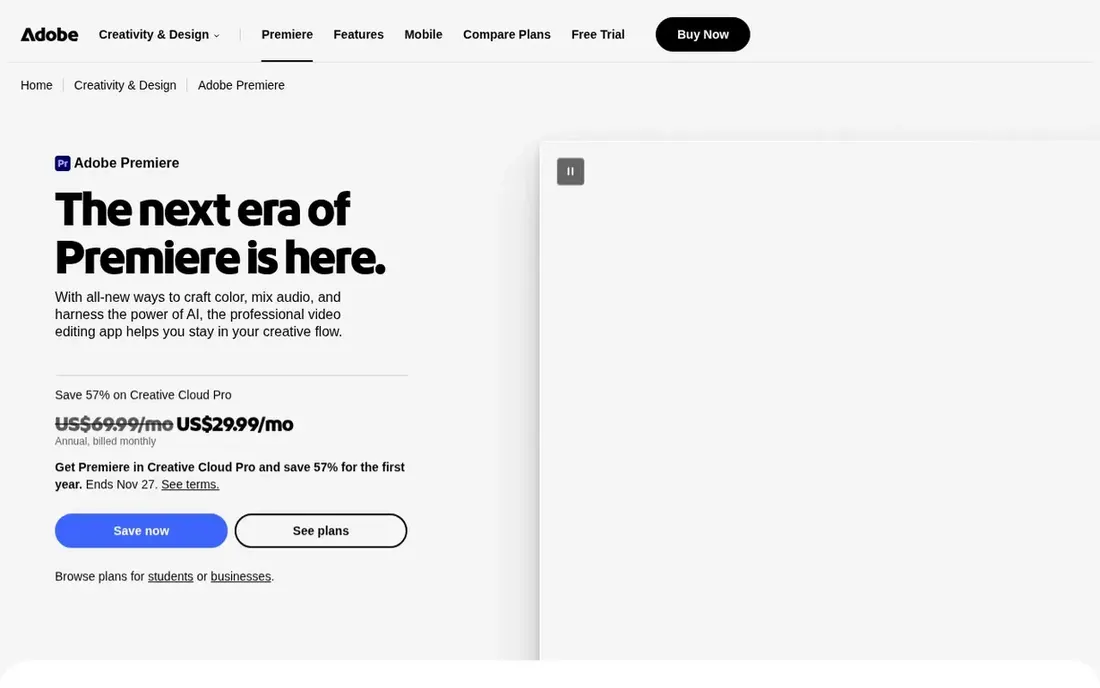
Adobe Premiere Pro is designed for professional editing with AI-assisted tools. Adobe Premiere Pro is professional video editing and postproduction software for trimming, effects, audio mixing, and video extension.
If you want the simplest possible online workflow, a text-based or template-first editor may be a better fit. No starting price is listed for Adobe Premiere Pro here; confirm pricing on the vendor site. Free access: Not stated.
Watch-outs: Needs a capable computer for smooth editing.
- Audio mixing
- Effects
- Steeper ramp-up time for beginners
Selection criteria
LinkVetted used vendor pricing pages and product documentation as the base, then compared plans, free access and documented limits for 5 tools. Prices and plan limits come from vendor pages and can change, so confirm them on the vendor site before you buy. The order reflects how well each tool fits the most common buying scenario for AI video editing service online, then price clarity, then free plan access. It is a starting point, not a verdict.
Things to verify first
- Get a written quote from Adobe Premiere Pro; the list shows no starting price for them.
- Look at free plan limits closely: Descript, Synthesia and HeyGen have one, and the caps decide whether it is usable for real work.
- Read the limits listed for InVideo AI first: less manual control over fine details.
- A short pilot of InVideo AI with your real workflow tells you more than a feature table.
- Verify that exporting from Descript is possible on your plan and covers all your records.
FAQ
Can I try these tools before paying?
Often, yes. Descript, Synthesia and HeyGen have a free plan. Use your own data and a real task during the test, and check what the free tier or trial limits before you rely on it.
Which options for AI video editing service online have a free plan?
Descript, Synthesia and HeyGen offer a free plan in this list. Free plans usually cap users, projects or features, so check the limits on the vendor page.
Are AI video tools a good match for business training videos?
Synthesia and HeyGen are built for business and presenter-led content, including training. Confirm language and avatar choices on the vendor site before committing.
How are the tools for AI video editing service online ordered?
The order follows typical fit for AI video editing service online, with InVideo AI first and Adobe Premiere Pro last, then price clarity and free access. It is editorial judgement, not a score, so another team could rank the tools differently.
Which tool is a good match for editing spoken content like podcasts?
For most readers this guide would start with InVideo AI, built for creating videos from prompts without limits. Descript is the alternative for text-based AI video and audio editing, and Synthesia for business avatar videos and training content. The right answer depends on budget and workflow.
Do these tools publish their prices?
Not all of them. Adobe Premiere Pro publishes no starting price, so expect a quote request for it. The rest, InVideo AI included, show a starting price, though seats and billing terms still change the final cost.
Sources
- https://invideo.io
- https://www.descript.com
- https://www.synthesia.io
- https://www.heygen.com
- https://www.adobe.com/products/premiere.html