The 5 Best AI Transcription Software for Academic Researchers in 2026, Ranked
Searching for the best AI transcription software for academic researchers? Here are 5 options with prices and free plans. Real limits included. Costs up front.
- Editor's choice
 Rev
Legal and investigative evidence transcription
Starts at$25.49 per seat per monthVisit rev.comFull review - Great alternative
 Happy Scribe
Multilingual transcription with regional compliance
Starts at$17 a monthVisit happyscribe.comFull review - Also consider
 Descript
Editing audio and video via text
Starts at$16 per person a monthVisit descript.comFull review
Direct answer
If you need legal and investigative evidence transcription, Rev is the first tool to look at here. Listed starting prices: Rev from $25.49 per seat per month, Happy Scribe from $17 a month and Descript from $16 per person a month. Happy Scribe fits multilingual transcription with regional compliance; Descript fits editing audio and video via text. The remaining 2 options are covered below with prices and limits.
TL;DR:
- Rev sits first on this list: legal and investigative evidence transcription.
- Starting prices begin at $8.33 per user per month with Otter.ai.
- For multilingual audio and video files, Sonix is worth a look.
- Only 3 of the 5 tools have a free plan (Happy Scribe, Descript, Otter.ai), so check the caps.
Last checked November 2026. Prices and plan details were read from the vendors' own pages in November 2026; vendors change plans often, so confirm the current price on the vendor site before you buy.
Quick comparison
| Tool | Best for | Starts at | Free plan? | |
|---|---|---|---|---|
| Rev | Legal and investigative evidence transcription | $25.49 per seat per month | Not stated | Visit |
| Happy Scribe | Multilingual transcription with regional compliance | $17 a month | Yes | Visit |
| Descript | Editing audio and video via text | $16 per person a month | Yes | Visit |
 Otter.ai | Live meeting and interview notes | $8.33 per user a month | Yes | Visit |
 Sonix | Multilingual audio and video files | $10 per hour | Free trial | Visit |
AI Transcription Software for Academic Researchers profiles
Short on time? The summary and table above give the quick view of 5 AI transcription software for academic researchers, and the profiles that follow give the detail behind each entry.
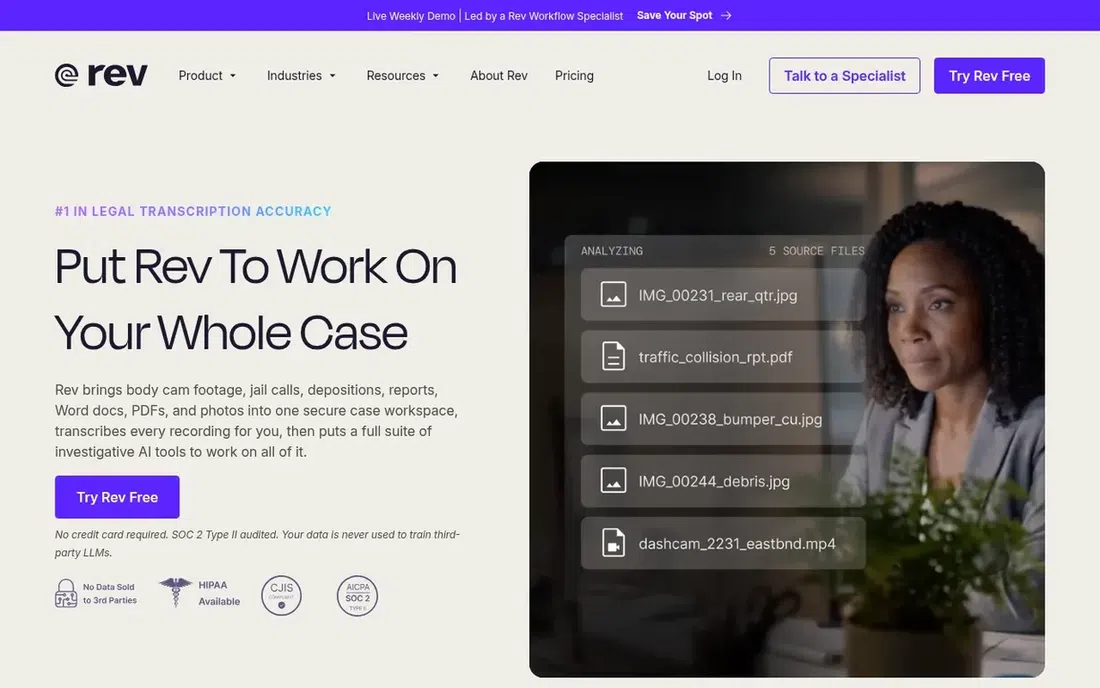
Rev targets legal and investigative evidence transcription. Rev's positioning is legal and investigative instead of general academic, so researchers transcribing lectures or routine interviews may find the framing heavier than needed.
In practice, academic researchers working with sensitive interviews, oral histories, or material that may face scrutiny can benefit from that emphasis on citation and verification. Entry price for Rev: $25.49 per seat per month. Free options: Not stated.
What to check first: Less suited to general lecture capture.
- Legal-oriented system
- Aimed at investigative material
- Narrow legal framing
For multilingual transcription with regional compliance, Happy Scribe is a natural candidate. From a buyer's view, notes generated from meetings should be reviewed before being treated as records.
Beyond that, researchers needing citable legal-grade output may prefer a product made for investigations. From a buyer's view, as with any automatic service, transcription quality relies on audio clarity and language pair, so sample testing is wise. Price to start with Happy Scribe: $17 per month. Happy Scribe has a free plan.
Where it is weaker: Meeting notes need review.
- Compliance-oriented positioning
- Notetaker for meetings
- Language quality varies
Descript makes the most sense for editing audio and video via text. Choose a dedicated transcription service when the priority is accurate text for analysis instead of edited audio or video.
Points against: Editing-first design.
Starting cost for Descript: $16 per person per month. You can start on Descript without paying.
- Publish in one tool
- Text-based audio and video editing
- Not geared toward legal citation
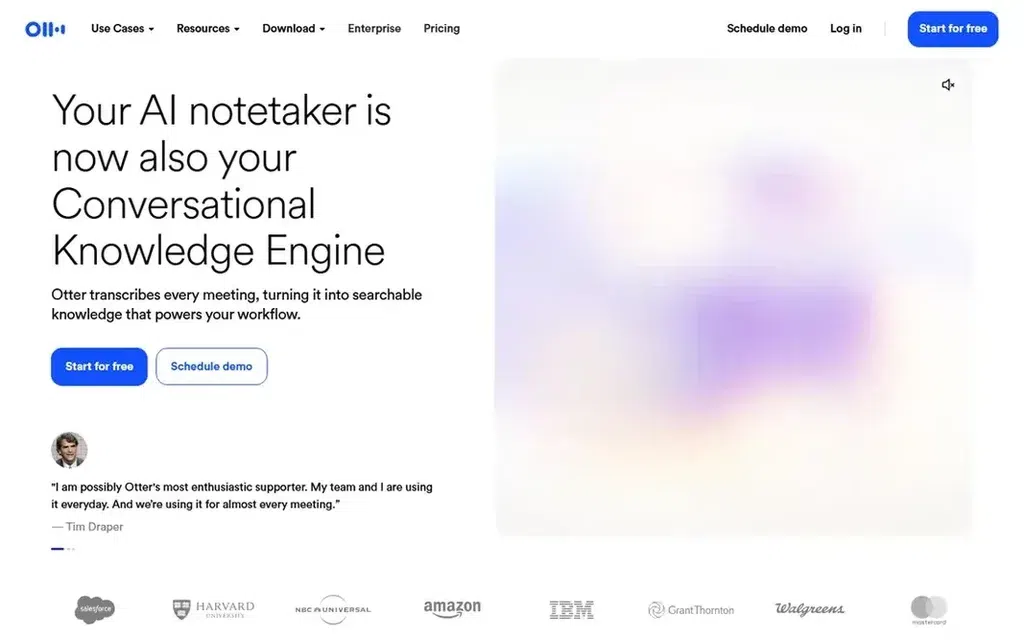
For live meeting and interview notes, Otter.ai is a natural candidate. Otter.ai presents itself as an AI meeting agent that supports live transcription, live chat, automatic summaries, insights, and action items. In daily use, for academic researchers, that combination fits recorded interviews, lab meetings, and seminars where a running transcript and a fast summary are handy.
Honest limits: Meeting-centric design.
It is a reasonable starting point when the priority is capturing spoken discussion as it happens instead of editing media afterward. Also, consider a different tool when the primary task is batch transcription of archived fieldwork instead of live capture. Starting cost for Otter.ai: $8.33 per user per month. A free plan is available with Otter.ai.
- Automatic summaries and action items
- Live transcription
- May need review for research jargon
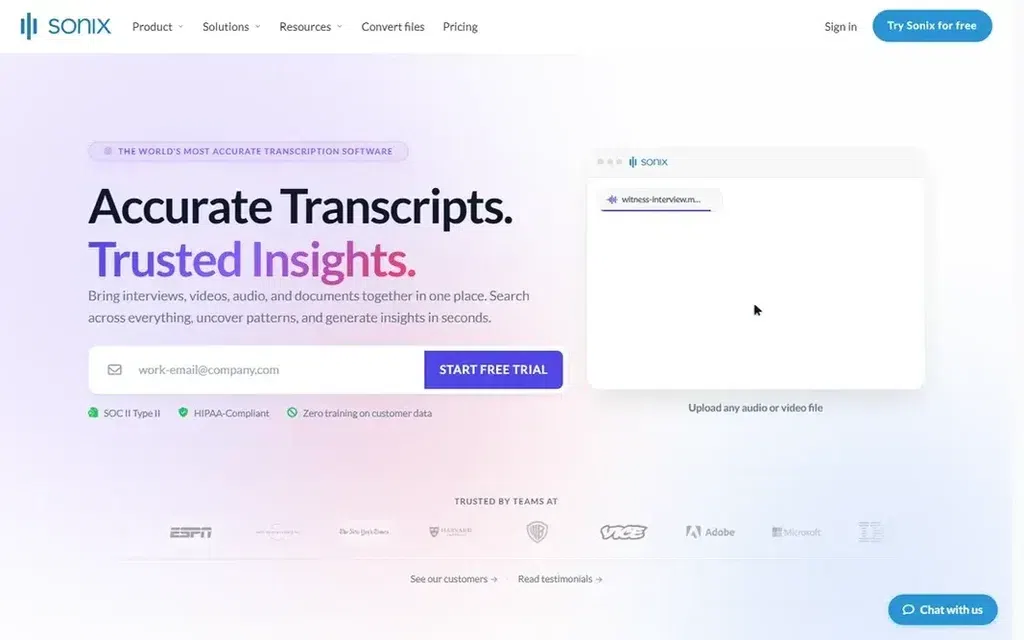
Sonix is aimed squarely at multilingual audio and video files. Sonix markets AI transcription software that converts audio and video to text, with support for dozens of languages, AI summaries, and speaker detection.
From a buyer's view, researchers should test a sample of their own recordings before committing a large project. If the work is primarily live meetings instead of uploaded files, a meeting-focused notetaker may be a better fit. On cost, Sonix starts like this: $10 per hour. As for free access: Free trial.
Drawbacks to consider: Accuracy varies by audio quality.
- Transcription across numerous languages
- AI summaries
- Summaries need researcher review
How these tools were picked
Things to verify first
- Confirm the entry price on the vendor page: Otter.ai starts at $8.33 per user per month, but seat counts and billing terms change the total.
- Read the fine print on the free plans from Happy Scribe, Descript and Otter.ai; seat, project and feature caps differ.
- Take the trial from Sonix and push a live task through it before you pay.
- Before choosing Rev, weigh its main limit: narrow legal framing.
- Check whether Sonix bills monthly or annually, and what cancelling early costs.
- Look at the help docs and support options for Descript before you commit.
FAQ
Is Rev the right pick for everyone comparing AI transcription software for academic researchers?
No single tool suits every team. Rev comes first because it fits legal and investigative evidence transcription, while Happy Scribe suits multilingual transcription with regional compliance and Descript suits editing audio and video via text. Match the tool to your own size, budget and workflow before deciding.
Which options for AI transcription software for academic researchers have a free plan?
On this list, Happy Scribe, Descript and Otter.ai include a free plan. Caps on seats, usage or features are common, so test the free plan against your real workload. One other tool offers a trial instead.
What is the cheapest option for AI transcription software for academic researchers in this list?
On published monthly entry prices, Otter.ai is the lowest here at $8.33 per user per month. Entry price is only part of the cost, because seats, add-ons and billing terms can change the total. Each of the 5 options in this AI transcription software for academic researchers guide has its own card above with the price, free plan and limits.
How are the tools for AI transcription software for academic researchers ordered?
Rev sits first and Sonix last because the order follows typical fit for AI transcription software for academic researchers, then price clarity and free access. It is a judgement call, so read each profile for fit and limits.
Sources
- https://www.rev.com
- https://www.happyscribe.com
- https://www.descript.com
- https://otter.ai
- https://sonix.ai