Best AI Tools for Academic Research in 2026: 8 Tools Compared
Compare the best AI tools for academic research in 2026, from Consensus and Elicit to SciSpace and ResearchRabbit, with prices and honest limits in this guide.
- Editor's choice
 Consensus
Evidence based answers with citations
Starts at$12 per monthVisit consensus.appFull review - Great alternative
 Elicit
Structured extraction and screening
Starts at$49 per monthVisit elicit.comFull review - Also consider
 SciSpace
Reading and questioning papers
Starts at$12 per monthVisit scispace.comFull review
TL;DR:
- Research AI tools split into search, synthesis, extraction and discovery, and no single tool does all four jobs equally well.
- Consensus is best for fast evidence based answers, Elicit is best for structured extraction, and Scite is best for checking how a paper was cited.
- ResearchRabbit and Semantic Scholar are excellent free starting points for discovery, before you pay for a synthesis tool.
- AI summaries can miss nuance, misread methods or cite the wrong paper, so always check claims against the original full text.
- For systematic reviews, keep a documented search protocol and do not rely on AI alone for screening, appraisal or inclusion decisions.
Quick comparison
| Tool | Best for | Starts at | Free plan? | |
|---|---|---|---|---|
| Consensus | Evidence based answers with citations | $12 per month | Yes | Visit |
| Elicit | Structured extraction and screening | $49 per month | Yes | Visit |
| SciSpace | Reading and questioning papers | $12 per month | Yes | Visit |
 ResearchRabbit | Visual citation discovery | Free | Yes | Visit |
 Scite | Citation context and support checks | $12 per month | Free trial | Visit |
 Semantic Scholar | Free academic search and API | Free | Yes | Visit |
 Scholarcy | Structured paper summaries | $9.99 per month | Yes | Visit |
 Connected Papers | Similarity graphs from one seed paper | $3 per month | Yes | Visit |
The best AI tools for academic research
We compared official pricing pages, paper coverage, citation handling, extraction features, export options and public reviews for tools that are actively sold in October 2026.
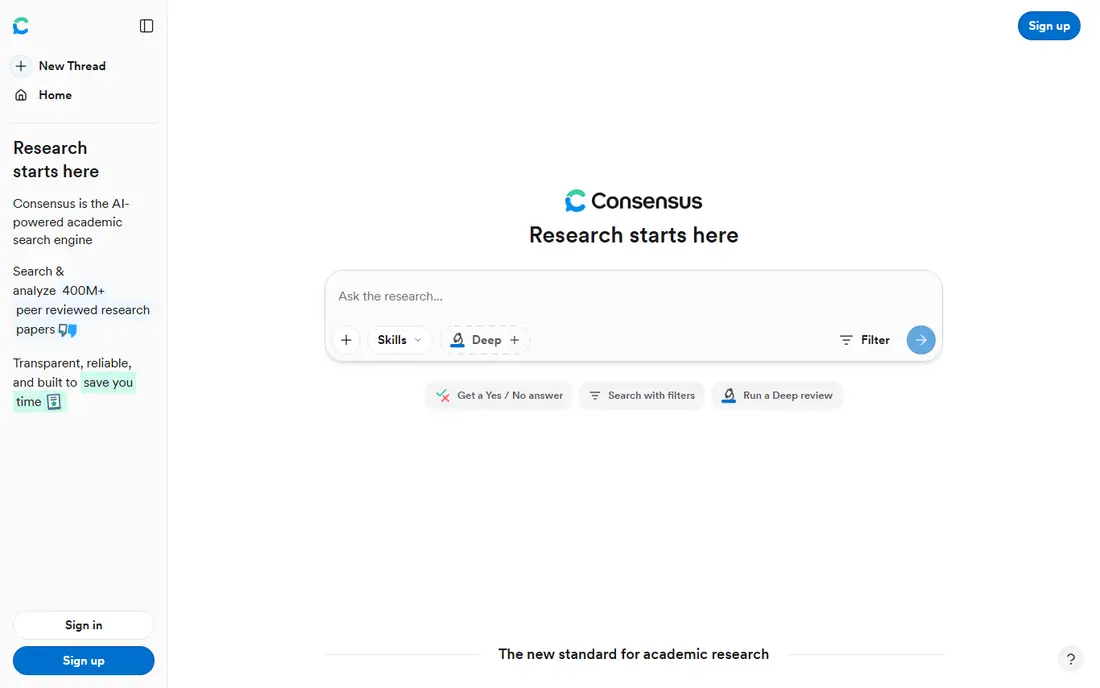
Consensus lets you ask a research question in plain language and get a synthesised answer linked to peer reviewed papers. The Consensus Meter shows how many studies lean yes, no or mixed for a claim, which is useful for a quick sense of the evidence before you read deeper. The free tier includes unlimited paper searches with limited Pro messages, and the Pro plan is affordable for students.
It is not built for detailed extraction tables or full systematic screening, where Elicit is stronger. Synthesis can also simplify complex findings, so read the cited papers before quoting a result. For orientation, scoping and first drafts of a literature search, Consensus is fast and easy to use.
- Fast cited answers
- Consensus Meter for yes or no questions
- Generous free tier
- Weaker for structured extraction
- Not a replacement for a systematic review protocol
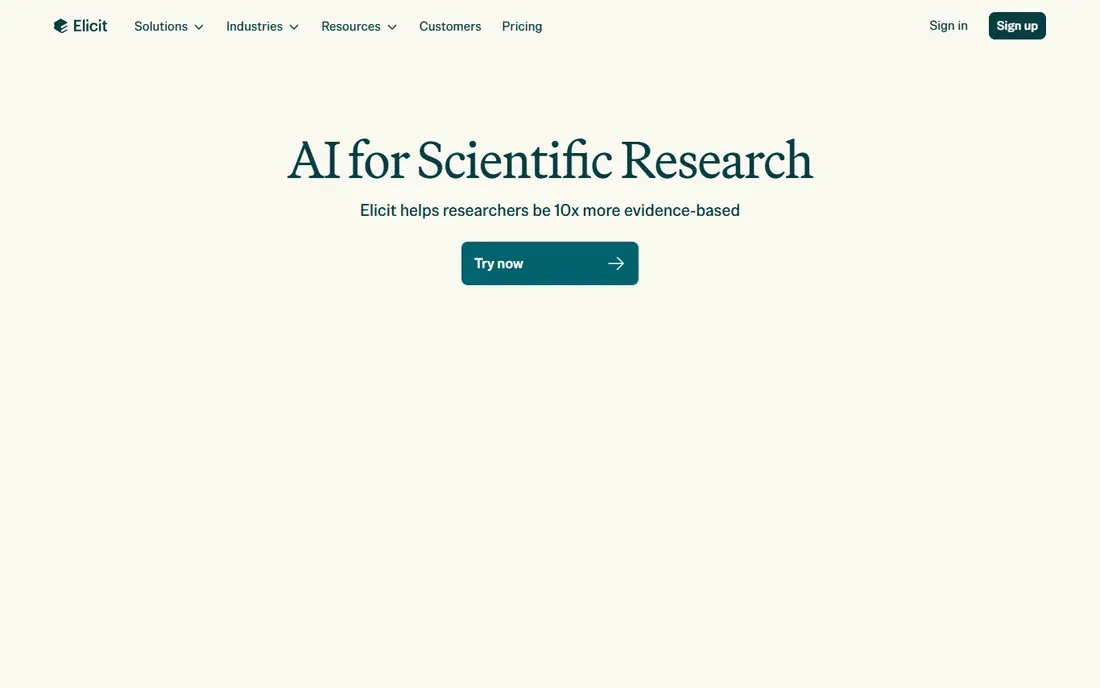
Elicit is the power tool for researchers who need to screen many papers and extract the same fields from each one. You can build custom columns for population, intervention, outcomes and methods, run reports over thousands of papers, and export tables for analysis. That structure makes it far more useful than a chat style answer for systematic and scoping reviews.
The Pro price is high for an individual student, at 49 dollars per month billed annually, so check whether your university offers access or a discount. The interface also takes time to learn. For serious literature reviews, that cost and learning time often pay off in saved manual work.
- Custom extraction tables
- Large screening capacity
- Clear audit trail for reports
- Highest price on this list
- Learning curve for new users

SciSpace, formerly Typeset, focuses on helping you understand individual papers rather than just finding them. Its Copilot can explain methods, results and formulas inside a PDF, answer follow up questions, and help you build citations. Shared workspaces let research teams organise papers, notes and reading lists together.
It is less strong than Elicit for large scale extraction, and AI explanations should be checked against the paper text, especially for statistics and methods. For students and researchers who spend most time reading and annotating, SciSpace makes dense papers much easier to work through.
- Copilot for PDF questions
- Citation help
- Collaborative workspaces
- Synthesis depth varies by paper
- Premium features need paid plan
ResearchRabbit is a free discovery tool that maps papers, authors and citations into visual networks. Start with a few seed papers, and it suggests related work, co authors and citing papers you might otherwise miss. It is especially useful early in a project, when you are still mapping a field and building a reading list.
It does not synthesise answers or extract data, so pair it with Consensus, Elicit or SciSpace for those jobs. A paid plus tier exists, but the core discovery features remain free. For any researcher on a budget, ResearchRabbit should be in the toolkit from day one.
- Free to use
- Interactive citation networks
- Good author and paper discovery
- No AI synthesis
- Paid plus tier adds features but core is discovery only
Scite answers a question that other tools often skip, which is how later papers actually used a study. Its Smart Citations classify citing statements as supporting, mentioning or contrasting, and flag retractions and disputes. That context helps you avoid building an argument on a paper that later work has challenged.
It does not write a synthesised answer, so use it alongside Consensus or Elicit. The entry plan is affordable, but there is only a trial, not a permanent free tier. For claim checking and citation quality, Scite is uniquely useful.
- Smart Citations show support or contrast
- Retraction and dispute flags
- Large citation index
- No narrative synthesis
- Trial only, no permanent free plan
Semantic Scholar is a free academic search engine from the Allen Institute for AI, with a large index of papers across many fields. It underpins several paid tools on this list, and its open API lets researchers and developers build their own search and analysis workflows. For a free baseline, it is excellent and reliable.
It does not offer AI synthesis, extraction tables or a reading copilot, so it works best as a foundation. Pair it with ResearchRabbit for discovery and one paid tool for synthesis or extraction. Every academic should know Semantic Scholar, even if they later pay for a more specialised tool.
- Completely free
- Huge paper index
- Open API for researchers
- No AI synthesis or extraction tables
- Interface is search focused
Scholarcy turns papers into structured summary flashcards, pulling out key findings, methods, limitations and references in a consistent format. That structure helps when you need to compare many papers quickly or build a literature matrix. Free summaries each day let you test it, and exports work with common reference managers.
Summaries work best on well structured journal papers and less well on theses, reports or unusual formats. AI summaries can also miss nuance, so check important claims in the full text. For building a readable overview of a reading list, Scholarcy is a practical and affordable tool.
- Flashcard style summaries
- Structured tables
- Easy export to reference managers
- Quality depends on paper structure
- Less useful for non standard papers
Connected Papers builds a visual graph of papers similar to one seed paper, based on co citation and bibliographic coupling. It is a fast way to find the core papers in a niche and see how they relate, without reading dozens of abstracts first. The free tier includes a few graphs per month, and the paid plan is very cheap.
It only starts from one paper at a time, so it is a discovery aid rather than a full research platform. Use it when you have found one excellent paper and want to map its neighbourhood quickly. For that specific job, it is simple, cheap and effective.
- Very low price
- Clear similarity graphs
- Fast way to find related work
- Single seed focus
- No synthesis or extraction
How we picked these
We compared official pricing pages, paper coverage, citation handling, extraction and synthesis features, export options and public reviews for tools sold in October 2026. We favoured tools that cite real papers, show their sources, and support academic workflows such as export to Zotero or BibTeX. General chatbots with no paper index were left out, since they cannot reliably ground answers in peer reviewed sources.
How to use AI research tools without hurting your work
Start with a clear question and a documented search plan, especially for coursework, theses or systematic reviews. Use ResearchRabbit and Semantic Scholar to map the field, then use Consensus for orientation and Elicit for structured extraction. Keep a record of search terms, inclusion criteria and papers screened, so your work can be checked and reproduced.
Always verify AI output against the original paper before citing it. Check the title, authors, year, methods and key result, since AI summaries can mix up studies or overstate findings. Treat AI as a reading and screening assistant, not as an author. Your judgment about quality, relevance and interpretation is still the core of academic work, and it is what markers and reviewers assess.
FAQ
What is the best AI tool for academic research?
Consensus is best for fast evidence based answers, Elicit is best for structured extraction and screening, and ResearchRabbit is best for free discovery. SciSpace suits reading individual papers, while Scite suits checking citation context. Most researchers benefit from a small stack, not one tool for every job.
Can I use AI tools for a systematic review?
Yes, for screening support and extraction, but not as a sole method. Elicit can help screen and extract data, yet you still need a registered protocol, documented search strategy, duplicate screening and quality appraisal. AI should support a PRISMA style process, not replace it, and your methods section should describe how AI was used.
Are AI research tools free for students?
ResearchRabbit and Semantic Scholar are free, and Consensus, Elicit, SciSpace and Scholarcy offer free tiers or trials. Paid plans range from around 3 dollars to 49 dollars per month, with student discounts available on some platforms. Check your university library, since many institutions provide access to paid research tools.
Do AI research tools hallucinate citations?
Yes, general chatbots can invent citations, which is why paper grounded tools such as Consensus, Elicit and Scite are safer for academic work. Even grounded tools can misread a paper or simplify a finding, so always open the original paper and check the claim before citing it. Never copy a citation you have not verified.
What is the best AI tool for literature reviews?
Elicit is the strongest pick for a structured literature review, thanks to custom extraction tables and large screening capacity. Consensus helps with scoping and evidence questions, ResearchRabbit helps with discovery, and Scholarcy helps with summaries. For a full review, combine discovery, extraction and citation checking rather than relying on one summary tool.
How do I cite papers found with AI tools?
Cite the original paper, not the AI tool, using the citation details from the paper itself or your reference manager. Export citations in APA, MLA or Harvard format from the tool or from Zotero, then check authors, year, journal and DOI against the original source. Mention AI use in your methods or acknowledgements if your institution or journal requires it.