Best AI Tools for Academic Writing in 2026: 8 Tools Compared
Find the best AI tools for academic writing today, from editing to citations and research. We compare 8 tools on features, integrity, and price in 2026.

- Editor's choice
 Grammarly
Grammar and style polish
Starts atFreeVisit grammarly.comFull review - Great alternative
 Paperpal
Journal and thesis editing
Starts atFreeVisit paperpal.comFull review - Also consider
 QuillBot
Paraphrasing and summarizing
Starts atFreeVisit quillbot.comFull review
TL;DR:
- Grammarly and Paperpal lead for editing academic prose, with Grammarly stronger for general polish and Paperpal stronger for journal style.
- QuillBot is best for paraphrasing and summarizing, while Jenni AI suits drafting with citations from uploaded sources.
- SciSpace, Elicit, and Consensus help with research, not just writing, by finding and summarizing peer-reviewed papers.
- Academic integrity rules vary by school and journal, so check your institution policy before using any AI tool for assessed work.
- Use AI for editing, feedback, and guidance only where allowed, and always verify citations, quotes, and facts at the original source.
Quick comparison
| Tool | Best for | Starts at | Free plan? | |
|---|---|---|---|---|
| Grammarly | Grammar and style polish | Free | Yes | Visit |
| Paperpal | Journal and thesis editing | Free | Yes | Visit |
| QuillBot | Paraphrasing and summarizing | Free | Yes | Visit |
 Jenni AI | Drafting with citations | Free | Yes | Visit |
 SciSpace | Research and paper summaries | Free | Yes | Visit |
 Elicit | Literature review extraction | Free | Yes | Visit |
 Consensus | Evidence-based answers | Free | Yes | Visit |
 Zotero | Citations and reference library | Free | Yes | Visit |
The best AI tools for academic writing
We compared editing quality, citation support, plagiarism and AI detection tools, research features, privacy, and price. The best AI academic writing tool depends on whether you need editing, drafting help, research support, or citation management, and on what your institution allows.
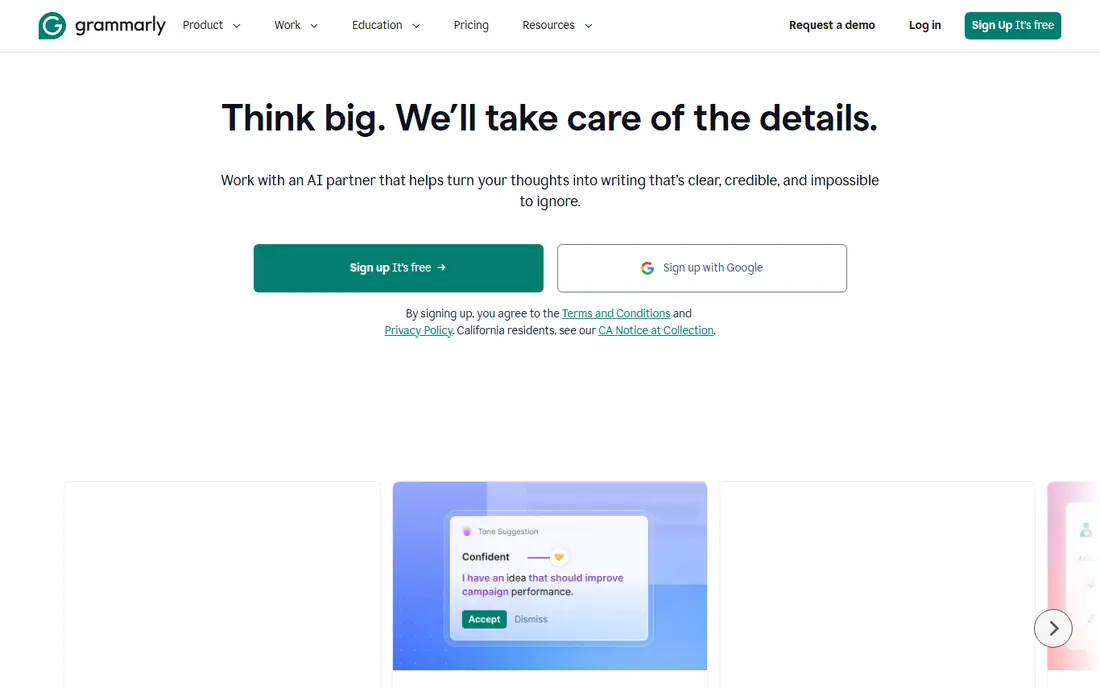
Grammarly is our top general pick for academic editing, because it catches grammar, spelling, clarity, and tone issues across Word, Google Docs, and browsers without changing your argument. The free tier covers basic checks, while Pro, at 12 dollars a month billed annually or 30 dollars billed monthly, adds clarity, tone, and plagiarism checking. Recent academic features, including citation help and grading-style feedback in some plans, make it more useful for students than a basic spell checker.
Grammarly is less specialized than Paperpal for journal submission checks, such as technical language and reference formatting, so researchers preparing a manuscript may need both. It also does not replace careful proofreading, since it can miss subject-specific errors. For essays, theses, and coursework editing where allowed, Grammarly is the most reliable starting point in this list.
- Accurate grammar and clarity checks
- Works in Word, Docs, and browsers
- Plagiarism checker on Pro
- Less specialized for journal style than Paperpal
- Pro costs 12 dollars a month annually
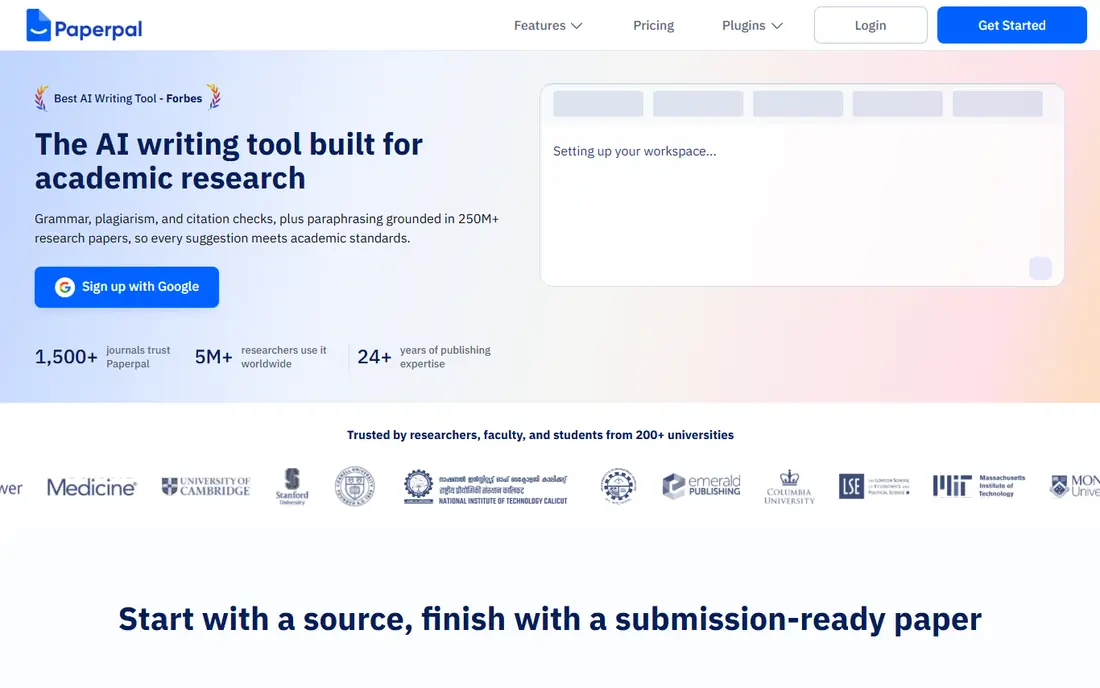
Paperpal is built for academic and research writing, and that focus shows in its suggestions for formal language, consistency, and journal style. It offers submission readiness checks that flag common issues before you send a manuscript to a journal, and it works in Word, on the web, and in Google Docs and Overleaf through a browser extension. That journal focus makes it a strong choice for researchers and graduate students.
The free tier allows 200 grammar edits a month and five uses a day for paraphrase, trim, translate, and AI review, which is enough to test the tool but not for a long manuscript. Prime costs 25 dollars a month or 144 dollars a year, so it is a premium choice. If you are preparing a thesis or journal paper and your institution allows AI editing, Paperpal is the most specialized editor here.
- Academic language suggestions
- Submission readiness checks
- Works in Word, Docs, and Overleaf
- Free tier limits daily uses
- Prime costs 25 dollars a month or 144 dollars a year
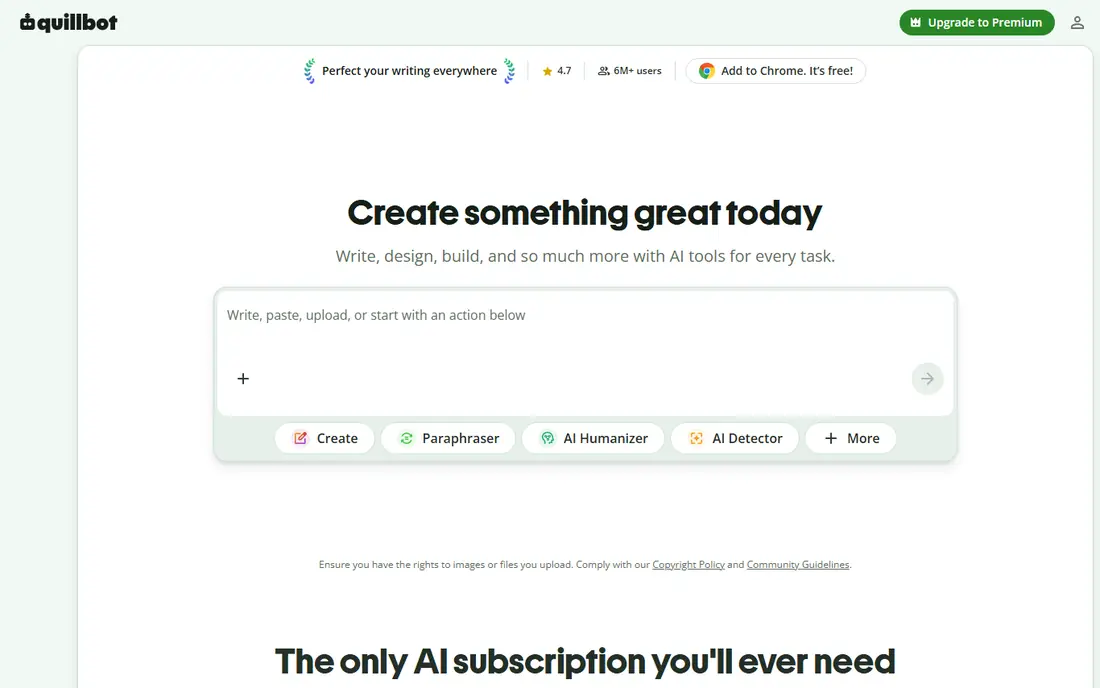
QuillBot is best for reworking sentences you wrote yourself, such as tightening a dense paragraph or finding a clearer way to state a point. Its paraphrase modes include an academic style, and its summarizer helps you condense long articles for notes. Premium costs 19.95 dollars a month or 8.33 dollars a month billed annually, and adds more modes, a plagiarism checker, and a full AI detector.
The free tier limits paraphrasing to about 100 to 125 words at a time in two modes, so long passages need several passes. Paraphrased output can also sound stiff, so always edit the result in your own voice and keep the original citation. QuillBot is a useful editing aid where allowed, but paraphrasing someone else's work without citation is still plagiarism, even if the words change.
- Multiple paraphrase modes including academic
- Summarizer and citation tools
- Budget-friendly premium
- Paraphrased text can sound unnatural
- Free paraphrase limit is low
Jenni AI suits writers who face a blank page and want help drafting in an academic style, with autocomplete suggestions and citations linked to sources you upload. That source-linked approach is better than a general chatbot, since it grounds suggestions in papers you actually provide, rather than inventing references from memory. Paid plans start around 12 dollars a month, with higher tiers for more words and features.
The risk is source accuracy. Even source-linked tools can misstate a finding or create a citation that does not match the original, so open every cited paper and check author, year, and claim before you submit. Free words are limited, so Jenni works best for drafting sections you then revise heavily, not for producing a finished essay. Use it as a drafting aid where your institution allows it, and keep your own argument at the center.
- Autocomplete for academic drafting
- Citations from uploaded PDFs
- Outline and structure help
- Free word limit is low
- Can invent sources if used without checking
SciSpace helps with the research side of academic writing, by searching a large database of papers, summarizing findings, and answering questions about a PDF you upload. That makes literature review faster, since you can compare several papers, extract key claims, and find related work without reading every full text first. The free tier covers basic search and summaries, while premium starts around 12 dollars a month.
SciSpace is a research tool, not a writing editor, so it will not polish your prose or check grammar in the same way Grammarly does. Summaries can also miss nuance or overstate a finding, so read the original paper before you cite it. For students and researchers who spend more time finding and understanding papers than drafting, SciSpace is a valuable addition to an editing tool.
- Semantic search across many papers
- AI copilot for PDFs
- Paraphraser with many tones
- Best features behind a paywall
- Premium from 12 dollars a month, with advanced tiers higher
Elicit is built for systematic literature work, extracting key data from papers into a table you can compare, such as sample size, method, and main result. Answers are linked to source text, which helps you verify claims before you write about them. That structured extraction suits systematic reviews and evidence tables, where accuracy and traceability matter more than prose style.
Elicit is not a writing assistant, so it will not draft or edit your essay, and its free plan, with 5,000 credits in published comparisons, limits how many extractions you can run. Paid plans start around 10 dollars a month for Plus and 42 dollars a month for Pro. Use Elicit to build a reliable evidence base, then write your argument yourself, with citations checked at the source.
- Extracts data from papers into tables
- Answers cited to source text
- Finds papers other searches miss
- Research tool, not a writing assistant
- Free credits limit extractions
Consensus answers research questions using peer-reviewed papers, with a meter showing how much agreement exists in the literature. That is useful when you need to check whether a claim is well supported, contested, or based on a single study, before you cite it in an essay. The free tier covers basic searches, while paid plans start around 8.99 to 10 dollars a month in published comparisons.
Consensus works best for empirical questions in science, health, and social science, and less well for theoretical or humanities topics where consensus is not the right frame. It does not draft or edit writing, so pair it with Grammarly or Paperpal for prose. For checking evidence before you write, Consensus is a quick and transparent research aid.
- Answers drawn from peer-reviewed papers
- Consensus meter for agreement
- Useful for empirical questions
- Best for empirical fields
- Not a writing or editing tool
Zotero is not an AI writing tool, but it belongs in this list because accurate citations are the foundation of academic writing, and AI tools often get citations wrong. Zotero collects papers, organizes them into a library, and inserts citations and bibliographies in Word and Google Docs in styles such as APA, MLA, and Chicago. That workflow prevents many citation errors that AI drafting tools introduce.
Zotero does not draft, paraphrase, or edit prose, so it complements, rather than replaces, the other tools here. Free storage is 300 MB, with 2 GB for 20 dollars a year, 6 GB for 60 dollars a year, and unlimited storage for 120 dollars a year. Every academic writer should use a reference manager like Zotero, regardless of which AI editing tools their institution allows.
- Free reference manager
- Cite while you write in Word and Docs
- Collect and organize sources
- No AI drafting or editing
- Free storage is 300 MB, with paid storage from 20 dollars a year
How we picked these
We compared official product pages, pricing pages, and published comparisons, and we favored tools with clear academic features and a real free tier. We checked editing quality, citation support, research features, plagiarism tools, and price, and we favored tools that support editing and guidance rather than tools that promise to write assessed work for you. We did not claim hands-on testing. Our method was to compare published features and prices, then match each tool to a different academic task.
Using AI tools without breaking academic rules
Check your institution policy first
Rules differ by university, course, and journal. Some allow AI for editing and brainstorming, some require disclosure, and some ban AI use for assessed work entirely. Check your course handbook and ask your tutor if the rule is unclear, before you use any tool on assessed work. A tool being legal to buy does not make its use allowed in your course.
Keep your argument and your sources your own
Use AI for editing, feedback, structure suggestions, and finding papers, and write your thesis, analysis, and conclusions yourself. Verify every citation at the original source, check quotes word for word, and disclose AI use where your institution requires it. Submitting AI-generated text as your own work, or paraphrasing without citation, can count as academic misconduct even if the wording is new.
Watch for invented citations and false claims
AI tools can invent authors, years, and findings that sound plausible, especially when drafting without uploaded sources. Open each cited paper, confirm the claim, and remove any citation you cannot verify. Keep drafts with version history, so you can show how your work developed if a question arises.
FAQ
What is the best AI tool for academic writing?
Grammarly is best for general editing, Paperpal is best for journal and thesis editing, and QuillBot is best for paraphrasing. For research, SciSpace and Elicit help you find and summarize papers, while Zotero manages citations. The right tool depends on your task and your institution rules.
Is it allowed to use AI for academic writing?
It depends on your institution, course, and journal. Many allow AI for editing, feedback, and research guidance, with disclosure where required, while others ban AI for assessed work. Check your policy first, and use AI only in ways your course allows.
What is the best AI app for academic writing and citations?
Jenni AI links drafting to uploaded sources, while Zotero is the best free citation manager for Word and Docs. For citation accuracy, Zotero plus manual checking at the original source beats any AI-generated reference list.
Can AI tools check for plagiarism?
Grammarly Pro and QuillBot Premium both offer plagiarism checking, and Paperpal offers submission checks. No checker is perfect, so cite sources properly and run your own checks where your institution provides them, rather than relying on one tool alone.
Do AI academic writing tools invent references?
Yes, some tools can invent or misstate references, especially when drafting without source documents. Always verify each citation at the original paper, and prefer source-linked tools such as Jenni AI with uploaded PDFs or Elicit with source text, while still checking every claim.
Should I use AI to write my essay?
No, you should not submit AI-generated text as your own essay, and many institutions treat that as misconduct. Use AI for editing, feedback, outlining, and research guidance where allowed, and write your own argument, analysis, and conclusions.