6 Media Database for Small Business Worth Shortlisting in 2026
A practical guide to the best media database for small business, compared from vendor documentation and public sources, with limits and buying checks.
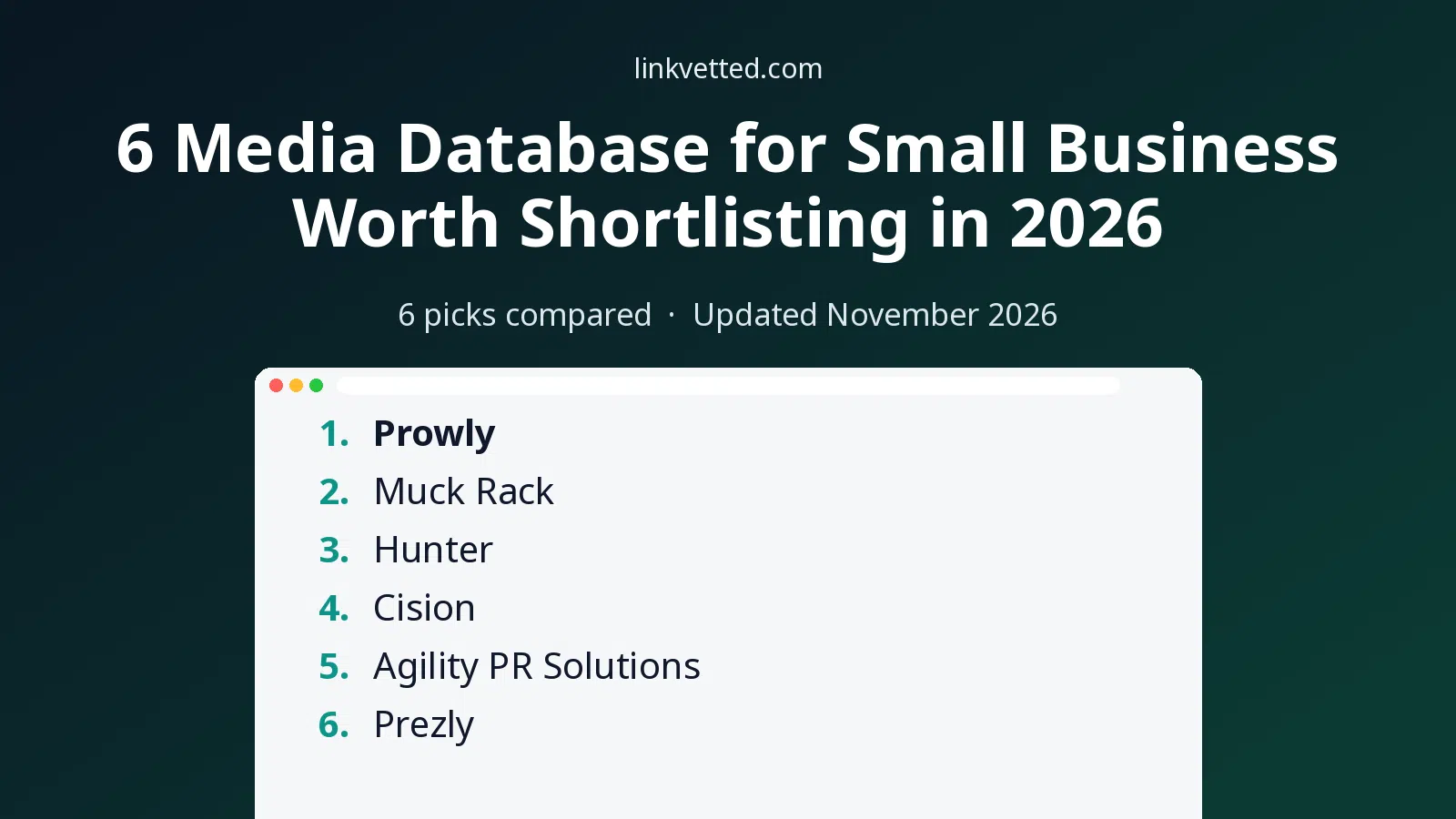
- Editor's choice
 Prowly
Database and pitching in one tool
Starts atSee websiteVisit prowly.comFull review - Great alternative
 Muck Rack
Broad journalist database and monitoring
Starts atSee websiteVisit muckrack.comFull review - Also consider
 Hunter
Finding journalist email addresses
Starts atSee websiteVisit hunter.ioFull review
Direct answer
My first pick for most small businesses is Prowly, because it combines a media contact database with a press release builder and a simple pitching workflow in one place. If your main need is a large contact list at a low entry point, Muck Rack is worth a look, though it is built more for teams. For a free starting point, Hunter works for finding individual journalist emails. Each fits a different budget and workflow.
TL;DR:
- A media database is only useful if you also have a clear story and a short, personal pitch to send.
- Small businesses usually need fewer contacts than agencies, so list size matters less than contact quality and search filters.
- Check whether the database covers your country and industry before you commit to any plan.
- Most tools bundle contact management and outreach, but few include media monitoring at the entry level.
- Always verify a journalist's current beat and contact details before you send anything.
Last checked November 2026. Plan prices are not quoted in this guide because they change often; see each vendor's own pricing page for current figures before you buy.
Quick comparison
| Tool | Best for | Starts at | Free plan? | |
|---|---|---|---|---|
| Prowly | Database and pitching in one tool | See website | Free trial | Visit |
| Muck Rack | Broad journalist database and monitoring | See website | No free plan | Visit |
| Hunter | Finding journalist email addresses | See website | Free plan | Visit |
 Cision | Large established PR databases | See website | No free plan | Visit |
 Agility PR Solutions | Database plus monitoring for mid-sized teams | See website | Not stated | Visit |
 Prezly | Newsroom publishing with contact management | See website | Free trial | Visit |
The best media database for small business compared
I compared these tools from vendor documentation and public sources, not from hands-on testing. I looked at what each vendor says about coverage, workflow, and entry-level fit for a small business. Where a vendor does not publish a detail, I say so rather than guess. The aim is to help you shortlist, then run your own trial.
Prowly is a PR platform from Semrush that puts a media database, a press release creator, and a pitching tool in one workspace. For a small business, that means you can find a journalist, build a release, and send a pitch without juggling three separate subscriptions. It suits owners or small marketing teams who handle their own PR.
For this topic, Prowly fits because it treats the database as part of a workflow rather than a standalone list. You can filter contacts, save them to a media list, and track replies in the same place. That matters when one person is doing everything and cannot afford to lose track of who was contacted.
The limit is scale. If you need very broad coverage across many countries or niche trade press, the list may feel thin. Skip it if you already have a large in-house database or need deep monitoring.
- Media database plus press release builder
- contact management and pitching in one place
- clear interface for small teams
- Contact list is smaller than enterprise tools
- monitoring is limited at entry level
Muck Rack is a PR platform built around journalist profiles, a media database, and media monitoring. Each profile links to recent articles, which helps you check whether a journalist still covers your topic before you pitch. It is widely used by PR teams and agencies.
For a small business, the value is in the search and verification. You can look up who writes about your sector, read their recent output, and build a targeted list. That reduces wasted pitches, which matters more when you have limited time and no PR staff.
The main drawback is cost and complexity. It is built for teams, so a one-person business may pay for features it never uses. Skip it if your outreach is occasional and you only need a handful of contacts.
- Large journalist profiles with recent work
- monitoring and reporting built in
- useful search filters
- Priced for teams rather than solo owners
- can be more than a small business needs
Hunter is an email finding and verification tool. You give it a name, a company, or a domain, and it suggests likely email addresses with a confidence indicator. It is not a media database, but many small businesses use it to fill gaps in a list they built by hand.
For this topic, Hunter is a practical add-on. You might find journalists through public bylines, social profiles, or a publication's staff page, then use Hunter to confirm an address pattern. It keeps costs down when you only need a few contacts each month.
The limit is obvious: it does not tell you who covers what, and it does not manage outreach. Skip it if you want one tool that does everything, or if you need verified media contacts at scale.
- Simple email finding from a name or domain
- works well alongside a media list
- easy to start
- Not a media database
- no pitching or monitoring tools
Cision is one of the longest-running names in media databases and PR software. It offers contact databases, monitoring, and analytics, and it is used by agencies and larger communications teams around the world. Coverage and features are broad.
For a small business, Cision makes sense only if PR is a real budget line and you need wide coverage. The database can help you find contacts across many markets, and the monitoring side lets you track coverage. But the setup and cost are usually more than a solo owner needs.
Skip Cision if you want something you can learn in an afternoon or if your outreach is limited to a few local outlets. It is a better fit once you have a dedicated PR person.
- Long-established media database
- broad global coverage
- monitoring and analytics options
- Heavy setup for a small business
- pricing is aimed at larger organisations
Agility PR Solutions is a PR software provider with a media database, monitoring, and analytics. It is aimed at PR and communications teams and sits in the same category as Cision and Muck Rack, though it is less often discussed by small businesses.
For this topic, it is worth a look if you want a database and coverage tracking in one contract. A small business that sends regular releases and wants to see where they land may find the monitoring useful. The database helps you build lists for each campaign.
The limit is fit. The vendor does not clearly document an entry-level plan for solo owners, so you should ask about minimum commitments. Skip it if you only need a contact list and nothing else.
- Media database with monitoring and analytics
- built for PR workflows
- useful for tracking coverage
- Less familiar to very small businesses
- entry-level fit is not clearly documented
Prezly is a PR and storytelling platform built around a branded newsroom, press release publishing, and contact management. It is designed for teams that want a public home for their news rather than just a list of journalists.
For a small business, Prezly fits if you plan to publish releases and stories regularly and want a tidy newsroom page. The contact features help you group journalists and send updates. It works well as the publishing side of a simple PR setup.
The limit is that the media database is not the core product. If your main need is a large, searchable list of journalists, another tool will serve you better. Skip it if you do not plan to publish regularly.
- Strong newsroom and storytelling features
- contact management included
- good for publishing releases
- Database is secondary to publishing
- not a pure media list tool
How I chose
I built this list from vendor documentation and public sources. For each tool I read what the vendor says about its media database, contact coverage, workflow features, and entry-level plans. I also checked how each product is generally described in public write-ups. I did not run hands-on tests, and I have not used every tool in a live campaign, so treat this as a shortlist to verify yourself.
My filter was fit for a small business: can one person or a small team find contacts, build a list, and send a pitch without a long setup? I favoured tools with clear documentation and a route to start small. I noted limits where a vendor's entry-level fit is unclear, and I left out tools that only make sense for large communications departments.
What to check before you buy
- Confirm the database covers your country and your specific industry or beat.
- Ask how often contact records are updated and whether you can report a wrong contact.
- Check whether the entry plan includes outreach tools or only database access.
- Look for a trial or demo so you can test search filters on your own topic.
- Read the contract for minimum terms, seat limits, and how you cancel.
- Confirm whether media monitoring is included or sold separately.
FAQ
What is a media database?
A media database is a searchable list of journalists, editors, and outlets, usually with contact details and beat information. Small businesses use it to find the right people to pitch. Some databases also include pitching, monitoring, and reporting tools, while others are lists only.
Do I need a paid media database as a small business?
Not always. If you pitch a handful of local or trade outlets, you can build a short list from public bylines and staff pages. A paid database helps when you need to search across many outlets, verify contacts quickly, or run regular campaigns and want everything in one place.
How do I check a journalist's contact before pitching?
Look at their recent articles and public profile to confirm they still cover your topic. Then check the outlet's contact page or use an email finder to confirm the address pattern. Never send a mass email to a scraped list, and always personalise the first line.
Can a media database guarantee coverage?
No. A database only helps you find and reach the right people. Coverage depends on whether your story is relevant and useful to that outlet's audience. Use the database to target well, and expect most pitches to go unanswered.
What is the difference between a media database and an email finder?
A media database helps you discover who covers your topic and usually includes beat and outlet details. An email finder only suggests or verifies an address. Many small businesses use both: a database or manual research to find the person, and an email finder to confirm the contact.
Sources
- https://prowly.com
- https://muckrack.com
- https://hunter.io
- https://www.cision.com
- https://www.agilitypr.com
- https://www.prezly.com
Related guides
- Best Cloud Services for Sharing Large Media Files in 2026: 10 Services Compared
- Best Media Relations Software Databases for 2026: Our 5 Vetted Picks
- 5 Best Business Database Software for ERP for 2026, Vetted and Compared
- 6 Best Church Database Software for Volunteer Coordination for 2026, Vetted and Compared