6 Journalist Database Tools Worth Shortlisting in 2026
A practical comparison of the best journalist database tools for 2026, covering media databases, contact data and outreach workflow features.
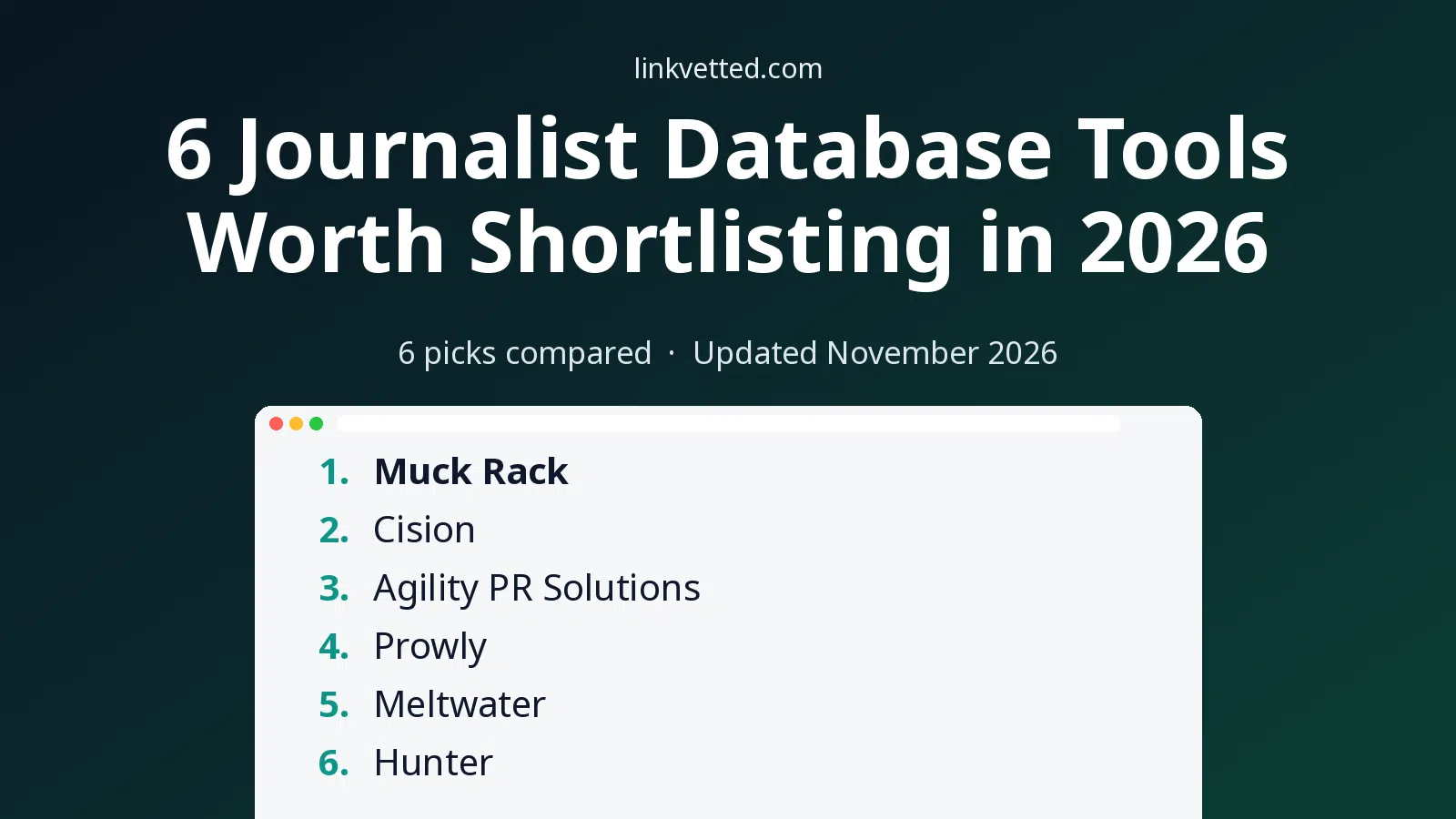
- Editor's choice
 Muck Rack
Database, monitoring and reporting together
Starts atSee websiteVisit muckrack.comFull review - Great alternative
 Cision
Established PR teams with broad needs
Starts atSee websiteVisit cision.comFull review - Also consider
 Agility PR Solutions
Mid-size teams wanting media intelligence
Starts atSee websiteVisit agilitypr.comFull review
Direct answer
My top pick is Muck Rack because it combines a large media database with monitoring and reporting in one place. For teams that mainly need contact data at a lower entry point, Cision and Agility PR Solutions are worth a look. If your priority is building media lists and sending pitches from one dashboard, Prowly fits well. I based these picks on vendor documentation and public sources, not hands-on testing.
TL;DR:
- A journalist database is only useful if the contact records are current and the search filters match how you actually build media lists.
- Muck Rack suits teams that want database, monitoring and reporting together.
- Cision and Agility PR Solutions are established options with broad media contact coverage.
- Prowly is a reasonable fit for smaller teams that want list building and pitching in one tool.
- Always check export limits, seat counts and data refresh policies before you commit.
Last checked November 2026. Plan prices are not quoted in this guide because they change often; see each vendor's own pricing page for current figures before you buy.
Quick comparison
| Tool | Best for | Starts at | Free plan? | |
|---|---|---|---|---|
| Muck Rack | Database, monitoring and reporting together | See website | Not stated | Visit |
| Cision | Established PR teams with broad needs | See website | Not stated | Visit |
| Agility PR Solutions | Mid-size teams wanting media intelligence | See website | Not stated | Visit |
 Prowly | Small teams building lists and pitching | See website | Free trial | Visit |
 Meltwater | Media monitoring with database access | See website | Not stated | Visit |
 Hunter | Finding and verifying email addresses | See website | Free plan | Visit |
The best journalist database tools compared
I compared these tools from vendor documentation and public sources, looking at what each one says about its database, search filters, outreach features and limits. I did not run hands-on tests, so treat this as a starting point for your own evaluation and a demo request.
Muck Rack is a media database and PR platform built around journalist profiles, which show recent work and contact details. It fits PR teams and agencies that want to find reporters, build lists and track coverage without stitching several tools together.
For journalist database work, the profile pages are the main draw. You can search by beat, outlet and location, review what a reporter has published recently, and build lists from there. Monitoring and reporting sit alongside, so coverage tracking stays in the same account as your outreach.
The limit is scope and cost. Pricing is quoted, so you need a sales conversation before you can compare it with alternatives. Very small teams that only need contact data may find it heavier than necessary.
- Large media database with journalist profiles
- media monitoring and reporting in the same platform
- pitching and list management features
- Pricing is quote-based
- smaller teams may find the full suite more than they need
Cision is one of the longest-running names in PR software, offering media databases, monitoring and distribution services. It suits established PR departments and agencies that need broad contact coverage and are comfortable with a larger platform.
In practice, Cision is used to search for journalists and outlets, build media lists and manage outreach. Because it also covers monitoring and distribution, teams can keep several PR tasks in one vendor relationship rather than buying separate tools.
The trade-off is complexity. Smaller teams may not need the full platform, and pricing is quote-based. If you only need a simple contact list, a lighter tool may be easier to manage.
- Long-established media contact coverage
- combined PR and media monitoring services
- widely used by larger organizations
- Platform can feel complex for small teams
- pricing requires a quote
Agility PR Solutions is a media intelligence platform with a journalist database, monitoring and analytics. It is aimed at PR and communications teams that want contact data and coverage tracking from one vendor.
For list building, the platform lets you search media contacts and assemble lists for outreach. Monitoring and analytics features then help you see what coverage came from those pitches, which is useful when you want to review which lists performed.
Check what each plan includes before you commit, since the feature set varies. Teams that only need raw contact data may find a dedicated contact tool simpler.
- Media database alongside monitoring and analytics
- aimed at PR and communications teams
- offers media list building features
- Feature scope varies by plan
- pricing needs a quote
Prowly is a PR software tool that combines a media database with list building, pitching and a newsroom feature. It fits small PR teams and agencies that want to find contacts and send pitches without a large enterprise platform.
The workflow is straightforward: search the database, save contacts to lists, and send pitches from the same account. Keeping list building and outreach together reduces the number of tools a small team has to manage.
The limit is depth. If you need extensive media monitoring or social listening, a larger suite may fit better. Check the trial against your actual list sizes before deciding.
- Media database with list building
- pitching and newsroom features in one tool
- interface aimed at smaller teams
- Monitoring depth is less than larger suites
- pricing needs checking for your seat count
Meltwater is a media intelligence platform known for monitoring and social listening, with media database and contact features included. It suits teams that want monitoring as the core function and contact data as part of the same package.
For journalist database work, Meltwater lets you search media contacts and build lists, then track coverage that results from outreach. The monitoring side is the main strength, so teams that prioritize coverage tracking tend to get more from it.
The database is one component of a broader platform, which means the entry point and scope may be larger than a team that only needs contacts. Ask for a demo focused on the database features if that is your main need.
- Media monitoring and social listening alongside a media database
- broad coverage across outlets
- reporting features for coverage analysis
- Media database is one part of a larger platform
- pricing is quote-based
Hunter is an email finding and verification tool, not a journalist database. I include it because many teams use it to fill gaps in contact lists, such as finding a reporter's email from an outlet domain or verifying an address before a pitch.
In a journalist outreach workflow, Hunter works as a supplement. You build your media list in a database tool, then use Hunter to check or find addresses where the database record is incomplete. Verification helps reduce bounces before you send.
The limit is clear: Hunter has no journalist profiles, beat filters or monitoring. It should not be your only tool for media outreach, but it can be a useful add-on for contact hygiene.
- Email finding and verification
- simple search by domain or company
- useful for filling gaps in contact lists
- Not a journalist database
- no media monitoring or pitching features
How I chose
I built this list from vendor documentation and public sources, including each vendor's own description of its database, search features and outreach tools. I did not run hands-on tests, so I cannot vouch for data accuracy or day-to-day usability from personal use. Instead, I focused on what each tool is designed to do and where its stated scope fits different team sizes.
The main criteria were whether a tool includes an actual journalist or media database, how it supports list building and outreach, and what limits the vendor documents. I also considered fit: a large PR suite is not the right choice for a solo operator who only needs contact data, and a contact finder is not a substitute for a media database. Pricing is quote-based for most of these tools, so I left entry prices as "See website" rather than guess.
What to check before you buy
- Confirm the database covers the outlets, regions and beats you actually pitch, not just the largest publications.
- Ask how often contact records are updated and how the vendor handles bounced or outdated emails.
- Check whether list building, pitching and monitoring are included or sold as separate modules.
- Ask about seat limits, export limits and whether you can take your lists with you if you leave.
- Request a demo using your own target list so you can see real search results before committing.
- Confirm what the vendor says about data sourcing and compliance with privacy rules in your market.
FAQ
What is a journalist database tool?
A journalist database tool is software that lets you search for reporters, editors and outlets, view contact details and build media lists for outreach. Many also include pitching, monitoring or reporting features. The database is the core, and the surrounding features vary by vendor.
Do I need a paid journalist database?
Not always. If you pitch a small number of local outlets, you can build lists manually. A paid database becomes useful when you pitch many outlets across beats and regions, or when you need to track coverage. Start with a trial or demo and see whether the search results match your targets.
How accurate are journalist contact details in these databases?
Accuracy varies by vendor and by market. Records go stale when reporters change jobs, so check how each vendor describes updates and verification. Before a large send, verify addresses where you can and watch bounce rates. No database is fully current, so a verification step is worth keeping.
Can I use these tools for link building outreach?
Yes, some teams use media databases to find journalists and editors for digital PR and link building campaigns. The same rules apply: pitch something relevant to the reporter's beat and avoid mass, irrelevant emails. These tools help you find contacts, but the pitch quality still decides the outcome.
What is the difference between a journalist database and an email finder?
A journalist database includes profiles, beats, outlets and list building, while an email finder only locates or verifies addresses. Email finders like Hunter are useful for filling gaps, but they do not replace a media database when you need to search by beat or track coverage.
Sources
- https://muckrack.com
- https://www.cision.com
- https://www.agilitypr.com
- https://prowly.com
- https://www.meltwater.com
- https://hunter.io
Related guides
- 5 Best Business Database Software for ERP for 2026, Vetted and Compared
- 6 Best Church Database Software for Volunteer Coordination for 2026, Vetted and Compared
- Best Columnar Database Performance Software for 2026: Our 5 Vetted Picks
- Best Companies for Database Software Maintenance in 2026: 8 Firms Compared