Choosing Journalist Database Tools for UK in 2026: 6 Options Compared
A practical guide to the best journalist database tools for UK outreach, comparing media databases, contact tools and monitoring platforms from vendor docs.
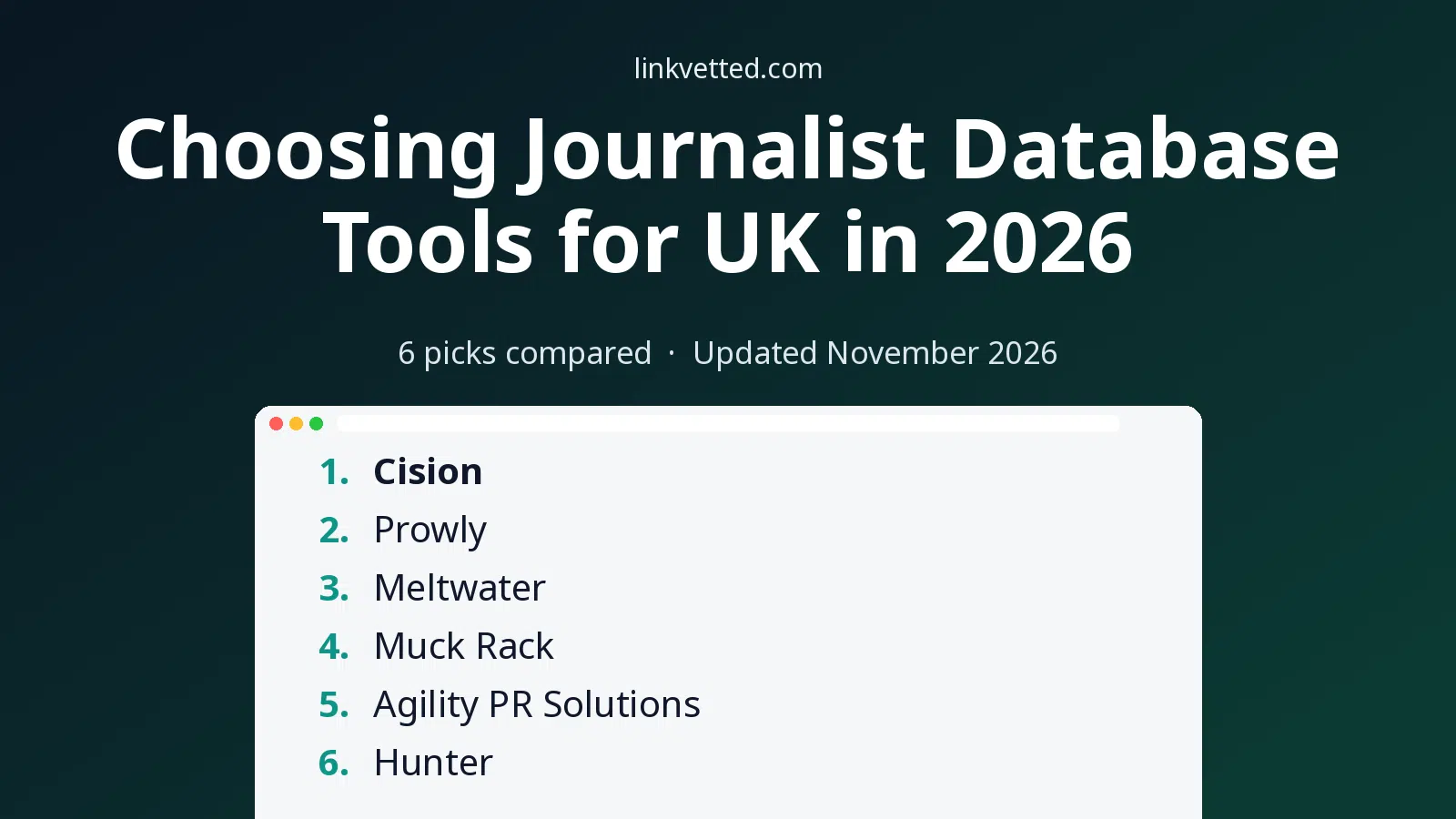
- Editor's choice
 Cision
Broad UK media database coverage
Starts atSee websiteVisit cision.comFull review - Great alternative
 Prowly
Small teams wanting self-serve outreach
Starts atSee websiteVisit prowly.comFull review - Also consider
 Meltwater
Monitoring and outreach in one platform
Starts atSee websiteVisit meltwater.comFull review
Direct answer
My top pick is Cision, because it is the most established media database with broad UK national, regional and trade coverage. For a lower-cost, self-serve database aimed at smaller teams, I suggest Prowly, and for media monitoring plus contact data in one place, Meltwater is the one I would look at next. Each fits a different budget and workflow, so the right choice depends on how much UK coverage and support you need.
TL;DR:
- A journalist database is only useful if its UK contact records are current, so check update practices before you buy.
- Media database vendors differ most on UK regional coverage, trade press depth and how contacts are verified.
- Self-serve tools suit small agencies, while enterprise platforms add monitoring, distribution and account support.
- Always confirm GDPR-compliant data handling and opt-out processes with the vendor before importing contacts.
- Most tools offer a demo or trial, so ask for a walkthrough of UK-specific coverage before committing.
Last checked November 2026. Plan prices are not quoted in this guide because they change often; see each vendor's own pricing page for current figures before you buy.
Quick comparison
| Tool | Best for | Starts at | Free plan? | |
|---|---|---|---|---|
| Cision | Broad UK media database coverage | See website | Not stated | Visit |
| Prowly | Small teams wanting self-serve outreach | See website | Free trial | Visit |
| Meltwater | Monitoring and outreach in one platform | See website | Not stated | Visit |
 Muck Rack | Journalist profiles and pitching workflow | See website | Not stated | Visit |
 Agility PR Solutions | Mid-size teams wanting database plus monitoring | See website | Not stated | Visit |
 Hunter | Finding and verifying email addresses | See website | Free plan | Visit |
The best journalist database tools for UK compared
I compared these tools using vendor documentation, published feature pages and public sources rather than hands-on testing. My focus was UK contact coverage, how each tool handles media lists and outreach, and where each one fits for a small agency like mine. I have not run trials on every platform, so treat the notes below as a starting point for your own demo.
Cision is one of the longest-running media intelligence platforms, and its database covers UK national outlets, regional newspapers, broadcasters and trade titles. It suits larger PR teams and agencies that need a single source for contacts, monitoring and press release distribution. If you handle many UK campaigns at once, the breadth is the main reason to consider it.
For UK outreach, Cision lets you build media lists by outlet, beat and region, then connect those lists to distribution and monitoring. That means a campaign can move from list building to coverage tracking without switching tools. I would ask the vendor to show how its UK regional and trade contacts are maintained, since that is where database quality shows.
The main limit is cost and complexity. Smaller agencies may find it more than they need, and the setup demands time. Skip it if you only send a handful of pitches a month and want something you can use the same day.
- Wide national and regional UK coverage
- media monitoring and distribution in one platform
- established contact records
- Enterprise-oriented pricing
- setup can take time
Prowly combines a media database with contact management, pitch sending and press release publishing. It is aimed at small and mid-size PR teams that want one affordable workspace rather than a large enterprise contract. For a small agency, that combination is often easier to adopt than a big platform.
On the UK side, Prowly lets you filter contacts by outlet and location and keep your own lists organised alongside its database. You can send pitches and track opens from the same place, which keeps a UK campaign tidy. I would still verify key regional contacts yourself, since no database is complete.
The trade-off is depth. If your work depends on niche UK trade press or very local outlets, the database may not cover everything. Skip it if you need extensive monitoring or a dedicated account team.
- Media database plus pitch and release tools
- straightforward interface
- good fit for small teams
- Database smaller than enterprise platforms
- UK trade coverage may be thinner
Meltwater is known for media monitoring, and its platform also includes a journalist and influencer database plus outreach tools. It fits comms teams that need to track UK coverage daily and act on it. The combination of monitoring and contacts is useful when your outreach responds to what is being published.
For UK work, you can monitor outlets and topics, then build lists from the same platform to pitch. That loop helps when you want to react to a news cycle quickly. I would ask how UK regional and trade outlets are indexed, as monitoring depth varies by market.
The drawback is weight and cost. Smaller agencies may pay for modules they rarely use. Skip it if you mainly need a simple contact list and send occasional pitches.
- Strong media monitoring
- contact database included
- broad international coverage
- Pricing rises with modules
- can feel heavy for small teams
Muck Rack is built around journalist profiles, letting you search by beat, outlet and recent work, then manage pitches and track coverage. It suits PR teams that want to research journalists before pitching rather than send broad lists. The profile-first approach is helpful for tailored UK outreach.
For UK campaigns, you can look up journalists by outlet and topic and keep pitch history in one place. That record is useful when you work the same beats repeatedly. I would check coverage of UK regional and specialist press during a demo, since that is where any database can be uneven.
The limit is that UK regional coverage may not match enterprise rivals, and the value comes at team level. Skip it if you only need raw email addresses.
- Detailed journalist profiles
- pitching and coverage tracking
- clean interface
- UK regional depth varies
- best value at team level
Agility PR Solutions offers a media database, monitoring and distribution aimed at PR and comms teams. It sits between self-serve tools and large enterprise platforms, which suits mid-size teams that want support without a huge contract. It is worth a look if you want monitoring and contacts together.
For UK outreach, you can build lists, send releases and track coverage from the platform. The analyst support can help when you need custom research on UK outlets. I would ask specifically how its UK contact records are verified and how often they are refreshed.
The main drawback is the learning curve, and it has less brand recognition among UK teams than some rivals. Skip it if you want a very simple, low-cost contact tool.
- Media database with monitoring
- analyst support
- distribution options
- Interface takes learning
- smaller brand recognition in the UK
Hunter is an email finding and verification tool, not a journalist database. I include it because many small teams use it to confirm addresses found through research or a smaller database. It helps reduce bounced pitches when you build lists by hand.
For UK outreach, Hunter can find and verify addresses on outlet domains, which is useful when a database lacks a contact. It works best as a companion to a proper media database rather than a replacement. I would use it to check addresses before sending, not to build lists from scratch.
The limit is clear: it has no journalist profiles, beat search or monitoring. Skip it if you expect a ready-made UK media list, because it will not provide one.
- Email finding and verification
- simple to use
- useful alongside a media database
- Not a media database
- no journalist profiles or monitoring
How I chose
I picked these tools by reading vendor documentation, feature pages and public descriptions of each platform, then judging them against what a UK-focused outreach workflow needs. The main criteria were UK contact coverage, how lists and pitches are handled, monitoring options and how each tool fits different team sizes. I did not run hands-on tests, so my notes reflect what vendors publish rather than my own trial results.
I also weighed limits honestly. Some tools are built for large teams and carry the cost and complexity that come with that, while others are simple but narrower. I left out tools where I could not confirm a current, operating product and official site. Before you buy, run your own demo and ask vendors to show UK regional and trade coverage, because that is where databases differ most and where my document-based comparison is weakest.
What to check before you buy
- Ask the vendor to demonstrate UK regional, national and trade press coverage, not just headline outlets.
- Confirm how often contact records are updated and how bounced or outdated contacts are handled.
- Check GDPR compliance, lawful basis for processing and opt-out handling before importing any contacts.
- Ask whether media monitoring and press release distribution are included or sold as separate modules.
- Request a trial or demo and build a real UK media list yourself to test search filters and data quality.
- Confirm contract length, cancellation terms and whether seats or contacts are capped.
FAQ
What is a journalist database tool?
It is software that holds contact records and profiles for journalists and outlets, usually with search filters by beat, region and publication. PR teams use it to build media lists and send pitches. Some tools add monitoring and distribution. For UK work, the key question is how well the database covers regional and trade press, not just national outlets.
Are journalist database tools GDPR compliant?
Reputable vendors publish how they handle personal data, lawful basis and opt-outs, but compliance is shared with you as the user. You still need a lawful reason to contact someone and must honour opt-outs. Ask each vendor for its data processing terms and check how it sources and refreshes UK contact records before you rely on them.
Can I use a free tool instead of a paid database?
Free tools can help you find and verify email addresses, but they do not provide journalist profiles, beat search or monitoring. For occasional outreach, a free email finder plus your own research may be enough. For regular UK campaigns, a paid database usually saves time because lists and contact records are maintained for you.
How do I choose between a media database and a monitoring tool?
Start with your main task. If you spend most time building lists and pitching, prioritise database coverage and contact quality. If you need to track coverage daily and react to news, prioritise monitoring and check whether contacts are included. Some platforms combine both, which suits teams that want one vendor.
Do these tools cover UK regional and trade press?
Coverage varies by vendor and is the main thing to test in a demo. Large platforms tend to have broader UK regional coverage, while smaller self-serve tools may be thinner on local and specialist titles. Ask each vendor to search a few regional and trade outlets you actually pitch, and judge the results yourself.
Sources
- https://www.cision.com
- https://prowly.com
- https://www.meltwater.com
- https://muckrack.com
- https://www.agilitypr.com
- https://hunter.io
Related guides
- 5 Best Business Database Software for ERP for 2026, Vetted and Compared
- 6 Best Church Database Software for Volunteer Coordination for 2026, Vetted and Compared
- Best Columnar Database Performance Software for 2026: Our 5 Vetted Picks
- Best Companies for Database Software Maintenance in 2026: 8 Firms Compared