5 Journalist Email Finder Tools Worth Shortlisting in 2026
A practical look at the best journalist email finder tools for 2026, compared from vendor documentation and public sources, with limits and fit for each.
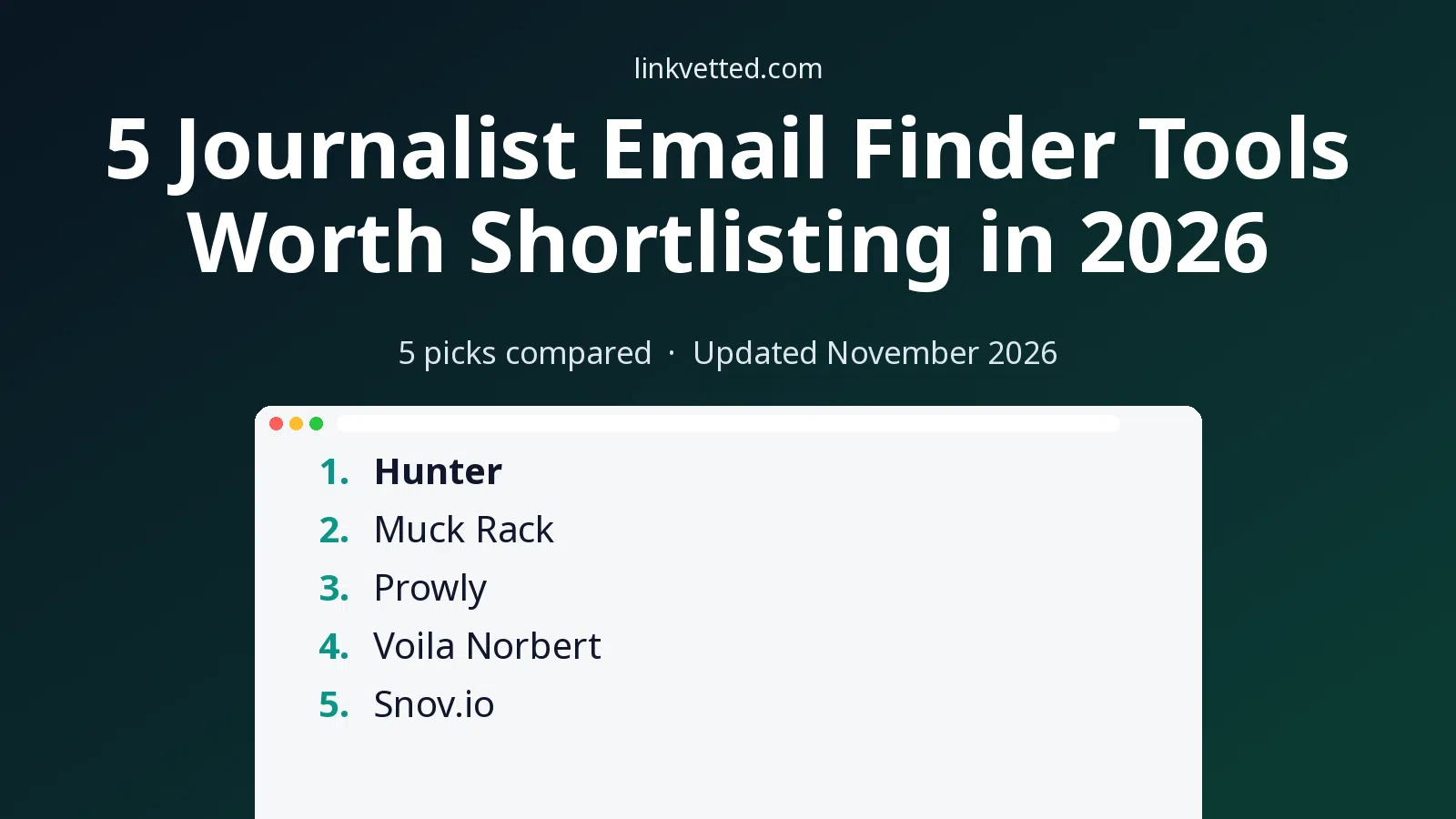
- Editor's choice
 Hunter
General domain and name searches
Starts atSee websiteVisit hunter.ioFull review - Great alternative
 Muck Rack
Agencies wanting a media database
Starts atSee websiteVisit muckrack.comFull review - Also consider
 Prowly
PR teams running campaigns
Starts atSee websiteVisit prowly.comFull review
Direct answer
Hunter is my first pick for most small teams because it combines domain search, a verifier and a browser extension in one place, which covers the usual press-list workflow. Muck Rack suits agencies that want a media database with contact records and monitoring together. Prowly fits teams that already run campaigns and want contact discovery next to their newsroom. I compared these from vendor documentation and public sources, not hands-on tests.
TL;DR:
- A finder tool only helps if you can verify the address before you send, so pair discovery with a verifier.
- Media database tools cost more than pure finders but often include monitoring and outreach features in the same account.
- Coverage differs by country and beat, so check the regions and industries you actually pitch before committing.
- Most tools offer limited free searches, which is enough to test coverage on your own target list.
- Keep your own notes on bounce rates and replies so you know which source works for your niche.
Last checked November 2026. Plan prices are not quoted in this guide because they change often; see each vendor's own pricing page for current figures before you buy.
Quick comparison
| Tool | Best for | Starts at | Free plan? | |
|---|---|---|---|---|
| Hunter | General domain and name searches | See website | Free plan | Visit |
| Muck Rack | Agencies wanting a media database | See website | No free plan | Visit |
| Prowly | PR teams running campaigns | See website | Free trial | Visit |
 Voila Norbert | Simple name and company lookups | See website | Free trial | Visit |
 Snov.io | Teams wanting a combined toolkit | See website | Free plan | Visit |
The best journalist email finder tools compared
I put this list together from each vendor's documentation, help pages and public descriptions, and I did not run hands-on tests of any of them. My aim was to show where each tool fits a press-list workflow rather than to declare one winner for everyone. Your beat, region and budget will decide more than any feature list.
Hunter is a straightforward email finder built around domain search and a verifier. You enter an outlet's domain, and it returns addresses it has found on the public web along with a confidence score. For a small agency building a press list, that means you can start from a publication's homepage rather than hunting for individual bylines.
In practice, I would use Hunter after I have a target outlet and a reporter's name. The domain search gives you the outlet's pattern, and the name lookup or extension helps you pin down the person. The verifier is the part I would not skip, because a found address is not the same as a deliverable one.
The limit is depth. Very small local outlets, trade magazines and regional press often have thin coverage, so expect gaps. If your pitches go mostly to large national outlets and well-known trade titles, it fits well. If you pitch hyper-local media, budget time for manual checks.
- Domain search returns addresses for a whole outlet
- built-in email verifier
- browser extension for quick lookups
- Coverage thins out on small local outlets
- free searches run out fast
Muck Rack is a media database and monitoring platform rather than a standalone finder. Journalist profiles collect contact details, recent articles and outlet history in one place, which is useful when you need to check whether a reporter still covers your topic before you pitch.
For journalist email finding, the value is in the profile layer. You can search by beat, outlet and location, then save contacts to lists. Because it also tracks coverage, you can see what a reporter has written recently, which helps you decide whether a pitch is relevant at all.
The drawback is cost and fit. It is built for PR teams and agencies with a regular media relations workload, and solo users or very small shops may find it more than they need. If you only send a handful of pitches a month, a simpler finder is likely enough.
- Large journalist profiles with contact records
- monitoring and alerts in the same account
- media list building tools
- Higher cost for solo users
- pricing is aimed at teams
Prowly combines a media database with a newsroom builder and campaign tools. The contact search lets you filter by beat, outlet and location, and the records sit alongside the outreach side of the product, so you are not moving between tools to build a list and send a release.
For email finding specifically, the database is the part that matters. You search for journalists by topic and market, save them to lists, and then use the same account for pitching. That reduces the copy-and-paste work that comes with using a separate finder and a separate outreach tool.
The value depends on using the wider platform. If all you want is an email address, you are paying for features you will not touch. It suits PR teams that already run regular campaigns and want one place to manage contacts and coverage.
- Contact discovery sits next to a newsroom and campaign tools
- media database with filtering
- outreach tracking in one place
- Best value only if you use its PR features
- contact coverage varies by market
Voila Norbert is a name-and-company email finder with a clean, single-purpose interface. You give it a person's name and their company or outlet domain, and it returns likely addresses with a verification status. There is also a bulk option for larger lists.
For press work, it is most useful once you already know who you want to contact. If you have a byline and an outlet, the lookup is quick. It is less helpful for discovery, because it does not give you a browsable database of journalists by beat the way a media database does.
The limits are around context. You need a name to start, and the tool will not tell you whether a reporter still covers your topic. I would treat it as a fast lookup step in a workflow that already includes a media list or a monitoring source.
- Simple name-plus-company search
- bulk lookup option
- verification included with results
- Fewer journalist-specific filters
- less useful without a name to start from
Snov.io bundles email finding, verification and outreach automation into one platform. You can search by domain, look up individual addresses, verify a list and then run a sequence from the same account. For a small agency that already uses it for other prospecting, adding journalists to the same workflow is convenient.
The press-list use case is narrower than the product suggests. It has no journalist-specific database or beat filters, so you still need to find the right reporters elsewhere and then use Snov.io to get and check their addresses. The verification and list management are the parts that carry over well.
The main drawback is complexity. There are many screens and settings, and the learning curve is real if you only need a finder. Teams that want one toolkit for several kinds of outreach will get more from it than someone who just wants press contacts.
- Email finder, verifier and outreach in one account
- browser extension
- drip campaign tools included
- Interface takes time to learn
- feature set is broader than press work needs
How I chose
I built this list from vendor documentation, product pages, help centres and public descriptions of each tool. I did not run hands-on tests, so I am not reporting my own results with any of them. Where a vendor describes a feature, I have taken that description at face value and noted what it implies for a press-list workflow.
The selection criteria were fit, coverage and limits. I looked for tools that either help you find a journalist's address or help you verify and manage one you already have. I left out products aimed only at sales prospecting unless they clearly carry over to media work. I also noted the main drawback for each, because the right choice usually depends on which limitation you can live with.
What to check before you buy
- Whether the tool covers the countries and languages you actually pitch in, not just the US and UK.
- Whether verification is included or a separate step, and how it reports uncertain addresses.
- Whether you can export contacts to your own spreadsheet or CRM without losing fields.
- Whether the free tier or trial lets you test your own target outlets before you commit.
- Whether the vendor's terms allow the use you have in mind, including how contact data may be stored.
- Whether you need a database with beat filters or just a lookup tool for names you already have.
FAQ
What is the best journalist email finder tool overall?
For most small teams I would start with Hunter, because domain search, name lookup and verification sit in one place. If you need a searchable media database with journalist profiles and monitoring, Muck Rack is the stronger fit. The right answer depends on whether you need discovery or just a lookup and verification step.
Are journalist email finder tools accurate?
Accuracy varies by outlet and by how much of a person's contact information is public. Most tools return a confidence score or verification status, and you should treat anything unverified as a guess. Always verify before sending, and keep your own record of which sources produce deliverable addresses for your beat.
Can I use these tools for free?
Several tools on this list offer a free plan or a free trial with limited searches, which is enough to test coverage on your own target list. Media database products generally do not offer a free plan. Check the current terms on each vendor's site, since limits and plan structures change.
Do I still need a media database if I have a finder?
A finder gives you an address; a media database gives you context such as beat, recent articles and outlet history. If you pitch regularly, that context saves time and reduces wasted pitches. If you already track reporters yourself, a finder plus a verifier may be all you need.
What should I do if a tool cannot find an address?
Try a second source, check the outlet's site for a contact page or author bio, and use the outlet's general newsroom address as a fallback. Do not guess at patterns and send to unverified addresses, because bounces hurt your sending reputation. If a reporter is hard to reach, a short message on a professional network can be a reasonable alternative.
Sources
- https://hunter.io
- https://muckrack.com
- https://prowly.com
- https://www.voilanorbert.com
- https://snov.io