6 Live Blog Software for Startups Worth Shortlisting in 2026
Need the best live blog software for startups? We compare 6 tools on cost, free access and who each suits. Honest caveats for every entry. Numbers first.

- Editor's choiceRumbleTalk
Embeddable group chat for sites and events
Starts at$34 a monthVisit rumbletalk.comFull review - Great alternativeTickaroo
Live news, sports, and event coverage
Starts at€79 per live blogVisit tickaroo.comFull review - Also considerRebelMouse
Quick sites with AI-assisted publishing workflows
Starts atSee websiteVisit rebelmouse.comFull review
Direct answer
If you need Embeddable group chat for sites and events, RumbleTalk is the first tool to look at here. Listed starting prices: RumbleTalk from $34 a month, Tickaroo from €79 per live blog and LiveBlog Pro from €29 for 3 days. Alternatives: Tickaroo for live news, sports, and event coverage, and RebelMouse for quick sites with AI-assisted publishing workflows. All 6 tools are compared below on price, free plan and limits.
TL;DR:
- This list starts with RumbleTalk, which is built for Embeddable group chat for sites and events.
- Free plans exist at 2 of 6 tools (RumbleTalk, Chatroll).
- The cheapest monthly starting price in the list is $34 per month, offered by RumbleTalk.
- Chatroll is the one to check for live event chat and audience engagement.
- The main caution on RumbleTalk: chat-focused, not a live blog.
Last checked November 2026. Prices and plan details were read from the vendors' own pages in November 2026; vendors change plans often, so confirm the current price on the vendor site before you buy.
Quick comparison
| Tool | Best for | Starts at | Free plan? | |
|---|---|---|---|---|
| RumbleTalk | Embeddable group chat for sites and events | $34 a month | Yes | Visit |
| Tickaroo | Live news, sports, and event coverage | €79 per live blog | Not stated | Visit |
| RebelMouse | Quick sites with AI-assisted publishing workflows | See website | Not stated | Visit |
| LiveBlog Pro | Dedicated live storytelling for news teams | €29 for 3 days | Not stated | Visit |
 WordPress | Adaptable open source publishing foundation | See website | Not stated | Visit |
| Chatroll | Live event chat and audience engagement | $49 a month | Yes | Visit |
The best live blog software for startups
Choosing live blog software for startups usually comes down to price, fit and limits. This LinkVetted guide sets 6 tools side by side on those three points, with the facts kept short and checkable.
RumbleTalk
Best for: Embeddable group chat for sites and events
Pick RumbleTalk if this describes you: Embeddable group chat for sites and events. RumbleTalk is an online group chat system for websites, live events, and communities that can be embedded in any webpage, including WordPress, React, and Angular sites. Teams needing an editorial live blog should pair it with a dedicated tool.
Drawbacks to consider: Chat-focused.
Startups that already publish content and want live audience conversation on the same page fit its model. On top of that, pick RumbleTalk when embedding community chat into an existing startup site is the central requirement. Entry price for RumbleTalk: $34 per month. Free access exists with RumbleTalk.
- Embeds in any webpage
- Works with WordPress and frameworks
- Needs a host page to embed
Tickaroo
Best for: Live news, sports, and event coverage
In short, Tickaroo is for live news, sports, and event coverage. Startups that report on fast-moving situations or run event-day coverage fit its model. Worth adding: choose Tickaroo when live coverage is a recurring part of how you communicate.
In practice, teams wanting a straightforward embeddable chat instead of a publishing workflow should look at Chatroll or RumbleTalk. The product is organized around live blogging workflows, so teams can publish updates continuously instead of in single articles. Its event and news orientation may be more structure than a small startup needs for occasional updates. Tickaroo pricing: €79 per live blog. On free options: Not stated.
Watch-outs: Needs setup for best results.
- Includes news, sports, events
- Built for live coverage
- Editorial focus may exceed simple needs
RebelMouse
Best for: Quick sites with AI-assisted publishing workflows
RebelMouse is aimed squarely at fast sites with AI-assisted publishing workflows. Consider it when you need a managed publishing system first and live coverage second. If live timelines and minute-by-minute updates are the priority, a specialized live blogging tool is a better fit.
Points against: Broader product than live blogging.
What users get: Publishing and SEO tooling.
Startups that want a managed site plus publishing efficiency may find it relevant. It is a broader site product instead of a dedicated live blog, so live updates would be handled within its general publishing model. RebelMouse is presented as a way to build, launch, and grow a high-performance website, with AI-powered workflows, technical SEO, and publishing tools meant to increase traffic and revenue. This comparison lists no price for RebelMouse; ask the vendor. On free options: Not stated.
- Pitched at expanding traffic
- AI-powered workflows
- Live coverage is not the core focus
LiveBlog Pro
Best for: Dedicated live storytelling for news teams
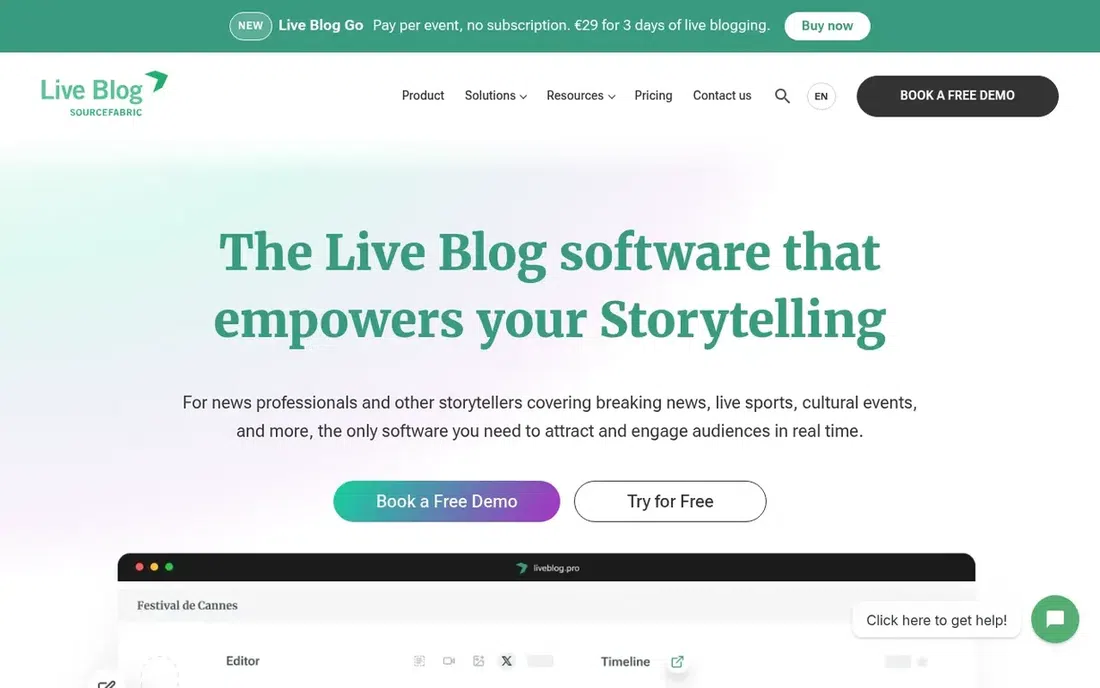
LiveBlog Pro is aimed squarely at dedicated live storytelling for news teams. LiveBlog Pro presents itself as professional live blogging software for news teams handling breaking news, live sports, and cultural events in live. It is designed around the live blog format instead of general website building.
So teams get a purpose-built surface for rapid updates and reader-facing timelines. Teams without a newsroom-style workflow may find it more than they need. Pick it when live coverage is the core product instead of an occasional add-on. Price to start with LiveBlog Pro: €29 for 3 days. Free options: Not stated.
Honest limits: Narrower than a full CMS.
- Targeted at breaking news coverage
- Supports live sports and events
- Centred on editorial use cases
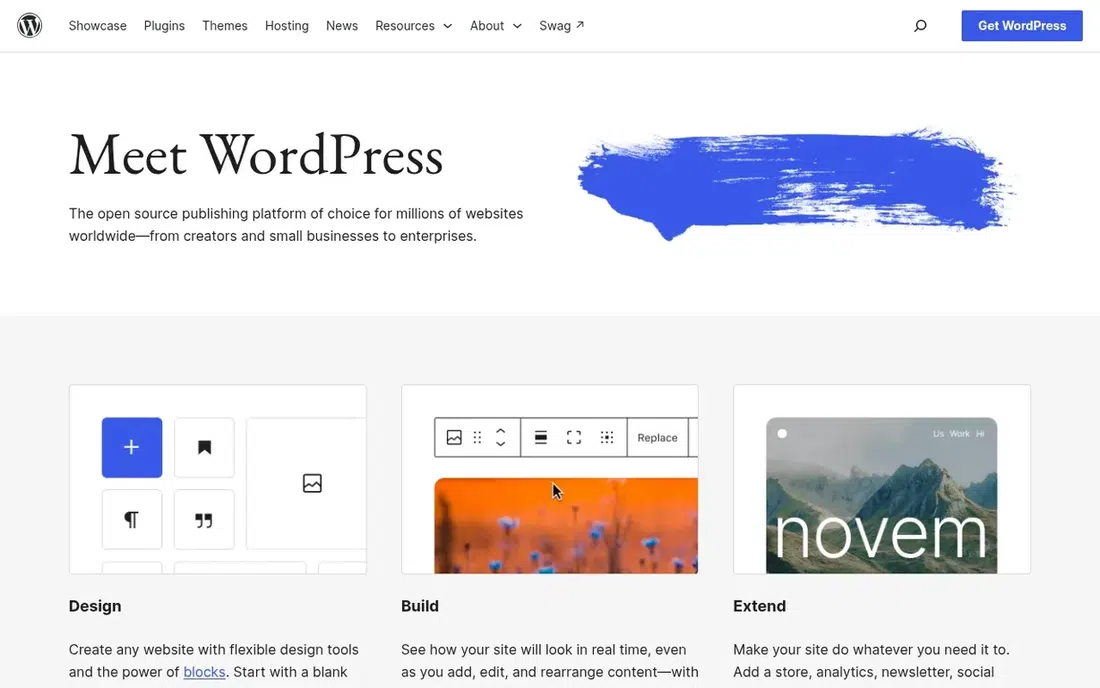
WordPress targets adaptable open source publishing foundation. For startups, it works as the publishing base onto which live coverage workflows can be added through plugins or embeds. It is a general publishing system instead of a dedicated live blogging product, so the live experience relies on what you add.
Beyond that, startups without technical capacity may find a hosted live blogging service more straightforward. Choose WordPress when you want one owned publishing hub and are ready to assemble the live features you need. No starting price is listed for WordPress here; confirm pricing on the vendor site. Trial and free access: Not stated.
Where it falls short: Live coverage needs added tooling.
- Open source and widely documented
- Supports blogs, sites, apps
- Needs continuing maintenance
Chatroll
Best for: Live event chat and audience engagement
Chatroll is a good fit for live event chat and audience engagement. Chatroll describes itself as a chat system for live events, helping teams reach more people, interact more effectively, and grow their audience. It complements a publishing site instead of replacing it, so live blog content and audience chat are typically handled by different tools.
It does not supply a live blog timeline or editorial publishing workflow. So teams wanting both will need to combine it with a CMS or live blogging product. Choose Chatroll when audience conversation is the goal and your content publishing is already covered elsewhere. Starting cost for Chatroll: $49 per month. Free access exists with Chatroll.
Limits to weigh: Chat instead of live blog publishing.
- Live audience chat
- Made for live events
- Needs pairing with a content site
How the list was put together
The comparison looks at four things: starting price, free access, how well the feature set matches live blog software for startups, and the main limit of each tool. Seat minimums, billing terms and add-ons can move the real cost, so the starting prices here are a guide and not a quote. The sequence is a judgement call: typical use case first, then pricing transparency, then free access. Use the profiles to check fit.
What to confirm before you sign up
- Ask RebelMouse and WordPress for a written quote, since no starting price is shown.
- Read the fine print on the free plans from RumbleTalk and Chatroll; seat, project and feature caps differ.
- Read the limits listed for RumbleTalk first: chat-focused, not a live blog.
- Confirm you can export your data from RebelMouse, so leaving later does not mean losing records.
- Test the integrations you rely on with Chatroll before committing; some connectors sit on upper tiers.
FAQ
How are the tools for live blog software for startups ordered?
RumbleTalk sits first and Chatroll last because the order follows typical fit for live blog software for startups, then price clarity and free access. It is a judgement call, so read each profile for fit and limits.
Do these tools publish their prices?
Not all of them. RebelMouse and WordPress publish no starting price, so expect a quote request for those. The rest, RumbleTalk included, show a starting price, though seats and billing terms still change the final cost.
Which options for live blog software for startups have a free plan?
RumbleTalk and Chatroll offer a free plan in this list. Free plans usually cap users, projects or features, so check the limits on the vendor page.
Which tool fits live sports or event coverage?
Tickaroo is presented around live news, sports, and event coverage, and LiveBlog Pro also targets live sports and events. On top of that, confirm the current feature set on each vendor site before deciding.
What is the cheapest option for live blog software for startups in this list?
On published monthly entry prices, RumbleTalk is the lowest here at $34 per month. Entry price is only part of the cost, because seats, add-ons and billing terms can change the total.
Sources
- https://www.rumbletalk.com
- https://www.tickaroo.com
- https://www.rebelmouse.com
- https://www.liveblog.pro
- https://wordpress.org
- https://www.chatroll.com