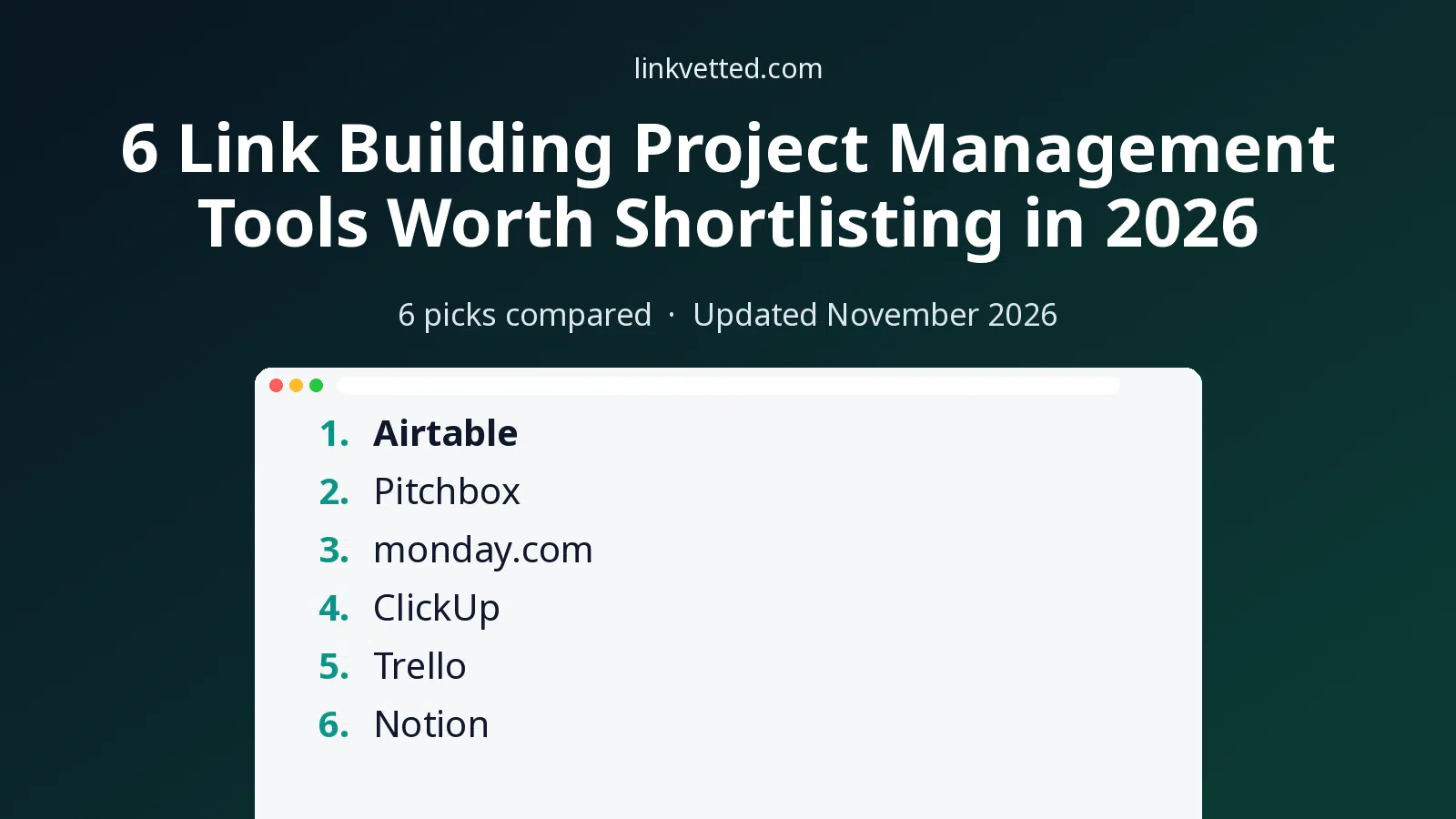
6 Link Building Project Management Tools Worth Shortlisting in 2026
A practical comparison of the best link building project management tools for tracking outreach, tasks and campaigns, based on vendor documentation and public sources.
- Editor's choice
 Airtable
Custom link prospecting trackers
Starts atSee websiteVisit airtable.comFull review - Great alternative
 Pitchbox
Outreach and prospecting workflows
Starts atSee websiteVisit pitchbox.comFull review - Also consider
 monday.com
Visual project boards for campaigns
Starts atSee websiteVisit monday.comFull review
Direct answer
My top pick is Airtable, because its flexible bases and views let you build a link prospecting and outreach tracker that matches your own workflow. For teams that want a dedicated outreach CRM, Pitchbox fits well, and for general project management with marketing templates, monday.com is a solid choice. Each option suits a different way of running link building work, so the right pick depends on how structured your process already is.
TL;DR:
- Airtable works best when you want to design your own link tracker without a fixed schema.
- Pitchbox is built around outreach and prospecting, so it covers link building steps that generic tools leave out.
- monday.com and ClickUp give you task boards and marketing templates that can hold a link building pipeline.
- Trello is the lightest option for small teams that just need simple card-based tracking.
- Notion suits writers and small agencies that want outreach notes and content planning in one workspace.
Last checked November 2026. Plan prices are not quoted in this guide because they change often; see each vendor's own pricing page for current figures before you buy.
Quick comparison
| Tool | Best for | Starts at | Free plan? | |
|---|---|---|---|---|
| Airtable | Custom link prospecting trackers | See website | Free plan | Visit |
| Pitchbox | Outreach and prospecting workflows | See website | No free plan | Visit |
| monday.com | Visual project boards for campaigns | See website | Free plan | Visit |
 ClickUp | All-in-one task and campaign management | See website | Free plan | Visit |
 Trello | Simple card-based outreach tracking | See website | Free plan | Visit |
 Notion | Notes, briefs and light tracking | See website | Free plan | Visit |
The best link building project management tools compared
I compared these tools from vendor documentation and public sources rather than running hands-on tests. I looked at how each one handles prospect lists, outreach status, task assignment and reporting, since those are the parts of link building that need tracking. The notes below describe what each tool is built for and where it tends to fall short, so you can match one to your own process.
Airtable is a database-style workspace where you define your own tables, fields and views. For link building, that means you can create a prospect table with columns for site, contact, topic, status and follow-up date, then build views that show only the records you need. It fits agencies and in-house teams that already know how they want their outreach pipeline to look and prefer to shape the tool around that process.
In practice, Airtable helps with link building project management by keeping prospects, outreach steps and content tasks in one place. You can link a prospect record to a content brief, assign an owner, and filter by status to see what is waiting on a reply or a draft. Views like calendar and kanban give a quick read on workload. The main cost is setup time: someone has to design the base and keep it tidy as the campaign grows.
The limits show up when a team wants outreach features built in, such as email sequencing or prospect discovery. Airtable does not provide those by default, so you would connect other tools or handle that work elsewhere. Skip it if you want a ready-made outreach system and do not want to build your own structure.
- Flexible table and view design
- good for linking prospects to tasks
- useful templates for content and outreach
- Needs setup before it fits link building
- less outreach-specific than dedicated tools
Pitchbox is an outreach platform for link building and content promotion. It brings prospect discovery, contact management and email campaign tracking together, which is closer to how link building actually runs than a generic task board. It suits teams that send a steady volume of outreach and need a single place to see who was contacted, who replied and what stage each prospect is at.
For link building project management, Pitchbox helps by tying outreach activity to campaign status. You can group prospects into campaigns, track replies and follow-ups, and review progress without rebuilding that logic in a spreadsheet. That structure reduces the chance of contacting the same site twice or losing track of a follow-up. It also gives managers a clearer view of what the outreach team is working on.
The trade-off is scope. Pitchbox is built for outreach, so it is not the place for general content production or broader marketing tasks. It also has no free plan, which matters for very small teams. Skip it if your link building is occasional or if you mainly need a task board rather than an outreach system.
- Built around outreach campaigns
- prospect and contact management in one place
- reporting on campaign progress
- Focused on outreach rather than general project work
- no free plan
monday.com is a work management platform built around boards, items and status columns. Marketing teams use it to plan campaigns, assign tasks and track progress in a visual way. For link building, it works as the project layer: a board can hold prospects as items, with columns for outreach status, owner, target page and due date.
It helps with link building project management by making the pipeline visible. Status columns show which prospects are new, contacted, in conversation or placed, and automations can move items or notify owners when something changes. Templates give you a starting point instead of a blank board. Teams that already run other marketing work in monday.com can keep link building alongside it rather than in a separate tool.
The limits are about specificity. monday.com does not know what a link prospect is, so you build the fields and statuses yourself, and deep outreach features are not part of the product. It can also feel broad if link building is your only use case. Skip it if you want a tool designed only for outreach.
- Clear visual boards
- marketing templates to start from
- easy task assignment and status tracking
- Link-specific fields need building
- can feel broad for a single workflow
ClickUp is a general productivity platform with tasks, docs, goals and multiple views. Marketing teams use it to manage content calendars, campaigns and recurring work. For link building, you can create a list or folder for outreach, add custom fields for prospect status and target page, and switch between list, board and calendar views depending on what you need to see.
It helps with link building project management by keeping outreach tasks next to content briefs and publishing work. A writer can pick up a brief, an outreach person can log a follow-up, and a manager can check progress without moving between tools. Custom statuses let you model your own pipeline. The trade-off is that you have to set this up yourself, and the number of options can slow a small team down.
ClickUp is a poor fit if you want something minimal or if your team will not spend time configuring fields and views. It also does not include outreach-specific features like prospect discovery. Skip it if link building is a small side task and a simple board would do.
- Many view types for the same data
- docs and tasks in one workspace
- useful for mixed marketing teams
- Feature set can feel heavy
- link building needs custom setup
Trello is a kanban tool where cards move across lists. For link building, a simple setup is a list per stage, such as prospects, contacted, follow-up and placed, with a card for each prospect or each target site. It suits small teams and solo link builders who want a clear visual pipeline without configuring a database.
It helps with link building project management by making the next step obvious. Cards can carry checklists for outreach steps, due dates for follow-ups and labels for priority. Because the model is so simple, a new team member can understand the board in minutes. That simplicity is also its main appeal for agencies that run a handful of campaigns at a time.
The limits appear as the prospect list grows. Trello is not built for large structured datasets, and reporting is basic, so filtering and summarising many prospects becomes manual work. It also lacks outreach features. Skip it if you handle hundreds of prospects or need detailed campaign reporting.
- Very easy to learn
- cards and lists map to outreach stages
- quick to set up
- Weak for large prospect lists
- limited reporting
Notion combines pages, databases and docs in one workspace. Content and SEO teams use it for briefs, calendars and internal documentation. For link building, you can keep a prospect database alongside outreach notes, target page briefs and a record of what was pitched, which keeps context close to the work.
It helps with link building project management by connecting the writing side to the outreach side. A brief can sit next to the prospect record, and notes from a conversation can be captured without leaving the workspace. Databases can be filtered and sorted, so a simple pipeline view is possible. For small agencies that already write in Notion, this avoids adding another tool.
The limits are structural. Notion databases are less suited to large outreach datasets and detailed status reporting than a dedicated tracker. Automation is limited compared with project management platforms. Skip it if you need strict pipeline tracking or high-volume outreach management.
- Good for content briefs and outreach notes
- databases can hold prospect lists
- flexible pages for documentation
- Weaker at structured outreach data
- reporting is limited
How I chose
I chose these tools by reading vendor documentation and public sources and checking how each one handles the parts of link building that need tracking: prospect lists, outreach status, task ownership and reporting. I did not run hands-on tests, so the notes describe documented features and typical use rather than measured results. Where a tool is general-purpose, I looked at whether its structure can reasonably hold a link building pipeline.
I also weighed limits, because a tool that fits one team can be wrong for another. A small agency with a short prospect list may only need cards and due dates, while a team sending regular outreach needs contact history and campaign reporting. The list mixes dedicated outreach platforms with general project tools so you can match the tool to your process instead of changing your process to fit a tool. Pricing and plan details change, so check each vendor's site before deciding.
What to check before you buy
- Whether the tool can store prospect details, contact history and outreach status in one record.
- How it handles follow-up dates and reminders, since missed follow-ups waste outreach effort.
- Whether you can assign owners and see workload across writers and outreach staff.
- If reporting shows campaign progress without manual spreadsheet work.
- How much setup is needed before the tool matches your existing link building process.
- Whether the plan limits records, seats or automations in a way that would affect your team size.
FAQ
What is the best link building project management tool overall?
Airtable is my top pick because you can shape it around your own prospecting and outreach process. Pitchbox is the better fit if you want outreach features built in, and monday.com suits teams that already run marketing work on visual boards. The right choice depends on whether you need a custom tracker, a dedicated outreach system or a general project board.
Can I manage link building in a general project management tool?
Yes, and many teams do. Tools like monday.com, ClickUp and Trello can hold a link building pipeline with custom fields or lists for outreach status. One limit: you build the structure yourself, and outreach-specific features such as contact history or campaign reporting may be missing. For low-volume link building, a general board is often enough.
Do I need a dedicated outreach tool for link building?
Only if outreach is a regular, high-volume activity. A dedicated tool like Pitchbox keeps prospect discovery, contact management and campaign tracking together, which reduces manual work. If you send a few pitches a month, a spreadsheet or a simple board may be simpler and cheaper. Match the tool to the volume of outreach you actually run.
How do I track outreach follow-ups across a team?
Use a tool where each prospect record has an owner, a status and a next-action date. Airtable, monday.com and ClickUp all support this, and automations can notify the owner when a follow-up is due. The key is to keep the status field accurate, because reporting and reminders depend on it. Review the pipeline in a short weekly meeting.
Are free plans enough for link building project management?
Free plans can work for small teams and low volumes, but they often limit records, seats or automations. Check the limits against your prospect list size and team before committing. If you send regular outreach or need reporting, a paid plan is usually necessary. Always confirm current plan details on the vendor's website, since terms change.
Sources
- https://www.airtable.com
- https://pitchbox.com
- https://monday.com
- https://clickup.com
- https://trello.com
- https://www.notion.com