5 Best Building Information Management Software for 2026, Vetted and Compared
Weighing the best building information management software? We lined up 5 products by cost, free access and fit. Each pick lists its main limit. See which fits.
- Editor's choice
 Procore
Connecting construction site and office
Starts atSee websiteVisit procore.comFull review - Great alternative
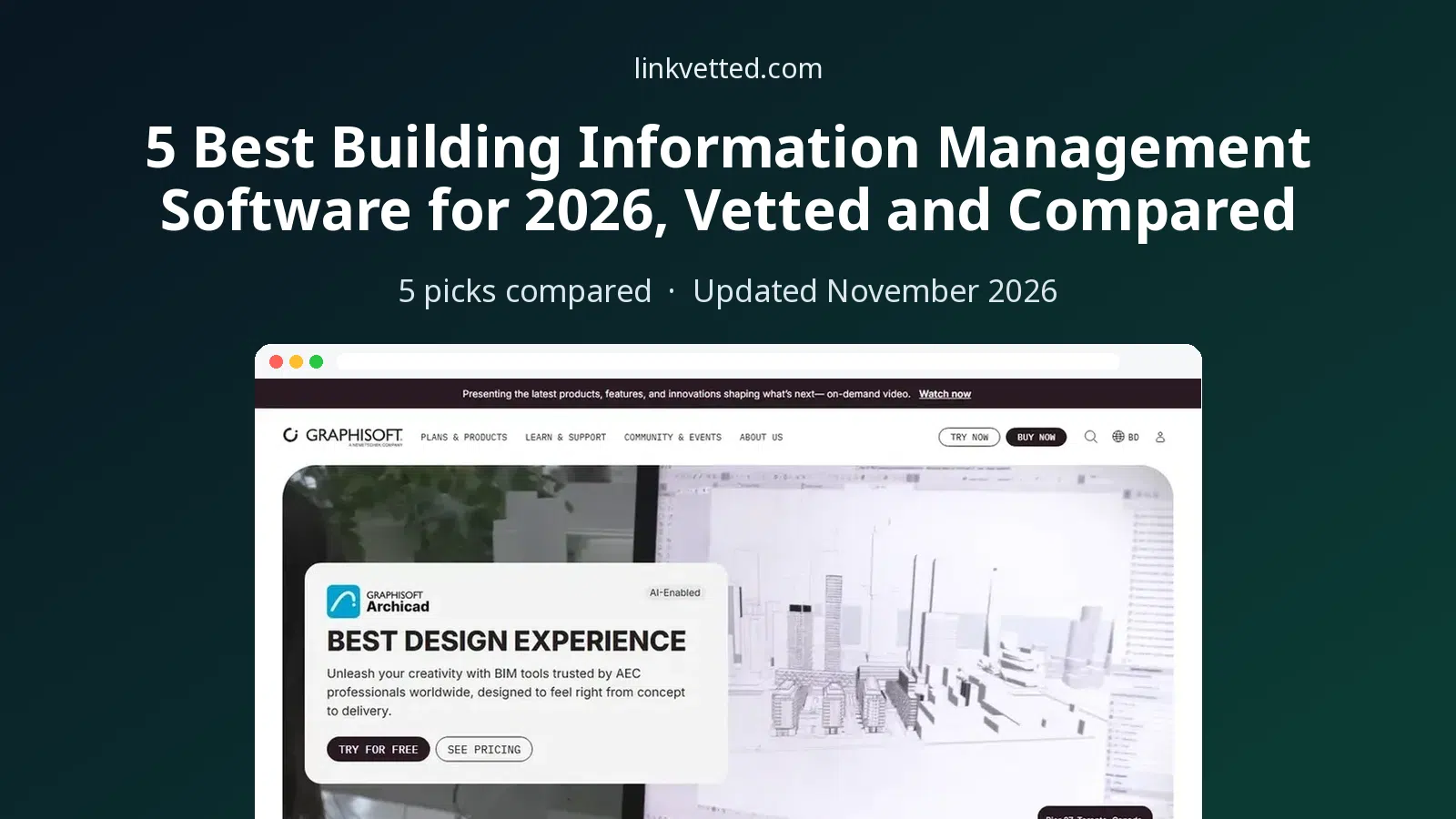
 Graphisoft Archicad
Architects wanting an easy-to-learn BIM interface
Starts at$43 per seat a monthVisit graphisoft.comFull review - Also consider
 Autodesk Revit
Multidiscipline BIM authoring and documentation
Starts atSee websiteVisit autodesk.comFull review
Direct answer
Procore leads the list, best for connecting construction site and office. Listed starting prices: Graphisoft Archicad from $43 per seat a month and Bentley iTwin from $199 monthly. Graphisoft Archicad is better for architects wanting an easy-to-learn BIM interface, and Autodesk Revit is better for Multidiscipline BIM authoring and documentation. The remaining 2 options are covered below with prices and limits.
TL;DR:
- The list opens with Procore, aimed at connecting construction site and office.
- Just one of the 5 tools, Bentley iTwin, has a free plan.
- Before buying Procore, weigh this: not a BIM authoring environment.
- For the cheapest start, look at Graphisoft Archicad: $43 per seat per month.
- For building SaaS options on integrated infrastructure data, Bentley iTwin is worth a look.
Last checked November 2026. Prices and plan details were read from the vendors' own pages in November 2026; vendors change plans often, so confirm the current price on the vendor site before you buy.
Quick comparison
| Tool | Best for | Starts at | Free plan? | |
|---|---|---|---|---|
| Procore | Connecting construction site and office | See website | Not stated | Visit |
| Graphisoft Archicad | Architects wanting an easy-to-learn BIM interface | $43 per seat a month | Free trial | Visit |
| Autodesk Revit | Multidiscipline BIM authoring and documentation | See website | Not stated | Visit |
 Autodesk Navisworks | 3D model review and coordination | See website | Not stated | Visit |
 Bentley iTwin | Building SaaS options on integrated infrastructure data | $199 monthly | Yes | Visit |
The full building information management software list
Short on time? The summary and table above give the quick view of 5 tools for building information management software, and the profiles that follow give the detail behind each entry.
Pick Procore if this describes you: connecting construction site and office. It suits contractors and project managers who require to run construction workflows and keep field and office teams aligned.
Limits to weigh: Not a BIM authoring environment.
It complements design-side BIM tools instead of replacing them. This comparison lists no price for Procore; ask the vendor. On free options: Not stated.
- Live visibility
- Construction project management focus
- Concentrated on construction management
Graphisoft Archicad
Best for: Architects wanting an easy-to-learn BIM interface

Pick Graphisoft Archicad if this describes you: architects wanting an easy-to-learn BIM interface. Businesses with complicated engineering requirements should weigh whether a broader platform suits better before committing.
Graphisoft Archicad cost at the entry level: $43 per seat per month. On free options: Free trial.
Honest limits: Less suited to multidisciplinary coordination.
- Architect-focused workflow
- Approachable interface
- Custom workflows may need extras
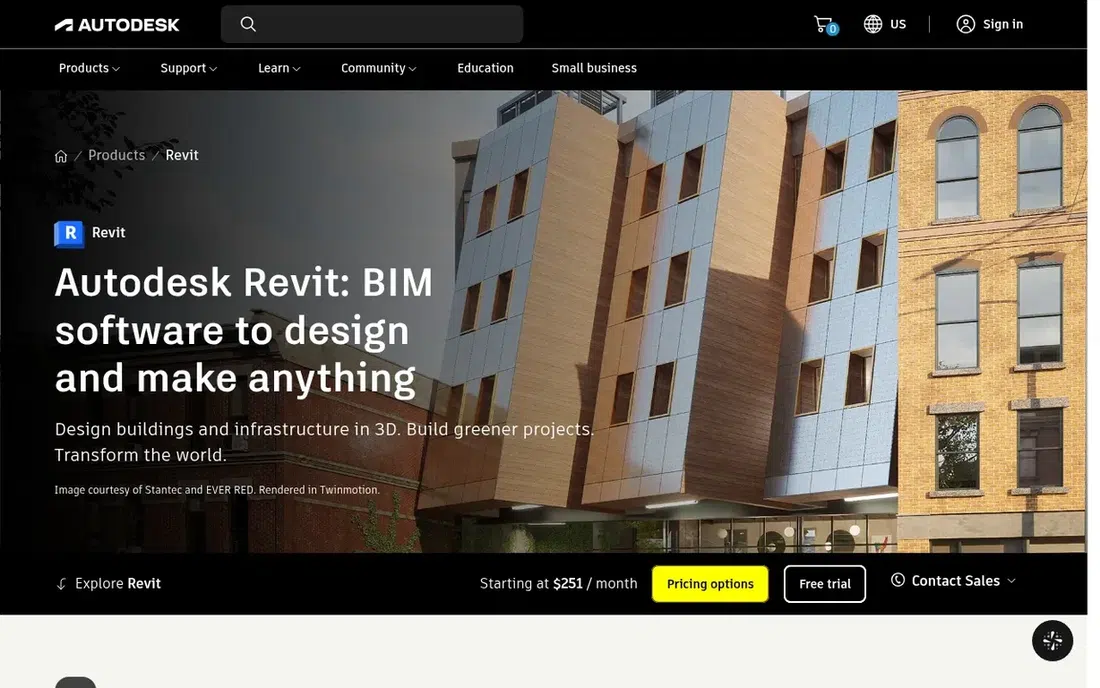
Autodesk Revit makes the most sense for Multidiscipline BIM authoring and documentation. It suits architecture, engineering and construction teams that want design and documentation in one connected environment and that can invest time in structured training.
Trade-offs to know: Wide feature set can be complicated to learn.
Teams focused chiefly on model review instead of authoring should look at a dedicated review tool, and businesses wanting a lighter architectural interface may prefer another choice. Autodesk Revit does not show a starting price in this comparison, so check the vendor site for current pricing. Trial and free access: Not stated.
- Drawings update immediately
- Intelligent 3D models
- Heavier demands on hardware
Autodesk Navisworks makes the most sense for 3D model review and coordination. Navisworks is Autodesk's 3D model review software for architecture, engineering and construction.
Limits to weigh: Layers on another product to handle.
It does not replace a BIM authoring tool, so teams still need design software alongside it. Smaller projects with a single model may find a dedicated review product unnecessary, and buyers should confirm compatibility with the authoring tools they already use. Pricing for Autodesk Navisworks is not stated here, so ask the vendor for current figures. On free options: Not stated.
- Aggregates project models
- Supports coordination workflows
- Not a design authoring tool
Bentley iTwin is a good fit for building SaaS options on integrated infrastructure data. The Bentley iTwin system offers the foundation for building SaaS options to design, build and operate infrastructure assets.
Beyond that, businesses just seeking BIM authoring should choose a design tool instead, and buyers should confirm integration support for their existing data sources. Entry price for Bentley iTwin: $199 monthly. You can start on Bentley iTwin without paying.
The main drawbacks: Needs development resources.
- Foundation for SaaS applications
- Build and operate stages
- System instead of a design tool
How these tools were picked
LinkVetted looked at what each vendor publishes: pricing, plan limits, feature coverage for building information management software and stated drawbacks. No hands-on testing is claimed. Treat prices as a snapshot: vendors change plans often, so check the vendor site for the figure that applies today. The order reflects how well each tool fits the most common buying scenario for building information management software, then price clarity, then free plan access. It is a starting point, not a verdict.
Before you commit
- Get a written quote from Procore, Autodesk Revit and Autodesk Navisworks; the list shows no starting price for them.
- Look at the free plan from Bentley iTwin closely: its caps decide whether it is usable for real work.
- Use real work to test the free trial from Graphisoft Archicad, rather than a demo project.
- Before choosing Procore, weigh its main limit: not a BIM authoring environment.
- Add up seats, add-ons and usage charges for Graphisoft Archicad before comparing it with cheaper entries.
- Look at the help docs and support options for Bentley iTwin before you commit.
FAQ
How are the tools for building information management software ordered?
Procore sits first and Bentley iTwin last because the order follows typical fit for building information management software, then price clarity and free access. It is a judgement call, so read each profile for fit and limits.
Do these tools publish their prices?
Not all of them. Procore, Autodesk Revit and Autodesk Navisworks publish no starting price, so expect a quote request for those. The rest, Graphisoft Archicad included, show a starting price, though seats and billing terms still change the final cost.
What is the cheapest option for building information management software in this list?
On published monthly entry prices, Graphisoft Archicad is the lowest here at $43 per seat per month. Entry price is only part of the cost, because seats, add-ons and billing terms can change the total. Prices, free plan details and limits for all 5 tools in this building information management software roundup sit on the individual cards above.
Which options for building information management software have a free plan?
Bentley iTwin is the only tool in this list with a free plan. Free plans usually cap users, projects or features, so check the limits on the vendor page. One other tool offers a trial instead.
How should a team new to BIM choose a first system?
Start with the project stages you have to handle and the disciplines involved. Confirm compatibility, training needs and integration choices on vendor sites, then shortlist tools that match your workflow instead of the longest feature list.
Sources
- https://www.procore.com
- https://graphisoft.com/solutions/archicad
- https://www.autodesk.com/products/revit
- https://www.autodesk.com/products/navisworks
- https://www.bentley.com/software/itwin-platform