5 Knowledge Base Software for Customer Onboarding Worth Shortlisting in 2026
Best knowledge base software for customer onboarding: 5 tools compared on price, free plans and fit. Fit and flaws are laid out for each entry. Easy to scan.
- Editor's choice
 Guru
Governed internal onboarding knowledge
Starts atSee websiteVisit getguru.comFull review - Great alternative
 Helpjuice
Straightforward, quick knowledge base setup
Starts atSee websiteVisit helpjuice.comFull review - Also consider
 KnowledgeOwl
Simple sharing with customers and staff
Starts at$100 per monthVisit knowledgeowl.comFull review
Direct answer
Start with Guru if you need governed internal onboarding knowledge. Listed starting prices: KnowledgeOwl from $100 per month. Helpjuice fits straightforward, quick knowledge base setup; KnowledgeOwl fits simple sharing with customers and staff. Details, prices and limits for the rest of the 5 tools are below.
TL;DR:
- The list opens with Guru, aimed at governed internal onboarding knowledge.
- For the cheapest start, look at KnowledgeOwl: $100 per month.
- Before buying KnowledgeOwl, weigh this: fewer advanced AI features highlighted.
- None of the 5 tools, from Guru to Zendesk Guide, has a free plan, so budget for a subscription or use a trial.
Last checked November 2026. Prices and plan details were read from the vendors' own pages in November 2026; vendors change plans often, so confirm the current price on the vendor site before you buy.
Quick comparison
| Tool | Best for | Starts at | Free plan? | |
|---|---|---|---|---|
| Guru | Governed internal onboarding knowledge | See website | Not stated | Visit |
| Helpjuice | Straightforward, quick knowledge base setup | See website | Free trial | Visit |
| KnowledgeOwl | Simple sharing with customers and staff | $100 per month | Free trial | Visit |
 Document360 | Documentation-heavy customer onboarding | See website | Not stated | Visit |
 Zendesk Guide | Support-led onboarding help centers | See website | Not stated | Visit |
The full knowledge base software for customer onboarding list
If you are comparing knowledge base software for customer onboarding, this page covers 5 tools in one place: what each is best for, what it costs to start, whether it has a free plan, and the main limit to know about.
Guru was built for governed internal onboarding knowledge. Guru positions itself as a governed knowledge layer for enterprise AI, structuring, governing and continuously improving knowledge so AI answers can be trusted. Also, teams wanting a customer-facing documentation site may prefer a documentation-first product.
Honest limits: Not a public help center first.
Guru's emphasis on governance and enterprise AI means it is geared toward bigger knowledge operations instead of straightforward public help pages. In onboarding, that matters when internal teams need consistent, verified answers whereas helping new customers. No starting price is listed for Guru here; confirm pricing on the vendor site. Trial and free access: Not stated.
- Structures and governs knowledge
- Focus on trusted AI answers
- Enterprise-oriented positioning
Helpjuice serves straightforward, quick knowledge base setup. Helpjuice presents itself as knowledge base software for simplifying support and boosting productivity.
From a buyer's view, for onboarding, it supplies a focused place to publish the answers new customers need without adopting a full service desk. This comparison lists no price for Helpjuice; ask the vendor. Free plan details: Free trial.
Where it falls short: Narrower than full service suites.
- Positioned for productivity gains
- Pitched at simplifying support
- Less suited to complicated internal wikis
KnowledgeOwl works best for simple sharing with customers and staff. It appeals to teams that value simplicity over a sprawling feature set.
Points against: Fewer advanced AI features highlighted.
It also sits outside ticketing suites, meaning support workflows may need separate tools. Price to start with KnowledgeOwl: $100 per month. Trial and free access: Free trial.
- Emphasis on simplicity
- Serves both customers and staff
- May need integrations for support workflows
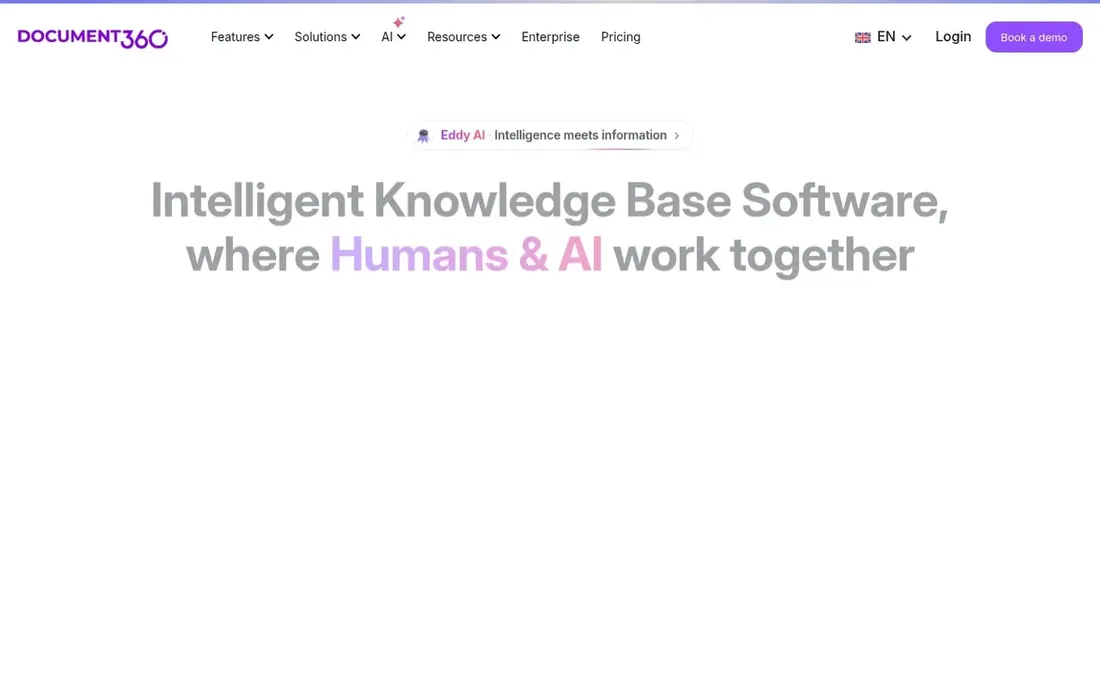
Pick Document360 if this describes you: documentation-heavy customer onboarding. That makes it a natural fit for onboarding programs that rely on structured guides, setup articles and reference material.
The main drawbacks: Concentrated on docs instead of ticketing.
Also, teams worldwide use it for documentation, per its homepage, and it suits organizations that treat onboarding content as a documentation project. Smaller onboarding efforts with only a handful of articles may find a simpler knowledge base sufficient. This comparison lists no price for Document360; ask the vendor. Free access: Not stated.
- AI search and AI chatbot
- AI writing tools inside the editor
- May be more than straightforward help pages need
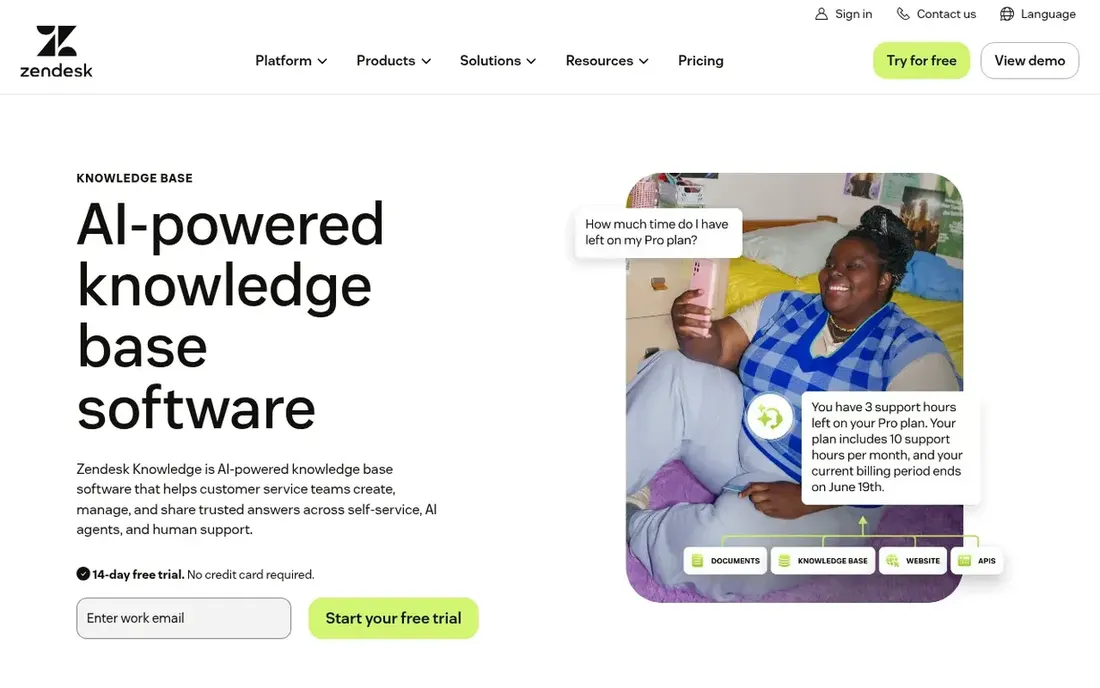
In short, Zendesk Guide is for support-led onboarding help centers. Per its homepage, it helps teams build a more accurate knowledge base, link trusted content, and power AI agents and self-service so customers get better answers. In practice, since Guide is designed around Zendesk service workflows, teams outside that ecosystem may find it a heavier fit than a standalone knowledge base.
The main drawbacks: Tied closely to the Zendesk suite.
It is also oriented toward support content instead of product documentation. Consider a dedicated documentation tool if onboarding depends on structured technical guides. Zendesk Guide does not show a starting price in this comparison, so check the vendor site for current pricing. Free plan details: Not stated.
- AI-powered knowledge base
- Links trusted content to self-service
- Setup depth may overwhelm small teams
Selection criteria
We compared the tools on published pricing, free plan or trial availability, feature coverage for knowledge base software for customer onboarding, and the limits each vendor documents. Seat minimums, billing terms and add-ons can move the real cost, so the starting prices here are a guide and not a quote. Order on the page follows fit for the typical buyer first, then price transparency and free access. Your own requirements should decide the final pick.
A buyer's checklist
- Ask Guru, Helpjuice, Document360 and Zendesk Guide for a written quote, since no starting price is shown.
- Use real work to test the free trial from Helpjuice and KnowledgeOwl, rather than a demo project.
- Read the limits listed for Guru first: enterprise-oriented positioning.
- Add up seats, add-ons and usage charges for Zendesk Guide before comparing it with cheaper entries.
- Let daily users try Document360 on real work; their feedback beats any feature checklist.
FAQ
How are the tools for knowledge base software for customer onboarding ordered?
Guru sits first and Zendesk Guide last because the order follows typical fit for knowledge base software for customer onboarding, then price clarity and free access. It is a judgement call, so read each profile for fit and limits.
Can I try these tools before paying?
Often, yes. Helpjuice and KnowledgeOwl offer a free trial. Use your own data and a real task during the test, and check what the free tier or trial limits before you rely on it.
What should I look for in onboarding knowledge software?
If support teams answer questions directly, check how the knowledge base links to ticketing. Also confirm that AI features are grounded in your verified content.
What is the cheapest option for knowledge base software for customer onboarding in this list?
On published monthly entry prices, KnowledgeOwl is the lowest here at $100 per month. Entry price is only part of the cost, because seats, add-ons and billing terms can change the total.
Does any tool for knowledge base software for customer onboarding here have a free plan?
A permanent free plan is not offered by Guru, Zendesk Guide or the other tools here. Helpjuice, KnowledgeOwl offer a trial. Plan a short evaluation period instead.
Sources
- https://www.getguru.com
- https://helpjuice.com
- https://www.knowledgeowl.com
- https://document360.com
- https://www.zendesk.com/service/help-center