Best Contact Center Knowledge Base Software for Small Business for 2026: Our 5 Vetted Picks
Best contact center knowledge base software for small business: 5 contenders ranked by fit, with entry costs and free tiers. Short verdicts, no fluff.
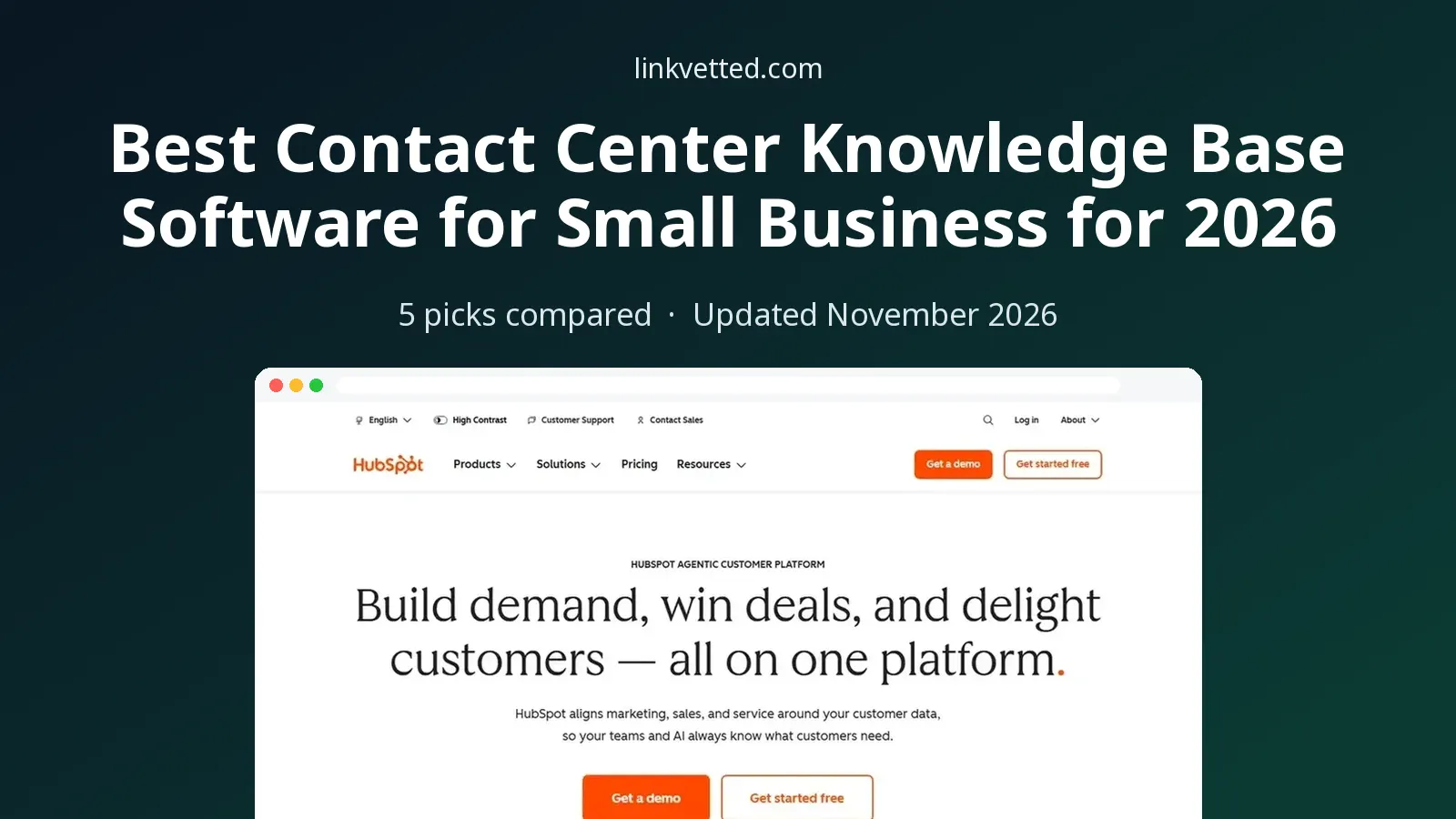
- Editor's choice
 HubSpot Service Hub
Expanding teams already in the HubSpot ecosystem
Starts atSee websiteVisit hubspot.comFull review - Great alternative
 Freshdesk
Small teams combining ticketing and knowledge
Starts atSee websiteVisit freshworks.comFull review - Also consider
 Zendesk Guide
Support teams wanting an AI-ready help center
Starts atSee websiteVisit zendesk.comFull review
Direct answer
HubSpot Service Hub leads the list, best for expanding teams already in the HubSpot ecosystem. Listed starting prices: Help Scout from $25 per user a month. For a different need, Freshdesk covers small teams combining ticketing and knowledge and Zendesk Guide covers support teams wanting an AI-ready help center. The remaining 2 options are covered below with prices and limits.
TL;DR:
- The list opens with HubSpot Service Hub, aimed at expanding teams already in the HubSpot ecosystem.
- Help Scout is the lowest-priced starter here at $25 per user per month.
- Only Help Scout offers a free plan among these 5 tools.
- Salesforce Service Cloud fits scalable service operations with connected data.
- What to know about Help Scout first: narrower than large enterprise service suites.
Last checked November 2026. Prices and plan details were read from the vendors' own pages in November 2026; vendors change plans often, so confirm the current price on the vendor site before you buy.
Quick comparison
| Tool | Best for | Starts at | Free plan? | |
|---|---|---|---|---|
| HubSpot Service Hub | Expanding teams already in the HubSpot ecosystem | See website | Not stated | Visit |
| Freshdesk | Small teams combining ticketing and knowledge | See website | Not stated | Visit |
| Zendesk Guide | Support teams wanting an AI-ready help center | See website | Not stated | Visit |
 Help Scout | Customer-first brands wanting easy-to-learn support | $25 per user a month | Yes | Visit |
 Salesforce Service Cloud | Scalable service operations with connected data | See website | Not stated | Visit |
The best contact center knowledge base software for small business
Choosing contact center knowledge base software for small business usually comes down to price, fit and limits. This LinkVetted guide sets 5 tools side by side on those three points, with the facts kept short and checkable.

HubSpot Service Hub targets expanding teams already in the HubSpot ecosystem. HubSpot Service Hub is described by its vendor as an AI-powered customer service product for expanding teams, pitched at transforming the customer experience.
The value depends heavily on adopting the wider HubSpot ecosystem, so a team seeking only a knowledge base may find it indirect. For everyday use, documentation-focused authoring is not its core strength. HubSpot Service Hub shows no starting price here, so confirm the cost on the vendor site. Trial and free access: Not stated.
Where it falls short: Most handy when paired with other HubSpot tools.
- Customer service product made for expanding teams
- AI-powered service positioning
- Less concentrated on standalone documentation
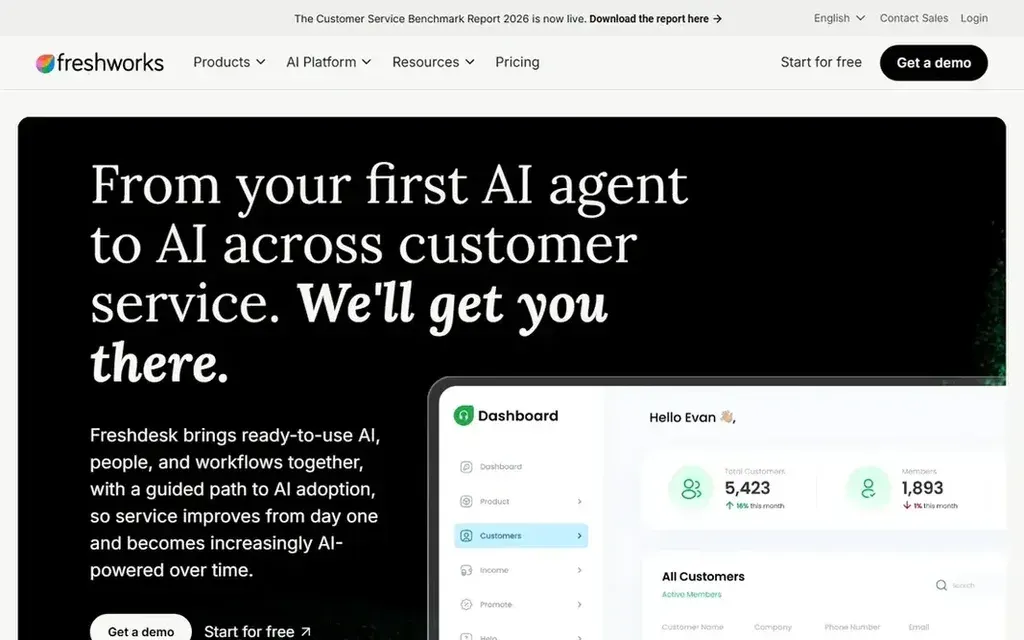
In short, Freshdesk is for small teams combining ticketing and knowledge. Freshdesk from Freshworks is an AI-powered customer service option centered on omnichannel ticketing and automatic workflows.
Honest limits: Knowledge features sit inside a ticketing-first product.
Since Freshdesk is ticketing-first, teams that want a pure documentation product with deep authoring control may prefer a dedicated knowledge base tool. For a small business contact center, that means knowledge articles can live alongside the tickets they support, so agents can reference answers whereas handling conversations and managers can standardize responses across channels. Check the vendor site for Freshdesk pricing; none is listed in this comparison. On free options: Not stated.
- AI features pitched at agent productivity
- Omnichannel ticketing in one place
- Advanced automation may need careful setup
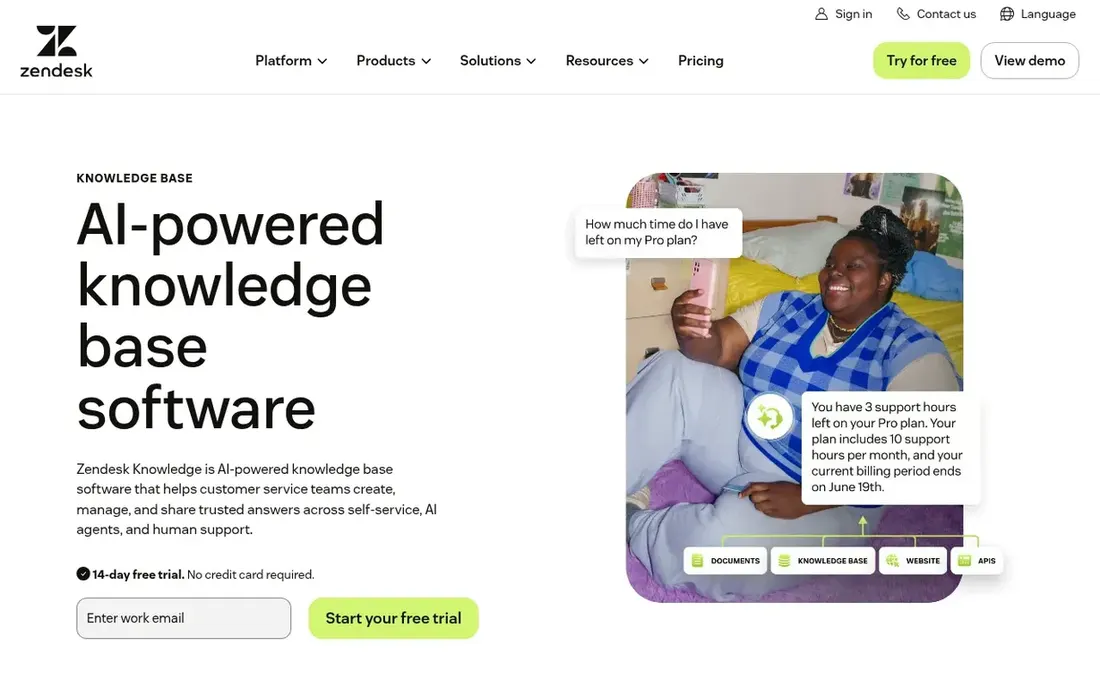
In short, Zendesk Guide is for support teams wanting an AI-ready help center. Per its vendor page, it links trusted content and powers AI agents and self-service so teams can deliver better answers. Beyond that, configuration also takes planning.
Points against: Setup may feel heavy for very small teams.
Consider a documentation-focused tool instead if your primary need is internal or product documentation instead of customer-facing support. The system is built to work best as part of the broader Zendesk service stack. So a team that only needs a straightforward standalone wiki may find it more than necessary. Check the vendor site for Zendesk Guide pricing; none is listed in this comparison. Free plan details: Not stated.
- Built around customer service workflows
- Links trusted content to self-service
- Best value includes the wider Zendesk suite
Help Scout serves customer-first brands wanting easy-to-learn support. Help Scout is less expansive than large enterprise service suites, so organizations with deep customization or complicated process requirements may outgrow it.
Where it is weaker: Advanced needs may need extras.
Entry price for Help Scout: $25 per user per month. You can start on Help Scout without paying.
- Easy-to-learn support product
- AI-driven support features
- Narrower than large enterprise service suites
Salesforce Service Cloud
Best for: Scalable service operations with connected data
Salesforce Service Cloud targets scalable service operations with connected data. For a small business contact center, it offers a path to consolidate customer data and knowledge as the team grows.
Limits to weigh: Needs planning to configure well.
Consider it when connected data and long-term scalability matter more than fast, minimal setup. Worth adding: teams that chiefly want a light help center may prefer a more straightforward choice. Check the vendor site for Salesforce Service Cloud pricing; none is listed in this comparison. As for free access: Not stated.
- Wide customer service capabilities
- AI-powered service support software
- Can be complex for very small teams
How we compared the tools
LinkVetted used vendor pricing pages and product documentation as the base, then compared plans, free access and documented limits for 5 tools. Prices and plan limits come from vendor pages and can change, so confirm them on the vendor site before you buy. We ordered the tools by general fit, then by how clearly pricing is shown, then by free access. A buyer with unusual needs may reorder them.
A buyer's checklist
- Get a written quote from HubSpot Service Hub, Freshdesk, Zendesk Guide and Salesforce Service Cloud; the list shows no starting price for them.
- Look at the free plan from Help Scout closely: its caps decide whether it is usable for real work.
- Before choosing HubSpot Service Hub, weigh its main limit: most handy when paired with other HubSpot tools.
- Read the plan comparison for HubSpot Service Hub carefully; key features often start on a higher tier.
- Check how data leaves Salesforce Service Cloud: formats, limits and whether exports are available on every plan.
FAQ
Do these tools publish their prices?
Not all of them. HubSpot Service Hub, Freshdesk, Zendesk Guide and Salesforce Service Cloud publish no starting price, so expect a quote request for those. The rest, Help Scout included, show a starting price, though seats and billing terms still change the final cost.
Which options for contact center knowledge base software for small business have a free plan?
Help Scout is the only tool in this list with a free plan. Free plans usually cap users, projects or features, so check the limits on the vendor page.
How do AI features change knowledge base management?
AI-assisted search and answer suggestions can surface relevant articles faster for agents and customers. That makes content accuracy and regular review more important, since outdated articles produce poor answers.
How are the tools for contact center knowledge base software for small business ordered?
HubSpot Service Hub sits first and Salesforce Service Cloud last because the order follows typical fit for contact center knowledge base software for small business, then price clarity and free access. It is a judgement call, so read each profile for fit and limits.
Can I try these tools before paying?
Often, yes. Help Scout has a free plan. Use your own data and a real task during the test, and check what the free tier or trial limits before you rely on it.
Sources
- https://www.hubspot.com/products/service
- https://www.freshworks.com/freshdesk
- https://www.zendesk.com/service/help-center
- https://www.helpscout.com
- https://www.salesforce.com/service