The 6 Best Knowledge Base Software for Architects in 2026, Ranked
Best knowledge base software for architects in 2026: 6 contenders with entry costs and free tiers. Where a tool struggles is spelled out. Updated November 2026.
- Editor's choice
 Document360
Client-facing technical documentation
Starts atSee websiteVisit document360.comFull review - Great alternative
 Helpjuice
Support-focused knowledge bases
Starts atSee websiteVisit helpjuice.comFull review - Also consider
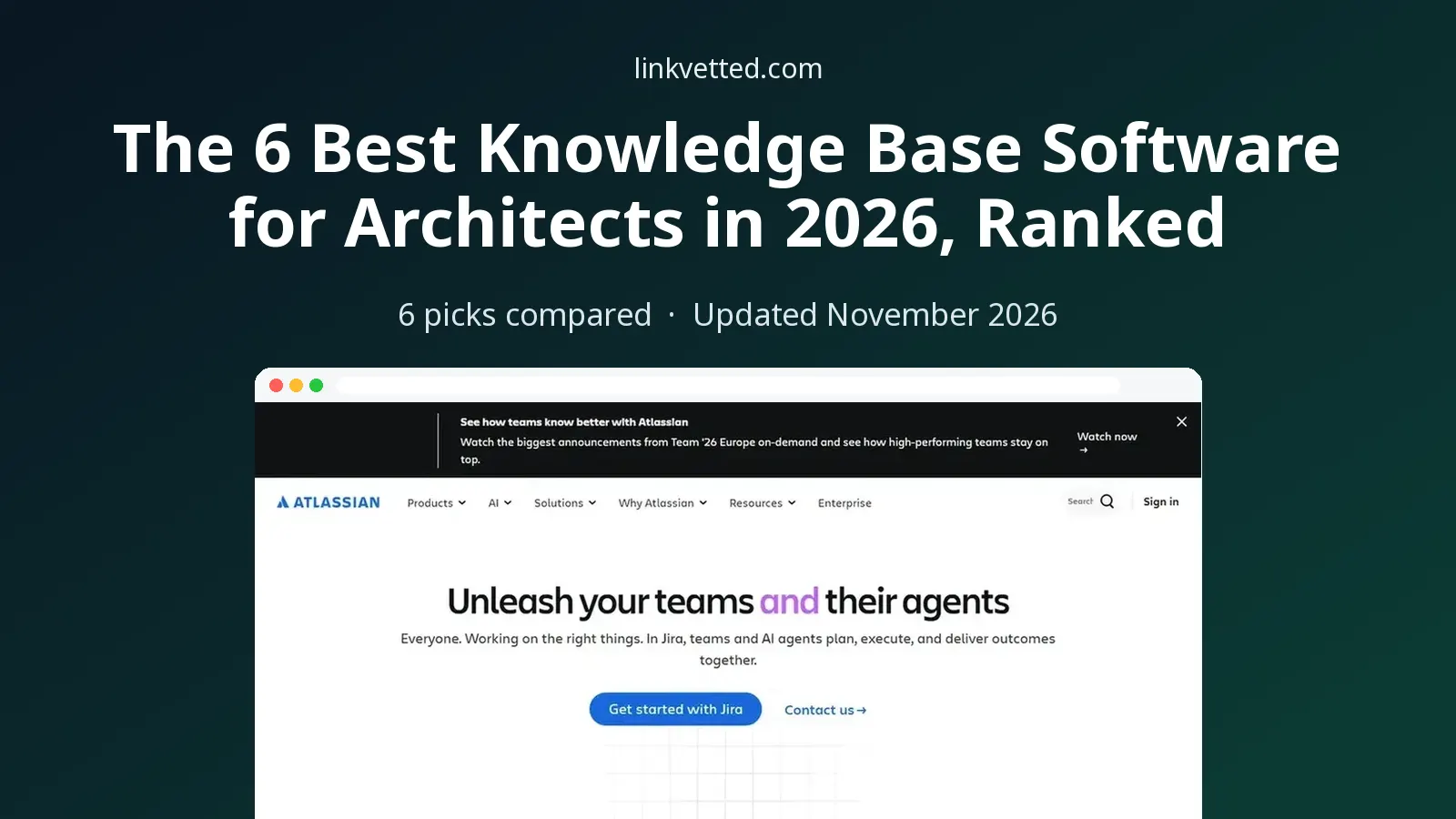
 Confluence
Internal project wikis and collaboration
Starts atSee websiteVisit atlassian.comFull review
Direct answer
Document360 comes first here, mainly for client-facing technical documentation. Listed starting prices: KnowledgeOwl from $100 a month. If your case is different, Helpjuice suits support-focused knowledge bases and Confluence suits internal project wikis and collaboration. The other 3 tools in the list cover narrower or pricier cases.
TL;DR:
- Document360 takes the first slot, best suited to client-facing technical documentation.
- Document360, KnowledgeOwl and the 4 others all need a premium plan or a trial, since no free plan is listed.
- One limit worth knowing about Helpjuice: centered on support use cases.
- KnowledgeOwl fits straightforward, steady information sharing.
Last checked November 2026. Prices and plan details were read from the vendors' own pages in November 2026; vendors change plans often, so confirm the current price on the vendor site before you buy.
Quick comparison
| Tool | Best for | Starts at | Free plan? | |
|---|---|---|---|---|
| Document360 | Client-facing technical documentation | See website | Not stated | Visit |
| Helpjuice | Support-focused knowledge bases | See website | Free trial | Visit |
| Confluence | Internal project wikis and collaboration | See website | Not stated | Visit |
 Freshdesk | Omnichannel support with automatic workflows | See website | Not stated | Visit |
 Zendesk Guide | AI-assisted help centers and self-service | See website | Not stated | Visit |
 KnowledgeOwl | Straightforward, steady information sharing | $100 a month | Free trial | Visit |
The 6 tools in detail
LinkVetted put together this guide to knowledge base software for architects for readers who want a clear shortlist without reading every vendor page. It compares 6 tools on starting price, free plans, who each one suits and where each one falls short.
Pick Document360 if this describes you: client-facing technical documentation. Small studios with light publishing needs may not use its capabilities completely.
Limits to weigh: Internal wiki use is secondary.
In practice, practices producing substantial written deliverables will recognize the documentation-first approach. No starting price is listed for Document360 here; confirm pricing on the vendor site. On free options: Not stated.
- Documentation-focused design
- AI writing tools
- Targeted at documentation teams
Helpjuice serves support-focused knowledge bases. Helpjuice is knowledge base software targeted at simplifying support and boosting productivity.
Beyond that, architecture practices that answer repeated client or vendor questions can use it to organize answers in a searchable base. It is a reasonable choice when quick answers matter more than deep document control. Pricing for Helpjuice is not stated here, so ask the vendor for current figures. Trial and free access: Free trial.
Drawbacks to consider: Less emphasis on project collaboration.
- Productivity-oriented features
- Straightforward sharing of answers
- Centered on support use cases
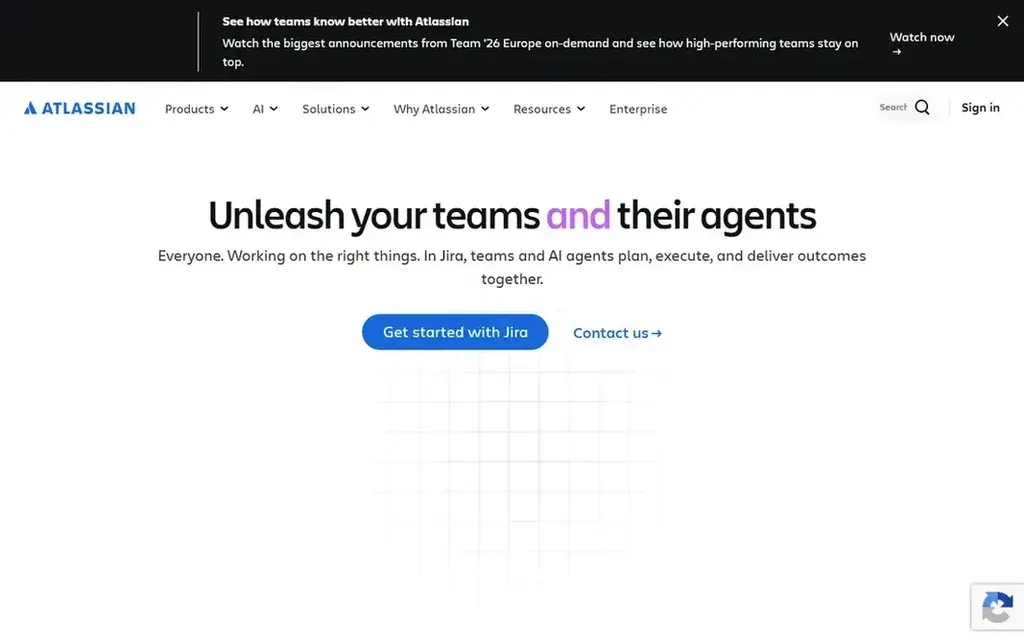
Think of Confluence for internal project wikis and collaboration. If you need a branded client-facing help center, a dedicated knowledge base product may be a better fit.
What to check first: Not targeted at public help centers.
Confluence is a team workspace for creating and sharing knowledge, with AI that helps draft, summarize and find answers. Check the vendor site for Confluence pricing; none is listed in this comparison. As for free access: Not stated.
- AI drafting and summarizing
- Well suited to project documentation
- Needs setup and page structure discipline
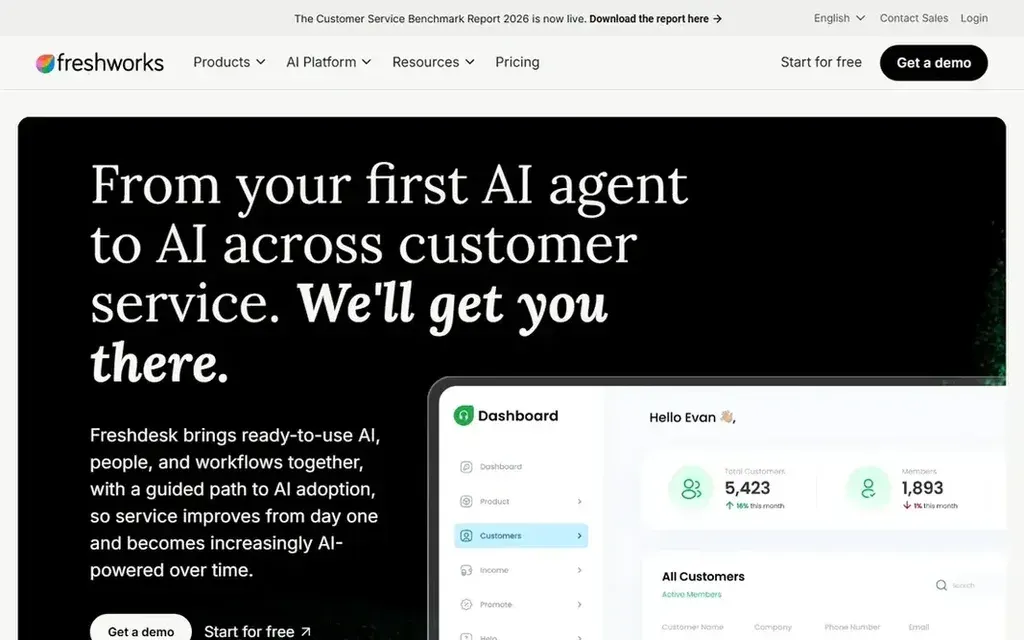
Choose Freshdesk for omnichannel support with automatic workflows. Freshdesk is AI-powered customer service software with omnichannel ticketing and automatic workflows.
Worth adding: practices needing deep version control over technical documents may prefer a dedicated documentation tool. Pricing for Freshdesk is not stated here, so ask the vendor for current figures. Free plan details: Not stated.
Downsides: Less focused on long-form documentation.
- Omnichannel ticketing
- AI-powered service features
- Knowledge sits inside a support suite
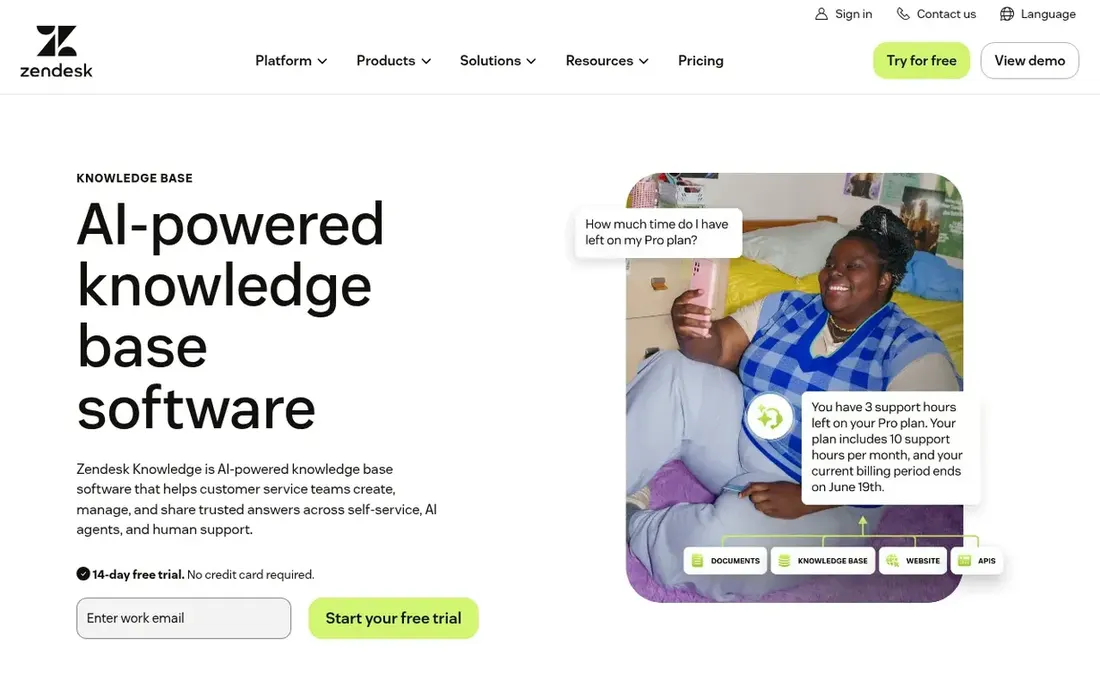
Zendesk Guide makes the most sense for AI-assisted help centers and self-service. Zendesk Guide is knowledge base software made for customer service, using AI to keep answers accurate and to power self-service.
If your priority is co-authoring specifications with consultants, a workspace tool may fit better. This comparison lists no price for Zendesk Guide; ask the vendor. Trial and free access: Not stated.
Limits to weigh: May feel heavy for small internal wikis.
- Supports self-service
- AI-powered knowledge base
- Built around customer service workflows
In short, KnowledgeOwl is for straightforward, dependable information sharing. On top of that, practices needing deep automation or integrated ticketing may look elsewhere.
It performs best when the goal is a clear, maintained knowledge base instead of a full support operation. More specifically, the emphasis on simplicity helps teams publish and maintain content with modest effort. Entry price for KnowledgeOwl: $100 per month. Free access: Free trial.
Limits to weigh: Advanced automation is restricted.
- Simple to use
- Shares information with customers and staff
- Fewer adjacent service features
How we compared the tools
For each of the 6 tools we noted price, free plan or trial, fit for knowledge base software for architects and the main limit, using vendor pages and documentation. Seat minimums, billing terms and add-ons can move the real cost, so the starting prices here are a guide and not a quote. The ranking is editorial: typical fit first, then clear pricing, then free access. If your needs are unusual, read the profiles rather than relying on position.
Pre-purchase checklist
- Get a written quote from Document360, Helpjuice, Confluence and others; the list shows no starting price for them.
- Take the trial from Helpjuice and KnowledgeOwl and push a live task through it before you pay.
- Before choosing Document360, weigh its main limit: aimed at documentation teams.
- Involve the people who will use Document360 daily; a short pilot beats a long feature checklist.
- Add up seats, add-ons and usage charges for KnowledgeOwl before comparing it with cheaper entries.
FAQ
Is Confluence or Document360 better for architecture documentation?
Confluence fits internal collaboration like project wikis and meeting notes. The better choice relies on whether your priority is co-authoring internally or publishing guides for clients.
Can support tools like Zendesk Guide or Freshdesk work for architecture businesses?
Yes, when the primary need is answering recurring client or vendor questions through a help center or ticketing workflow. They are less suited to design collaboration.
Is Document360 the right pick for everyone comparing knowledge base software for architects?
No single tool suits every team. Document360 comes first because it fits client-facing technical documentation, while Helpjuice suits support-focused knowledge bases and Confluence suits internal project wikis and collaboration. Match the tool to your own size, budget and workflow before deciding.
Do these tools publish their prices?
Not all of them. Document360, Helpjuice, Confluence and others publish no starting price, so expect a quote request for those. The rest, KnowledgeOwl included, show a starting price, though seats and billing terms still change the final cost.
What should architects look for in knowledge base software?
Focus on how your firm will use the content: internal project knowledge, client-facing documentation or support answers. From a buyer's view, a tool that matches your primary use case will be simpler to keep current.
Does any tool for knowledge base software for architects here have a free plan?
A permanent free plan is not offered by Document360, KnowledgeOwl or the other tools here. Helpjuice, KnowledgeOwl offer a trial. Plan a short evaluation period instead.
Sources
- https://document360.com
- https://helpjuice.com
- https://www.atlassian.com/software/confluence
- https://www.freshworks.com/freshdesk
- https://www.zendesk.com/service/help-center
- https://www.knowledgeowl.com