The 6 Best Knowledge Base Software for Event Planners in 2026, Ranked
Searching for the best knowledge base software for event planners? Here are 6 options with prices and free plans. Plain-spoken summaries throughout. Facts only.
- Editor's choice
 Notion
Adaptable planning wikis and notes
Starts at$10 per member a monthVisit notion.comFull review - Great alternative
 KnowledgeOwl
Straightforward, steady self-service pages
Starts at$100 a monthVisit knowledgeowl.comFull review - Also consider
 Document360
Dedicated event documentation portals
Starts atSee websiteVisit document360.comFull review
Direct answer
Our first pick is Notion, best for adaptable planning wikis and notes. Listed starting prices: Notion from $10 per member a month, KnowledgeOwl from $100 a month and Zendesk from $19 agent/month premium yearly. If your case is different, KnowledgeOwl suits simple, dependable self-service pages and Document360 suits dedicated event documentation portals. Details, prices and limits for the rest of the 6 tools are below.
TL;DR:
- Notion takes the first slot, best suited to adaptable planning wikis and notes.
- Notion comes with a trade-off: knowledge base structure is user-built.
- 2 of 6 tools offer a free plan: Notion, Help Scout.
- For customer-first event support teams, Help Scout is worth a look.
Last checked November 2026. Prices and plan details were read from the vendors' own pages in November 2026; vendors change plans often, so confirm the current price on the vendor site before you buy.
Quick comparison
| Tool | Best for | Starts at | Free plan? | |
|---|---|---|---|---|
| Notion | Adaptable planning wikis and notes | $10 per member a month | Yes | Visit |
| KnowledgeOwl | Straightforward, steady self-service pages | $100 a month | Free trial | Visit |
| Document360 | Dedicated event documentation portals | See website | Not stated | Visit |
 Guru | Governed internal event knowledge | See website | Not stated | Visit |
 Zendesk | Support and help center combined | $19 agent/month premium yearly | Free trial | Visit |
 Help Scout | Customer-first event support teams | $25 per user per month | Yes | Visit |
The best knowledge base software for event planners
LinkVetted compared 6 knowledge base software for event planners. The goal is a practical shortlist: published prices, free plan facts, best-fit use cases and honest limits for every entry.
Notion serves adaptable planning wikis and notes. Event planners commonly use it as a shared home for run sheets, vendor notes and internal wikis, adapting pages as each event takes shape.
It fits teams that prefer an adaptable workspace over a rigid documentation system and want planning content and reference material together. Notion pricing: $10 per member per month. A free plan is available with Notion.
Limits to weigh: Knowledge base structure is user-built.
- Custom agents and cross-app search
- Automation of routine busywork
- Less specialized support tooling
KnowledgeOwl targets straightforward, dependable self-service pages. KnowledgeOwl gives you simple to use software to share information rapidly with customers and staff. From a buyer's view, teams expecting broad AI authoring features may find Document360 a better match.
Where it is weaker: Advanced automation is restricted.
More specifically, for event planners, that means publishing schedules, venue directions and internal checklists without a long setup. Worth adding: pick KnowledgeOwl when speed and simplicity matter most and your content needs are straightforward. KnowledgeOwl pricing: $100 per month. Free access: Free trial.
Where KnowledgeOwl stands out: Serves both customers and staff.
- Concentrated on fast publishing
- Simple to use for sharing information
- Narrower scope than full support suites
For dedicated event documentation portals, Document360 is a natural candidate. Document360 is AI knowledge base software for documentation, with AI search, a chatbot and writing tools built in. Getting the category structure right takes upfront effort.
Event planners can publish venue guides, vendor policies and planning runbooks that staff and attendees search rapidly. It is documentation-first, so planners who primarily need a shared inbox for attendee questions may prefer Zendesk or Help Scout. Pricing for Document360 is not stated here, so ask the vendor for current figures. As for free access: Not stated.
Best features of Document360: chatbot and writing tools. What to check first: Less suited to ticket-driven support alone.
- Targeted at teams publishing structured content
- Made for knowledge base documentation
- Documentation structure takes planning
For governed internal event knowledge, Guru is a natural candidate. Guru is positioned as a governed knowledge layer for enterprise AI, structuring and continuously improving knowledge so AI answers can be trusted.
The main drawbacks: Internal focus instead of public help pages.
Also, teams wanting straightforward external documentation may prefer KnowledgeOwl or Document360. Consider Guru when internal knowledge governance and dependable AI answers are the primary requirements. Pricing for Guru is not stated here, so ask the vendor for current figures. Trial and free access: Not stated.
- Aims to keep AI answers trustworthy
- Structures and governs knowledge
- Enterprise orientation may exceed small team needs

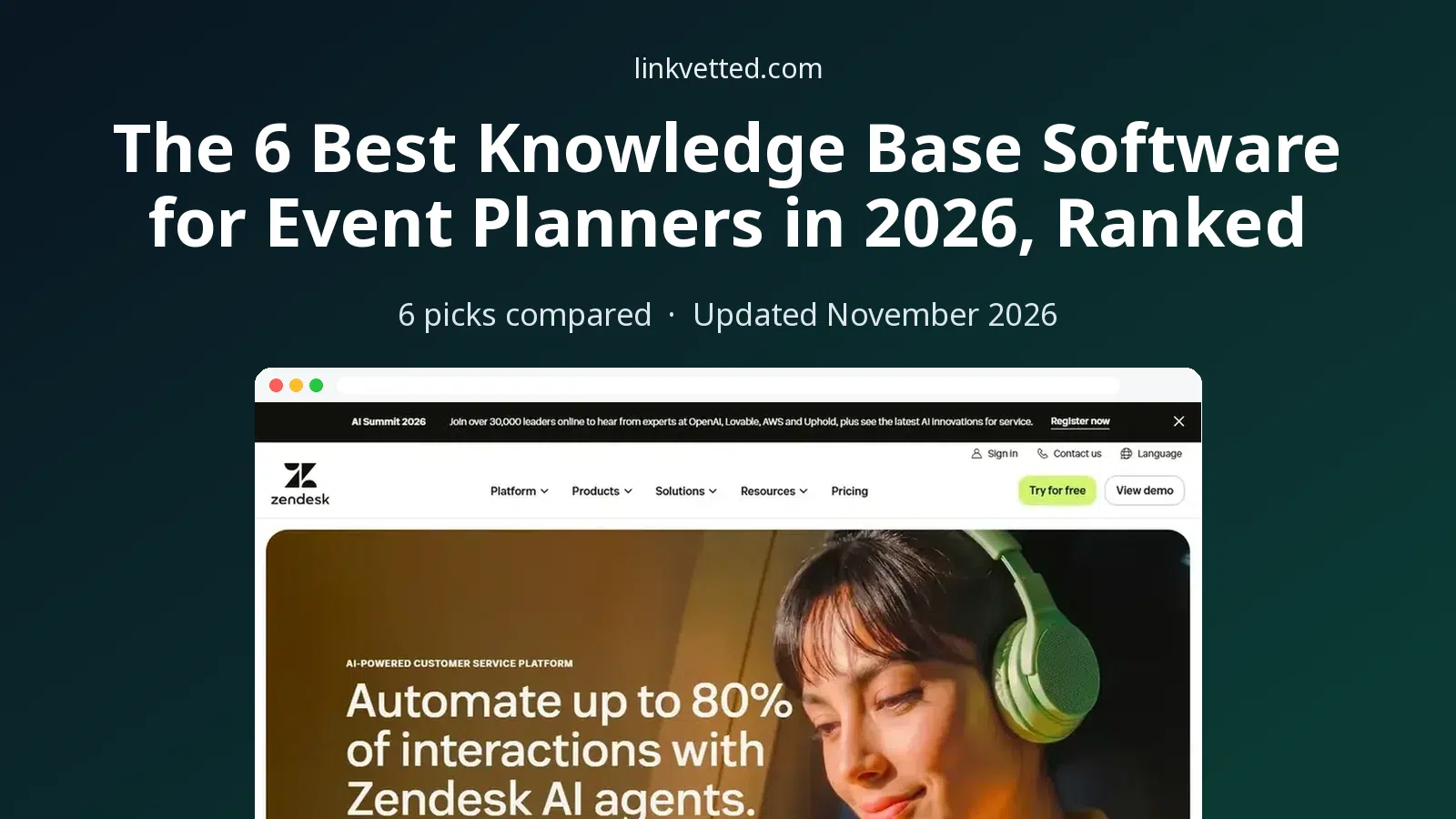
Zendesk targets support and help center combined. Zendesk is an AI-powered customer service product that pairs ticketing with a help center, so attendee questions and internal answers live in one place. More specifically, the system is aimed at customer service at scale.
Drawbacks to consider: Wide product may feel heavy for small teams.
So a solo planner with a handful of pages may find more capability than needed. In daily use, if you only want straightforward public documentation without a support workflow, a dedicated knowledge base tool for example KnowledgeOwl or Document360 may be a lighter starting point. Starting cost for Zendesk: $19 agent/month premium yearly. Free plan details: Free trial.
- Scales with service quality goals
- AI agents that resolve issues end-to-end
- Setup needs planning
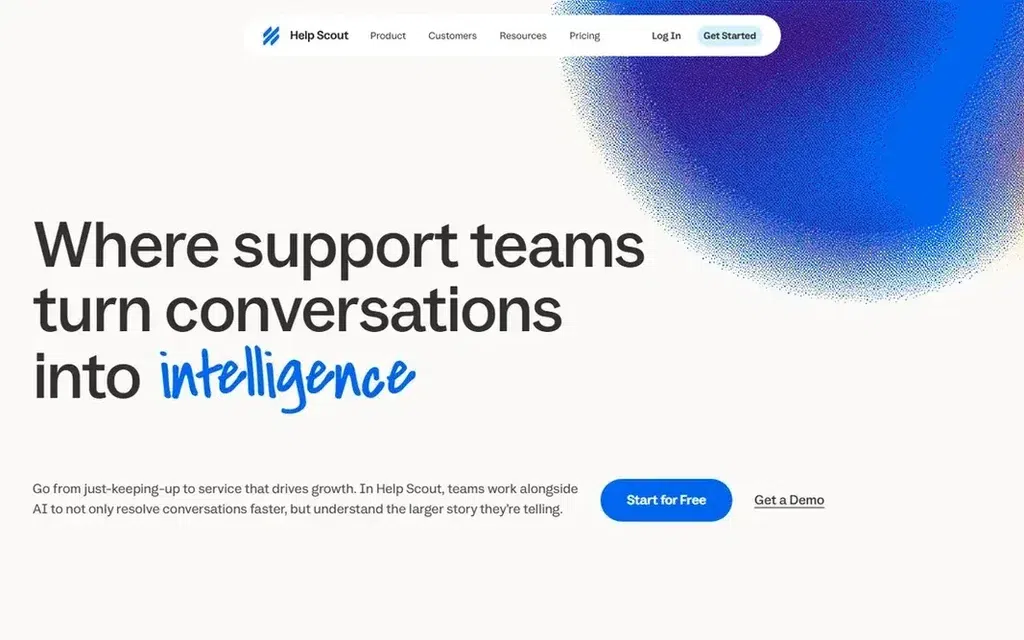
Help Scout is aimed squarely at customer-first event support teams. Help Scout is an AI-driven support system for customer-first brands, offering the features teams need for exceptional support.
Points against: Fewer deep documentation controls.
Help Scout centers on conversations, so teams with complicated publishing needs may outgrow it. Also, for event planners, the appeal is a straightforward way to answer attendee and vendor messages whereas keeping useful articles close to conversations. Help Scout pricing: $25 per user per month. Help Scout includes a free tier.
- Easy-to-learn shared inbox experience
- Support features targeted at customer-first brands
- Knowledge tools support the inbox instead of lead it
How the list was put together
Each tool was reviewed on what its vendor publishes: price, plan limits, core features and stated drawbacks. We did not run hands-on tests. Treat prices as a snapshot: vendors change plans often, so check the vendor site for the figure that applies today. The order reflects how well each tool fits the most common buying scenario for knowledge base software for event planners, then price clarity, then free plan access. It is a starting point, not a verdict.
Questions to settle before buying
- Ask Document360 and Guru for a written quote, since no starting price is shown.
- Check what the free option really includes: Notion and Help Scout offer a free plan, and usage caps differ.
- Take the trial from KnowledgeOwl and Zendesk and push a live task through it before you pay.
- Before choosing Notion, weigh its main limit: knowledge base structure is user-built.
- List the apps you already depend on and check that Notion supports each one on the plan you would buy.
- Compare total cost, not headline price: for Guru, add extra seats, add-ons and any usage-based charges.
FAQ
Can I try these tools before paying?
Often, yes. Notion and Help Scout have a free plan and KnowledgeOwl and Zendesk offer a free trial. Use your own data and a real task during the test, and check what the free tier or trial limits before you rely on it.
Can Notion work as an event knowledge base?
Yes, numerous teams use Notion as an adaptable internal wiki for run sheets and vendor notes. It is less specialized for public help centers, so planners needing structured external documentation may prefer a dedicated tool.
Do these tools publish their prices?
Not all of them. Document360 and Guru publish no starting price, so expect a quote request for those. The rest, Notion included, show a starting price, though seats and billing terms still change the final cost.
How are the tools for knowledge base software for event planners ordered?
The order follows typical fit for knowledge base software for event planners, with Notion first and Help Scout last, then price clarity and free access. It is editorial judgement, not a score, so another team could rank the tools differently.
What is the cheapest option for knowledge base software for event planners in this list?
On published monthly entry prices, Notion is the lowest here at $10 per member per month. Entry price is only part of the cost, because seats, add-ons and billing terms can change the total. Each of the 6 options in this knowledge base software for event planners guide has its own card above with the price, free plan and limits.
Sources
- https://www.notion.com
- https://www.knowledgeowl.com
- https://document360.com
- https://www.getguru.com
- https://www.zendesk.com
- https://www.helpscout.com
Related guides
- Best Contact Center Knowledge Base Software for Small Business for 2026: Our 5 Vetted Picks
- Top 5 Contact Center Knowledge Base Software for Startups for 2026 (Prices and Free Plans)
- Best Knowledge Base Software in 2026: 9 Options Compared
- Top 5 Knowledge Base Software for Self-Service Support for 2026 (Prices and Free Plans)