The 6 Best Knowledge Base Software for Onboarding in 2026, Ranked
Best knowledge base software for onboarding in 2026: 6 tools with starting prices, free plans and limits. Verdicts stay brief and factual. Read before you buy.
- Editor's choice
 Confluence
Team workspace for shared knowledge
Starts atSee websiteVisit atlassian.comFull review - Great alternative
 Slab
Straightforward wiki for mixed teams
Starts atSee websiteVisit slab.comFull review - Also consider
 Notion
Adaptable AI workspace for small teams
Starts at$10 per member per monthVisit notion.comFull review
Direct answer
For team workspace for shared knowledge, Confluence is where this list starts. Listed starting prices: Notion from $10 per member per month. Look at Slab for straightforward wiki for mixed teams, and at Notion for adaptable AI workspace for small teams. The other 3 tools in the list cover narrower or pricier cases.
TL;DR:
- Top of the list is Confluence, which targets team workspace for shared knowledge.
- Only Notion offers a free plan among these 6 tools.
- Starting prices begin at $10 per member per month with Notion.
- What to know about Confluence first: can sprawl without upkeep.
Last checked November 2026. Prices and plan details were read from the vendors' own pages in November 2026; vendors change plans often, so confirm the current price on the vendor site before you buy.
Quick comparison
| Tool | Best for | Starts at | Free plan? | |
|---|---|---|---|---|
| Confluence | Team workspace for shared knowledge | See website | Not stated | Visit |
| Slab | Straightforward wiki for mixed teams | See website | Not stated | Visit |
| Notion | Adaptable AI workspace for small teams | $10 per member per month | Yes | Visit |
 Freshdesk | Service teams combining tickets and knowledge | See website | Not stated | Visit |
 Zendesk Guide | Onboarding support content for service teams | See website | Not stated | Visit |
 Guru | Governed onboarding knowledge at scale | See website | Not stated | Visit |
The full knowledge base software for onboarding list
Choosing knowledge base software for onboarding usually comes down to price, fit and limits. This LinkVetted guide sets 6 tools side by side on those three points, with the facts kept short and checkable.
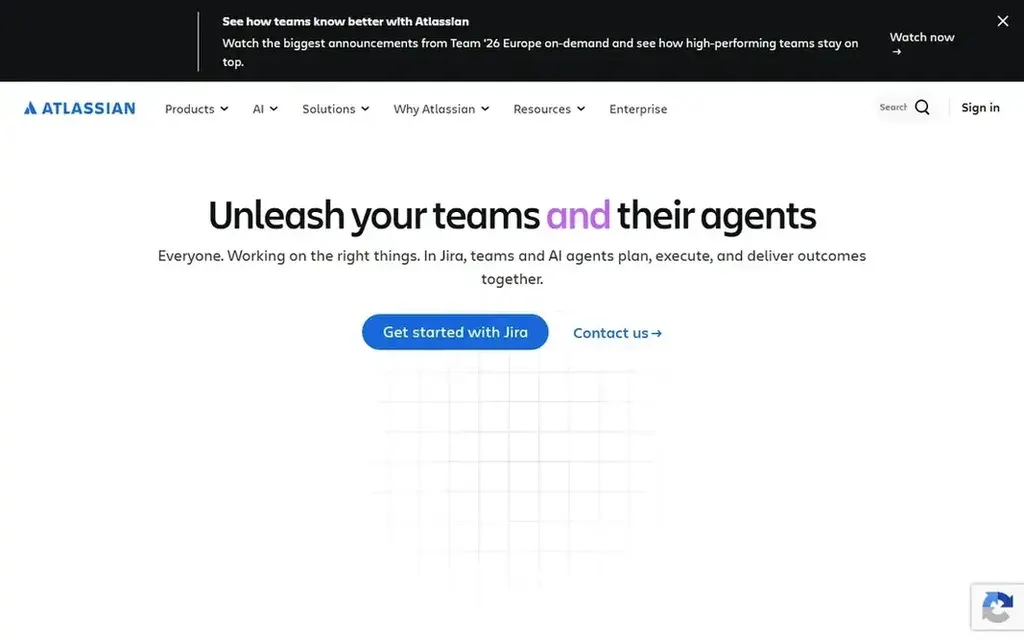
Think of Confluence for team workspace for shared knowledge. Confluence is described as an AI workspace for knowledge and collaboration, where teams create and share knowledge and use AI to draft, summarize, and find answers. For everyday use, for onboarding, it does well when onboarding pages live alongside project documentation and team spaces.
On top of that, choose Confluence when onboarding knowledge should sit inside a wider collaboration hub. On top of that, since it is a wide workspace, onboarding pages can become scattered if no one owns structure and cleanup. Teams wanting a dedicated, tightly scoped knowledge base may find it less focused. Pricing for Confluence is not stated here, so ask the vendor for current figures. Free options: Not stated.
Honest limits: Wide scope beyond onboarding.
- Merges knowledge and collaboration
- Suits project workflows
- Can sprawl without upkeep
Slab is a good fit for straightforward wiki for mixed teams. Slab is knowledge base and wiki software emphasizing simple creation, organization, and numerous integrations, and it notes appeal to both non-technical and tech-savvy teams. From a buyer's view, for onboarding, that combination suits businesses that want a straightforward internal wiki where new hires can read policies, processes.
What to check first: Fewer advanced AI features highlighted.
Team guides without a steep ramp-up time. It is a general wiki instead of a documentation product, so teams needing advanced publishing workflows may look elsewhere. On top of that, pick Slab when simplicity and wide team adoption are the primary goals. Slab shows no starting price here, so confirm the cost on the vendor site. On free options: Not stated.
- Numerous integrations
- Easy creation and organization
- Less documentation-specific
Think of Notion for adaptable AI workspace for small teams. Adaptability means the team must decide on structure, and onboarding content can drift without conventions.
Honest limits: Wide tool with numerous uses.
Beyond that, Notion describes itself as an AI workspace that works for you, with custom agents, search across apps, and automation of busywork. Worth adding: for onboarding, it fits teams that want to build their own structure, mixing checklists, guides, and reference pages in one place. The starting price for Notion: $10 per member per month. Free access exists with Notion.
- Search across connected apps
- Custom agents and automation
- Needs deliberate organization
Freshdesk targets service teams combining tickets and knowledge. Internal onboarding outside customer service is not its focus. More specifically, for onboarding, it is relevant when new service agents learn inside the same tool they will use daily, with help content and workflows close at hand.
Where it is weaker: Knowledge is one part of a service suite.
On top of that, knowledge support is one part of a broader service suite. So teams wanting a dedicated onboarding knowledge base may find it indirect. More specifically, Freshdesk is AI-powered customer service software with omnichannel ticketing and automatic workflows. No starting price is listed for Freshdesk here; confirm pricing on the vendor site. Trial and free access: Not stated.
- Omnichannel ticketing
- Automatic workflows
- Not a general onboarding wiki
Zendesk Guide is designed for onboarding support content for service teams. For onboarding, it suits support teams training new agents, since the same knowledge that answers customers also helps new hires learn products and policies.
In practice, teams onboarding roles outside support may prefer a neutral knowledge base. As for the details, choose Zendesk Guide when onboarding is primarily about preparing service agents to answer customers well. Zendesk Guide does not show a starting price in this comparison, so check the vendor site for current pricing. On free options: Not stated.
Where it is weaker: Service-focused purpose.
- AI-powered knowledge base
- Links trusted content
- Internal onboarding is secondary
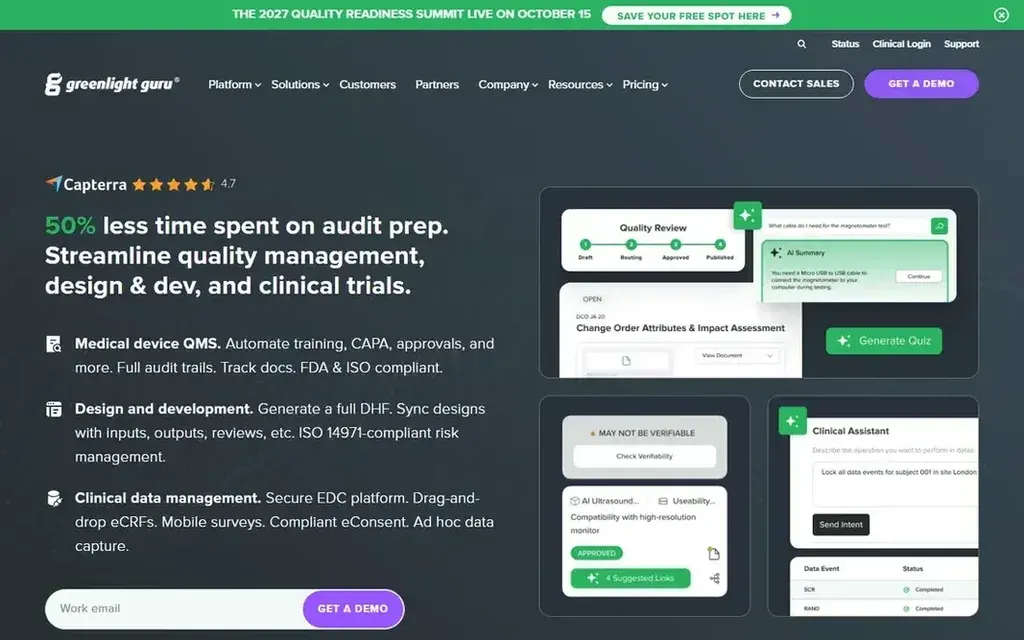
Guru is built with governed onboarding knowledge at scale in mind. Choose Guru when accuracy and structure of onboarding knowledge are the priority. Since the emphasis is on governance, teams wanting light personal notes or freeform documents may prefer a general workspace tool.
Limits to weigh: May overlap with existing wikis.
The enterprise framing means smaller teams may find the concept heavier than needed for straightforward onboarding checklists. Also, Guru presents itself as a governed knowledge layer for enterprise AI, centred on structuring, governing, and continuously improving knowledge so AI answers can be trusted. From a buyer's view, for onboarding, that means new hires can depend on content that is maintained instead of stale. Check the vendor site for Guru pricing; none is listed in this comparison. Free access: Not stated.
- Aims at trusted AI answers
- Continuous knowledge improvement
- Enterprise-oriented positioning
How the list was put together
Pricing pages, product documentation and feature lists were the main sources, and every entry carries at least one honest drawback. Figures are shown as the vendors publish them. Billing terms, seat minimums and add-ons can change the real cost. The order reflects how well each tool fits the most common buying scenario for knowledge base software for onboarding, then price clarity, then free plan access. It is a starting point, not a verdict.
What to check before you buy
- Get a written quote from Confluence, Slab, Freshdesk and others; the list shows no starting price for them.
- Test the free plan from Notion against your real workload before relying on it.
- Before choosing Confluence, weigh its main limit: can sprawl without upkeep.
- Ask Slab how an export works before you move any records in; an easy exit lowers the risk.
- Look at the help docs and support options for Notion before you commit.
FAQ
Is Confluence the right pick for everyone comparing knowledge base software for onboarding?
No single tool suits every team. Confluence comes first because it fits team workspace for shared knowledge, while Slab suits simple wiki for mixed teams and Notion suits flexible AI workspace for small teams. Match the tool to your own size, budget and workflow before deciding.
What is the cheapest option for knowledge base software for onboarding in this list?
On published monthly entry prices, Notion is the lowest here at $10 per member per month. Entry price is only part of the cost, because seats, add-ons and billing terms can change the total. Prices, free plan details and limits for all 6 tools in this knowledge base software for onboarding roundup sit on the individual cards above.
Can I try these tools before paying?
Often, yes. Notion has a free plan. Use your own data and a real task during the test, and check what the free tier or trial limits before you rely on it.
How do Confluence and Notion differ for onboarding?
Confluence is positioned as a team workspace for knowledge and collaboration with AI drafting and summaries, whereas Notion emphasizes custom agents, cross-app search, and automation. Both are wide workspaces instead of dedicated knowledge bases, so structure and upkeep are up to your team.
Do these tools publish their prices?
Not all of them. Confluence, Slab, Freshdesk and others publish no starting price, so expect a quote request for those. The rest, Notion included, show a starting price, though seats and billing terms still change the final cost.
Sources
- https://www.atlassian.com/software/confluence
- https://slab.com
- https://www.notion.com
- https://www.freshworks.com/freshdesk
- https://www.zendesk.com/service/help-center
- https://www.getguru.com