Best Tools to Reduce Tickets Using Knowledge Base: 8 Tools Compared
Our best tools to reduce tickets using knowledge base guide compares 8 help centers that deflect tickets with search, AI answers, and clear docs in 2026.

- Editor's choice
 Zendesk
Large support teams
Starts at$55 per agent per monthVisit zendesk.comFull review - Great alternative
 Freshdesk
Small teams on a budget
Starts at$15 per agent per monthVisit freshdesk.comFull review - Also consider
 Intercom
In-app help and AI answers
Starts at$29 per seat per monthVisit intercom.comFull review
TL;DR:
- A knowledge base only cuts tickets when articles answer the exact question customers type, in plain language, on the first result.
- Zendesk and Intercom suit teams that want AI answers inside support, while Helpjuice and Document360 suit teams that want a dedicated help center.
- Freshdesk and Zoho Desk give small teams a help center inside a full helpdesk at a lower price than buying a separate tool.
- Measure deflection by tracking which articles get views and which questions still become tickets, then fix the gaps each month.
Quick comparison
| Tool | Best for | Starts at | Free plan? | |
|---|---|---|---|---|
| Zendesk | Large support teams | $55 per agent per month | No | Visit |
| Freshdesk | Small teams on a budget | $15 per agent per month | Yes | Visit |
| Intercom | In-app help and AI answers | $29 per seat per month | No | Visit |
 Help Scout | Simple help center for small teams | $25 per user per month | Yes | Visit |
 Helpjuice | Dedicated knowledge base | See website | Free trial | Visit |
 Document360 | Structured product documentation | See website | Free trial | Visit |
 Zoho Desk | Low cost helpdesk with KB | $14 per agent per month | Yes | Visit |
 Notion | Internal and light public docs | $10 per user per month | Yes | Visit |
The best tools to reduce tickets using knowledge base
We ranked these tools by how well they help customers find answers without contacting support, not by how many helpdesk features they bundle. A good tool needs strong search, clear article design, feedback on gaps, and a way to surface answers inside chat, email, and your product.

Zendesk is the safe choice for a support team that already handles high volume and needs a help center that scales. Its Guide product lets you build branded help centers, organize content by category, and surface AI answers before a customer submits a ticket. Automation can suggest articles during ticket creation, which is where many deflections actually happen. The downside is price and complexity. Suite plans start at 55 dollars per agent per month on annual billing, and AI copilot and resolution-based AI features add cost on top. Small teams may pay for power they do not use. For larger teams with complex routing, reporting, and compliance needs, that power is the reason to choose Zendesk.
- Mature help center and AI answers
- Strong automation and reporting
- Large app marketplace
- Cost rises with agents and AI add-ons
- Setup can feel heavy for a small team
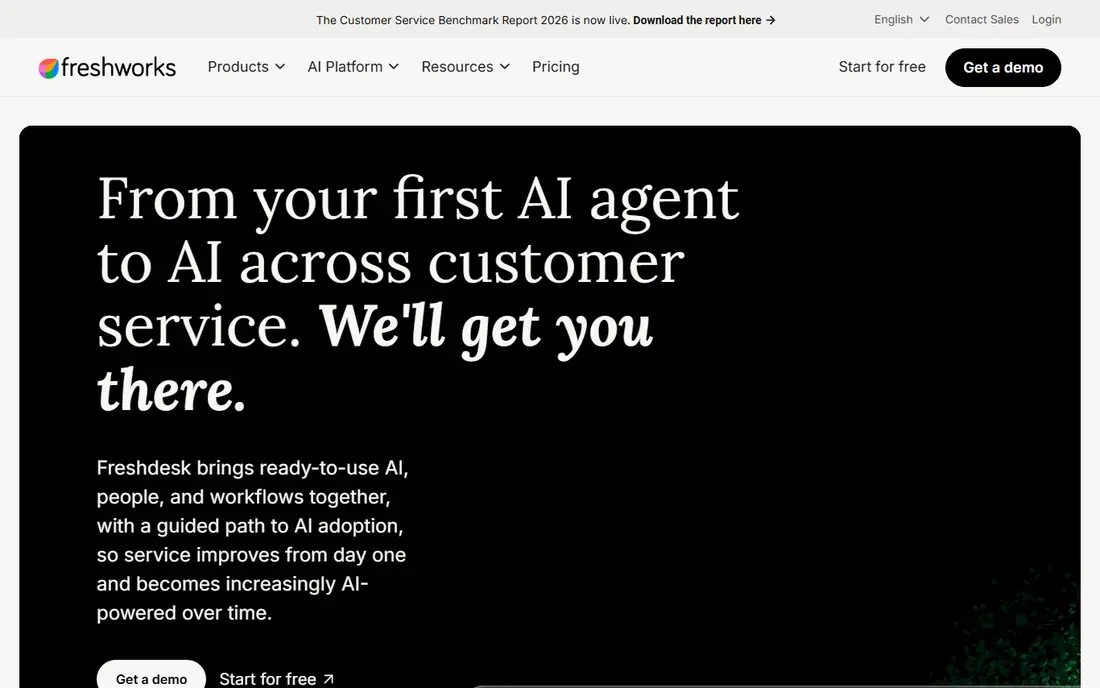
Freshdesk suits a small team that wants tickets and a knowledge base in one account without enterprise pricing. You can publish help articles, organize them into categories, and let customers search before they contact you. Freddy AI can suggest articles and help agents find answers faster, which also shortens replies when a ticket does arrive. Freshdesk is not as deep as Zendesk for large, multi-brand operations, and some advanced features sit on higher plans. Its free plan is limited and best for very small teams. For a growing business that needs a solid help center at a fair price, Freshdesk is a practical first step.
- Help center included in helpdesk plans
- Easy setup
- Freddy AI for article suggestions
- Advanced reporting is thinner than Zendesk
- AI copilot is a separate add-on
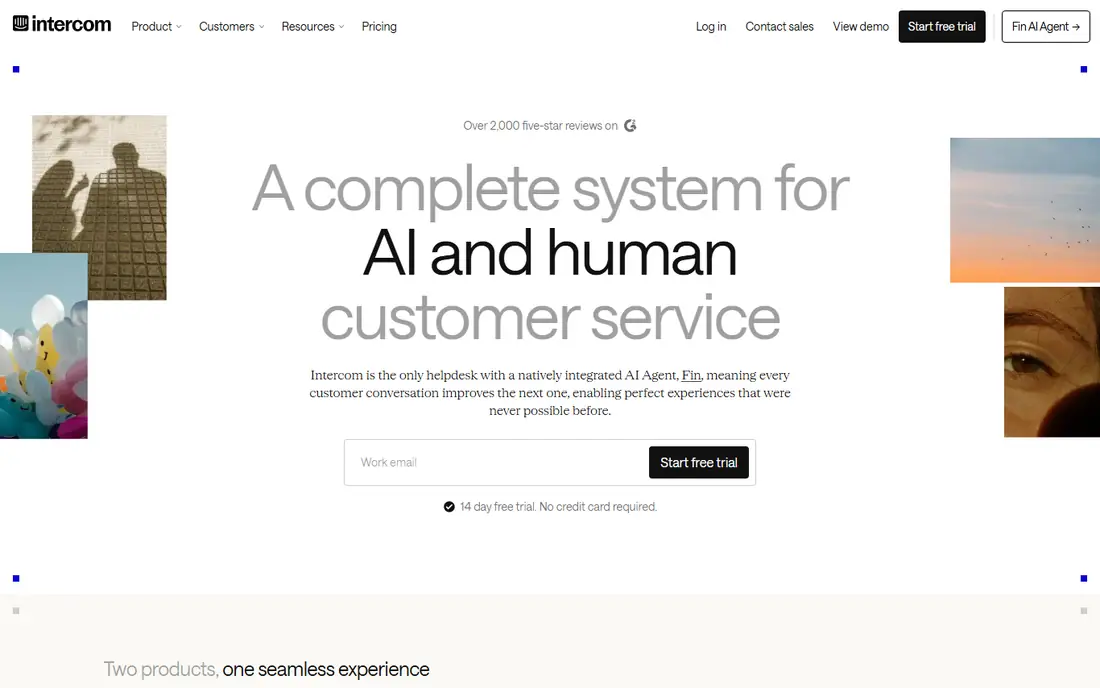
Intercom is different because help lives where customers already are: inside your app or website. Its help center, messenger, and Fin AI agent work together, so a customer can search articles, ask a question, and get an AI answer drawn from your docs without leaving the product. That placement is why Intercom often deflects well for SaaS products. Pricing needs care. Seats plus per-resolution AI costs can grow faster than a flat per-agent plan when volume rises. Intercom also fits product-led teams better than email-heavy operations. If your customers use your app daily, meeting them inside it is a real advantage.
- Help center inside your product
- Fin AI answers from your docs
- Strong messenger workflow
- Seat plus outcome pricing can rise with volume
- Less suited to email-only support
Help Scout is our pick for teams that want a help center without a long setup project. Docs look clean, editing is simple, and the shared inbox keeps email and chat in one place. AI Answers can resolve common questions from your docs, with pricing per resolution that is easy to explain to a finance team. Help Scout does not try to match Zendesk on enterprise depth, and very large teams may outgrow its reporting. Its free plan covers a small team getting started. For a small or mid-size business that values clarity over complexity, Help Scout is a strong, human-friendly choice.
- Clean Docs design
- Easy for non-technical teams
- AI answers at a clear per-resolution price
- Enterprise routing and reporting are thinner
- Best for small to mid-size teams
Helpjuice is a specialist: it does one job, building a knowledge base, and it does it well. Search, analytics, article feedback, and customization are central, not add-ons to a ticketing product. That focus helps teams that publish hundreds of articles and need to know which ones work and which ones confuse readers. The trade-off is that Helpjuice is not a helpdesk. You will pair it with your existing ticket tool, which adds a second subscription and a second admin area. For teams whose main problem is bad documentation, that specialization is worth it. For teams that need tickets and docs in one login, Freshdesk or Zendesk fit better.
- Built only for knowledge bases
- Strong search and analytics
- Good customization
- You still need a separate helpdesk for tickets
- Pricing needs a quote or plan check
Document360 suits software and hardware teams with structured documentation: user guides, API notes, release notes, and internal procedures that change with each version. Categories, version control, and search help readers find the right version of an answer, not just any answer. AI search can also surface relevant articles from a plain question. For a simple FAQ page, Document360 may feel like more structure than you need. Its interface favors organized documentation over quick marketing pages. If your product docs are a core part of customer success, that structure pays off in fewer repeat questions.
- Versioning and categories for complex docs
- AI search
- Good for internal and public docs
- Can feel formal for simple FAQs
- Pricing varies by edition
Zoho Desk is the budget pick that still covers the basics well. Its knowledge base, ticket management, and automation are included at prices below most rivals, and a free plan covers up to three agents with limits. For a small business already using Zoho CRM or other Zoho apps, the integration adds real value. The interface is less polished than Help Scout or Intercom, and some workflows take more clicks. AI features also sit on higher plans. If low cost matters most and your team can accept a plainer interface, Zoho Desk delivers a working help center and helpdesk for far less than enterprise tools.
- Lowest priced full helpdesk here
- Knowledge base included
- Strong inside Zoho apps
- Interface feels dated in places
- Best value inside the Zoho ecosystem
Notion is not a dedicated support tool, but many small teams start their knowledge base there because editing is so easy. Anyone can write, update, and share a page, which means docs actually get written. For internal knowledge and for a light public help page, Notion can cut repeat questions inside a team. Its limits show at scale. Public help center design, article feedback, and deflection reporting are weaker than in Helpjuice or Document360, and search is not built for customer self-service in the same way. Use Notion when speed and internal sharing matter most, and move to a dedicated tool when ticket deflection becomes a measured goal.
- Very easy editing and sharing
- Good for internal wikis
- Flexible page structure
- Search and analytics are weaker than dedicated KB tools
- Public help centers need workarounds
How we picked these
We compared official feature pages, pricing pages, and public reviews for tools that publish a customer-facing knowledge base and help reduce tickets. We favored tools with strong search, clear article design, feedback or analytics, and AI answers drawn from your own docs. Price and team size mattered too, since a tool that only works for an enterprise budget does not help a small team cut tickets.
How to actually cut tickets with a knowledge base
Write for the search box, not the org chart
Customers search by problem, not by your internal product names. Title articles with the words customers use, such as how to reset a password or where to find an invoice, and put the answer in the first paragraph. Add a short list of related articles at the end, so a reader who lands on a close match can still find the right answer without contacting support.
Surface answers before the ticket form
A knowledge base hidden behind three clicks will not deflect much. Put search on your help page, inside your app, and on the ticket form itself, so suggested articles appear as a customer types a question. AI answers help here, but only when they cite your docs and offer a path to a human when the answer is uncertain. A wrong AI answer creates more tickets, not fewer.
Review the gaps every month
Each month, list your top ticket topics and check whether a clear article exists for each one. Update articles that get views but still lead to tickets, and write new ones for repeat questions with no article. Track article views, search terms with no results, and feedback votes. A knowledge base is a product that needs regular upkeep, not a one-time project.
FAQ
How much can a knowledge base reduce tickets?
Results vary by topic and industry, but teams often see a real drop in repeat questions for password, billing, setup, and how-to topics once clear articles are easy to find. Complex, account-specific, or urgent issues will still need human help. Measure deflection for your own top topics rather than trusting a vendor percentage.
What makes a knowledge base article actually deflect a ticket?
A clear title in customer language, a direct answer in the first paragraph, step-by-step instructions, screenshots or short video where needed, and links to related articles. Articles that bury the answer, use internal jargon, or describe a feature instead of solving a problem tend to send readers back to support.
Should AI answers replace help articles?
No. AI answers should draw from your help articles, not replace them. Articles give you a source you can check, update, and cite, while AI alone can invent steps or miss edge cases. Use AI to surface and summarize your docs, and keep a human review step for high-risk topics such as billing, security, and safety.
Is a separate knowledge base tool better than a helpdesk with a KB?
A separate tool such as Helpjuice or Document360 gives deeper search, analytics, and structure for large doc sets. A helpdesk with a built-in KB, such as Freshdesk or Zendesk, is simpler and cheaper for small teams. Choose a separate tool when docs are a major product, and a built-in KB when tickets and docs must stay in one workflow.
How long does it take to see fewer tickets?
Most teams see early gains within a few weeks for their top five to ten questions, once articles are published and surfaced in search and on the ticket form. Larger drops take a few months of gap reviews and updates. If ticket volume does not move, check whether customers can actually find the articles, since visibility is often the real problem.