Best Knowledge Base Software for Customer Self-service (2026): 6 Picks Checked on Vendor Pages
Best knowledge base software for customer Self-Service: 6 contenders ranked by fit, with entry costs and free tiers. Limits and pricing notes included. No hype.
- Editor's choice
 Salesforce Service Cloud
Scalable enterprise service with AI
Starts atSee websiteVisit salesforce.comFull review - Great alternative
 Freshdesk
Omnichannel support with knowledge and automation
Starts atSee websiteVisit freshworks.comFull review - Also consider
 Helpjuice
Searchable knowledge bases for support teams
Starts atSee websiteVisit helpjuice.comFull review
Direct answer
Our first pick is Salesforce Service Cloud, best for scalable enterprise service with AI. Listed starting prices: KnowledgeOwl from $100 a month. For a different need, Freshdesk covers omnichannel support with knowledge and automation and Helpjuice covers searchable knowledge bases for support teams. The other 3 tools in the list cover narrower or pricier cases.
TL;DR:
- Salesforce Service Cloud sits first on this list: scalable enterprise service with AI.
- None of the 6 tools, from Salesforce Service Cloud to Zendesk Guide, has a free plan, so budget for a subscription or use a trial.
- Zendesk Guide suits AI self-service inside Zendesk support.
- The cheapest monthly starting price in the list is $100 per month, offered by KnowledgeOwl.
Last checked November 2026. Prices and plan details were read from the vendors' own pages in November 2026; vendors change plans often, so confirm the current price on the vendor site before you buy.
Quick comparison
| Tool | Best for | Starts at | Free plan? | |
|---|---|---|---|---|
| Salesforce Service Cloud | Scalable enterprise service with AI | See website | Not stated | Visit |
| Freshdesk | Omnichannel support with knowledge and automation | See website | Not stated | Visit |
| Helpjuice | Searchable knowledge bases for support teams | See website | Free trial | Visit |
 Document360 | Standalone AI documentation and knowledge bases | See website | Not stated | Visit |
 KnowledgeOwl | Straightforward, steady publishing for small teams | $100 a month | Free trial | Visit |
 Zendesk Guide | AI self-service inside Zendesk support | See website | Not stated | Visit |
6 options for knowledge base software for customer Self-Service in detail
This LinkVetted guide covers 6 options for knowledge base software for customer Self-Service. Each profile lists a starting price, free plan details, strengths and drawbacks, so you can drop poor fits quickly.
Salesforce Service Cloud is aimed squarely at scalable enterprise service with AI. Salesforce Service Cloud is customer services powered by AI, positioned by the vendor for connected, efficient and scalable service. As for the details, self-service results rely on disciplined content maintenance.
In daily use, smaller organizations may prefer a dedicated knowledge base tool that publishes articles with far less overhead. Also, knowledge and self-service features support agents and customers within that system. Check the vendor site for Salesforce Service Cloud pricing; none is listed in this comparison. Free plan details: Not stated.
Limits to weigh: Configuration demands specialist effort.
- AI-powered service capabilities
- Suits complicated service organizations
- Heavier than small teams need
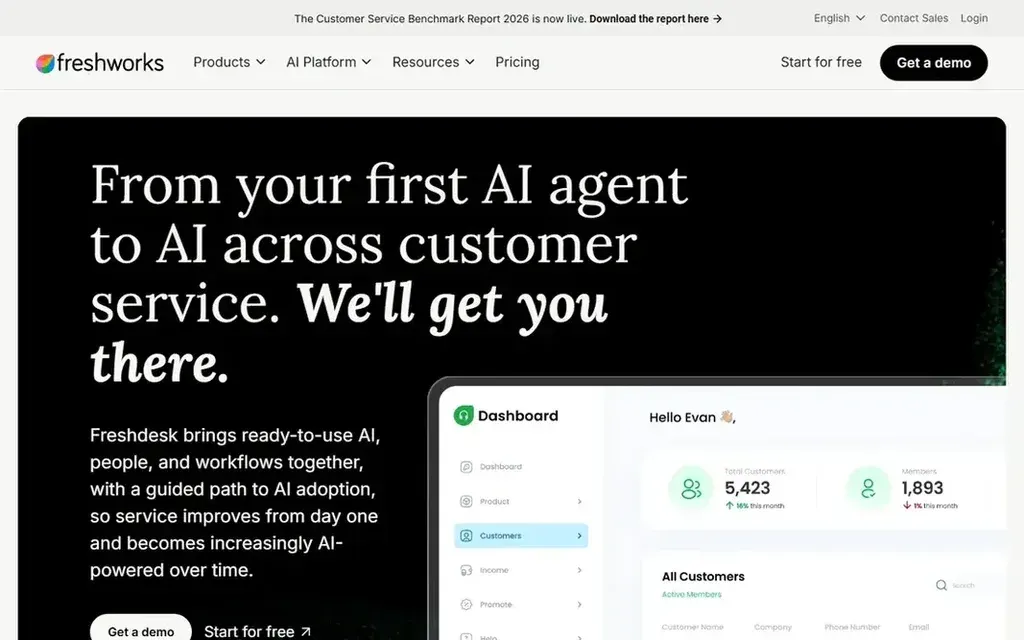
Where Freshdesk fits: omnichannel support with knowledge and automation. Getting the most from automation and self-service needs thoughtful configuration and clean article content.
Its knowledge base and self-service capabilities sit within that broader support product, so customers can help themselves whereas agents work from shared content. Beyond that, a focused knowledge base product may be more straightforward if ticketing is already handled elsewhere. This comparison lists no price for Freshdesk; ask the vendor. Free plan details: Not stated.
What to check first: Advanced setup takes configuration time.
- AI features pitched at agent productivity
- Automatic workflows for support teams
- Knowledge base is one part of a broader suite
Helpjuice targets searchable knowledge bases for support teams. Helpjuice is knowledge base software geared toward simplifying support and boosting productivity, with a focus on helping teams organize and publish answers for customers and staff.
Where it is weaker: Content upkeep falls to your team.
As for the details, as a focused knowledge base product, it does not replace ticketing or broader service operations. Teams that want knowledge tightly integrated with case management may prefer a suite-based choice for example Zendesk Guide or Freshdesk. Helpjuice shows no starting price here, so confirm the cost on the vendor site. Free options: Free trial.
- Straightforward structure for public help sites
- Made for simplifying support content
- Narrower than full service suites
Where Document360 fits: standalone AI documentation and knowledge bases. It is made for teams that treat the knowledge base as a primary product, like documentation and support content groups. For everyday use, AI features still depend on well-structured source content.
Downsides: Needs continuing content ownership.
Also, Document360 is not a complete customer services, so ticketing and case management need separate tools. Beyond that, choose a suite-based choice instead if you want knowledge and support workflows managed in a single vendor system. No starting price is listed for Document360 here; confirm pricing on the vendor site. Free plan details: Not stated.
- Centred on documentation workflows
- AI writing tools for authors
- Not a full ticketing product
In short, KnowledgeOwl is for straightforward, reliable publishing for small teams. If your priority is a clean, manageable knowledge base for self-service, KnowledgeOwl keeps the scope sensible.
The product is narrower than enterprise service suites, so complicated workflows and deep integrations may need other tools. As for the details, teams with heavy customization needs should look at broader systems. Entry price for KnowledgeOwl: $100 per month. As for free access: Free trial.
Trade-offs to know: Restricted fit for complicated enterprise needs.
- Simple to use for fast publishing
- Straightforward knowledge base focus
- Fewer adjacent service features
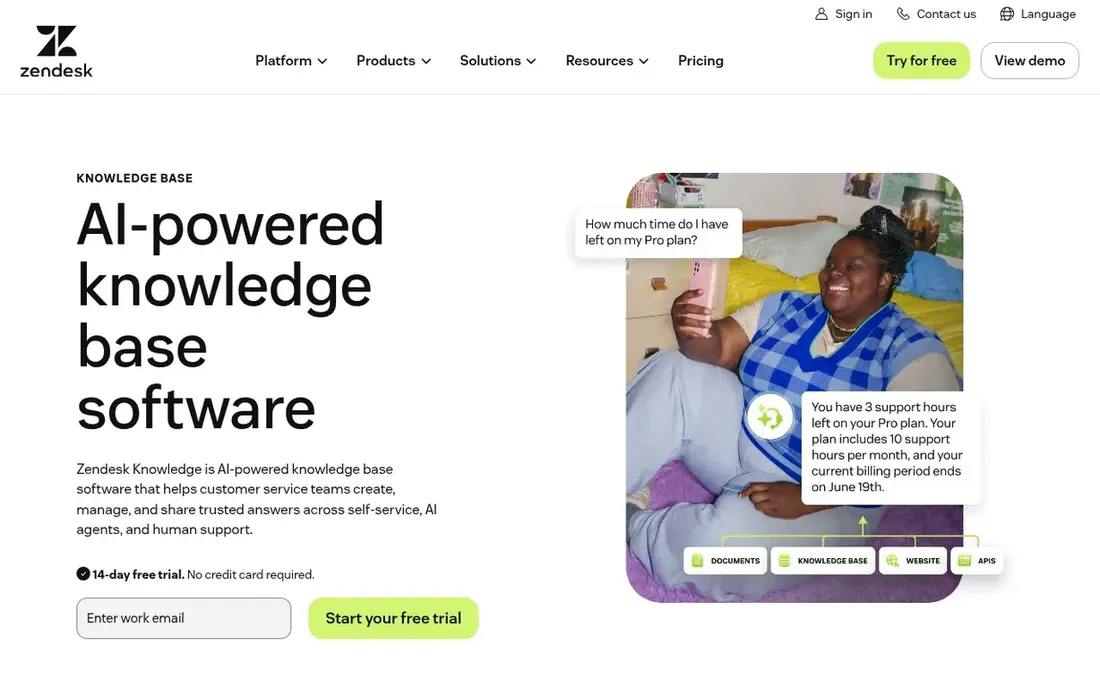
Zendesk Guide is aimed squarely at AI self-service inside Zendesk support. Zendesk Guide is the help center and knowledge base component of Zendesk, described by the vendor as AI-powered knowledge base software for customer service.
Since Guide is part of the Zendesk product, teams outside that ecosystem may find it less appealing than a dedicated documentation tool. Consider a standalone knowledge base tool if you mainly publish product documentation. Zendesk Guide shows no starting price here, so confirm the cost on the vendor site. On free options: Not stated.
Where it falls short: Most value includes the wider Zendesk suite.
- Builds on trusted content sources
- Suits teams already using Zendesk
- Setup needs content planning
Selection criteria
LinkVetted used vendor pricing pages and product documentation as the base, then compared plans, free access and documented limits for 6 tools. Figures are shown as the vendors publish them. Billing terms, seat minimums and add-ons can change the real cost. The order reflects how well each tool fits the most common buying scenario for knowledge base software for customer Self-Service, then price clarity, then free plan access. It is a starting point, not a verdict.
What to check before you buy
- Get a written quote from Salesforce Service Cloud, Freshdesk, Helpjuice and others; the list shows no starting price for them.
- Use real work to test the free trial from Helpjuice and KnowledgeOwl, rather than a demo project.
- Read the limits listed for Salesforce Service Cloud first: configuration demands specialist effort.
- Test how quickly Helpjuice answers a pre-sales question; it hints at how support will feel later.
- A short pilot of Freshdesk with your real workflow tells you more than a feature table.
FAQ
Is Salesforce Service Cloud the right pick for everyone comparing knowledge base software for customer Self-Service?
No single tool suits every team. Salesforce Service Cloud comes first because it fits scalable enterprise service with AI, while Freshdesk suits omnichannel support with knowledge and automation and Helpjuice suits searchable knowledge bases for support teams. Match the tool to your own size, budget and workflow before deciding.
How can I measure whether self-service is working?
Review typical questions and gaps on a regular basis, and update articles based on what customers search for. Watch how commonly self-service results in a support conversation.
Does any tool for knowledge base software for customer Self-Service here have a free plan?
A permanent free plan is not offered by Salesforce Service Cloud, Zendesk Guide or the other tools here. Helpjuice, KnowledgeOwl offer a trial. Plan a short evaluation period instead.
How are the tools for knowledge base software for customer Self-Service ordered?
Salesforce Service Cloud sits first and Zendesk Guide last because the order follows typical fit for knowledge base software for customer Self-Service, then price clarity and free access. It is a judgement call, so read each profile for fit and limits.
Can I try these tools before paying?
Often, yes. Helpjuice and KnowledgeOwl offer a free trial. Use your own data and a real task during the test, and check what the free tier or trial limits before you rely on it. For the full picture, the cards above cover all 6 entries of this knowledge base software for customer self-service list, including price, free plan and limits.
What should a customer self-service knowledge base include?
Look for clear article organization, capable search and a way to keep content current. AI search or chatbots can help customers find answers, but they rely on well-maintained articles.
Sources
- https://www.salesforce.com/service
- https://www.freshworks.com/freshdesk
- https://helpjuice.com
- https://document360.com
- https://www.knowledgeowl.com
- https://www.zendesk.com/service/help-center