Best Knowledge Base Software for Customer Success Teams in 2026: Prices, Free Plans and 6 Picks
6 products for the best knowledge base software for customer success teams, ranked by fit, with starting costs and free tiers. Pricing and limits included.
- Editor's choice
 Confluence
Internal collaboration and team knowledge
Starts atSee websiteVisit atlassian.comFull review - Great alternativeFreshdesk Solutions
Service teams wanting knowledge plus ticketing
Starts atSee websiteVisit freshworks.comFull review - Also consider
 KnowledgeOwl
Straightforward, steady knowledge sharing
Starts at$100 per monthVisit knowledgeowl.comFull review
Direct answer
Confluence is the first pick on this list for internal collaboration and team knowledge. Listed starting prices: KnowledgeOwl from $100 per month. If your case is different, Freshdesk Solutions suits service teams wanting knowledge plus ticketing and KnowledgeOwl suits straightforward, dependable knowledge sharing. All 6 tools are compared below on price, free plan and limits.
TL;DR:
- This list starts with Confluence, which is built for internal collaboration and team knowledge.
- The main caution on Confluence: not primarily a public customer help center.
- Neither Confluence nor Guru, nor any of the other 4 tools, has a permanent free plan; trials and quotes are the norm.
- Guru is the one to check for governed internal knowledge for AI answers.
- Starting prices begin at $100 per month with KnowledgeOwl.
Last checked November 2026. Prices and plan details were read from the vendors' own pages in November 2026; vendors change plans often, so confirm the current price on the vendor site before you buy.
Quick comparison
| Tool | Best for | Starts at | Free plan? | |
|---|---|---|---|---|
| Confluence | Internal collaboration and team knowledge | See website | Not stated | Visit |
| Freshdesk Solutions | Service teams wanting knowledge plus ticketing | See website | Not stated | Visit |
| KnowledgeOwl | Straightforward, steady knowledge sharing | $100 per month | Free trial | Visit |
 Helpjuice | Quick, straightforward knowledge base setup | See website | Free trial | Visit |
 Zendesk Guide | Teams already on Zendesk support | See website | Not stated | Visit |
 Guru | Governed internal knowledge for AI answers | See website | Not stated | Visit |
The best knowledge base software for customer success teams
LinkVetted compared 6 knowledge base software for customer success teams. The goal is a practical shortlist: published prices, free plan facts, best-fit use cases and honest limits for every entry.
Confluence was built for internal collaboration and team knowledge. Confluence is not primarily a public customer-facing help center, so teams needing refined self-service portals should pair it with a dedicated knowledge base.
Where it shines: AI drafting.
Where it is weaker: Can need structure discipline as spaces grow. From a buyer's view, large workspaces can also become hard to navigate without content governance. Pricing for Confluence is not stated here, so ask the vendor for current figures. Trial and free access: Not stated.
- Solid fit for cross-team documentation
- Team workspace for creating and sharing knowledge
- Not primarily a public customer help center
Freshdesk Solutions
Best for: Service teams wanting knowledge plus ticketing
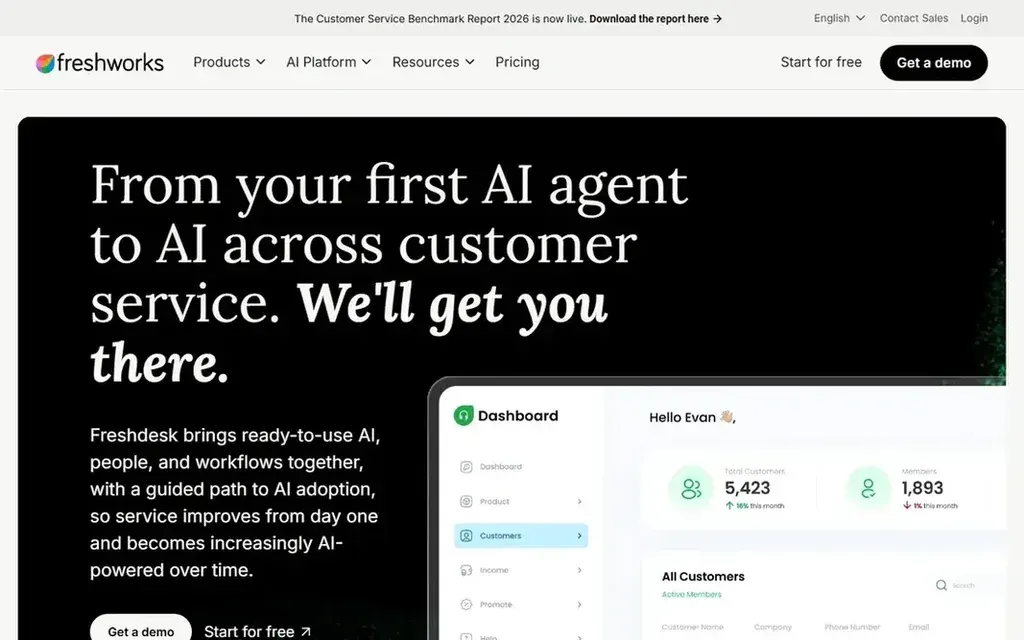
Freshdesk Solutions is built with service teams wanting knowledge plus ticketing in mind. Consider alternatives if your priority is heavy technical documentation or internal knowledge governance instead of customer-facing support content.
Trade-offs to know: Best value when the whole service stack is adopted.
In practice, since the knowledge base is one part of a bigger service suite, teams wanting deep documentation controls or a standalone authoring experience may find it less specialized than dedicated knowledge products. No starting price is listed for Freshdesk Solutions here; confirm pricing on the vendor site. Free options: Not stated.
- Single product for service and self-service
- Knowledge articles support agent productivity
- Knowledge features are part of a broader service suite
Think of KnowledgeOwl for simple, reliable knowledge sharing. Its pitch is reliability and simplicity, which fits customer success teams that want a dependable knowledge base without a long implementation.
As for the details, smaller teams or those replacing scattered documents with one organized help resource commonly find this kind of focused tool practical. The starting price for KnowledgeOwl: $100 per month. Free access: Free trial.
Limits to weigh: May need extras for complicated workflows.
- Straightforward knowledge base focus
- Easy-to-use software for sharing information
- Fewer adjacent service features
For quick, straightforward knowledge base setup, Helpjuice is a natural candidate. Helpjuice is knowledge base software concentrated on simplifying support and boosting productivity.
Trade-offs to know: Needs separate ticketing integrations for workflows.
No starting price is listed for Helpjuice here; confirm pricing on the vendor site. On free options: Free trial.
- Straightforward path from content to customer answers
- Simplifies support and productivity
- Narrower scope than full service suites
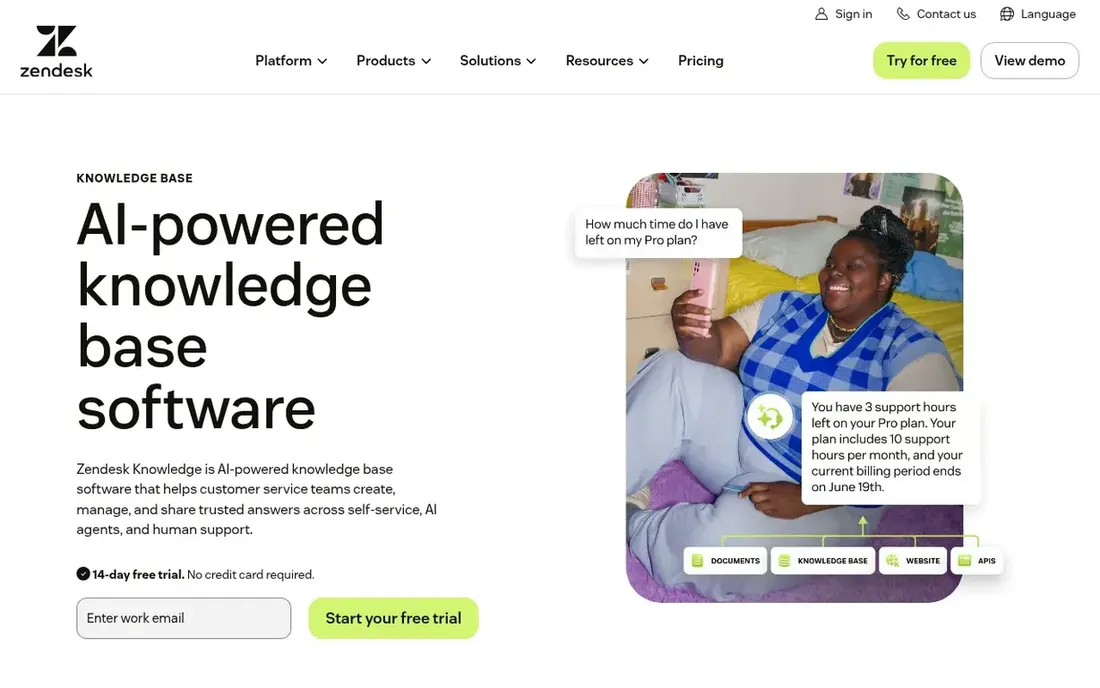
Zendesk Guide was built for teams already on Zendesk support. Smaller teams without dedicated support tooling may also prefer a more straightforward documentation-first product.
Zendesk Guide is the knowledge base component of Zendesk's customer service product, positioned as AI-powered knowledge software for service teams. It lets you link trusted content, power AI agents and self-service, and help agents deliver better answers. Pricing for Zendesk Guide is not stated here, so ask the vendor for current figures. Free access: Not stated.
Trade-offs to know: Less appealing for teams outside the Zendesk ecosystem.
- Links trusted content to AI agents and self-service
- Keeps help center content close to support tickets
- Most handy when paired with Zendesk service tools
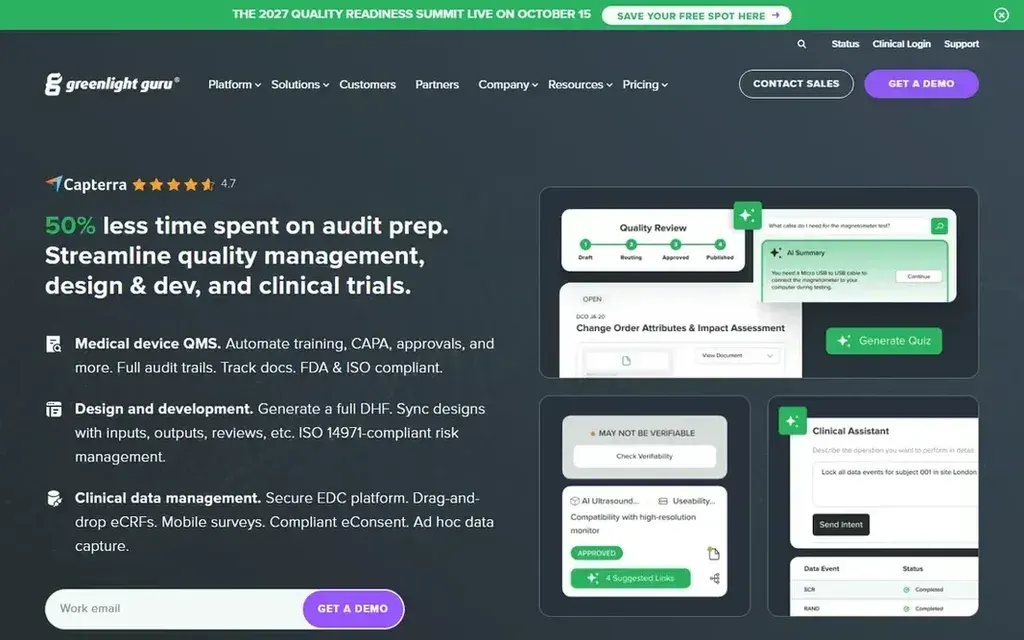
Choose Guru for governed internal knowledge for AI answers. Teams that chiefly need a public help center or technical documentation portal may find Guru's internal governance emphasis a mismatch. It also relies on disciplined content ownership to deliver its value.
What to check first: Geared toward internal knowledge more than public help centers.
Guru positions itself as a governed knowledge layer for enterprise AI. It structures, governs and continuously boosts knowledge so AI answers can be trusted, addressing the typical problem of confident but incorrect AI output. In practice, pick a documentation-first tool instead if external self-service pages are the core requirement. Guru does not show a starting price in this comparison, so check the vendor site for current pricing. Free options: Not stated.
- Centres on keeping AI answers trustworthy
- Continuously boosts stored knowledge
- Governance setup needs continuing content ownership
How we chose
What to confirm before you sign up
- Ask Confluence, Freshdesk Solutions, Helpjuice and others for a written quote, since no starting price is shown.
- Run a trial of KnowledgeOwl and Helpjuice with real work before paying for a year; your own workflow is the best test.
- Before choosing Confluence, weigh its main limit: not primarily a public customer help center.
- Look at the help docs and support options for KnowledgeOwl before you commit.
- Verify that exporting from Freshdesk Solutions is possible on your plan and covers all your records.
FAQ
Is Confluence the right pick for everyone comparing knowledge base software for customer success teams?
No single tool suits every team. Confluence comes first because it fits internal collaboration and team knowledge, while Freshdesk Solutions suits service teams wanting knowledge plus ticketing and KnowledgeOwl suits simple, reliable knowledge sharing. Match the tool to your own size, budget and workflow before deciding.
Do these tools publish their prices?
Not all of them. Confluence, Freshdesk Solutions, Helpjuice and others publish no starting price, so expect a quote request for those. The rest, KnowledgeOwl included, show a starting price, though seats and billing terms still change the final cost.
Can a knowledge base replace our support ticketing?
Knowledge bases cut ticket volume through self-service, but most teams still need a ticketing system. Suite products like Zendesk Guide and Freshdesk Solutions combine both, whereas standalone tools need integrations with your existing support product.
Does any tool for knowledge base software for customer success teams here have a free plan?
A permanent free plan is not offered by Confluence, Guru or the other tools here. KnowledgeOwl, Helpjuice offer a trial. Plan a short evaluation period instead.
How are the tools for knowledge base software for customer success teams ordered?
Confluence sits first and Guru last because the order follows typical fit for knowledge base software for customer success teams, then price clarity and free access. It is a judgement call, so read each profile for fit and limits.
Sources
- https://www.atlassian.com/software/confluence
- https://www.freshworks.com/freshdesk
- https://www.knowledgeowl.com
- https://helpjuice.com
- https://www.zendesk.com/service/help-center
- https://www.getguru.com