Best Knowledge Base Software for Field Technicians for 2026: Our 6 Vetted Picks
Searching for the best knowledge base software for field technicians? Here are 6 options with prices and free plans. Verdicts stay brief and factual. No filler.

- Editor's choice
 Confluence
Collaborative team workspace for knowledge
Starts atSee websiteVisit atlassian.comFull review - Great alternative
 Zendesk
Help center content linked to support tickets
Starts at$19 agent/month premium yearlyVisit zendesk.comFull review - Also consider
 Guru
Governed knowledge for trustworthy AI answers
Starts atSee websiteVisit getguru.comFull review
Direct answer
Our first pick is Confluence, best for collaborative team workspace for knowledge. Listed starting prices: Zendesk from $19 agent/month premium yearly. For a different need, Zendesk covers help center content linked to support tickets and Guru covers governed knowledge for trustworthy AI answers. Details, prices and limits for the rest of the 6 tools are below.
TL;DR:
- This list starts with Confluence, which is built for collaborative team workspace for knowledge.
- Freshdesk fits omnichannel support with automatic workflows.
- Confluence, Freshdesk and the 4 others all need a premium plan or a trial, since no free plan is listed.
- What to know about Guru first: concentrated on knowledge governance, not field workflows.
Last checked November 2026. Prices and plan details were read from the vendors' own pages in November 2026; vendors change plans often, so confirm the current price on the vendor site before you buy.
Quick comparison
| Tool | Best for | Starts at | Free plan? | |
|---|---|---|---|---|
| Confluence | Collaborative team workspace for knowledge | See website | Not stated | Visit |
| Zendesk | Help center content linked to support tickets | $19 agent/month premium yearly | Free trial | Visit |
| Guru | Governed knowledge for trustworthy AI answers | See website | Not stated | Visit |
 Document360 | Structured documentation with AI search | See website | Not stated | Visit |
| ServiceNow Field Service Management | Knowledge tied to field service workflows | See website | Not stated | Visit |
 Freshdesk | Omnichannel support with automatic workflows | See website | Not stated | Visit |
Knowledge Base Software for Field Technicians profiles
LinkVetted compared 6 knowledge base software for field technicians. The goal is a practical shortlist: published prices, free plan facts, best-fit use cases and honest limits for every entry.
Think of Confluence for collaborative team workspace for knowledge. It can host technical procedures and troubleshooting pages that field technicians reference, particularly in organizations already using Atlassian tools.
It fits best when paired with governance and clear structure to keep content findable. Confluence shows no starting price here, so confirm the cost on the vendor site. Free plan details: Not stated.
Drawbacks to consider: Not tailored to field service use.
- Team workspace for creating and sharing knowledge
- AI helps draft
- Can become disorganized without governance

Zendesk is built with help center content linked to support tickets in mind. It suits teams that want knowledge management closely tied to support conversations.
Where it falls short: Knowledge features center on customer support.
For everyday use, if you need knowledge embedded in field operations, a field service product may be more appropriate. On cost, Zendesk starts like this: $19 agent/month premium yearly. As for free access: Free trial.
- Supports service quality and scale
- AI agents resolve issues end-to-end
- Field-specific workflows are restricted
Guru is built with governed knowledge for trustworthy AI answers in mind. If you need an all-in-one field service product, consider a broader tool.
Drawbacks to consider: Focused on knowledge governance, not field workflows.
It fits organizations that prioritize knowledge quality and AI reliability. This comparison lists no price for Guru; ask the vendor. On free options: Not stated.
- Structures and governs knowledge
- Aims for trustworthy AI answers
- Needs continuing content maintenance
Choose Document360 for structured documentation with AI search. Document360 is an AI knowledge base software for documentation, offering AI search, an AI chatbot and writing tools inside the product.
As for the details, if you need knowledge embedded in service operations, pair it with a service system or choose an integrated choice. Organizations prioritizing documentation quality over service workflow integration fit it well. Check the vendor site for Document360 pricing; none is listed in this comparison. Free access: Not stated.
Limits to weigh: Not aimed at ticket or field workflows.
- AI writing tools inside the editor
- AI search and chatbot features
- Needs content planning to stay organized
ServiceNow Field Service Management
Best for: Knowledge tied to field service workflows
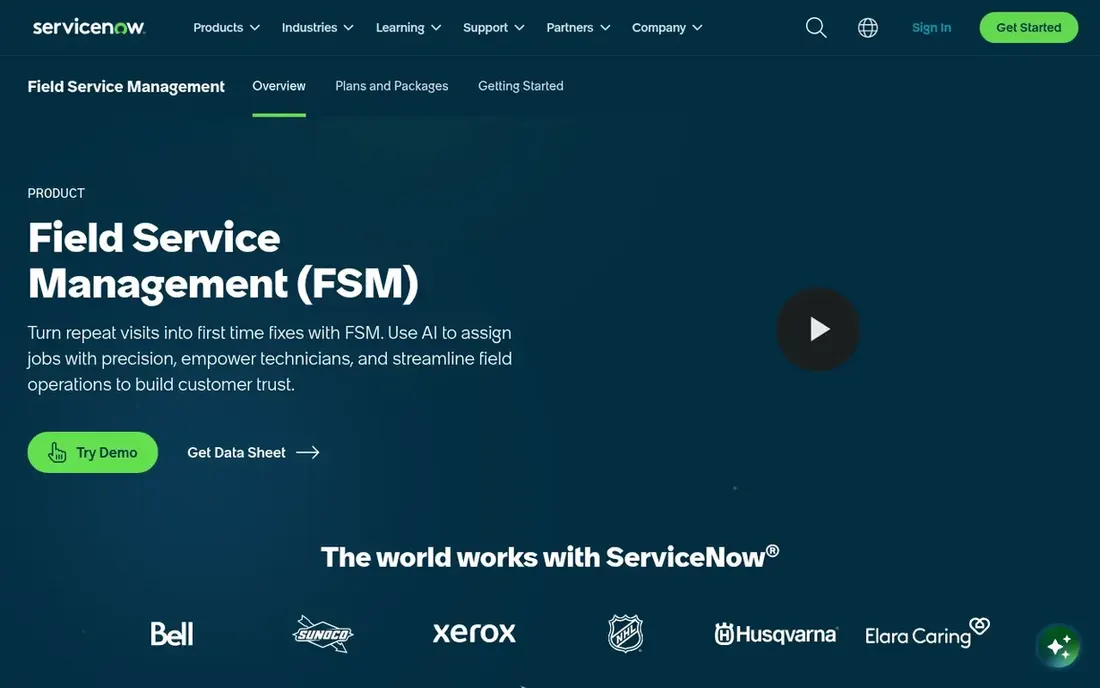
ServiceNow Field Service Management was built for knowledge tied to field service workflows. Teams with structured field operations and a need for workflow-driven service delivery fit it best.
Where it is weaker: May be more than small teams need.
Beyond that, if your priority is a standalone knowledge base without field service workflow integration, a focused documentation product may be a better fit. No starting price is listed for ServiceNow Field Service Management here; confirm pricing on the vendor site. Trial and free access: Not stated.
- Suits large field operations
- Links knowledge to work orders and scheduling
- Configuration can be complicated
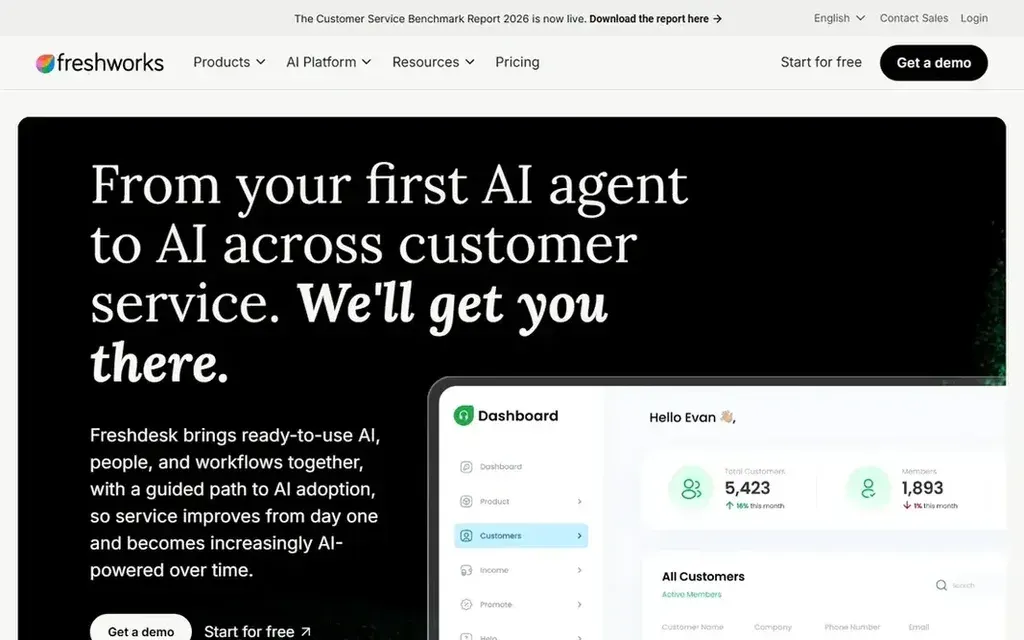
Freshdesk is a good fit for omnichannel support with automatic workflows. Freshdesk is an AI-powered customer service option with omnichannel ticketing and automatic workflows built to boost agent productivity. It can host knowledge base articles that support teams and technicians use to answer recurring questions.
Honest limits: Field technician tools are not the focus.
Consider it when ticketing and knowledge management are the priority. Beyond that, Freshdesk centers on customer support instead of field operations, so technicians who require job scheduling and mobile work orders may need another tool. Pricing for Freshdesk is not stated here, so ask the vendor for current figures. Free plan details: Not stated.
- AI-powered service features
- Knowledge base for support content
- Advanced workflow setup takes time
How we chose
For each of the 6 tools we noted price, free plan or trial, fit for knowledge base software for field technicians and the main limit, using vendor pages and documentation. Plan names, prices and limits change often. Treat the figures here as a starting point and verify them with the vendor. Tools are placed by general fit for knowledge base software for field technicians, with price clarity and free access as tie-breakers. A different team can reasonably rank them differently.
A buyer's checklist
- Confirm the entry price on the vendor page. For Confluence, Guru, Document360 and others that means a quote rather than a fixed price.
- Use real work to test the free trial from Zendesk, rather than a demo project.
- Before choosing Confluence, weigh its main limit: not tailored to field service use.
- Look at which plan of Freshdesk unlocks the features you need; entry tiers are often cut down.
- Make sure Zendesk lets you export your data in a format another tool can read.
FAQ
What is the cheapest option for knowledge base software for field technicians in this list?
On published monthly entry prices, Zendesk is the lowest here at $19 agent/month premium yearly. Entry price is only part of the cost, because seats, add-ons and billing terms can change the total. All 6 picks in this knowledge base software for field technicians comparison list a starting price, free plan details and the main limits on their cards above.
Do these tools publish their prices?
Not all of them. Confluence, Guru, Document360 and others publish no starting price, so expect a quote request for those. The rest, Zendesk included, show a starting price, though seats and billing terms still change the final cost.
Does any tool for knowledge base software for field technicians here have a free plan?
No tool in this list, Confluence and Freshdesk included, has a permanent free plan. Zendesk offer a trial. Trials and quotes are the usual route, so plan a short evaluation period.
What should field technicians look for in knowledge base software?
Quick search, mobile access and accurate, well-governed content matter most. Integration with service workflows helps technicians find answers without leaving their work tools.
Is Confluence the right pick for everyone comparing knowledge base software for field technicians?
No single tool suits every team. Confluence comes first because it fits collaborative team workspace for knowledge, while Zendesk suits help center content linked to support tickets and Guru suits governed knowledge for trustworthy AI answers. Match the tool to your own size, budget and workflow before deciding.
Sources
- https://www.atlassian.com/software/confluence
- https://www.zendesk.com
- https://www.getguru.com
- https://document360.com
- https://www.servicenow.com/products/field-service-management.html
- https://www.freshworks.com/freshdesk