Best Knowledge Base Software for Internal Teams (2026): 5 Picks Checked on Vendor Pages
Best knowledge base software for internal teams in 2026: 5 tools with starting prices, free plans and limits. The weak spots sit next to the strengths.
- Editor's choice
 Zendesk Guide
Customer service knowledge base
Starts atSee websiteVisit zendesk.comFull review - Great alternative
 Helpjuice
Dedicated knowledge base for support
Starts atSee websiteVisit helpjuice.comFull review - Also consider
 Freshdesk
AI-powered customer service with knowledge
Starts atSee websiteVisit freshworks.comFull review
Direct answer
If you need customer service knowledge base, Zendesk Guide is the first tool to look at here. Listed starting prices: Notion from $10 per member a month. For a different need, Helpjuice covers dedicated knowledge base for support and Freshdesk covers AI-powered customer service with knowledge. The other 2 tools in the list cover narrower or pricier cases.
TL;DR:
- This list starts with Zendesk Guide, which is built for customer service knowledge base.
- Confluence suits collaborative knowledge sharing with AI.
- Only Notion offers a free plan among these 5 tools.
- What to know about Zendesk Guide first: tied to Zendesk ecosystem.
- The cheapest monthly starting price in the list is $10 per member per month, offered by Notion.
Last checked November 2026. Prices and plan details were read from the vendors' own pages in November 2026; vendors change plans often, so confirm the current price on the vendor site before you buy.
Quick comparison
| Tool | Best for | Starts at | Free plan? | |
|---|---|---|---|---|
| Zendesk Guide | Customer service knowledge base | See website | Not stated | Visit |
| Helpjuice | Dedicated knowledge base for support | See website | Free trial | Visit |
| Freshdesk | AI-powered customer service with knowledge | See website | Not stated | Visit |
 Notion | Configurable AI workspace and agents | $10 per member a month | Yes | Visit |
 Confluence | Collaborative knowledge sharing with AI | See website | Not stated | Visit |
Tool-by-tool breakdown
LinkVetted put together this guide to knowledge base software for internal teams for readers who want a clear shortlist without reading every vendor page. It compares 5 tools on starting price, free plans, who each one suits and where each one falls short.
Zendesk Guide serves customer service knowledge base. Zendesk Guide is AI-powered knowledge base software for customer service.
Drawbacks to consider: May be complicated for internal-only use.
It helps build a more accurate knowledge base by connecting trusted content and powering AI agents and self-service. Worth adding: Zendesk Guide is closely tied to the Zendesk ecosystem, so teams not using Zendesk may find integration challenging. Check the vendor site for Zendesk Guide pricing; none is listed in this comparison. Free plan details: Not stated.
- Links trusted content
- AI-powered knowledge base
- Tied to Zendesk ecosystem
Choose Helpjuice for dedicated knowledge base for support. Helpjuice is more concentrated on knowledge base functionality and may not offer the broader workspace features of tools like Notion or Confluence.
Where it falls short: May lack broader workspace tools.
Beyond that, teams looking for deep AI capabilities might find it less advanced. It gives you a dedicated product for creating and managing knowledge. No starting price is listed for Helpjuice here; confirm pricing on the vendor site. Free options: Free trial.
- Dedicated knowledge base focus
- Boosts productivity
- Less emphasis on AI features
Freshdesk is a good fit for AI-powered customer service with knowledge. Freshdesk is AI-powered customer service software with omnichannel ticketing and automatic workflows. It contains knowledge base capabilities to boost agent productivity and deliver smooth customer experiences.
What to check first: May need full suite adoption for best results.
It may also need adoption of the full suite to maximize value. Consider it when customer service and ticketing are central and you want knowledge integrated with support workflows. Freshdesk shows no starting price here, so confirm the cost on the vendor site. As for free access: Not stated.
- Omnichannel ticketing
- AI-powered service option
- Knowledge base is part of broader service suite
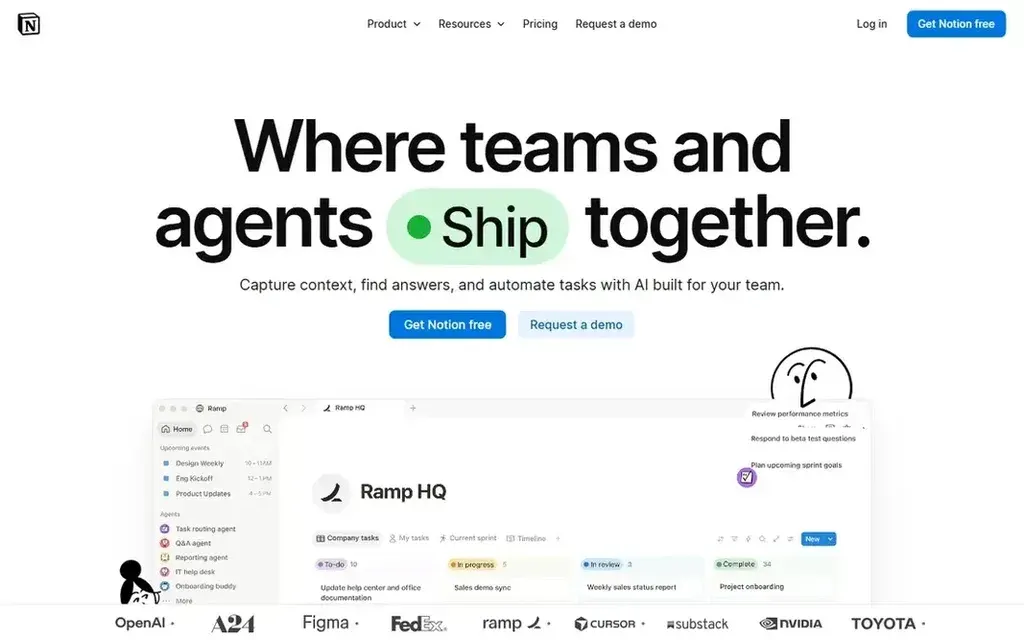
Notion works best for configurable AI workspace and agents. Teams needing a strictly structured knowledge base with governance might prefer a dedicated tool.
The main drawbacks: Advanced features may have a ramp-up time.
It is designed for teams that want an adaptable, all-in-one workspace where they can get more done quicker. Notion's adaptability can result in clutter if not managed carefully, and its advanced features may need time to learn. Price to start with Notion: $10 per member per month. Notion includes a free tier.
- Search across all apps
- Build custom agents
- Can become cluttered without discipline
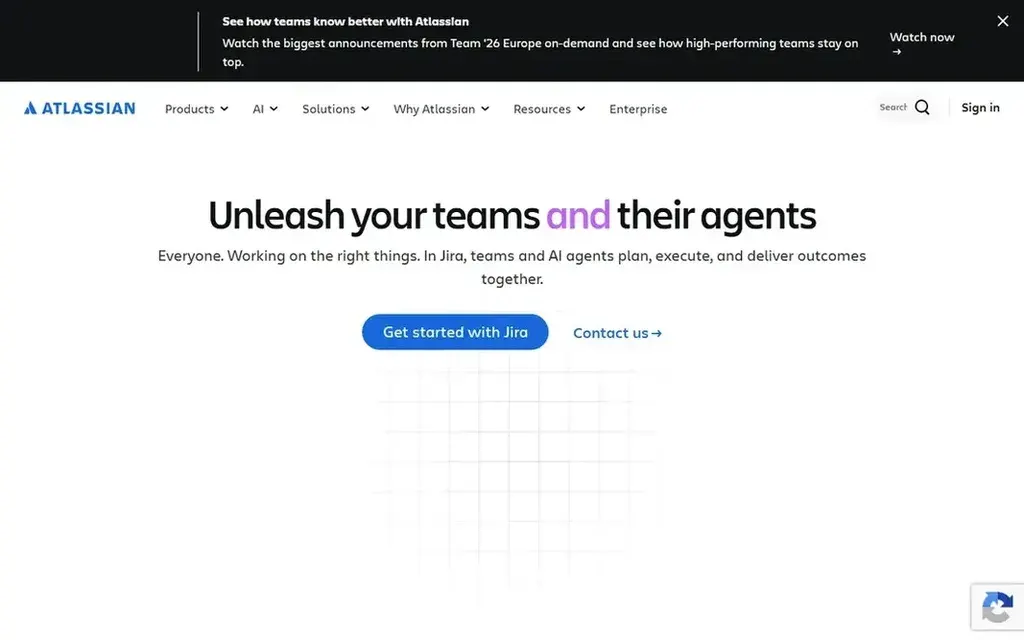
Confluence makes the most sense for collaborative knowledge sharing with AI. Confluence is a team workspace made for creating and sharing knowledge.
Honest limits: May need extras for advanced customization.
It uses AI to help draft, summarize, and find answers, aiming to accelerate projects. Teams needing a more straightforward, more light wiki might prefer a dedicated knowledge base tool. Confluence does not show a starting price in this comparison, so check the vendor site for current pricing. Trial and free access: Not stated.
- Central workspace for team knowledge
- AI-assisted drafting and summarization
- Can become complicated to organize at scale
Our selection method
LinkVetted looked at what each vendor publishes: pricing, plan limits, feature coverage for knowledge base software for internal teams and stated drawbacks. No hands-on testing is claimed. Where a price is missing, the vendor does not list one publicly or ties it to a quote. Always confirm before budgeting. The order reflects how well each tool fits the most common buying scenario for knowledge base software for internal teams, then price clarity, then free plan access. It is a starting point, not a verdict.
Things to verify first
- Confirm the entry price on the vendor page. For Zendesk Guide, Helpjuice, Freshdesk and Confluence that means a quote rather than a fixed price.
- Look at the free plan from Notion closely: its caps decide whether it is usable for real work.
- Run a trial of Helpjuice with real work before paying for a year; your own workflow is the best test.
- Before choosing Zendesk Guide, weigh its main limit: tied to Zendesk ecosystem.
- Check the integration list for Zendesk Guide against the tools you run today, and note which ones need a higher plan.
- Confirm you can export your data from Freshdesk, so leaving later does not mean losing records.
FAQ
Which options for knowledge base software for internal teams have a free plan?
Notion is the only tool in this list with a free plan. Free plans usually cap users, projects or features, so check the limits on the vendor page. One other tool offers a trial instead. All 5 picks in this knowledge base software for internal teams comparison list a starting price, free plan details and the main limits on their cards above.
Do these tools publish their prices?
Not all of them. Zendesk Guide, Helpjuice, Freshdesk and Confluence publish no starting price, so expect a quote request for those. The rest, Notion included, show a starting price, though seats and billing terms still change the final cost.
How are the tools for knowledge base software for internal teams ordered?
The order follows typical fit for knowledge base software for internal teams, with Zendesk Guide first and Confluence last, then price clarity and free access. It is editorial judgement, not a score, so another team could rank the tools differently.
Is Zendesk Guide the right pick for everyone comparing knowledge base software for internal teams?
No single tool suits every team. Zendesk Guide comes first because it fits customer service knowledge base, while Helpjuice suits dedicated knowledge base for support and Freshdesk suits AI-powered customer service with knowledge. Match the tool to your own size, budget and workflow before deciding.
What should internal teams look for in a knowledge base tool?
Internal teams should prioritize simplicity, searchability, and integration with existing tools. Features like AI-assisted search and content governance can help maintain accuracy.
Sources
- https://www.zendesk.com/service/help-center
- https://helpjuice.com
- https://www.freshworks.com/freshdesk
- https://www.notion.com
- https://www.atlassian.com/software/confluence