Top 6 Knowledge Base Software for Internal Wikis for 2026 (Prices and Free Plans)
Best knowledge base software for internal wikis in 2026: 6 contenders with entry costs and free tiers. Strengths and weak spots are spelled out. Quick to scan.
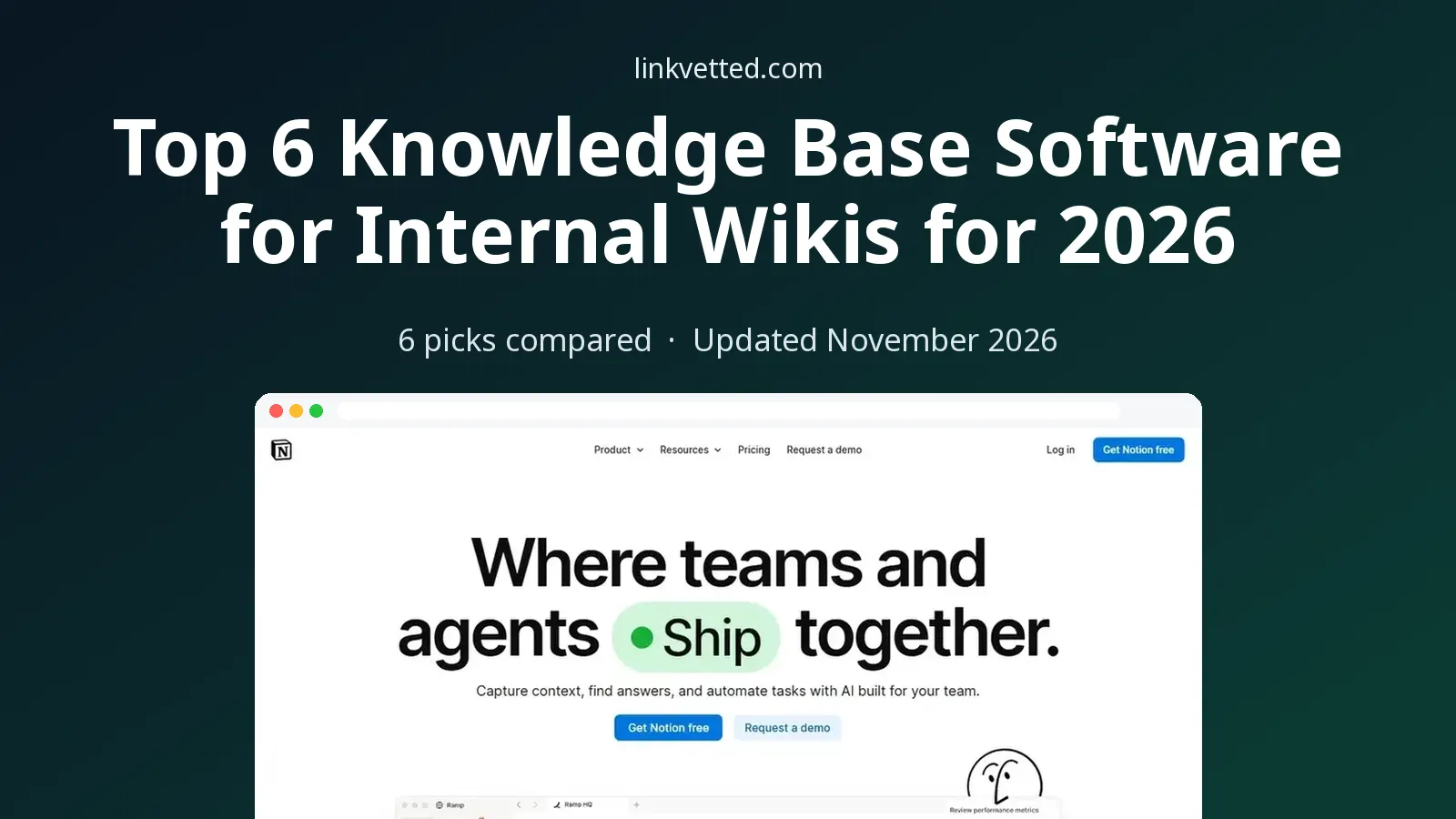
- Editor's choice
 Notion
Adaptable all-in-one team workspace
Starts at$10 per member a monthVisit notion.soFull review - Great alternative
 Guru
Governed knowledge for enterprise AI
Starts atSee websiteVisit getguru.comFull review - Also consider
 Bloomfire
Governed context for enterprise AI
Starts atSee websiteVisit bloomfire.comFull review
Direct answer
Start with Notion if you need adaptable all-in-one team workspace. Listed starting prices: Notion from $10 per member a month. If your case is different, Guru suits governed knowledge for enterprise AI and Bloomfire suits governed context for enterprise AI. The remaining 3 options are covered below with prices and limits.
TL;DR:
- Notion takes the first slot, best suited to adaptable all-in-one team workspace.
- Notion is the only tool of the 6 with a free plan.
- For the cheapest start, look at Notion: $10 per member per month.
- A fair warning about Guru: enterprise orientation may overwhelm small teams.
- For structured team wikis at scale, Confluence is worth a look.
Last checked November 2026. Prices and plan details were read from the vendors' own pages in November 2026; vendors change plans often, so confirm the current price on the vendor site before you buy.
Quick comparison
| Tool | Best for | Starts at | Free plan? | |
|---|---|---|---|---|
| Notion | Adaptable all-in-one team workspace | $10 per member a month | Yes | Visit |
| Guru | Governed knowledge for enterprise AI | See website | Not stated | Visit |
| Bloomfire | Governed context for enterprise AI | See website | Not stated | Visit |
 Helpjuice | Support and productivity knowledge | See website | Free trial | Visit |
 Document360 | Documentation with AI search and chat | See website | Not stated | Visit |
 Confluence | Structured team wikis at scale | See website | Not stated | Visit |
The full knowledge base software for internal wikis list
Short on time? The summary and table above give the quick view of 6 tools for knowledge base software for internal wikis, and the profiles that follow give the detail behind each entry.

Notion was built for adaptable all-in-one team workspace. For internal wikis, its strength is combining written pages with databases, so documentation, trackers and project notes can live side by side and be shaped to how a team already works. That openness means structure relies on your own conventions, and sprawling wikis can become hard to navigate without discipline.
Where it is weaker: Large wikis can get disorganized.
On top of that, teams needing strict governance or heavily standardized documentation may prefer a more opinionated tool. Pick Notion when adaptability matters more than rigid structure. Notion presents itself as an AI workspace where teams build custom agents, search across connected apps and automate routine work. Notion pricing: $10 per member per month. Notion offers a free plan.
- Custom agents and cross-app search
- Automates repetitive busywork
- Adaptability needs internal conventions
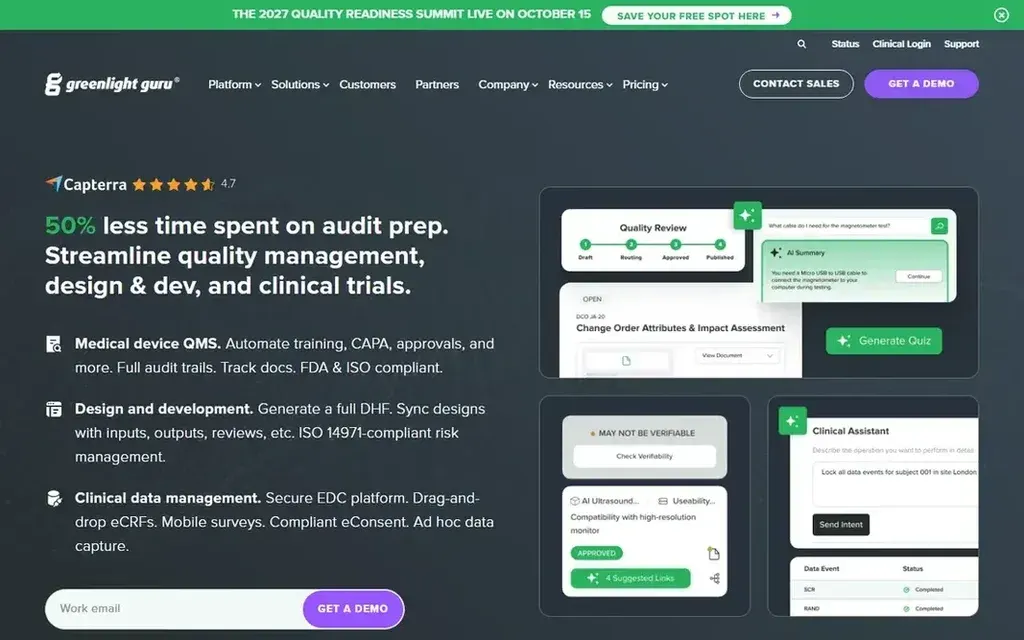
Guru is a good fit for governed knowledge for enterprise AI. It fits organizations where accuracy and verification of internal information matter, particularly when the same knowledge feeds both people and AI systems.
This comparison lists no price for Guru; ask the vendor. Trial and free access: Not stated.
Where it is weaker: Governance setup needs ownership.
- Aims at trustworthy AI answers
- Structures and governs knowledge
- Enterprise orientation may overwhelm small teams
Bloomfire works best for governed context for enterprise AI. Bloomfire describes itself as governed context for enterprise AI, giving AI agents and surfaces a trusted reasoning layer built from enterprise knowledge instead of raw documents alone. The enterprise AI framing assumes substantial existing knowledge to govern and someone to maintain it, which can be heavy for small teams.
What to check first: Enterprise framing may exceed small team needs.
As for the details, if you need a straightforward internal wiki for everyday notes, a lighter tool is likely better. Choose Bloomfire when governed, AI-ready knowledge is the objective. Pricing for Bloomfire is not stated here, so ask the vendor for current figures. Free access: Not stated.
- Governed context from enterprise knowledge
- Reasoning layer beyond raw documents
- Needs curated source knowledge
Choose Helpjuice for support and productivity knowledge. Evaluate it against general workspaces if collaboration is the central goal; Helpjuice makes sense when knowledge delivery and support productivity are the priority.
Drawbacks to consider: Support emphasis may not fit pure internal wikis.
Worth adding: Helpjuice presents itself as knowledge base software geared toward simplifying support and boosting productivity. No starting price is listed for Helpjuice here; confirm pricing on the vendor site. On free options: Free trial.
- Straightforward knowledge base framing
- Focus on simplifying productivity
- Less suited to freeform collaboration
Document360 was built for documentation with AI search and chat. Document360 is AI knowledge base software for documentation, offering AI search, an AI chatbot and writing tools inside the product.
Drawbacks to consider: Documentation focus may feel narrow for general wikis.
Its documentation orientation may be more than a casual team wiki needs, and the feature set can take time to learn. If your priority is freeform notes and light pages, a general workspace may fit better; pick Document360 when documentation quality and AI-assisted retrieval are central. Document360 shows no starting price here, so confirm the cost on the vendor site. Free plan details: Not stated.
- Built-in writing tools
- Geared toward intelligent documentation
- Feature depth can need onboarding

Choose Confluence for structured team wikis at scale. Confluence is a team workspace aimed at creating and sharing knowledge, with AI used to draft pages, summarize content and surface answers so projects move quicker.
Also, the platform carries more structure and administration than light wikis, which can slow down very small teams. Pricing for Confluence is not stated here, so ask the vendor for current figures. Free plan details: Not stated.
The main drawbacks: Setup and governance take effort.
- Summarizing and answer finding
- Suits collaboration-heavy organizations
- Can feel heavy for small teams
How we compared the tools
For each of the 6 tools we noted price, free plan or trial, fit for knowledge base software for internal wikis and the main limit, using vendor pages and documentation. Where a price is missing, the vendor does not list one publicly or ties it to a quote. Always confirm before budgeting. The order reflects how well each tool fits the most common buying scenario for knowledge base software for internal wikis, then price clarity, then free plan access. It is a starting point, not a verdict.
Pre-purchase checklist
- Ask Guru, Bloomfire, Helpjuice and others for a written quote, since no starting price is shown.
- Look at the free plan from Notion closely: its caps decide whether it is usable for real work.
- Run a trial of Helpjuice with real work before paying for a year; your own workflow is the best test.
- Before choosing Notion, weigh its main limit: adaptability needs internal conventions.
- Before you load data into Confluence, check what an export looks like and who can run it.
- Pick one real project and run it in Bloomfire first; a small pilot shows fit faster than a checklist.
FAQ
What is the cheapest option for knowledge base software for internal wikis in this list?
On published monthly entry prices, Notion is the lowest here at $10 per member per month. Entry price is only part of the cost, because seats, add-ons and billing terms can change the total. Each of the 6 options in this knowledge base software for internal wikis guide has its own card above with the price, free plan and limits.
Do these tools publish their prices?
Not all of them. Guru, Bloomfire, Helpjuice and others publish no starting price, so expect a quote request for those. The rest, Notion included, show a starting price, though seats and billing terms still change the final cost.
Which options for knowledge base software for internal wikis have a free plan?
Notion is the only tool in this list with a free plan. Free plans usually cap users, projects or features, so check the limits on the vendor page. One other tool offers a trial instead. All 6 picks in this knowledge base software for internal wikis comparison list a starting price, free plan details and the main limits on their cards above.
Is Notion the right pick for everyone comparing knowledge base software for internal wikis?
No single tool suits every team. Notion comes first because it fits flexible all-in-one team workspace, while Guru suits governed knowledge for enterprise AI and Bloomfire suits governed context for enterprise AI. Match the tool to your own size, budget and workflow before deciding.
What should an internal wiki tool do well?
The core jobs are simple page creation, clear organization, dependable search and sensible permissions. Governance matters too, so outdated pages can be identified and updated instead of trusted indefinitely.
Sources
- https://www.notion.so
- https://www.getguru.com
- https://bloomfire.com
- https://helpjuice.com
- https://document360.com
- https://www.atlassian.com/software/confluence