Top 6 Knowledge Base Software for Developer Documentation for 2026 (Prices and Free Plans)
Best knowledge base software for developer documentation in 2026: 6 contenders with entry costs and free tiers. Short verdicts, no fluff. Numbers first.
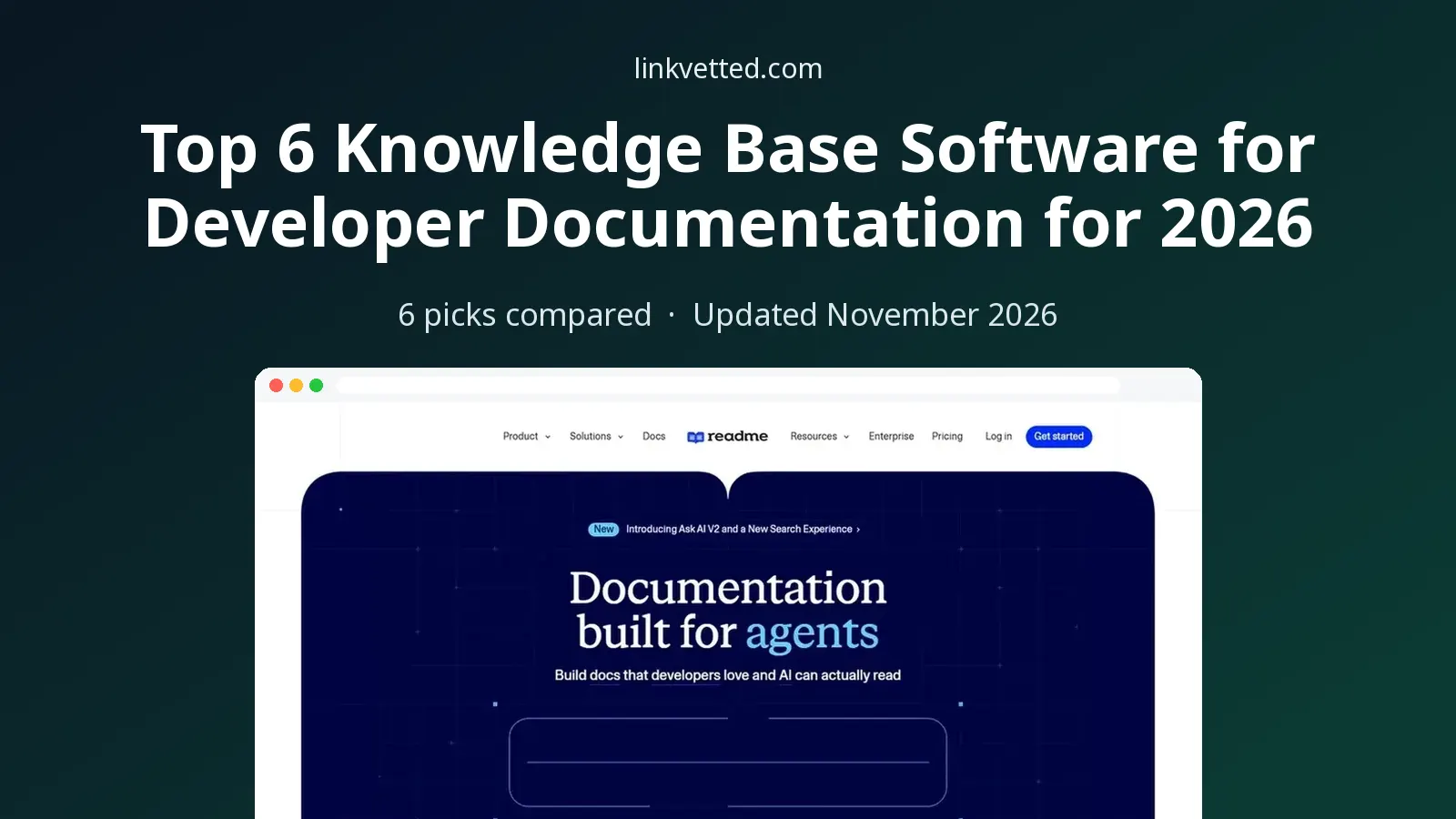
- Editor's choice
 ReadMe
Interactive API reference documentation
Starts atSee websiteVisit readme.comFull review - Great alternative
 Confluence
Team workspace combining docs and knowledge
Starts atSee websiteVisit atlassian.comFull review - Also consider
 Helpjuice
Support-oriented knowledge base software
Starts atSee websiteVisit helpjuice.comFull review
Direct answer
For interactive API reference documentation, ReadMe is where this list starts. Listed starting prices: GitBook from $65 per site per month. Confluence is better for team workspace combining docs and knowledge, and Helpjuice is better for support-oriented knowledge base software. The remaining 3 options are covered below with prices and limits.
TL;DR:
- ReadMe takes the first slot, best suited to interactive API reference documentation.
- Check the limits for Helpjuice before you commit: less emphasis on API reference features.
- For AI-assisted docs platform for product teams, GitBook is worth a look.
- Only GitBook offers a free plan among these 6 tools.
Last checked November 2026. Prices and plan details were read from the vendors' own pages in November 2026; vendors change plans often, so confirm the current price on the vendor site before you buy.
Quick comparison
| Tool | Best for | Starts at | Free plan? | |
|---|---|---|---|---|
| ReadMe | Interactive API reference documentation | See website | Not stated | Visit |
| Confluence | Team workspace combining docs and knowledge | See website | Not stated | Visit |
| Helpjuice | Support-oriented knowledge base software | See website | Free trial | Visit |
 Document360 | AI knowledge base with search and chatbot | See website | Not stated | Visit |
 Docusaurus | Code-first static documentation sites | See website | Not stated | Visit |
 GitBook | AI-assisted docs system for product teams | $65 per site per month | Yes | Visit |
Knowledge Base Software for Developer Documentation compared in detail
Short on time? The summary and table above give the quick view of 6 tools for knowledge base software for developer documentation, and the profiles that follow give the detail behind each entry.
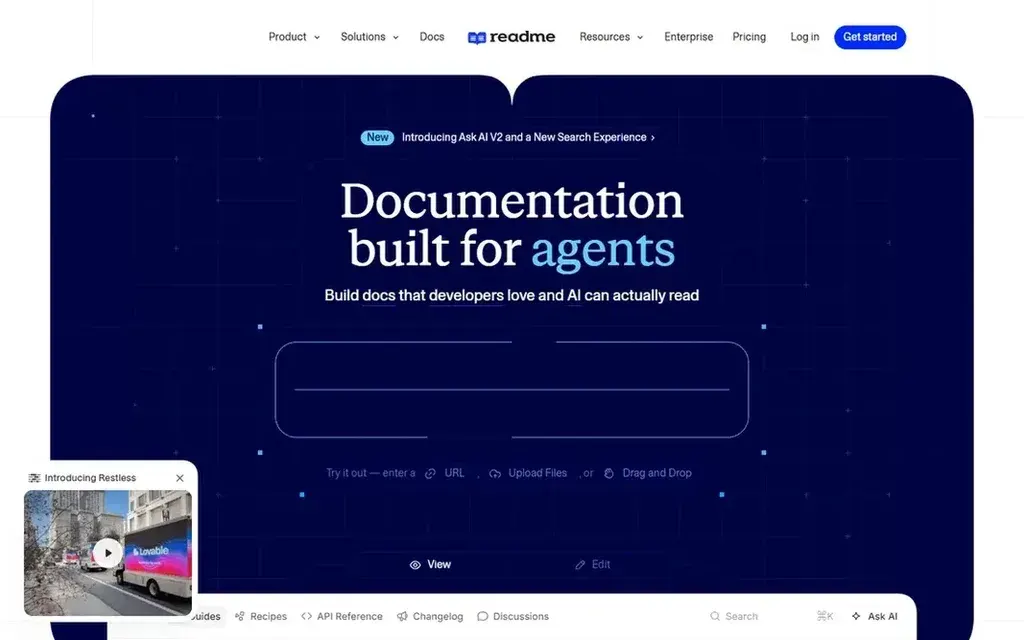
ReadMe makes the most sense for interactive API reference documentation. It suits API-first businesses where the reference is the core of the developer experience and where interactive examples and clear endpoints matter more than a wide internal wiki.
ReadMe is centered on API documentation, so teams that also need a general-purpose knowledge base for internal processes may need a second tool alongside it. No starting price is listed for ReadMe here; confirm pricing on the vendor site. Free access: Not stated.
Watch-outs: Less suited to internal knowledge sharing.
- Geared toward making API docs pleasant to use
- Interactive API documentation focus
- Narrower scope than a general wiki

Confluence is built with team workspace combining docs and knowledge in mind. Confluence is described as an AI workspace for knowledge and collaboration, where teams build and share knowledge and use AI to draft, summarize and find answers.
It suits organizations that want documentation to live alongside project notes, meeting records and other internal knowledge instead of in a standalone docs product. Confluence does not show a starting price in this comparison, so check the vendor site for current pricing. Free access: Not stated.
Where it is weaker: Public developer docs need additional setup.
- Summarizing and answer finding
- Suits teams already working in Atlassian tools
- Can feel heavy for a small docs site
In short, Helpjuice is for support-oriented knowledge base software. Helpjuice presents itself as knowledge base software that helps teams simplify support and boost productivity.
From a buyer's view, Helpjuice leans toward support content instead of developer-facing API documentation, so engineering teams wanting interactive references or repo-based builds may prefer ReadMe or Docusaurus. More specifically, confirm the current feature set and terms straight on the vendor site before committing. Pricing for Helpjuice is not stated here, so ask the vendor for current figures. Free options: Free trial.
What to check first: Support focus may not suit pure dev docs.
- Knowledge base targeted at support and productivity
- Positioned for simplifying support workflows
- Less emphasis on API reference features
Document360 is a good fit for AI knowledge base with search and chatbot. In practice, check current capabilities on the vendor site before deciding.
Worth adding: the AI layer and knowledge base structure take time to configure well. Teams with a small, static docs set may not need that depth. No starting price is listed for Document360 here; confirm pricing on the vendor site. Trial and free access: Not stated.
Where it is weaker: May be broader than a small docs set needs.
- AI writing tools inside the editor
- AI search and AI chatbot built in
- AI features add complexity to learn
Docusaurus is designed for code-first static documentation sites. Docusaurus is an optimized site generator built on React that helps teams move quick and write content, producing documentation websites, blogs and marketing pages.
Upsides: Content lives with your code.
What to check first: No hosted authoring or AI writing layer.
It suits engineering teams comfortable with code who want docs versioned alongside the product and full control over the generated site, including hosting choices. Docusaurus does not show a starting price in this comparison, so check the vendor site for current pricing. As for free access: Not stated.
- Builds docs
- Blogs and marketing pages
- Needs front-end and build knowledge
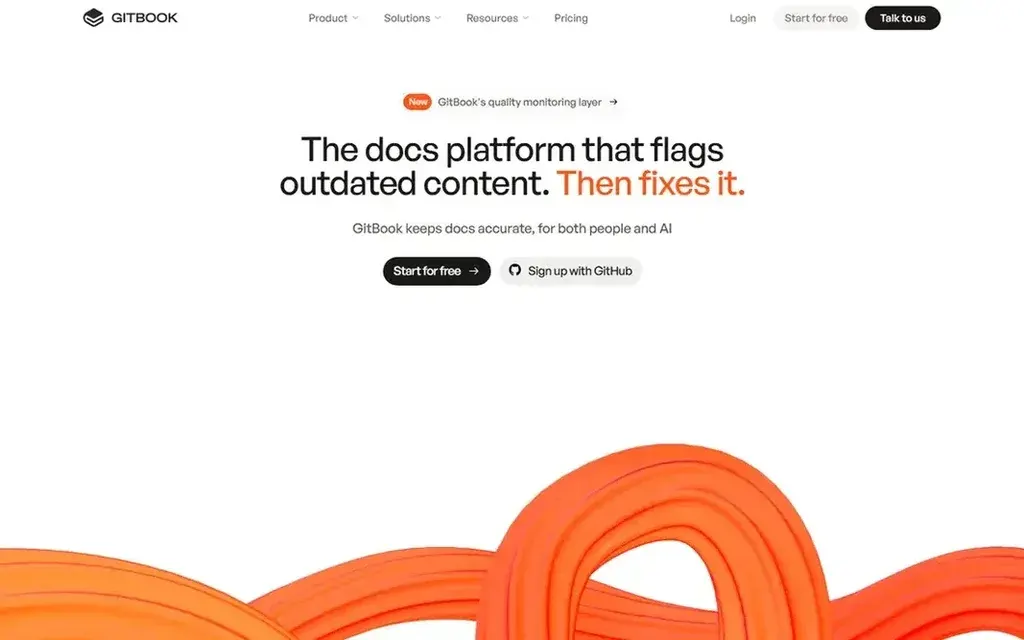
Think of GitBook for AI-assisted docs platform for product teams. GitBook presents itself as a documentation platform aimed at humans and AI. Its built-in MCP links documentation to AI agents, and the GitBook Agent is positioned as a way to keep content accurate over time.
Since GitBook handles the publishing layer, teams that need deep customization of the front end or a completely self-hosted build may find it limiting. Confirm the current feature set on the vendor site. What you pay to start with GitBook: $65 per site per month. GitBook includes a free tier.
Downsides: Less control over the underlying site build.
- Built-in MCP links docs to AI agents
- Suited to both human readers and AI use
- Git workflows may feel indirect for some teams
How we chose
For each of the 6 tools we noted price, free plan or trial, fit for knowledge base software for developer documentation and the main limit, using vendor pages and documentation. Prices and plan limits come from vendor pages and can change, so confirm them on the vendor site before you buy. Order on the page follows fit for the typical buyer first, then price transparency and free access. Your own requirements should decide the final pick.
Before you commit
- Confirm the entry price on the vendor page. For ReadMe, Confluence, Helpjuice and others that means a quote rather than a fixed price.
- Test the free plan from GitBook against your real workload before relying on it.
- Run a trial of Helpjuice with real work before paying for a year; your own workflow is the best test.
- Read the limits listed for ReadMe first: narrower scope than a general wiki.
- Involve the people who will use Helpjuice daily; a short pilot beats a long feature checklist.
- Price Document360 for your actual team size; headline prices rarely include add-ons or overage.
FAQ
What is the cheapest option for knowledge base software for developer documentation in this list?
On published monthly entry prices, GitBook is the lowest here at $65 per site per month. Entry price is only part of the cost, because seats, add-ons and billing terms can change the total.
Do these tools publish their prices?
Not all of them. ReadMe, Confluence, Helpjuice and others publish no starting price, so expect a quote request for those. The rest, GitBook included, show a starting price, though seats and billing terms still change the final cost.
Should documentation live next to project work?
If your team already works inside an Atlassian environment, Confluence keeps documentation beside project knowledge and layers on AI drafting and search. For public developer docs, a dedicated system for example GitBook or Document360 typically provides a cleaner reader experience.
Is ReadMe the right pick for everyone comparing knowledge base software for developer documentation?
No single tool suits every team. ReadMe comes first because it fits interactive API reference documentation, while Confluence suits team workspace combining docs and knowledge and Helpjuice suits support-oriented knowledge base software. Match the tool to your own size, budget and workflow before deciding.
Which options for knowledge base software for developer documentation have a free plan?
GitBook is the only tool in this list with a free plan. Free plans usually cap users, projects or features, so check the limits on the vendor page. One other tool offers a trial instead.
Can I use a static site generator for developer docs?
Yes. Docusaurus produces documentation websites from content in your repository, which fits teams that want version control and full control over the build.
Sources
- https://readme.com
- https://www.atlassian.com/software/confluence
- https://helpjuice.com
- https://document360.com
- https://docusaurus.io
- https://www.gitbook.com