Top 6 Knowledge Base Software for Coaches for 2026 (Prices and Free Plans)
Searching for the best knowledge base software for coaches? Here are 6 options with prices and free plans. Every pick gets a straight assessment. Start here.

- Editor's choice
 Zendesk
Scaling support operations
Starts at$19 agent/month premium yearlyVisit zendesk.comFull review - Great alternative
 Notion
All-in-one workspace for coaches
Starts at$10 per member a monthVisit notion.soFull review - Also consider
 Document360
Structured documentation with AI
Starts atSee websiteVisit document360.comFull review
Direct answer
Start with Zendesk if you need scaling support operations. Listed starting prices: Zendesk from $19 agent/month premium yearly, Notion from $10 per member a month and Help Scout from $25 per user a month. If your case is different, Notion suits all-in-one workspace for coaches and Document360 suits structured documentation with AI. All 6 tools are compared below on price, free plan and limits.
TL;DR:
- Zendesk takes the first slot, best suited to scaling support operations.
- For simple, dependable article publishing, KnowledgeOwl is worth a look.
- Before buying Notion, weigh this: requires you to design structure.
- 2 of 6 tools offer a free plan: Notion, Help Scout.
Last checked November 2026. Prices and plan details were read from the vendors' own pages in November 2026; vendors change plans often, so confirm the current price on the vendor site before you buy.
Quick comparison
| Tool | Best for | Starts at | Free plan? | |
|---|---|---|---|---|
| Zendesk | Scaling support operations | $19 agent/month premium yearly | Free trial | Visit |
| Notion | All-in-one workspace for coaches | $10 per member a month | Yes | Visit |
| Document360 | Structured documentation with AI | See website | Not stated | Visit |
 Freshdesk | Omnichannel ticketing with articles | See website | Not stated | Visit |
 Help Scout | Support inbox plus help center | $25 per user a month | Yes | Visit |
 KnowledgeOwl | Straightforward, dependable article publishing | $100 a month | Free trial | Visit |
Knowledge Base Software for Coaches compared in detail
This LinkVetted guide covers 6 knowledge base software for coaches. Each profile lists a starting price, free plan details, strengths and drawbacks, so you can drop poor fits quickly.

Zendesk is designed for scaling support operations. For a solo coach or a small practice, Zendesk can feel like more machinery than necessary, and the ramp-up time is real.
Where it falls short: More complexity than most coaches need.
Beyond that, configuration takes planning before it pays off. Entry price for Zendesk: $19 agent/month premium yearly. Free access: Free trial.
- Takes care of omnichannel requests
- Wide support product with AI agents
- Setup demands time and admin effort
Notion works best for all-in-one workspace for coaches. Notion is an AI workspace where teams build custom agents, search across apps and automate busywork. Notion hands you building blocks instead of a ready-made help center, so structure and permissions are yours to design, and public-facing polish takes effort.
Trade-offs to know: Needs you to design structure.
In daily use, coaches commonly already use it for session notes, program plans and client resources. The same pages can serve as a light knowledge base shared with clients. Notion cost at the entry level: $10 per member per month. Notion includes a free tier.
- AI workspace with search and agents
- Adaptable pages and databases
- Not a dedicated help center
Document360 is built with structured documentation with AI in mind. The documentation-first design means it is less of a client conversation tool, so you may still need separate email or messaging software.
Trade-offs to know: Documentation focus may be narrow for some.
Also, planning your content structure before migrating saves rework. Pricing for Document360 is not stated here, so ask the vendor for current figures. Free options: Not stated.
- AI search
- Chatbot and writing tools
- Needs content planning upfront
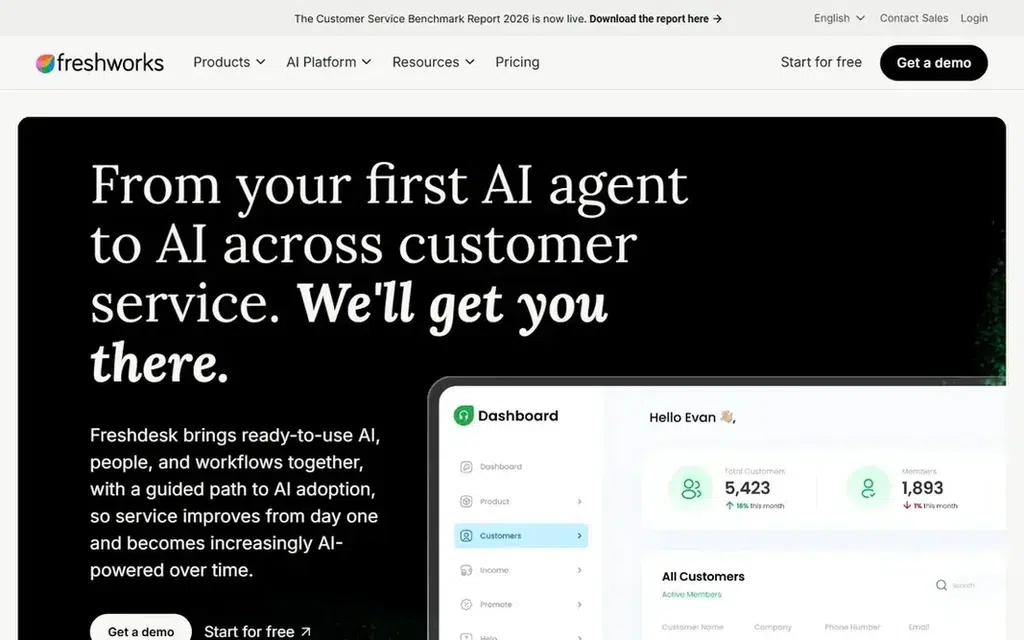
In short, Freshdesk is for omnichannel ticketing with articles. Freshdesk is made for support teams, so its breadth may be more than a coaching business needs, and setup needs deliberate configuration.
Drawbacks to consider: Feature breadth can overwhelm small teams.
In practice, Freshdesk is an AI-powered customer service option with omnichannel ticketing and automatic workflows, and it contains knowledge base functionality for self-service answers. No starting price is listed for Freshdesk here; confirm pricing on the vendor site. Free options: Not stated.
- Omnichannel ticketing and automation
- Knowledge base alongside support
- Support-first design
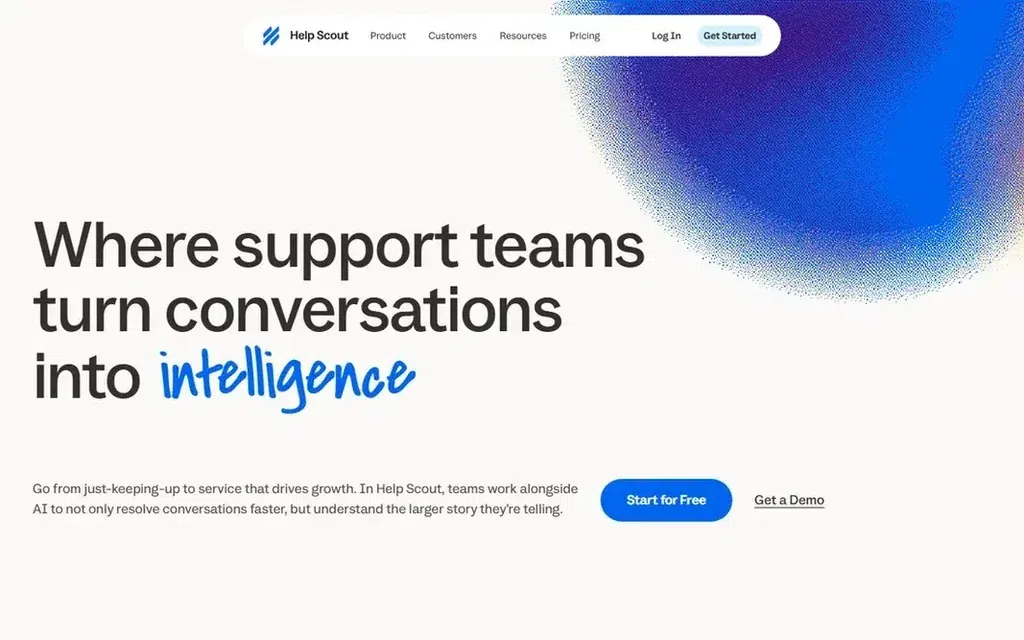
Help Scout works best for support inbox plus help center. Since Help Scout is built around support conversations, it supplies less structure for long-form documentation or multi-level content trees than dedicated knowledge base tools.
Beyond that, coaches whose primary need is publishing a large resource library may prefer a documentation-first system. In daily use, Help Scout is an AI-driven support product for customer-first brands, combining a shared inbox with a help center where you can publish articles for clients. On cost, Help Scout starts like this: $25 per user per month. You can start on Help Scout without paying.
Where it falls short: Not a deep documentation builder.
- Straightforward
- Clean interface
- Support focus may exceed solo needs
KnowledgeOwl targets straightforward, dependable article publishing. Choose it when simplicity and fast publishing are the priority, and pair it with separate tools for client communication and scheduling.
Where it falls short: Restricted support-desk functionality.
KnowledgeOwl is narrower in scope than AI-heavy platforms, so advanced automation and conversational AI are restricted. The starting price for KnowledgeOwl: $100 per month. Free plan details: Free trial.
- Serves both customers and staff
- Straightforward to use for sharing information
- Fewer advanced AI features
What went into this list
The comparison looks at four things: starting price, free access, how well the feature set matches knowledge base software for coaches, and the main limit of each tool. Prices and plan limits come from vendor pages and can change, so confirm them on the vendor site before you buy. We ordered the tools by general fit, then by how clearly pricing is shown, then by free access. A buyer with unusual needs may reorder them.
Questions to settle before buying
- Get a written quote from Document360 and Freshdesk; the list shows no starting price for them.
- Check what the free option really includes: Notion and Help Scout offer a free plan, and usage caps differ.
- Use real work to test the free trial from Zendesk and KnowledgeOwl, rather than a demo project.
- Before choosing Zendesk, weigh its main limit: more complexity than most coaches need.
- Check whether KnowledgeOwl bills monthly or annually, and what cancelling early costs.
- Check the support hours and onboarding help Freshdesk offers; smaller vendors vary a lot here.
FAQ
Which options for knowledge base software for coaches have a free plan?
On this list, Notion and Help Scout include a free plan. Caps on seats, usage or features are common, so test the free plan against your real workload. Several others offer a trial instead.
Is Zendesk the right pick for everyone comparing knowledge base software for coaches?
No single tool suits every team. Zendesk comes first because it fits scaling support operations, while Notion suits all-in-one workspace for coaches and Document360 suits structured documentation with AI. Match the tool to your own size, budget and workflow before deciding.
Do coaches need a full support product for a knowledge base?
Commonly not. A support product makes sense when you also deal with a steady flow of client requests and want replies and articles together.
Can I try these tools before paying?
Often, yes. Notion and Help Scout have a free plan and Zendesk and KnowledgeOwl offer a free trial. Use your own data and a real task during the test, and check what the free tier or trial limits before you rely on it.
What is the cheapest option for knowledge base software for coaches in this list?
On published monthly entry prices, Notion is the lowest here at $10 per member per month. Entry price is only part of the cost, because seats, add-ons and billing terms can change the total. All 6 picks in this knowledge base software for Coaches comparison list a starting price, free plan details and the main limits on their cards above.
Sources
- https://www.zendesk.com
- https://www.notion.so
- https://document360.com
- https://www.freshworks.com/freshdesk
- https://www.helpscout.com
- https://www.knowledgeowl.com
Related guides
- Best Contact Center Knowledge Base Software for Small Business for 2026: Our 5 Vetted Picks
- Top 5 Contact Center Knowledge Base Software for Startups for 2026 (Prices and Free Plans)
- Best Knowledge Base Software in 2026: 9 Options Compared
- Best Self-Service Knowledge Base Platforms: 8 Tools Compared