Choosing Knowledge Base Software for Technical Documentation in 2026: 6 Options Compared
Weighing the best knowledge base software for technical documentation? We lined up 6 products by cost, free access and fit. Honest caveats for every entry.
- Editor's choice
 Helpjuice
Support-focused knowledge base
Starts atSee websiteVisit helpjuice.comFull review - Great alternative
 Document360
AI-powered knowledge base with chatbot
Starts atSee websiteVisit document360.comFull review - Also consider
 GitBook
Documentation-first teams with AI integration
Starts at$65 per site per monthVisit gitbook.comFull review
Direct answer
Our first pick is Helpjuice, best for support-focused knowledge base. Listed starting prices: GitBook from $65 per site per month, Paligo from $5,000 a year and MadCap Flare from $263 per author per month. Document360 is the stronger choice for AI-powered knowledge base with chatbot, while GitBook suits documentation-first teams with AI integration. Prices, free plans and limits for all 6 tools follow.
TL;DR:
- The list opens with Helpjuice, aimed at support-focused knowledge base.
- Check the limits for Document360 before you commit: may be more than needed for small doc sets.
- Only GitBook offers a free plan among these 6 tools.
- MadCap Flare is the one to check for single-source technical authoring and publishing.
- For the cheapest start, look at GitBook: $65 per site per month.
Last checked November 2026. Prices and plan details were read from the vendors' own pages in November 2026; vendors change plans often, so confirm the current price on the vendor site before you buy.
Quick comparison
| Tool | Best for | Starts at | Free plan? | |
|---|---|---|---|---|
| Helpjuice | Support-focused knowledge base | See website | Free trial | Visit |
| Document360 | AI-powered knowledge base with chatbot | See website | Not stated | Visit |
| GitBook | Documentation-first teams with AI integration | $65 per site per month | Yes | Visit |
 Paligo | Structured content governance for AI answers | $5,000 a year | Free trial | Visit |
 Confluence | Team collaboration and knowledge sharing | See website | Not stated | Visit |
 MadCap Flare | Single-source technical authoring and publishing | $263 per author per month | Free trial | Visit |
Knowledge Base Software for Technical Documentation compared in detail
LinkVetted put together this guide to knowledge base software for technical documentation for readers who want a clear shortlist without reading every vendor page. It compares 6 tools on starting price, free plans, who each one suits and where each one falls short.
Where Helpjuice fits: support-focused knowledge base. Helpjuice is knowledge base software that helps teams simplify support and boost productivity. It gives you a simple way to share information with customers and staff, making it a solid fit for support-focused documentation.
Beyond that, if your priority is structured technical authoring, consider a tool aimed at that purpose. In practice, advanced authoring features are restricted compared to dedicated documentation systems. Teams looking to cut repetitive questions and boost self-service will find it handy. Beyond that, Helpjuice is oriented toward support knowledge bases, so technical writing teams needing single-source publishing or strict content governance may find it less specialized. This comparison lists no price for Helpjuice; ask the vendor. As for free access: Free trial.
Watch-outs: Centred on support rather than deep technical publishing.
- Simplifies support and productivity
- Knowledge base for customer and staff use
- May lack advanced structured authoring
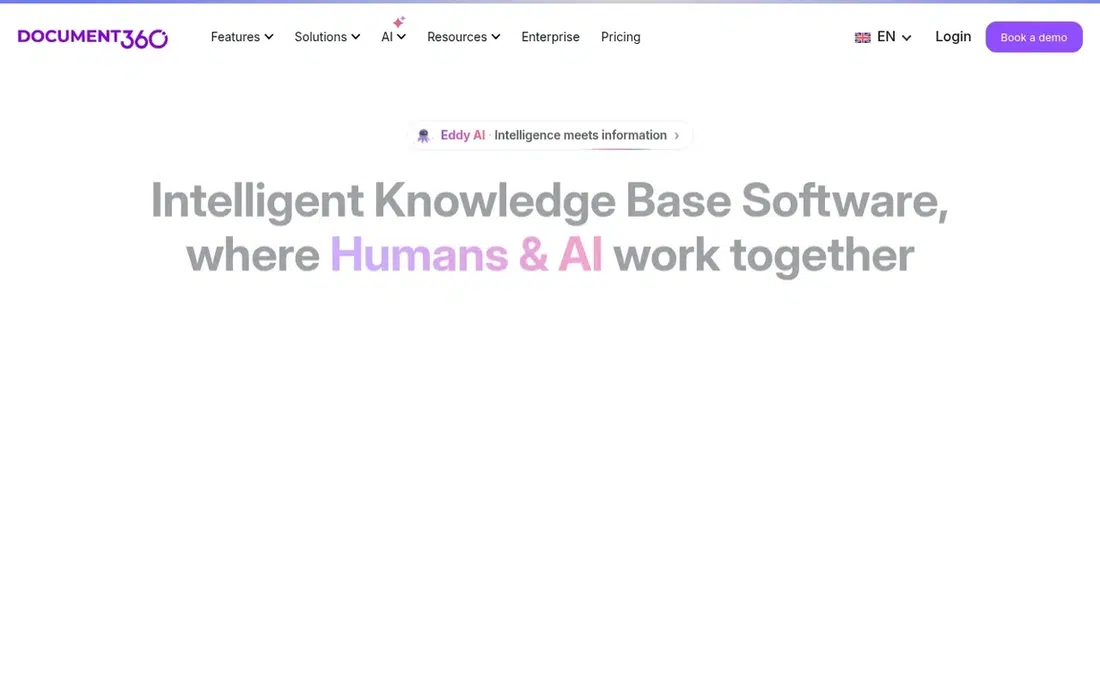
Document360 is built with AI-powered knowledge base with chatbot in mind. Document360 is AI knowledge base software for documentation, offering AI search, an AI chatbot, and writing tools inside the system. Also, the AI features rely on well-structured content to deliver decent results.
Document360 is a dedicated knowledge base, so organizations needing deep structured authoring with multi-format publishing may need extra tools. More specifically, if your documentation workflow emphasizes single-source publishing to PDF and online help, consider a specialized authoring system. Also, the combination of search and chatbot can help customers and staff find answers rapidly, making it right for support and technical documentation alike. Document360 does not show a starting price in this comparison, so check the vendor site for current pricing. Free plan details: Not stated.
Limits to weigh: AI features need content to be well organized.
- Knowledge base centred on documentation
- AI search and AI chatbot included
- May be more than needed for small doc sets
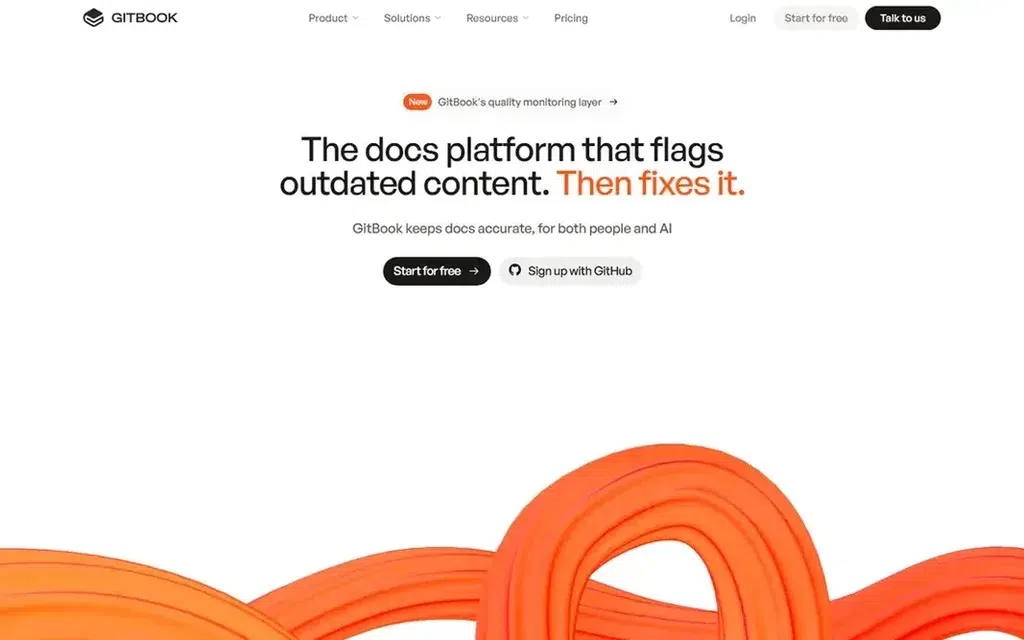
Think of GitBook for documentation-first teams with AI integration. GitBook is centered on documentation, so teams seeking a general-purpose wiki or project workspace may need a different tool. Its AI features are geared toward documentation accuracy instead of broad knowledge management.
If you need deep structured content governance or single-source publishing to multiple formats, evaluate specialized authoring tools. The system is meant to serve both human readers and AI systems that consume documentation, making it a good fit for developer-facing content. On cost, GitBook starts like this: $65 per site per month. Free access exists with GitBook.
Downsides: May be less suited to non-technical contributors.
- Made for human and AI readers
- GitBook Agent helps keep docs accurate
- Concentrated on documentation instead of wide collaboration
Paligo was built for structured content governance for AI answers. Paligo concentrates on turning structured content into trusted AI answers. It structures and governs approved content so every AI answer is grounded, traceable, and cited back to its source.
The main drawbacks: May be complicated for small teams.
This makes it right for enterprises that require steady, governed documentation to support AI systems. For everyday use, Paligo's structured approach can need more setup and discipline than an entry-level wiki, which may be challenging for small teams without dedicated documentation staff. It is designed for governance and traceability instead of ad hoc collaboration. The system emphasizes content quality and traceability over straightforward page editing. Price to start with Paligo: $5,000 per year. Free access: Free trial.
- AI answers grounded and traceable to source
- Enterprise focus on content reliability
- Structured authoring needs upfront setup
Confluence is a good fit for team collaboration and knowledge sharing. It fits best when documentation is closely tied to project collaboration.
Drawbacks to consider: Can become complicated for very large spaces.
Check the vendor site for Confluence pricing; none is listed in this comparison. Free plan details: Not stated.
- Central workspace for team knowledge
- Search that surfaces answers rapidly
- May need extras for advanced documentation workflows
MadCap Flare makes the most sense for single-source technical authoring and publishing. MadCap Flare is technical documentation and authoring software that lets you build, handle, and publish content from a single source. It gives online help, knowledge bases, and PDFs, making it a solid fit for technical writers who require control over structured content and several output formats.
Honest limits: Desktop authoring model may not suit real-time collaboration.
MadCap Flare is authoring-centric, so teams wanting a light, browser-based knowledge base with minimal setup may find it heavy. Live collaborative editing is not its primary strength. MadCap Flare cost at the entry level: $263 per author per month. As for free access: Free trial.
- Technical documentation authoring focus
- Single-source publishing to several outputs
- Steeper ramp-up time for non-technical users
Selection criteria
LinkVetted looked at what each vendor publishes: pricing, plan limits, feature coverage for knowledge base software for technical documentation and stated drawbacks. No hands-on testing is claimed. Prices and plan limits come from vendor pages and can change, so confirm them on the vendor site before you buy. Tools are placed by general fit for knowledge base software for technical documentation, with price clarity and free access as tie-breakers. A different team can reasonably rank them differently.
A buyer's checklist
- Ask Helpjuice, Document360 and Confluence for a written quote, since no starting price is shown.
- Test the free plan from GitBook against your real workload before relying on it.
- Run a trial of Helpjuice, Paligo and MadCap Flare with real work before paying for a year; your own workflow is the best test.
- Read the limits listed for Helpjuice first: may lack advanced structured authoring.
- Run a one or two week pilot of MadCap Flare with the people who will use it every day.
- Check the support hours and onboarding help GitBook offers; smaller vendors vary a lot here.
FAQ
What should I look for in knowledge base software for technical documentation?
Consider whether you need structured content, AI search, or single-source publishing. Also check how well the tool supports review workflows and content governance.
How are the tools for knowledge base software for technical documentation ordered?
The order follows typical fit for knowledge base software for technical documentation, with Helpjuice first and MadCap Flare last, then price clarity and free access. It is editorial judgement, not a score, so another team could rank the tools differently.
Do these tools publish their prices?
Not all of them. Helpjuice, Document360 and Confluence publish no starting price, so expect a quote request for those. The rest, GitBook included, show a starting price, though seats and billing terms still change the final cost.
Which options for knowledge base software for technical documentation have a free plan?
GitBook is the only tool in this list with a free plan. Free plans usually cap users, projects or features, so check the limits on the vendor page. Several others offer a trial instead.
Is Helpjuice the right pick for everyone comparing knowledge base software for technical documentation?
No single tool suits every team. Helpjuice comes first because it fits support-focused knowledge base, while Document360 suits AI-powered knowledge base with chatbot and GitBook suits documentation-first teams with AI integration. Match the tool to your own size, budget and workflow before deciding.
Sources
- https://helpjuice.com
- https://document360.com
- https://www.gitbook.com
- https://paligo.net
- https://www.atlassian.com/software/confluence
- https://www.madcapsoftware.com/products/flare
Related guides
- Best Contact Center Knowledge Base Software for Small Business for 2026: Our 5 Vetted Picks
- Top 5 Contact Center Knowledge Base Software for Startups for 2026 (Prices and Free Plans)
- Best Knowledge Base Software in 2026: 9 Options Compared
- Top 5 Knowledge Base Software for Self-Service Support for 2026 (Prices and Free Plans)