Choosing Knowledge Base Software for SaaS in 2026: 5 Options Compared
5 best knowledge base software for SaaS, compared on pricing, free plans and best-fit use. Fit and flaws are laid out for each entry. Straight answers.
- Editor's choice
 Notion
Adaptable AI workspace knowledge
Starts at$10 per member a monthVisit notion.comFull review - Great alternative
 Document360
Product and technical documentation
Starts atSee websiteVisit document360.comFull review - Also consider
 Zendesk Guide
Support-integrated customer knowledge bases
Starts atSee websiteVisit zendesk.comFull review
Direct answer
Notion leads the list, best for adaptable AI workspace knowledge. Listed starting prices: Notion from $10 per member a month. Look at Document360 for product and technical documentation, and at Zendesk Guide for support-integrated customer knowledge bases. Prices, free plans and limits for all 5 tools follow.
TL;DR:
- This list starts with Notion, which is built for flexible AI workspace knowledge.
- Notion is the lowest-priced starter here at $10 per member per month.
- Before buying Freshdesk Knowledge Base, weigh this: best fit inside the Freshworks stack.
- Confluence fits team workspaces and internal knowledge.
- Just one of the 5 tools, Notion, has a free plan.
Last checked November 2026. Prices and plan details were read from the vendors' own pages in November 2026; vendors change plans often, so confirm the current price on the vendor site before you buy.
Quick comparison
| Tool | Best for | Starts at | Free plan? | |
|---|---|---|---|---|
| Notion | Adaptable AI workspace knowledge | $10 per member a month | Yes | Visit |
| Document360 | Product and technical documentation | See website | Not stated | Visit |
| Zendesk Guide | Support-integrated customer knowledge bases | See website | Not stated | Visit |
| Freshdesk Knowledge Base | Branded self-service portals for support | See website | Not stated | Visit |
 Confluence | Team workspaces and internal knowledge | See website | Not stated | Visit |
The 5 tools in detail
This LinkVetted guide covers 5 knowledge base software for SaaS. Each profile lists a starting price, free plan details, strengths and drawbacks, so you can drop poor fits quickly.
Think of Notion for adaptable AI workspace knowledge. Notion presents itself as an AI workspace where teams build agents, search across apps and automate busywork. Adaptability means structure is up to you, so large knowledge bases can become inconsistent without deliberate organization.
Points against: Structure relies on your discipline.
It is not purpose-built for public self-service portals or strict answer governance. In daily use, pick a dedicated knowledge base product when customer-facing documentation or controlled AI answers are the core need instead of general workspace adaptability. What you pay to start with Notion: $10 per member per month. Free access exists with Notion.
- Search across connected apps
- Adaptable pages and databases
- Not purpose-built for help centers
Document360 targets product and technical documentation. That makes it a natural fit for SaaS firms whose knowledge base is really product documentation read by customers and developers. As for the details, if your priority is a governed internal answer layer or a light help site, other choices fit better.
Worth adding: teams that treat docs as a product surface, with structured articles and searchable answers, will find the stated feature set aligned with that work. Its documentation orientation means support-only teams may find it heavier than needed, and internal knowledge sharing is not the headline use. Pricing for Document360 is not stated here, so ask the vendor for current figures. Trial and free access: Not stated.
The main drawbacks: Documentation-first focus.
- AI search and AI chatbot
- AI writing tools included
- May be more than support-only teams need
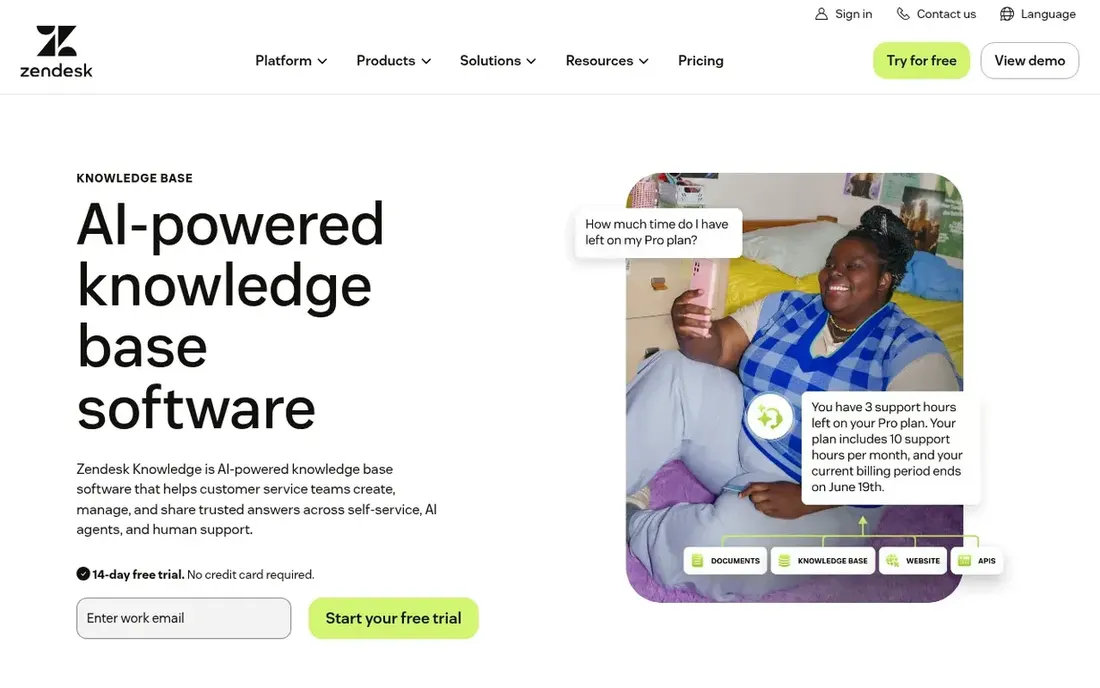
For support-integrated customer knowledge bases, Zendesk Guide is a natural candidate. Zendesk Guide is knowledge base software aimed at customer service. Its stated focus is keeping a knowledge base accurate by connecting trusted content and powering AI agents alongside self-service.
It is also oriented toward customer-facing service content instead of deep internal documentation. Beyond that, pick something else if your primary need is product docs or internal wikis. Zendesk Guide does not show a starting price in this comparison, so check the vendor site for current pricing. Free access: Not stated.
Points against: Setup can involve configuration effort.
- Powers self-service answers
- Links trusted content to AI agents
- Tied closely to the Zendesk ecosystem
Freshdesk Knowledge Base
Best for: Branded self-service portals for support
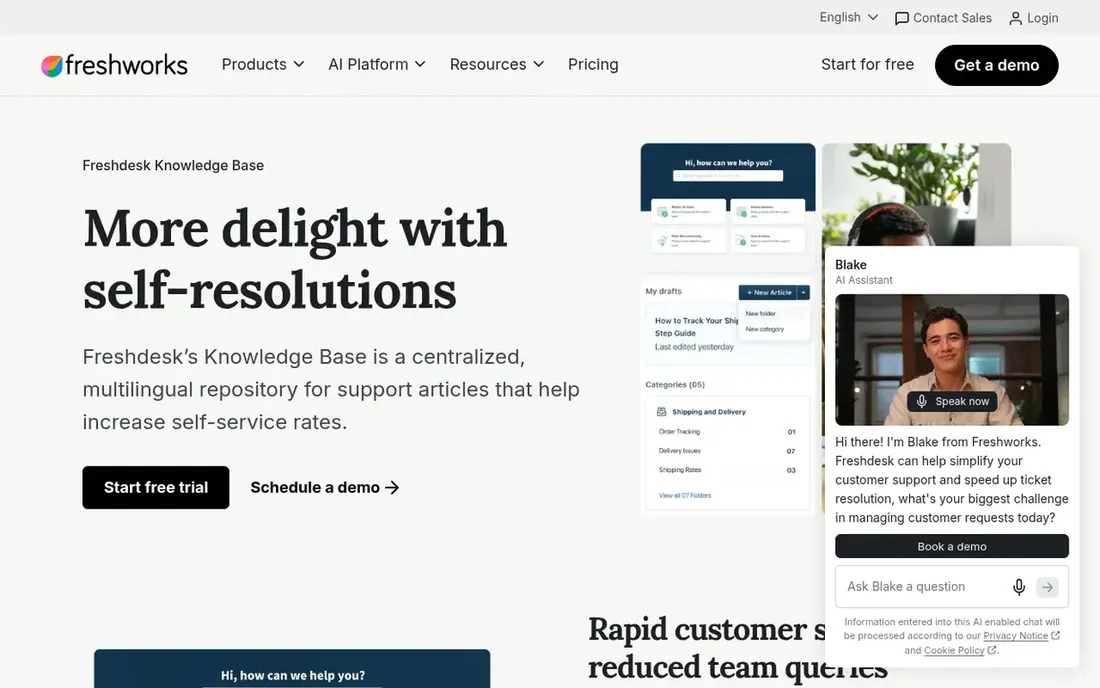
Freshdesk Knowledge Base works best for branded self-service portals for support. Freshdesk Knowledge Base is part of the Freshworks support suite and centers on a branded self-service portal where customers find support articles.
As for the details, since it is designed around support, teams wanting a standalone documentation site or heavy internal knowledge governance may outgrow it. The stated goal is around-the-clock customer support that lightens agent workload. Freshdesk Knowledge Base shows no starting price here, so confirm the cost on the vendor site. Free access: Not stated.
Where it falls short: Less suited to pure product docs.
- Branded self-service portal
- Aims to cut agent workload
- Best fit inside the Freshworks stack
Confluence is designed for team workspaces and internal knowledge. Confluence is Atlassian's team workspace for creating and sharing knowledge, with AI used to draft, summarize and find answers. From a buyer's view, for SaaS organizations, it commonly becomes the internal knowledge base where product, engineering and operations teams document decisions and processes.
It is a workspace first, so teams wanting a refined customer-facing help center or strict knowledge governance may need another tool alongside it. Choose a dedicated knowledge base product if external self-service or governed AI answers are the primary requirement. Confluence shows no starting price here, so confirm the cost on the vendor site. Free access: Not stated.
Drawbacks to consider: Can sprawl without structure.
- Collaborative workspace for knowledge
- AI drafting and summarizing help
- Not a dedicated public help center
How we chose
Selection started from tools commonly considered for knowledge base software for SaaS, then narrowed to 5 that have clear pricing information or a clear quote process. Plan names, prices and limits change often. Treat the figures here as a starting point and verify them with the vendor. Position on the page reflects fit for a typical buyer first, with price clarity and free access breaking ties. Treat it as a guide, not a ruling.
What to check before you buy
- Ask Document360, Zendesk Guide, Freshdesk Knowledge Base and Confluence for a written quote, since no starting price is shown.
- Test the free plan from Notion against your real workload before relying on it.
- Before choosing Notion, weigh its main limit: structure relies on your discipline.
- Find out whether the entry plan of Freshdesk Knowledge Base covers your must-haves or only a trimmed-down version.
- Test how quickly Document360 answers a pre-sales question; it hints at how support will feel later.
FAQ
What is the cheapest option for knowledge base software for SaaS in this list?
On published monthly entry prices, Notion is the lowest here at $10 per member per month. Entry price is only part of the cost, because seats, add-ons and billing terms can change the total. All 5 picks in this knowledge base software for SaaS comparison list a starting price, free plan details and the main limits on their cards above.
How are the knowledge base software for SaaS ordered?
The order follows typical fit for knowledge base software for SaaS, with Notion first and Confluence last, then price clarity and free access. It is editorial judgement, not a score, so another team could rank the tools differently.
Which knowledge base software for SaaS have a free plan?
Notion is the only tool in this list with a free plan. Free plans usually cap users, projects or features, so check the limits on the vendor page. For the full picture, the cards above cover all 5 entries of this knowledge base software for SaaS list, including price, free plan and limits.
Can I try these tools before paying?
Often, yes. Notion has a free plan. Use your own data and a real task during the test, and check what the free tier or trial limits before you rely on it. Prices, free plan details and limits for all 5 tools in this knowledge base software for SaaS roundup sit on the individual cards above.
What makes a knowledge base right for a SaaS company?
SaaS teams typically need both customer-facing help content and internal product knowledge, so fit relies on which audience matters most.
Sources
- https://www.notion.com
- https://document360.com
- https://www.zendesk.com/service/help-center
- https://www.freshworks.com/freshdesk/knowledge-base
- https://www.atlassian.com/software/confluence