Best Knowledge Base Software for SaaS Companies for 2026: Our 6 Vetted Picks
Weighing the best knowledge base software for SaaS companies? We lined up 6 products by cost, free access and fit. Prices and drawbacks included. Easy to scan.
- Editor's choice
 KnowledgeOwl
Straightforward, steady knowledge sharing
Starts at$100 a monthVisit knowledgeowl.comFull review - Great alternative
 Guru
Governed internal knowledge for AI
Starts atSee websiteVisit getguru.comFull review - Also consider
 Confluence
Internal team knowledge and collaboration
Starts atSee websiteVisit atlassian.comFull review
Direct answer
KnowledgeOwl leads the list, best for straightforward, steady knowledge sharing. Listed starting prices: KnowledgeOwl from $100 a month. Alternatives: Guru for governed internal knowledge for AI, and Confluence for internal team knowledge and collaboration. Prices, free plans and limits for all 6 tools follow.
TL;DR:
- KnowledgeOwl takes the first slot, best suited to straightforward, dependable knowledge sharing.
- For support-led SaaS help centers, Zendesk Guide is worth a look.
- The cheapest monthly starting price in the list is $100 per month, offered by KnowledgeOwl.
- What to know about Freshdesk Solutions first: knowledge is one part of a broader suite.
- Neither KnowledgeOwl nor Zendesk Guide, nor any of the other 4 tools, has a permanent free plan; trials and quotes are the norm.
Last checked November 2026. Prices and plan details were read from the vendors' own pages in November 2026; vendors change plans often, so confirm the current price on the vendor site before you buy.
Quick comparison
| Tool | Best for | Starts at | Free plan? | |
|---|---|---|---|---|
| KnowledgeOwl | Straightforward, steady knowledge sharing | $100 a month | Free trial | Visit |
| Guru | Governed internal knowledge for AI | See website | Not stated | Visit |
| Confluence | Internal team knowledge and collaboration | See website | Not stated | Visit |
| Freshdesk Solutions | Omnichannel support with built-in knowledge | See website | Not stated | Visit |
 Helpjuice | Quick to launch knowledge bases | See website | Free trial | Visit |
 Zendesk Guide | Support-led SaaS help centers | See website | Not stated | Visit |
Every option for knowledge base software for SaaS companies explained
This LinkVetted guide covers 6 knowledge base software for SaaS companies. Each profile lists a starting price, free plan details, strengths and drawbacks, so you can drop poor fits quickly.
KnowledgeOwl is aimed squarely at straightforward, dependable knowledge sharing. It fits SaaS companies that want a dependable, uncomplicated knowledge base for help articles and internal reference content without a large system commitment.
Its focus is on straightforward knowledge sharing, so teams wanting advanced AI knowledge governance or omnichannel support may need extra tools. What you pay to start with KnowledgeOwl: $100 per month. On free options: Free trial.
Where it is weaker: Fewer AI-forward features highlighted.
- Easy-to-use knowledge base software
- Straightforward publishing focus
- Not a full customer service suite
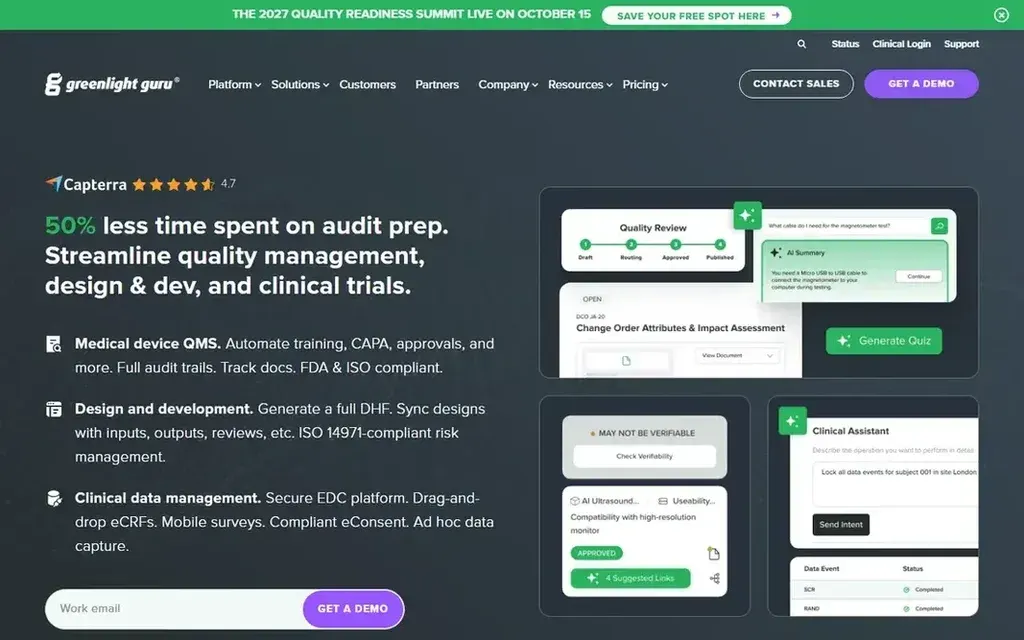
Guru serves governed internal knowledge for AI. Guru is oriented toward internal knowledge instead of customer-facing documentation, so it is not a direct replacement for a public help center.
What to check first: Internal focus instead of public docs.
Guru shows no starting price here, so confirm the cost on the vendor site. Free options: Not stated.
- Aims at trustworthy AI answers
- Structures and governs knowledge
- Needs continuing content governance effort
Where Confluence fits: internal team knowledge and collaboration. Confluence is oriented toward internal collaboration instead of customer-facing self-service, so it normally complements instead of replaces a help center. Pick it when internal knowledge sharing is the core need.
Beyond that, Confluence is Atlassian's team workspace for creating and sharing knowledge, with AI used to draft, summarize and find answers so projects move quicker. Also, SaaS businesses frequently use it for internal documentation for example product specs, processes and team guides that support the business behind the product. Pricing for Confluence is not stated here, so ask the vendor for current figures. On free options: Not stated.
What to check first: Not built as a public help center.
- AI drafting and summarization
- Shared workspace for team knowledge
- Can sprawl without content structure
Freshdesk Solutions
Best for: Omnichannel support with built-in knowledge
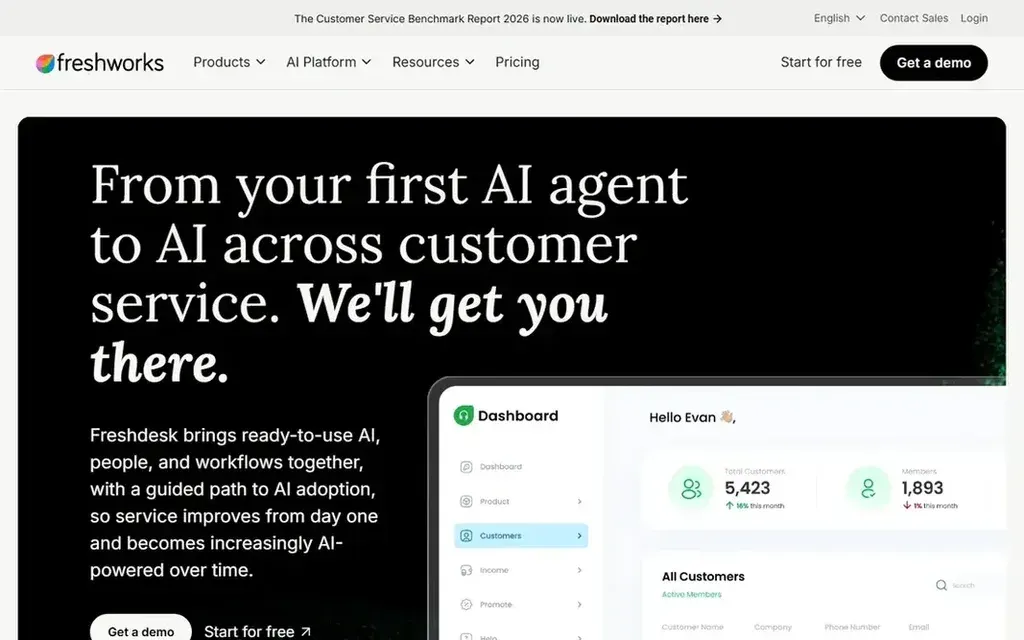
Freshdesk Solutions makes the most sense for omnichannel support with built-in knowledge. Freshdesk Solutions sits within Freshdesk, an AI-powered customer service system with omnichannel ticketing and automatic workflows.
Worth adding: for SaaS teams, it means support articles and option content can sit alongside the ticketing tools agents already use, which helps keep answers consistent across channels. This comparison lists no price for Freshdesk Solutions; ask the vendor. On free options: Not stated.
Points against: Knowledge is one part of a broader suite.
- Automatic workflows for agents
- Knowledge tied to customer service
- Deeper setup for complicated support operations
For quick to launch knowledge bases, Helpjuice is a natural candidate. Helpjuice is knowledge base software pitched at simplifying support and improving productivity by organizing information for customers and staff.
Teams that require deep governance of internal AI knowledge or tight ticketing integration may want to compare other choices. Worth adding: Helpjuice is best treated as a focused knowledge base layer alongside existing support tools. Helpjuice shows no starting price here, so confirm the cost on the vendor site. As for free access: Free trial.
What to check first: Less emphasis on AI governance.
- Straightforward sharing of information
- Aims to simplify support
- May need integration for ticketing
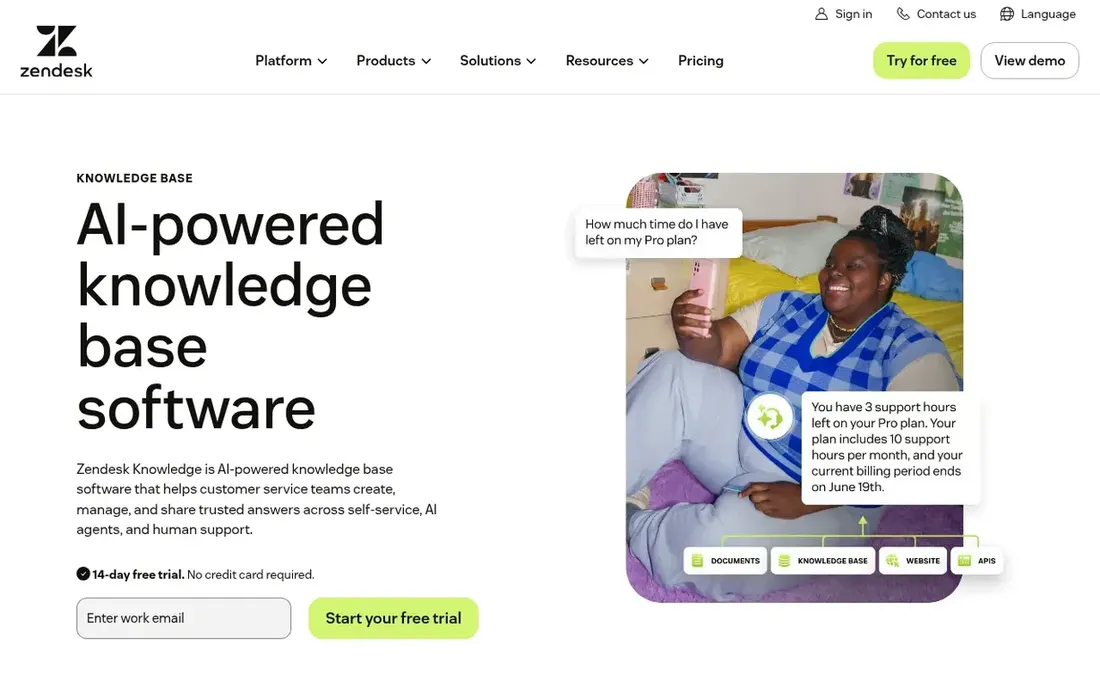
Zendesk Guide targets support-led SaaS help centers. Zendesk Guide is the knowledge base side of Zendesk's customer service product, built to help teams build accurate help center content that supports both self-service and AI-assisted answers.
Upsides: Ties knowledge to customer service workflows.
In practice, since it is designed around customer service, teams that only need a standalone documentation site may find it heavier than necessary. Zendesk Guide shows no starting price here, so confirm the cost on the vendor site. Free plan details: Not stated.
Watch-outs: May be more than a docs-only team needs.
- Focus on accurate
- Powers AI agents and self-service
- Best value inside the Zendesk ecosystem
Selection criteria
We compared the tools on published pricing, free plan or trial availability, feature coverage for knowledge base software for SaaS companies, and the limits each vendor documents. Treat prices as a snapshot: vendors change plans often, so check the vendor site for the figure that applies today. Tools are placed by general fit for knowledge base software for SaaS companies, with price clarity and free access as tie-breakers. A different team can reasonably rank them differently.
A buyer's checklist
- Ask Guru, Confluence, Freshdesk Solutions and others for a written quote, since no starting price is shown.
- Take the trial from KnowledgeOwl and Helpjuice and push a live task through it before you pay.
- Before choosing KnowledgeOwl, weigh its main limit: fewer AI-forward features highlighted.
- Run a one or two week pilot of Freshdesk Solutions with the people who will use it every day.
- Make sure Zendesk Guide lets you export your data in a format another tool can read.
FAQ
Do these tools publish their prices?
Not all of them. Guru, Confluence, Freshdesk Solutions and others publish no starting price, so expect a quote request for those. The rest, KnowledgeOwl included, show a starting price, though seats and billing terms still change the final cost.
Can I try these tools before paying?
Often, yes. KnowledgeOwl and Helpjuice offer a free trial. Use your own data and a real task during the test, and check what the free tier or trial limits before you rely on it. For the full picture, the cards above cover all 6 entries of this knowledge base software for SaaS companies list, including price, free plan and limits.
Is KnowledgeOwl the right pick for everyone comparing knowledge base software for SaaS companies?
No single tool suits every team. KnowledgeOwl comes first because it fits simple, reliable knowledge sharing, while Guru suits governed internal knowledge for AI and Confluence suits internal team knowledge and collaboration. Match the tool to your own size, budget and workflow before deciding.
How are the tools for knowledge base software for SaaS companies ordered?
The order follows typical fit for knowledge base software for SaaS companies, with KnowledgeOwl first and Zendesk Guide last, then price clarity and free access. It is editorial judgement, not a score, so another team could rank the tools differently.
Sources
- https://www.knowledgeowl.com
- https://www.getguru.com
- https://www.atlassian.com/software/confluence
- https://www.freshworks.com/freshdesk
- https://helpjuice.com
- https://www.zendesk.com/service/help-center