Best Knowledge Base Software for Manufacturers for 2026: Our 6 Vetted Picks
6 best knowledge base software for manufacturers, with entry costs, free tiers and the buyer each one serves. Real limits included. Built for quick decisions.
- Editor's choice
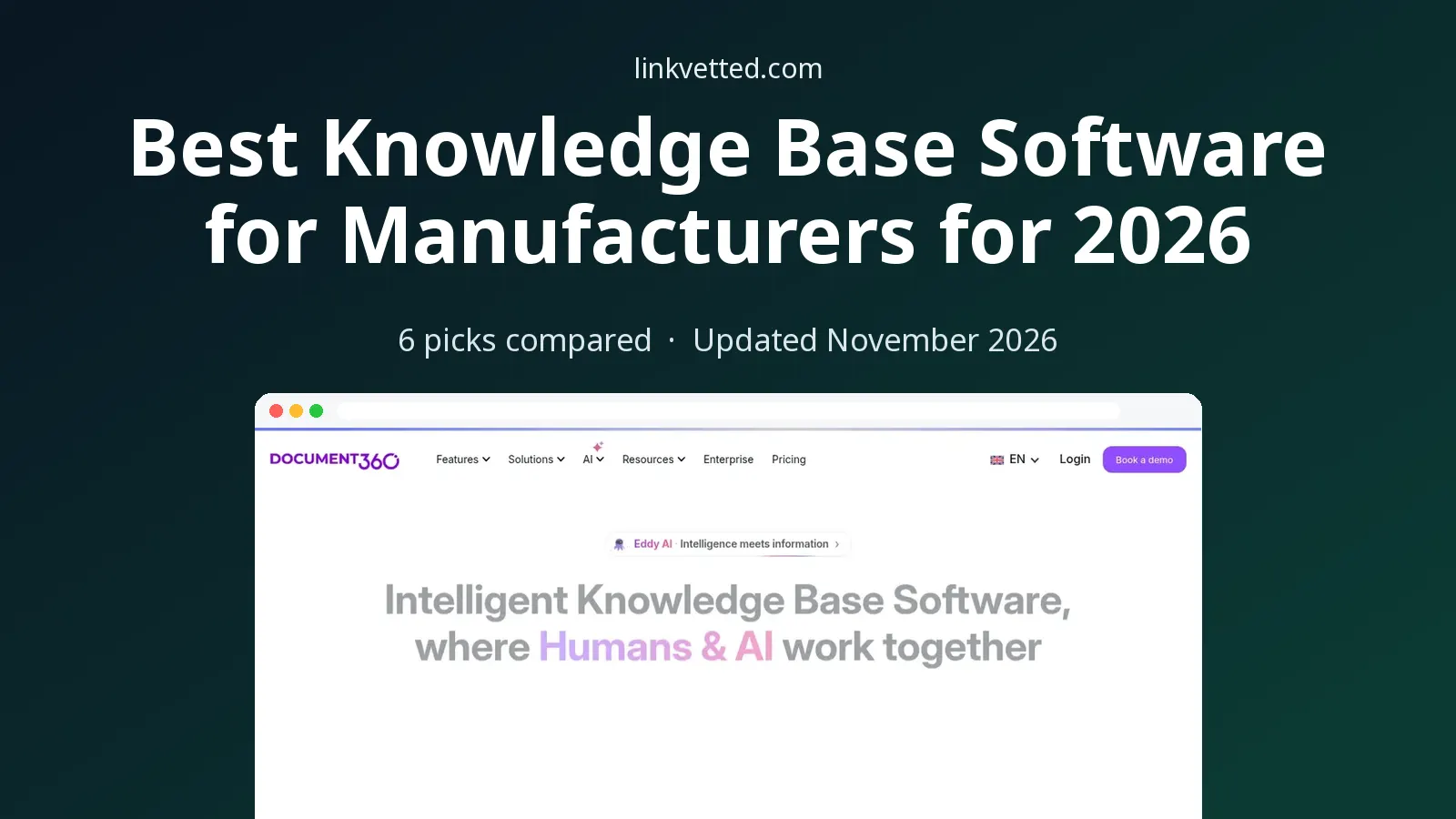
 Document360
Structured product and technical documentation
Starts atSee websiteVisit document360.comFull review - Great alternative
 KnowledgeOwl
Straightforward, dependable information sharing
Starts at$100 per monthVisit knowledgeowl.comFull review - Also consider
 Zendesk Guide
Support-led self-service knowledge
Starts atSee websiteVisit zendesk.comFull review
Direct answer
This list puts Document360 first for structured product and technical documentation. Listed starting prices: KnowledgeOwl from $100 per month. If your case is different, KnowledgeOwl suits simple, dependable information sharing and Zendesk Guide suits support-led self-service knowledge. The full list of 6 tools follows, with prices and free plan facts.
TL;DR:
- Document360 takes the first slot, best suited to structured product and technical documentation.
- Freshdesk suits omnichannel support with automatic workflows.
- None of the 6 tools, from Document360 to Freshdesk, has a free plan, so budget for a subscription or use a trial.
- Before buying Helpjuice, weigh this: less emphasis on internal collaboration.
Last checked November 2026. Prices and plan details were read from the vendors' own pages in November 2026; vendors change plans often, so confirm the current price on the vendor site before you buy.
Quick comparison
| Tool | Best for | Starts at | Free plan? | |
|---|---|---|---|---|
| Document360 | Structured product and technical documentation | See website | Not stated | Visit |
| KnowledgeOwl | Straightforward, dependable information sharing | $100 per month | Free trial | Visit |
| Zendesk Guide | Support-led self-service knowledge | See website | Not stated | Visit |
 Helpjuice | Easy-to-launch knowledge bases | See website | Free trial | Visit |
 Confluence | Internal collaboration and shared knowledge | See website | Not stated | Visit |
 Freshdesk | Omnichannel support with automatic workflows | See website | Not stated | Visit |
Our 6 knowledge base software for manufacturers
Short on time? The summary and table above give the quick view of 6 knowledge base software for manufacturers, and the profiles that follow give the detail behind each entry.

Document360 is designed for structured product and technical documentation. Document360 is an AI knowledge base system pitched at documentation, offering AI search, an AI chatbot and writing tools inside the editor. That makes it a natural fit for manufacturers producing installation guides, specifications and maintenance procedures that require clear structure and simple retrieval.
Downsides: May need separate support tooling.
Also, documentation-focused teams can organize content for both customers and internal staff. It centers on documentation instead of ticketing, so organizations wanting knowledge embedded in a service desk may pair it with another tool. Document360 shows no starting price here, so confirm the cost on the vendor site. On free options: Not stated.
- AI search and AI chatbot
- Made for documentation teams
- Documentation-first instead of ticket-first
Pick KnowledgeOwl if this describes you: straightforward, reliable information sharing. KnowledgeOwl offers easy-to-use knowledge base software for sharing information rapidly with customers and staff. In practice, for manufacturers with straightforward documentation needs, it gives you a dependable place to publish procedures and answers.
Drawbacks to consider: Fewer advanced AI features highlighted.
Its positioning flags simplicity instead of advanced AI or governance capabilities, so organizations needing deep automation may look to other choices. Pick KnowledgeOwl when a straightforward, dependable knowledge base is enough for the job. Starting cost for KnowledgeOwl: $100 per month. As for free access: Free trial.
- Easy-to-use software
- Reliability-focused positioning
- May suit smaller documentation scopes
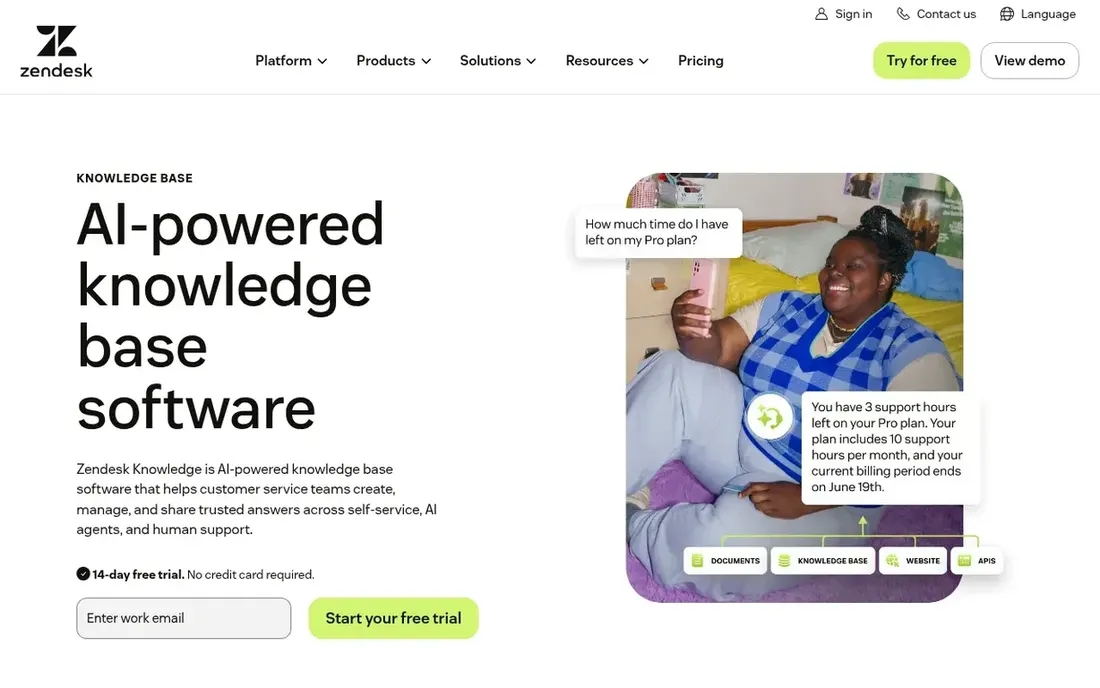
For support-led self-service knowledge, Zendesk Guide is a natural candidate. For manufacturers with a busy support desk, it can centralize troubleshooting articles and answers so agents and customers draw on the same source.
Where it is weaker: Less centred on long-form product manuals.
It suits organizations that already run service operations and want knowledge tied straight to ticket handling. No starting price is listed for Zendesk Guide here; confirm pricing on the vendor site. As for free access: Not stated.
- Links trusted content to AI agents
- Powers self-service and help center content
- Strongest when paired with Zendesk service tools
Where Helpjuice fits: easy-to-launch knowledge bases. Choose Helpjuice when a dedicated, approachable knowledge base is the central requirement.
Honest limits: Less emphasis on internal collaboration.
Also, manufacturers can use it to publish answers and internal references in a dedicated knowledge base without adopting a full service product. It is narrower than systems that combine knowledge with ticketing or broad internal workspaces, so complicated workflows may need extra tools. Helpjuice does not show a starting price in this comparison, so check the vendor site for current pricing. Free access: Free trial.
- Geared toward support and productivity
- Straightforward knowledge base positioning
- Feature depth varies by need
Confluence is built with internal collaboration and shared knowledge in mind. As a general collaboration workspace, it is less tailored to customer-facing self-service than dedicated knowledge base products.
No starting price is listed for Confluence here; confirm pricing on the vendor site. Free access: Not stated.
What to check first: Not purpose-built for public help centers.
- A decent match for cross-team knowledge sharing
- Collaborative team workspace
- Structure relies on team discipline
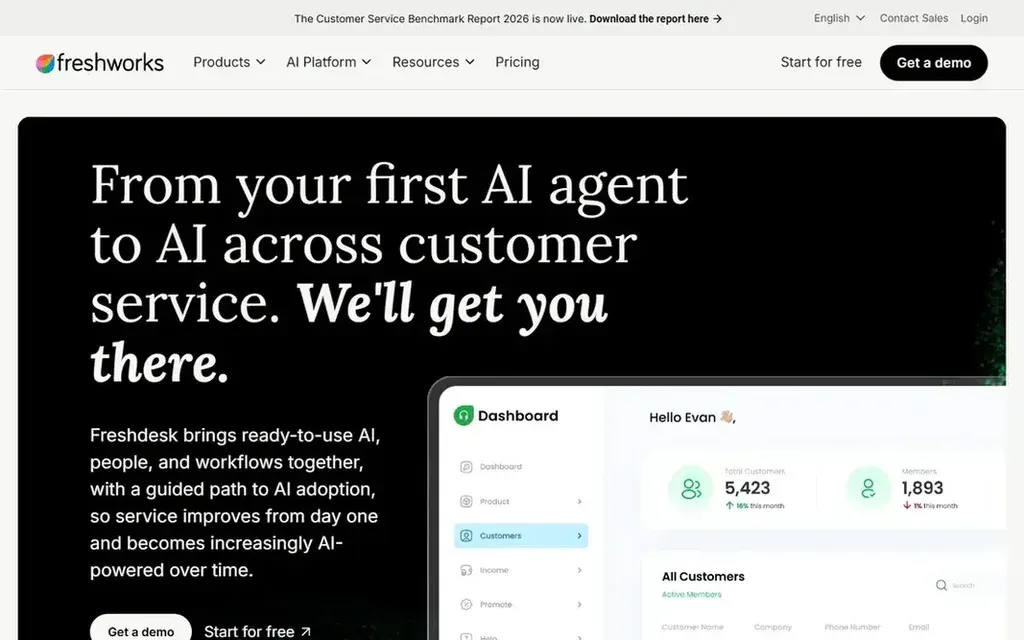
Pick Freshdesk if this describes you: omnichannel support with automatic workflows. Freshdesk is an AI-powered customer service system with omnichannel ticketing and automatic workflows, and its knowledge capabilities support agents and customers within that environment.
Pick Freshdesk when the central goal is quicker agent responses and consistent answers across support channels. For everyday use, manufacturers handling warranty questions, parts inquiries and service requests across channels can keep answers close to the ticket flow. Freshdesk shows no starting price here, so confirm the cost on the vendor site. As for free access: Not stated.
Downsides: Knowledge features come alongside ticketing.
- AI-powered service features
- Omnichannel ticketing
- Documentation depth may suit support more than engineering
How we built this list
Pricing pages, product documentation and feature lists were the main sources, and every entry carries at least one honest drawback. Plan names, prices and limits change often. Treat the figures here as a starting point and verify them with the vendor. Tools are placed by general fit for knowledge base software for manufacturers, with price clarity and free access as tie-breakers. A different team can reasonably rank them differently.
What to confirm before you sign up
- Ask Document360, Zendesk Guide, Helpjuice and others for a written quote, since no starting price is shown.
- Use real work to test the free trial from KnowledgeOwl and Helpjuice, rather than a demo project.
- Before choosing Document360, weigh its main limit: documentation-first rather than ticket-first.
- Make sure Document360 lets you export your data in a format another tool can read.
- Check whether the features you need in Confluence sit on the entry plan or only on higher tiers.
FAQ
Can I try these tools before paying?
Often, yes. KnowledgeOwl and Helpjuice offer a free trial. Use your own data and a real task during the test, and check what the free tier or trial limits before you rely on it.
Does any tool for knowledge base software for manufacturers here have a free plan?
No tool in this list, Document360 and Freshdesk included, has a permanent free plan. KnowledgeOwl, Helpjuice offer a trial. Trials and quotes are the usual route, so plan a short evaluation period.
What is the cheapest option for knowledge base software for manufacturers in this list?
On published monthly entry prices, KnowledgeOwl is the lowest here at $100 per month. Entry price is only part of the cost, because seats, add-ons and billing terms can change the total. All 6 picks in this knowledge base software for manufacturers comparison list a starting price, free plan details and the main limits on their cards above.
Do these tools publish their prices?
Not all of them. Document360, Zendesk Guide, Helpjuice and others publish no starting price, so expect a quote request for those. The rest, KnowledgeOwl included, show a starting price, though seats and billing terms still change the final cost.
Sources
- https://document360.com
- https://www.knowledgeowl.com
- https://www.zendesk.com/service/help-center
- https://helpjuice.com
- https://www.atlassian.com/software/confluence
- https://www.freshworks.com/freshdesk