5 Knowledge Base Software for Manufacturing Worth Shortlisting in 2026
5 tools for the best knowledge base software for manufacturing, compared on pricing, free plans and best-fit use. Each listing flags where it falls short.
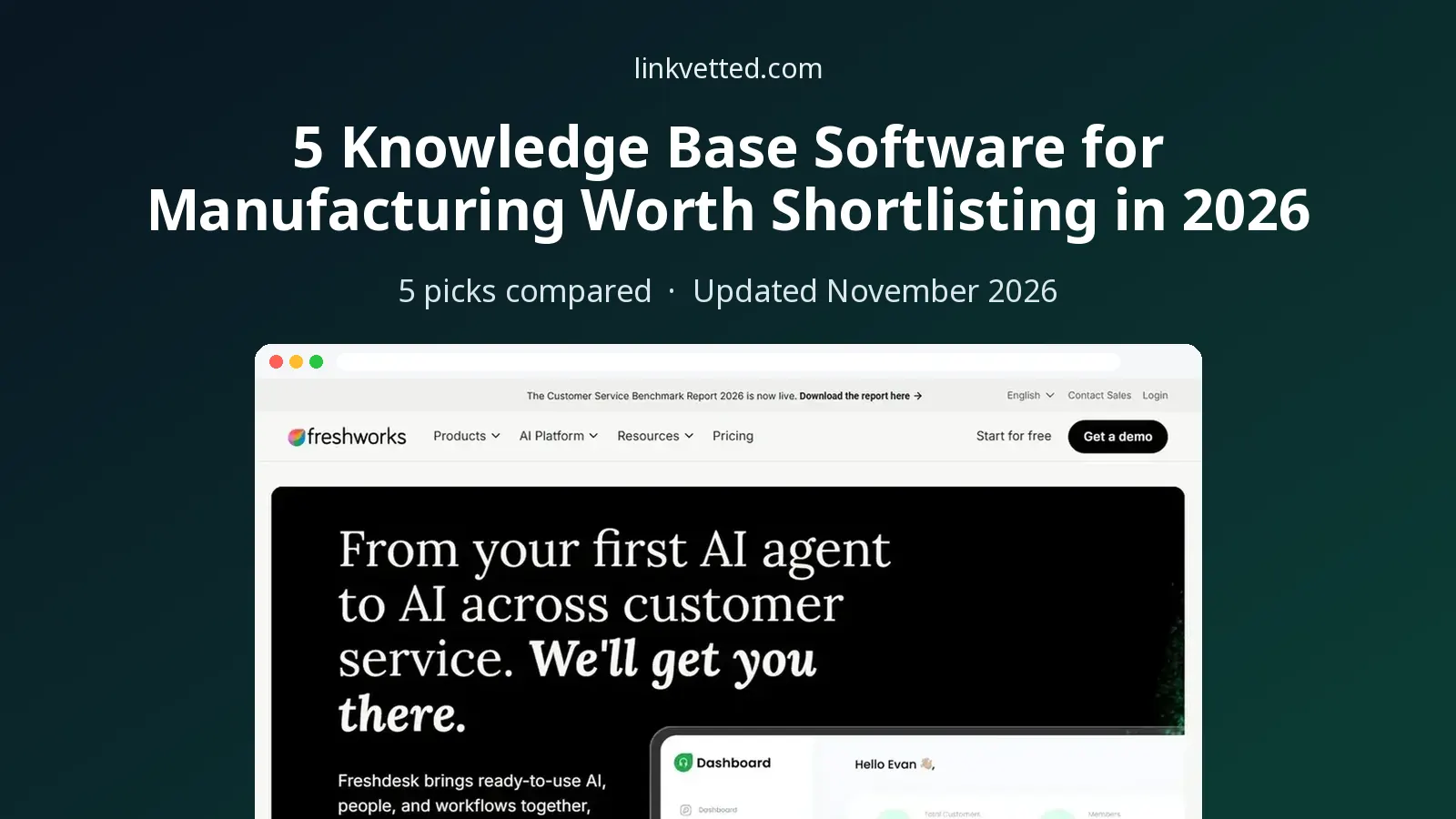
- Editor's choice
 Freshdesk
Omnichannel support with automatic workflows
Starts atSee websiteVisit freshworks.comFull review - Great alternative
 KnowledgeOwl
Straightforward, steady knowledge sharing
Starts at$100 a monthVisit knowledgeowl.comFull review - Also consider
 Document360
Product documentation and manuals
Starts atSee websiteVisit document360.comFull review
Direct answer
Freshdesk leads the list, best for omnichannel support with automatic workflows. Listed starting prices: KnowledgeOwl from $100 a month. Look at KnowledgeOwl for straightforward, dependable knowledge sharing, and at Document360 for product documentation and manuals. The full list of 5 tools follows, with prices and free plan facts.
TL;DR:
- Top of the list is Freshdesk, which targets omnichannel support with automatic workflows.
- Before buying Freshdesk, weigh this: knowledge base is part of a broader service suite.
- Zendesk Guide suits customer support knowledge and self-service.
- The lowest published monthly entry price here is $100 per month, from KnowledgeOwl.
- Freshdesk, Zendesk Guide and the 3 others all need a premium plan or a trial, since no free plan is listed.
Last checked November 2026. Prices and plan details were read from the vendors' own pages in November 2026; vendors change plans often, so confirm the current price on the vendor site before you buy.
Quick comparison
| Tool | Best for | Starts at | Free plan? | |
|---|---|---|---|---|
| Freshdesk | Omnichannel support with automatic workflows | See website | Not stated | Visit |
| KnowledgeOwl | Straightforward, steady knowledge sharing | $100 a month | Free trial | Visit |
| Document360 | Product documentation and manuals | See website | Not stated | Visit |
 Helpjuice | Knowledge base for support and productivity | See website | Free trial | Visit |
 Zendesk Guide | Customer support knowledge and self-service | See website | Not stated | Visit |
Every option for knowledge base software for manufacturing explained
Short on time? The summary and table above give the quick view of 5 tools for knowledge base software for manufacturing, and the profiles that follow give the detail behind each entry.
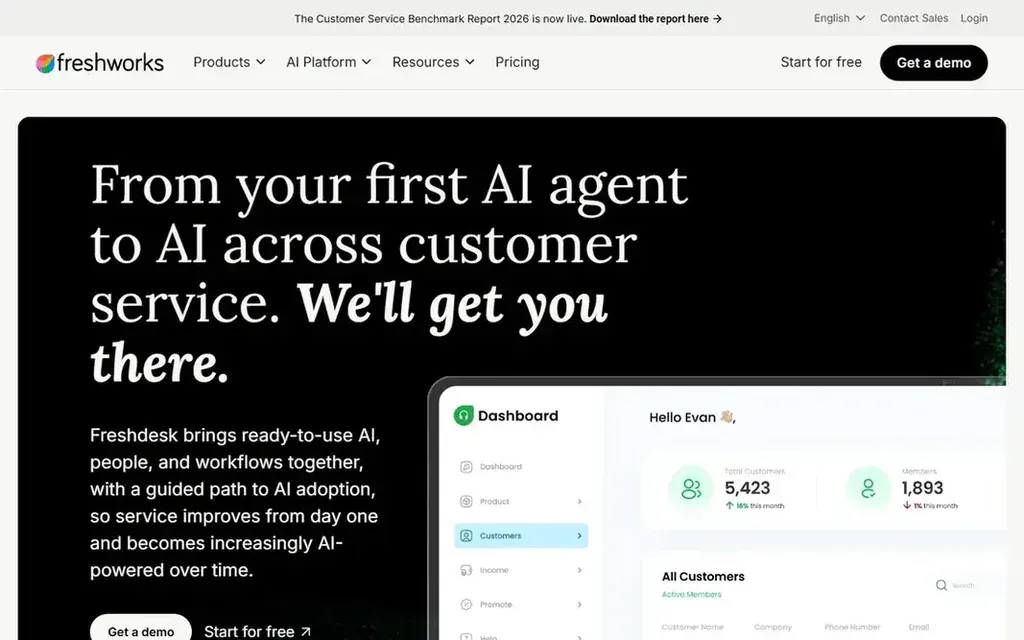
Freshdesk was built for omnichannel support with automated workflows. For manufacturers handling dealer or customer inquiries across email, chat and other channels, this consolidation can cut tool switching. From a buyer's view, organizations needing advanced documentation authoring or governed internal knowledge may prefer a dedicated tool.
In daily use, Freshdesk is an AI-powered customer service option with omnichannel ticketing and automatic workflows. Beyond that, choose Freshdesk when simplified ticketing and automation matter more than deep documentation controls. For everyday use, since Freshdesk is a full service system, the knowledge base is one component instead of the sole focus. Freshdesk shows no starting price here, so confirm the cost on the vendor site. Free options: Not stated.
Honest limits: Knowledge base is part of a broader service suite.
- AI features for productivity
- Omnichannel ticketing in one place
- Internal documentation depth may be restricted
KnowledgeOwl was built for straightforward, steady knowledge sharing. KnowledgeOwl emphasizes simplicity instead of advanced AI or governance capabilities.
Limits to weigh: May suit smaller or more straightforward knowledge needs.
Its straightforward approach fits manufacturing teams that require a dependable knowledge base without broad configuration. KnowledgeOwl pricing: $100 per month. Free access: Free trial.
- Shares information with customers and staff
- Focus on reliability
- Fewer advanced AI features highlighted
Think of Document360 for product documentation and manuals. The system is oriented toward documentation instead of ticketing or internal collaboration.
It is made for teams that produce structured product documentation, for example equipment manuals, installation guides and troubleshooting references. Check the vendor site for Document360 pricing; none is listed in this comparison. On free options: Not stated.
Downsides: Needs content planning to launch.
- Writing tools for documentation teams
- AI search and chatbot features
- May be more than needed for small internal wikis
Where Helpjuice fits: knowledge base for support and productivity. Its homepage flags use by organizations for knowledge sharing. Manufacturing teams can use it to build a searchable knowledge base for customer support or internal staff information.
Teams needing governed AI knowledge layers or complicated multi-product manuals may have to evaluate further. The vendor messaging centers on support and productivity instead of deep manufacturing-specific documentation. Also, consider Helpjuice when a focused knowledge base for support content is the central requirement. Helpjuice does not show a starting price in this comparison, so check the vendor site for current pricing. Free access: Free trial.
The main drawbacks: Vendor page emphasizes support use cases.
- Knowledge base software for support teams
- Productivity-focused features
- Internal documentation depth may vary
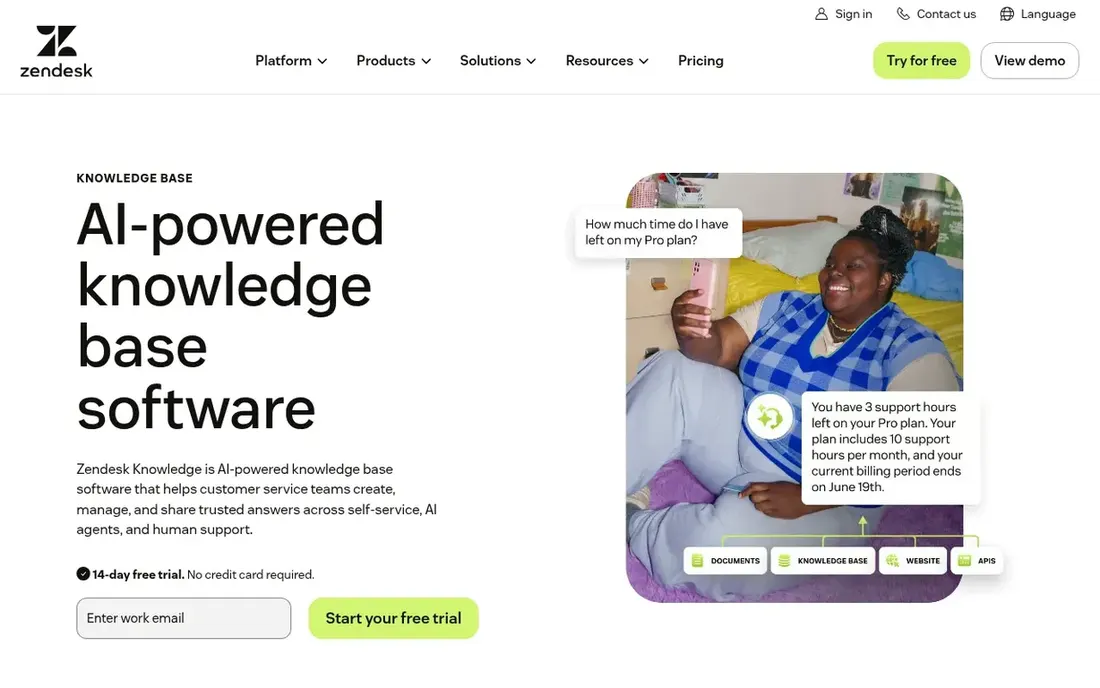
Zendesk Guide is aimed squarely at customer support knowledge and self-service. Zendesk Guide is an AI-powered knowledge base designed for customer service.
Trade-offs to know: Concentrated on customer service use cases.
It lets teams link trusted content, power AI agents and self-service, and help agents deliver better answers. Teams that primarily need collaborative drafting for production procedures may find a workspace tool more direct. Zendesk Guide shows no starting price here, so confirm the cost on the vendor site. As for free access: Not stated.
- Suits existing support workflows
- Links trusted content to AI agents
- May need add-on setup for complicated portals
How the list was put together
LinkVetted looked at what each vendor publishes: pricing, plan limits, feature coverage for knowledge base software for manufacturing and stated drawbacks. No hands-on testing is claimed. Treat prices as a snapshot: vendors change plans often, so check the vendor site for the figure that applies today. Tools are placed by general fit for knowledge base software for manufacturing, with price clarity and free access as tie-breakers. A different team can reasonably rank them differently.
What to confirm before you sign up
- Get a written quote from Freshdesk, Document360, Helpjuice and Zendesk Guide; the list shows no starting price for them.
- Take the trial from KnowledgeOwl and Helpjuice and push a live task through it before you pay.
- Before choosing Freshdesk, weigh its main limit: knowledge base is part of a broader service suite.
- Involve the people who will use Zendesk Guide daily; a short pilot beats a long feature checklist.
- Ask Freshdesk which support channels and response times come with the plan you would buy.
FAQ
What should manufacturing teams look for in knowledge base software?
Look for solid search, clear authoring workflows and governance controls that keep safety and procedure content accurate. Consider whether you need a public help center, internal documentation or both, and confirm integration with your support tools.
Is Freshdesk the right pick for everyone comparing knowledge base software for manufacturing?
No single tool suits every team. Freshdesk comes first because it fits omnichannel support with automated workflows, while KnowledgeOwl suits simple, reliable knowledge sharing and Document360 suits product documentation and manuals. Match the tool to your own size, budget and workflow before deciding.
Do these tools publish their prices?
Not all of them. Freshdesk, Document360, Helpjuice and Zendesk Guide publish no starting price, so expect a quote request for those. The rest, KnowledgeOwl included, show a starting price, though seats and billing terms still change the final cost.
What is the cheapest option for knowledge base software for manufacturing in this list?
On published monthly entry prices, KnowledgeOwl is the lowest here at $100 per month. Entry price is only part of the cost, because seats, add-ons and billing terms can change the total. For the full picture, the cards above cover all 5 entries of this knowledge base software for manufacturing list, including price, free plan and limits.
Does any tool for knowledge base software for manufacturing here have a free plan?
No tool in this list, Freshdesk and Zendesk Guide included, has a permanent free plan. KnowledgeOwl, Helpjuice offer a trial. Trials and quotes are the usual route, so plan a short evaluation period.
Sources
- https://www.freshworks.com/freshdesk
- https://www.knowledgeowl.com
- https://document360.com
- https://helpjuice.com
- https://www.zendesk.com/service/help-center