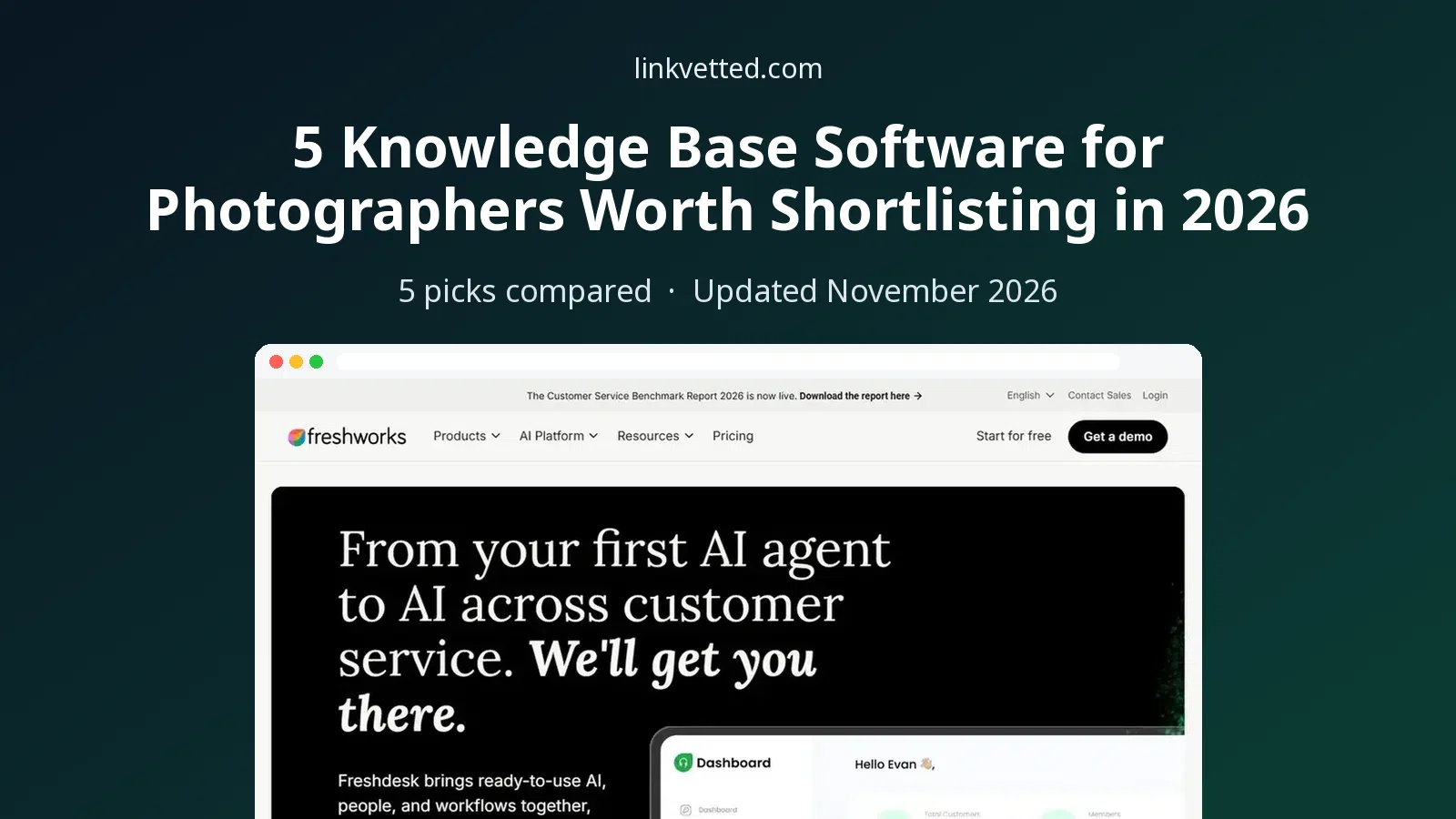
5 Knowledge Base Software for Photographers Worth Shortlisting in 2026
5 best knowledge base software for photographers, with entry costs, free tiers and the buyer each one serves. Limits and pricing notes included. Decide faster.
- Editor's choice
 Document360
Self-service documentation with AI search
Starts atSee websiteVisit document360.comFull review - Great alternative
 Freshdesk
Omnichannel ticketing with automatic workflows
Starts atSee websiteVisit freshworks.comFull review - Also consider
 Notion
Adaptable workspace for studio notes
Starts at$10 per member a monthVisit notion.comFull review
Direct answer
This list puts Document360 first for self-service documentation with AI search. Listed starting prices: Notion from $10 per member a month, Help Scout from $25 per user a month and Zendesk from $19 agent/month premium yearly. Freshdesk fits omnichannel ticketing with automatic workflows; Notion fits adaptable workspace for studio notes. Prices, free plans and limits for all 5 tools follow.
TL;DR:
- The list opens with Document360, aimed at self-service documentation with AI search.
- The lowest published monthly entry price here is $10 per member per month, from Notion.
- 2 of 5 tools offer a free plan: Notion, Help Scout.
- The main caution on Document360: documentation focus may overlap with support tools.
- Zendesk fits scaling a service desk with AI agents.
Last checked November 2026. Prices and plan details were read from the vendors' own pages in November 2026; vendors change plans often, so confirm the current price on the vendor site before you buy.
Quick comparison
| Tool | Best for | Starts at | Free plan? | |
|---|---|---|---|---|
| Document360 | Self-service documentation with AI search | See website | Not stated | Visit |
| Freshdesk | Omnichannel ticketing with automatic workflows | See website | Not stated | Visit |
| Notion | Adaptable workspace for studio notes | $10 per member a month | Yes | Visit |
 Help Scout | Client support with a linked help site | $25 per user a month | Yes | Visit |
 Zendesk | Scaling a service desk with AI agents | $19 agent/month premium yearly | Free trial | Visit |
Our 5 knowledge base software for photographers
If you are comparing knowledge base software for photographers, this page covers 5 tools in one place: what each is best for, what it costs to start, whether it has a free plan, and the main limit to know about.
Document360 works best for self-service documentation with AI search. Document360 is AI knowledge base software for documentation, with AI search, an AI chatbot and writing tools inside the product.
Also, choose Document360 when self-service content quality and searchability are the priority. In practice, photographers who publish guides, policies or client onboarding material can build a structured, searchable site instead of scattered pages. Pricing for Document360 is not stated here, so ask the vendor for current figures. On free options: Not stated.
Strengths: AI search. Trade-offs to know: Structured setup rewards planning.
- Chatbot and writing tools
- Suited to structured documentation
- Documentation focus may overlap with support tools

Freshdesk is built with omnichannel ticketing with automatic workflows in mind. Freshdesk is an AI-powered customer service option with omnichannel ticketing and automatic workflows, targeted at boosting agent productivity. Its strength is ticketing, so if you primarily want a public knowledge base with minimal support tooling, the ticket layer may go unused.
Drawbacks to consider: Feature breadth can take time to configure.
Pick Freshdesk when inquiry volume and channel sprawl are the real problem, not documentation alone. Configuration also takes some effort before it pays off. This comparison lists no price for Freshdesk; ask the vendor. Free plan details: Not stated.
- Automatic workflows
- Omnichannel ticketing
- Ticket-centric design may not suit pure documentation
Notion makes the most sense for adaptable workspace for studio notes. Notion is an AI workspace where teams build custom agents, search across connected apps and automate busywork. As for the details, adaptability cuts both ways: you design the structure, so a poorly planned workspace becomes messy over time.
What to check first: Not a dedicated help desk.
It is not a dedicated support desk, and public-facing help sites take more manual setup. Photographers can shape it into a studio wiki handling shoot checklists, pricing policies and client onboarding steps. Notion pricing: $10 per member per month. Notion has a free plan.
- Custom agents and cross-app search
- Automation for busywork
- Needs you to design your own structure
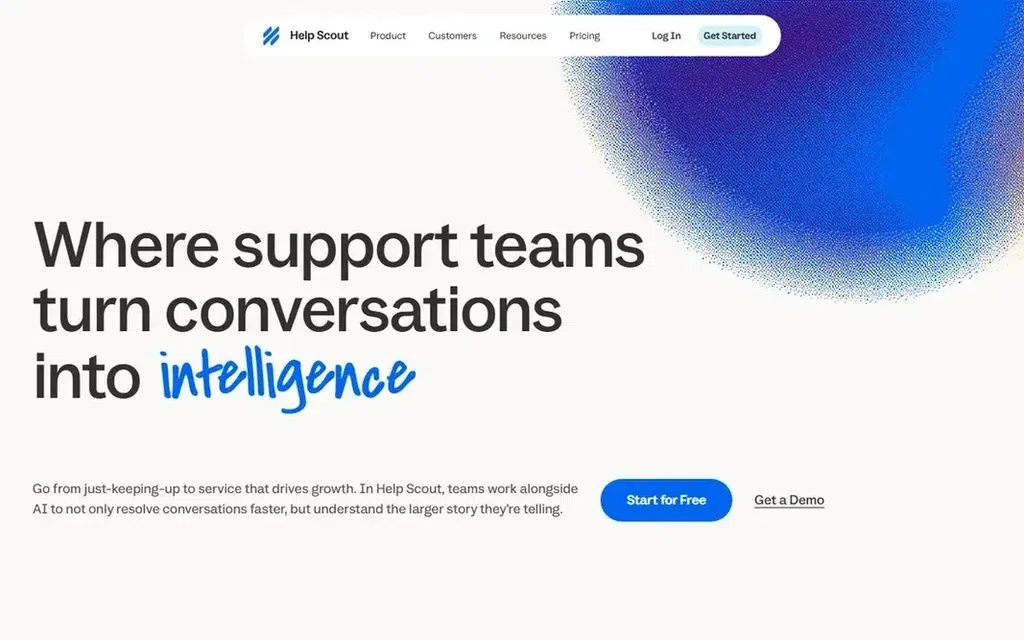
Pick Help Scout if this describes you: client support with a linked help site. Since it is built around customer support, Help Scout may feel heavier than needed if you only want a private set of internal notes.
Trade-offs to know: Less suited to large internal wikis.
Photographers with no client-facing support volume might prefer a more straightforward documentation tool. For photographers, that means client questions about bookings, deliverables or print orders can sit next to the articles that answer them. Starting cost for Help Scout: $25 per user per month. Help Scout includes a free tier.
- AI-driven support features
- Shared inbox alongside help content
- Support focus may exceed straightforward docs needs

For scaling a service desk with AI agents, Zendesk is a natural candidate. If your central need is publishing help articles instead of managing a queue of tickets, a documentation-first tool is a better fit. On top of that, the system is oriented toward service operations.
So a solo photographer with occasional questions may find it more structure than necessary. An expanding photography business with several staff handling inquiries could use it to organize requests and point people to answers. Price to start with Zendesk: $19 agent/month premium yearly. On free options: Free trial.
Limits to weigh: Setup depth may be more than solo photographers want.
- Focus on service quality and scale
- Broad customer service system
- Enterprise orientation can outweigh small studio needs
Selection criteria
LinkVetted looked at what each vendor publishes: pricing, plan limits, feature coverage for knowledge base software for photographers and stated drawbacks. No hands-on testing is claimed. Figures are shown as the vendors publish them. Billing terms, seat minimums and add-ons can change the real cost. We ordered the tools by general fit, then by how clearly pricing is shown, then by free access. A buyer with unusual needs may reorder them.
What to check before you buy
- Ask Document360 and Freshdesk for a written quote, since no starting price is shown.
- Look at free plan limits closely: Notion and Help Scout have one, and the caps decide whether it is usable for real work.
- Take the trial from Zendesk and push a live task through it before you pay.
- Before choosing Document360, weigh its main limit: documentation focus may overlap with support tools.
- Check whether Help Scout bills monthly or annually, and what cancelling early costs.
- Ask the daily users to test Freshdesk on a live task before you roll it out to everyone.
FAQ
How are the tools for knowledge base software for photographers ordered?
Document360 sits first and Zendesk last because the order follows typical fit for knowledge base software for photographers, then price clarity and free access. It is a judgement call, so read each profile for fit and limits.
Can I try these tools before paying?
Often, yes. Notion and Help Scout have a free plan and Zendesk offers a free trial. Use your own data and a real task during the test, and check what the free tier or trial limits before you rely on it.
Do photographers need a dedicated knowledge base or is a shared drive enough?
A shared drive keeps files but seldom provides clients or staff quick, searchable answers. For very small studios with few documents, a straightforward workspace may be enough.
Which options for knowledge base software for photographers have a free plan?
Notion and Help Scout offer a free plan in this list. Free plans usually cap users, projects or features, so check the limits on the vendor page. One other tool offers a trial instead.
Is Document360 the right pick for everyone comparing knowledge base software for photographers?
No single tool suits every team. Document360 comes first because it fits self-service documentation with AI search, while Freshdesk suits omnichannel ticketing with automated workflows and Notion suits flexible workspace for studio notes. Match the tool to your own size, budget and workflow before deciding.
Sources
- https://document360.com
- https://www.freshworks.com/freshdesk
- https://www.notion.com
- https://www.helpscout.com
- https://www.zendesk.com
Related guides
- Best Contact Center Knowledge Base Software for Small Business for 2026: Our 5 Vetted Picks
- Top 5 Contact Center Knowledge Base Software for Startups for 2026 (Prices and Free Plans)
- Best Knowledge Base Software in 2026: 9 Options Compared
- Top 5 Knowledge Base Software for Self-Service Support for 2026 (Prices and Free Plans)