Best JavaScript Web Frameworks for Enterprise for 2026: Our 5 Vetted Picks
Best JavaScript web frameworks for enterprise in 2026: 5 tools with starting prices, free plans and limits. Short verdicts, no fluff. Refreshed for 2026.
- Editor's choiceNext.js
Full-stack React applications with rendering built in
Starts atPricing on requestVisit nextjs.orgFull review - Great alternativeVue.js
Incremental adoption and gradual migration
Starts atPricing on requestVisit vuejs.orgFull review - Also consider
 React
Teams wanting an adaptable component library
Starts atPricing on requestVisit react.devFull review
Direct answer
If you need full-stack React applications with rendering built in, Next.js is the first tool to look at here. For a different need, Vue.js covers incremental adoption and gradual migration and React covers teams wanting an adaptable component library. Details and limits for the rest of the 5 tools are below. None of these vendors publish plan prices, so pricing is on request for every option.
TL;DR:
- Next.js is the opening pick, best for full-stack React applications with rendering built in.
- Every tool from Next.js to Svelte works by quote, with no list price shown.
- Svelte suits lean components with less runtime overhead.
- Next.js, Svelte and the 3 others all need a premium plan or a trial, since no free plan is listed.
- Next.js comes with a trade-off: layers on framework conventions on top of React.
Last checked November 2026. Pricing on request: vendors did not publish plan prices when this guide was last checked (November 2026), so ask each vendor for a written quote.
Quick comparison
| Tool | Best for | Starts at | Free plan? | |
|---|---|---|---|---|
| Next.js | Full-stack React applications with rendering built in | Pricing on request | Not stated | Visit |
| Vue.js | Incremental adoption and gradual migration | Pricing on request | Not stated | Visit |
| React | Teams wanting an adaptable component library | Pricing on request | Not stated | Visit |
 Angular | Large teams wanting an all-in-one framework | Pricing on request | Not stated | Visit |
 Svelte | Lean components with less runtime overhead | Pricing on request | Not stated | Visit |
5 options for JavaScript web frameworks for enterprise in detail
Short on time? The summary and table above give the quick view of 5 tools for JavaScript web frameworks for enterprise, and the profiles that follow give the detail behind each entry.
Next.js
Best for: Full-stack React applications with rendering built in
Choose Next.js for full-stack React applications with rendering built in. It takes React components and layers on routing, rendering choices and server-side capabilities. So teams get a structured application framework instead of a bare library.
Where it falls short: Tied to the React ecosystem.
Adopting Next.js means accepting its conventions and its place in the React ecosystem, which may not suit teams committed to another view layer. Also, organizations that want minimal abstraction may prefer plain React with their own tooling. This comparison lists no price for Next.js; ask the vendor. Trial and free access: Not stated.
- Cuts setup work for React teams
- Full-stack React framework
- Layers on framework conventions on top of React
Vue.js
Best for: Incremental adoption and gradual migration
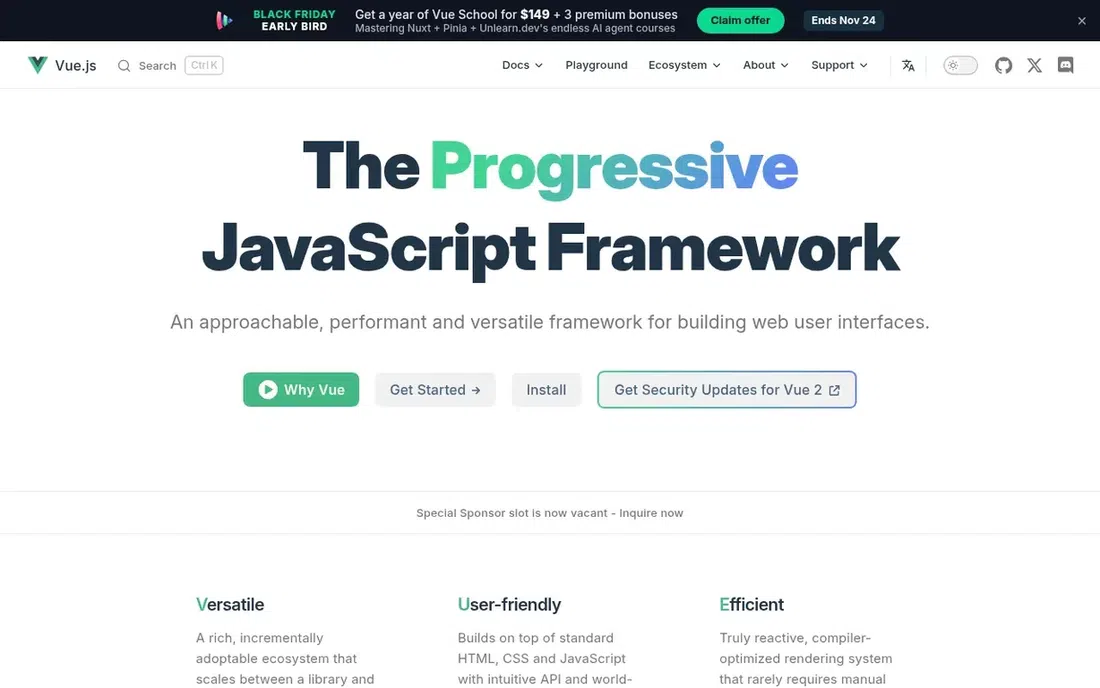
Choose Vue.js for incremental adoption and gradual migration. Vue.js calls itself the progressive JavaScript framework, and the label reflects how it works: you can add it to an existing page or build a full application with it. Its template syntax is approachable for developers coming from HTML backgrounds.
From a buyer's view, Vue leaves more architectural choices open than Angular, so large organizations still need internal conventions. In practice, enterprises modernizing legacy interfaces commonly value that gradual path, since teams can introduce Vue component by component without a rewrite. Check the vendor site for Vue.js pricing; none is listed in this comparison. On free options: Not stated.
Where it is weaker: Fewer opinionated defaults than Angular.
- Approachable template syntax
- Decent fit for incremental migration
- Smaller enterprise tooling ecosystem than React
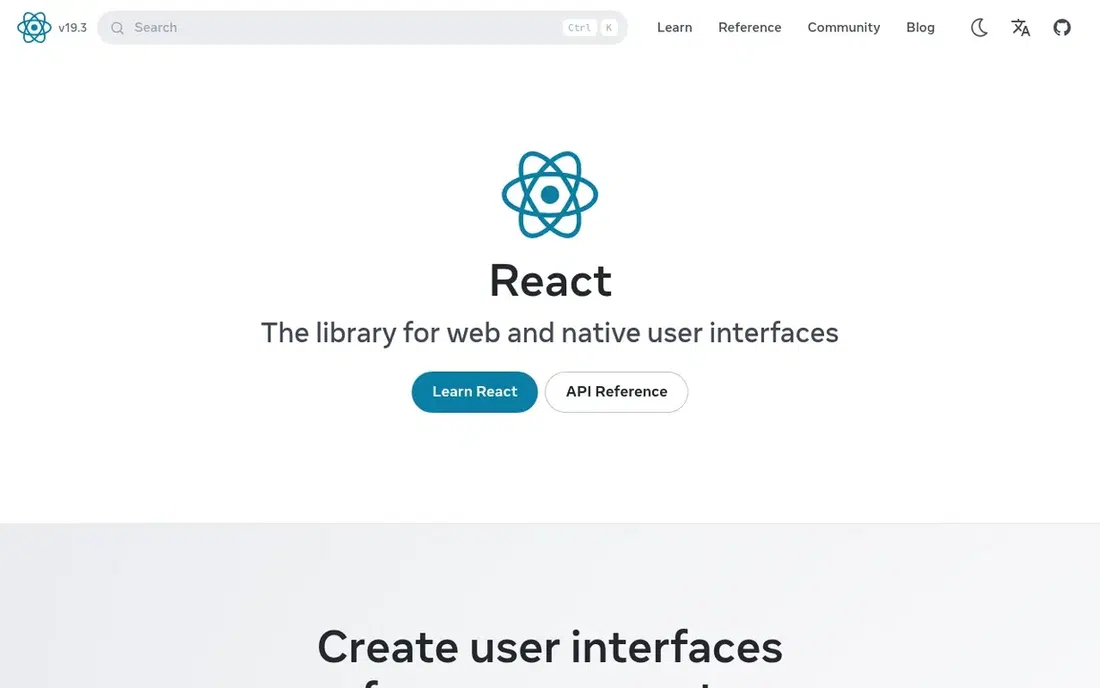
Where React fits: teams wanting an adaptable component library. React describes itself as the library for web and native user interfaces, built from individual components written in JavaScript.
It is not a full framework, so enterprises assemble routing, state and build tooling around it. Pricing for React is not stated here, so ask the vendor for current figures. Free options: Not stated.
Points against: Needs discipline to keep large codebases consistent.
- Component model composes well at scale
- Huge ecosystem of supporting libraries
- Numerous architectural decisions left to you

In short, Angular is for large teams wanting an all-in-one framework. Routing, forms, dependency injection and tooling are part of the package, which cuts the number of architectural decisions a large organization must make.
As for the details, the trade-off is weight and complexity: Angular asks teams to learn its patterns and can feel rigid for small or experimental projects. If your team prefers picking its own router, state manager and build tools, a lighter library like React may be a better fit. Angular shows no starting price here, so confirm the cost on the vendor site. Free plan details: Not stated.
Watch-outs: Heavier baseline than a library.
- Batteries-included framework with routing and forms
- Solid TypeScript-first approach
- Steeper ramp-up time
For lean components with less runtime overhead, Svelte is a natural candidate. It suits teams that value simplicity and lean bundles, and it can work well for focused applications or embedded widgets inside a bigger enterprise estate.
This comparison lists no price for Svelte; ask the vendor. Free access: Not stated.
Highlights: readable component syntax. Drawbacks to consider: Fewer built-in application conventions.
- Concise
- Light output
- Smaller enterprise ecosystem
How we compared the tools
What to confirm before you sign up
- Ask each vendor, from Next.js to Svelte, for a written quote; none of them publishes a starting price.
- Read the limits listed for Next.js first: brings framework conventions on top of React.
- Check whether Next.js bills monthly or annually, and what cancelling early costs.
- Check the support hours and onboarding help React offers; smaller vendors vary a lot here.
- Before rolling out Svelte, verify the integrations your workflow depends on.
FAQ
Do these tools publish their prices?
No. None of the tools, from Next.js to Svelte, shows a fixed starting price here, so budget time for quotes.
How are the tools for JavaScript web frameworks for enterprise ordered?
The order follows typical fit for JavaScript web frameworks for enterprise, with Next.js first and Svelte last, then price clarity and free access. It is editorial judgement, not a score, so another team could rank the tools differently.
How should we evaluate these frameworks before committing?
Confirm which pieces each framework supplies from day one, check TypeScript and rendering support, and review vendor documentation for long-term support expectations. Then confirm current details on each official site, since capabilities change between releases.
Can I try these tools before paying?
Not by default. None of the tools, from Next.js to Svelte, lists a free plan or a free trial here, so ask each vendor for a demo before committing.
Is Next.js the right pick for everyone comparing JavaScript web frameworks for enterprise?
No single tool suits every team. Next.js comes first because it fits full-stack React applications with rendering built in, while Vue.js suits incremental adoption and gradual migration and React suits teams wanting a flexible component library. Match the tool to your own size, budget and workflow before deciding.