Best Kubernetes Management Platform in 2026: 8 Platforms Compared
We compared the best Kubernetes management platform options on multi cluster control, security, cost, and ease of use, so platform teams can pick the right fit.
- Editor's choice
 Rancher
Multi cluster fleets across clouds
Starts atSee websiteVisit rancher.comFull review - Great alternative
 Red Hat OpenShift
Regulated enterprises needing support
Starts atSee websiteVisit redhat.comFull review - Also consider
 Portainer
Simple multi cluster control
Starts atSee websiteVisit portainer.ioFull review
TL;DR:
- Rancher leads for multi cloud fleet management with an open source core.
- Red Hat OpenShift leads for regulated firms that need a hardened, supported distribution.
- Portainer and Platform9 suit teams that want lighter control or managed operations.
- Cloud managed services suit teams that want the cloud vendor to run the control plane.
Quick comparison
| Tool | Best for | Starts at | Free plan? | |
|---|---|---|---|---|
| Rancher | Multi cluster fleets across clouds | See website | Yes | Visit |
| Red Hat OpenShift | Regulated enterprises needing support | See website | Free trial | Visit |
| Portainer | Simple multi cluster control | See website | Free trial | Visit |
 Platform9 | Managed Kubernetes for hybrid teams | See website | Free trial | Visit |
 VMware Tanzu | VMware shops modernizing apps | See website | Free trial | Visit |
 Amazon EKS | AWS based Kubernetes workloads | See website | Free trial | Visit |
 Google Kubernetes Engine | Google Cloud Kubernetes workloads | See website | Free trial | Visit |
 Azure Kubernetes Service | Microsoft shops on Azure | See website | Free trial | Visit |
The best Kubernetes management platforms
A good Kubernetes platform should make clusters easier to run, safer to govern, and simpler to observe, without locking you into one cloud. The options below range from open source fleet managers to full enterprise distributions and cloud managed services.
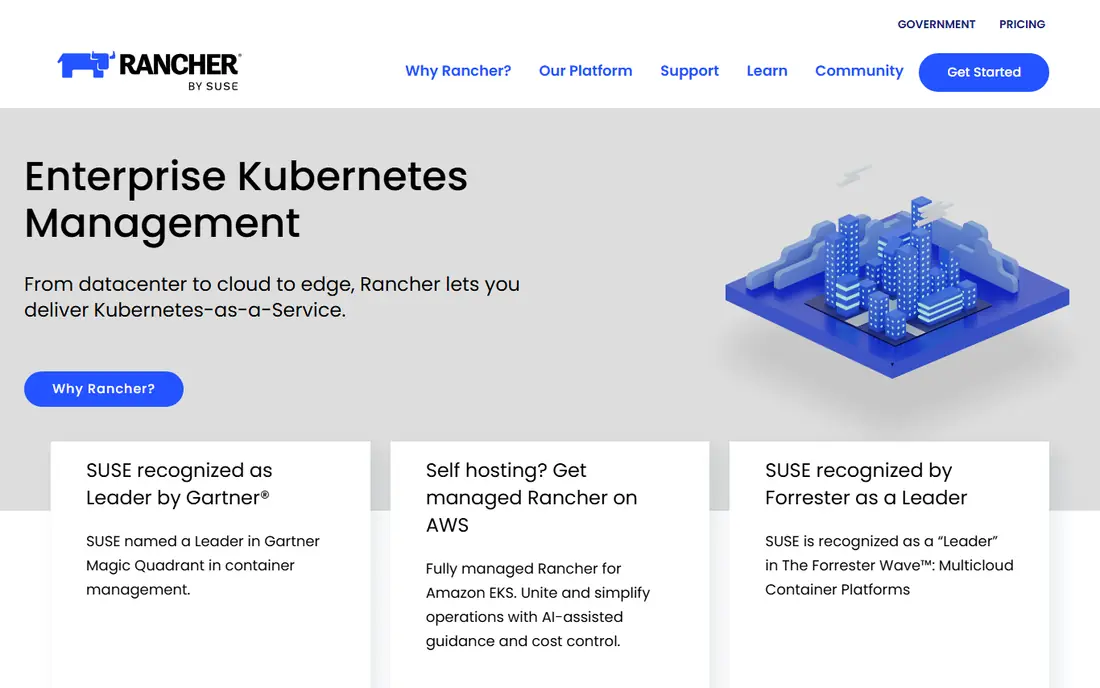
Rancher is a solid choice for Multi cluster fleets across clouds, and it stands out because it manages clusters on premises, in cloud, and at the edge from one console. Our pick for most people in this group is to test it against one concrete outcome, such as faster turnaround, fewer errors, or clearer reporting, and to judge it on that outcome alone. The product earns its place here because it covers the core job well, it is still actively sold and supported, and its pricing page or vendor page gives a clear starting point for a budget discussion.
The practical test is simple: can a new person pick it up in a week, and can a manager see what is happening without asking for a status report. On that test, this option holds up well for its target buyer, though it still needs a short setup period and a named owner inside your team.
Be clear eyed about the limit: single cluster teams may find it heavier than needed. Plan around it from the start, either by pairing this product with a second tool or by choosing a plan that closes the gap.
- Open source core
- Any compliant distribution
- Fleet GitOps
- Needs skilled operators
- Prime pricing by quote
For Regulated enterprises needing support, Red Hat OpenShift deserves a close look, mainly because it ships as a complete, supported distribution with security controls. Our pick for most people in this group is to test it against one concrete outcome, such as faster turnaround, fewer errors, or clearer reporting, and to judge it on that outcome alone. The product earns its place here because it covers the core job well, it is still actively sold and supported, and its pricing page or vendor page gives a clear starting point for a budget discussion.
What we liked in our comparison was the balance between depth and ease of use, plus a support path that does not leave a small team stranded. You should still confirm contract terms, renewal pricing, and data export options before you sign, and ask for a written answer on security and privacy if you handle sensitive records.
The weak spot is that teams wanting a light manager should look at Rancher or Portainer. Ask the vendor to show that exact case in a demo, using your own example, before you buy.
- Hardened platform
- Built in CI and GitOps
- Strong support
- Higher cost
- Heavier platform
- Red Hat ecosystem focus
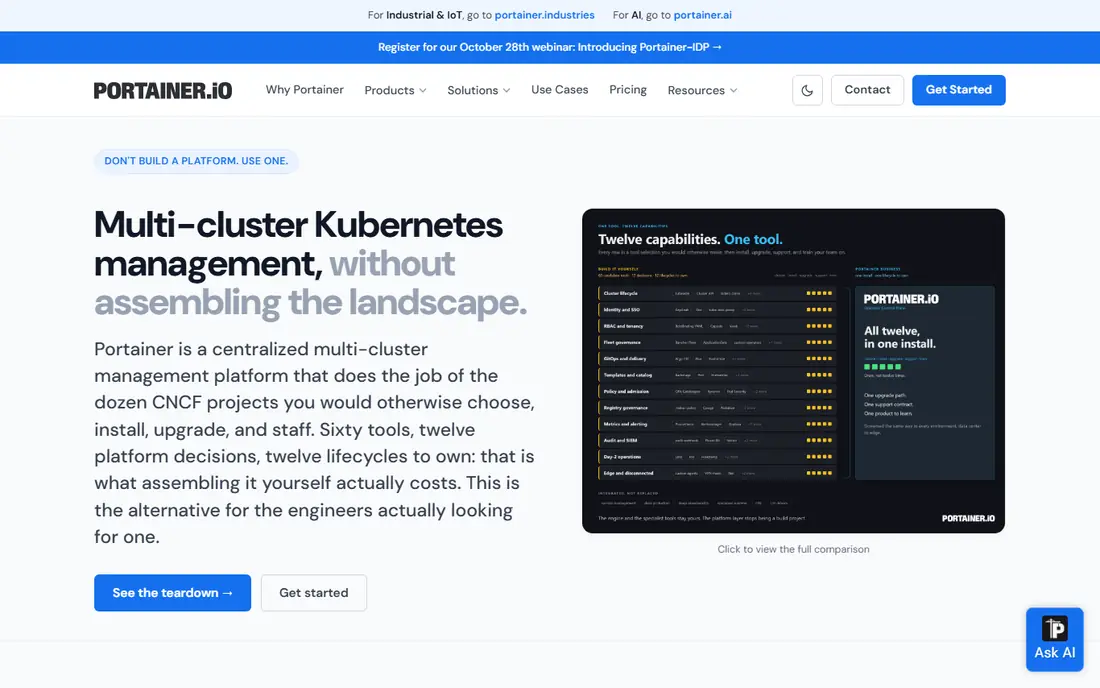
If your priority is Simple multi cluster control, start with Portainer, since it gives a light control plane for governance without a full platform rebuild. Our pick for most people in this group is to test it against one concrete outcome, such as faster turnaround, fewer errors, or clearer reporting, and to judge it on that outcome alone. The product earns its place here because it covers the core job well, it is still actively sold and supported, and its pricing page or vendor page gives a clear starting point for a budget discussion.
Buyers often judge this kind of product on the first month, but the real cost shows up in training, upkeep, and the time spent fixing edge cases. This option keeps those costs in check for its intended audience, as long as you keep the setup simple and resist adding every add on at once.
The honest catch is that teams needing built in CI should pair it with another tool. If that limit touches your main use case, shortlist a different option from this list and compare them side by side on the same task.
- Clear UI
- Kubernetes plus containers
- Self hosted control
- Not a full distribution
- Enterprise pricing by quote
Platform9 suits teams and buyers focused on Managed Kubernetes for hybrid teams, with a clear strength in that it handles cluster lifecycle for teams that want less operations work. Our pick for most people in this group is to test it against one concrete outcome, such as faster turnaround, fewer errors, or clearer reporting, and to judge it on that outcome alone. The product earns its place here because it covers the core job well, it is still actively sold and supported, and its pricing page or vendor page gives a clear starting point for a budget discussion.
In day to day use, the value shows up in planning, follow through, and review, rather than in a single flashy feature. The product works best when you set a clear goal at the start, assign one owner to each next step, and check progress on a fixed schedule.
One drawback to weigh is that buyers wanting full control may prefer a self managed option. That trade off is common in this category, and it matters most for buyers who need the missing piece on day one.
- Managed lifecycle
- Hybrid and edge support
- Central control
- Quote pricing
- Smaller community than Rancher
VMware Tanzu is a solid choice for VMware shops modernizing apps, and it stands out because it fits teams already running VMware infrastructure. Our pick for most people in this group is to test it against one concrete outcome, such as faster turnaround, fewer errors, or clearer reporting, and to judge it on that outcome alone. The product earns its place here because it covers the core job well, it is still actively sold and supported, and its pricing page or vendor page gives a clear starting point for a budget discussion.
The practical test is simple: can a new person pick it up in a week, and can a manager see what is happening without asking for a status report. On that test, this option holds up well for its target buyer, though it still needs a short setup period and a named owner inside your team.
Be clear eyed about the limit: non VMware teams may find simpler options elsewhere. Plan around it from the start, either by pairing this product with a second tool or by choosing a plan that closes the gap.
- Tight VMware integration
- Fleet management
- App platform options
- Complex licensing
- Best inside VMware estates
For AWS based Kubernetes workloads, Amazon EKS deserves a close look, mainly because it removes control plane operations for AWS teams. Our pick for most people in this group is to test it against one concrete outcome, such as faster turnaround, fewer errors, or clearer reporting, and to judge it on that outcome alone. The product earns its place here because it covers the core job well, it is still actively sold and supported, and its pricing page or vendor page gives a clear starting point for a budget discussion.
What we liked in our comparison was the balance between depth and ease of use, plus a support path that does not leave a small team stranded. You should still confirm contract terms, renewal pricing, and data export options before you sign, and ask for a written answer on security and privacy if you handle sensitive records.
The weak spot is that multi cloud teams should check cross cloud tooling. Ask the vendor to show that exact case in a demo, using your own example, before you buy.
- Managed control plane
- Deep AWS integration
- Broad ecosystem
- AWS lock in risk
- Cluster fees plus compute costs
If your priority is Google Cloud Kubernetes workloads, start with Google Kubernetes Engine, since it offers a mature managed service with strong scaling controls. Our pick for most people in this group is to test it against one concrete outcome, such as faster turnaround, fewer errors, or clearer reporting, and to judge it on that outcome alone. The product earns its place here because it covers the core job well, it is still actively sold and supported, and its pricing page or vendor page gives a clear starting point for a budget discussion.
Buyers often judge this kind of product on the first month, but the real cost shows up in training, upkeep, and the time spent fixing edge cases. This option keeps those costs in check for its intended audience, as long as you keep the setup simple and resist adding every add on at once.
The honest catch is that teams outside Google Cloud should compare EKS or AKS. If that limit touches your main use case, shortlist a different option from this list and compare them side by side on the same task.
- Managed control plane
- Strong autoscaling
- Google Cloud integration
- Google Cloud focus
- Costs scale with compute
Azure Kubernetes Service suits teams and buyers focused on Microsoft shops on Azure, with a clear strength in that it fits Microsoft estates with identity and developer tooling. Our pick for most people in this group is to test it against one concrete outcome, such as faster turnaround, fewer errors, or clearer reporting, and to judge it on that outcome alone. The product earns its place here because it covers the core job well, it is still actively sold and supported, and its pricing page or vendor page gives a clear starting point for a budget discussion.
In day to day use, the value shows up in planning, follow through, and review, rather than in a single flashy feature. The product works best when you set a clear goal at the start, assign one owner to each next step, and check progress on a fixed schedule.
One drawback to weigh is that multi cloud fleets may still need Rancher on top. That trade off is common in this category, and it matters most for buyers who need the missing piece on day one.
- Managed control plane
- Azure Active Directory integration
- Dev tools
- Azure focus
- Advanced features need Azure services
How we picked these
We compared official product pages, pricing pages, and public documentation, and we checked that each product is still sold and still fits the topic in October 2026. We favored products with a clear use case, a published starting price or a clear quote process, and a realistic path for a small or mid sized team to adopt them. We did not claim hands on testing we did not do, and we left out products that were closed, renamed without a clear successor, or a poor fit for the stated topic. Where a price could not be confirmed on the vendor site, we wrote See website rather than guessing.
How to choose a Kubernetes management platform
Start by counting clusters, clouds, and teams. A single cluster team needs a simple UI and good observability, while a fleet team needs policy, access control, and GitOps across many clusters. Write down your must haves for upgrades, backups, networking, and compliance before you compare demos, since vendors will show their best path first.
Start with the job, not the feature list
Check the security model closely. Look at role based access, single sign on, image scanning, network policy, and audit logs, and ask how secrets are handled. For regulated work, ask about certifications and support response times in writing, and test a restore and an upgrade in a non production cluster before you commit.
Check price, support, and exit options
Model total cost, not just license cost. Open source software can still cost a lot in staff time, while a managed service charges for compute plus control plane fees. Include support, training, and the cost of running the platform itself, and run a pilot on two clusters with real workloads to see the true effort.
FAQ
What is the best Kubernetes management platform?
Rancher suits multi cluster fleets, OpenShift suits regulated enterprises, and cloud services suit teams that want managed control planes. The best Kubernetes management tools depend on cluster count, cloud mix, and team skill.
What are the best Kubernetes management platforms for multi cloud?
Rancher, Platform9, and Portainer manage clusters across clouds and on premises sites from one console. Cloud native services work best when most workloads already live in one cloud.
Is Rancher free?
The open source Rancher platform is free to use, while Rancher Prime adds paid support and enterprise features. Budget for staff time to run it, even when the license cost is zero.
How is OpenShift different from plain Kubernetes?
OpenShift is a full distribution with a hardened operating system, built in CI and GitOps tools, and Red Hat support. Plain Kubernetes gives more choice, but you must assemble and support more parts yourself.
Do small teams need a management platform?
Small teams with one or two clusters often do fine with a cloud managed service plus a simple UI. A fleet manager pays off once cluster count, team count, or compliance needs grow.