Best JavaScript Developers Software for Startups (2026): 6 Picks Checked on Vendor Pages
Need the best javascript developers software for startups? We compare 6 tools on cost, free access and who each suits. Real limits included. Choose faster.
- Editor's choice
 Visual Studio Code
Light, extensible code editing
Starts atSee websiteVisit code.visualstudio.comFull review - Great alternativeJetBrains WebStorm
Focused JavaScript and TypeScript IDE
Starts atSee websiteVisit jetbrains.comFull review - Also consider
 Netlify
Building and running web apps
Starts at$9 a monthVisit netlify.comFull review
Direct answer
For light, extensible code editing, Visual Studio Code is where this list starts. Listed starting prices: Netlify from $9 a month, GitLab from $15 per user per month and Sentry from $26 a month. JetBrains WebStorm is the stronger choice for focused JavaScript and TypeScript IDE, while Netlify suits building and running web apps. All 6 tools are compared below on price, free plan and limits.
TL;DR:
- Visual Studio Code takes the first slot, best suited to lightweight, extensible code editing.
- What to know about JetBrains WebStorm first: commercial licensing for teams.
- GitHub fits Code hosting and team collaboration.
- Netlify, GitLab, Sentry, GitHub: these are the 4 tools out of 6 that offer a free plan.
Last checked November 2026. Prices and plan details were read from the vendors' own pages in November 2026; vendors change plans often, so confirm the current price on the vendor site before you buy.
Quick comparison
| Tool | Best for | Starts at | Free plan? | |
|---|---|---|---|---|
| Visual Studio Code | Light, extensible code editing | See website | Not stated | Visit |
| JetBrains WebStorm | Focused JavaScript and TypeScript IDE | See website | Not stated | Visit |
| Netlify | Building and running web apps | $9 a month | Yes | Visit |
 GitLab | Integrated DevOps lifecycle | $15 per user per month | Yes | Visit |
 Sentry | Error tracking and performance monitoring | $26 a month | Yes | Visit |
 GitHub | Code hosting and team collaboration | $4 per user per month | Yes | Visit |
Javascript Developers Software for Startups profiles
Choosing javascript developers software for startups usually comes down to price, fit and limits. This LinkVetted guide sets 6 tools side by side on those three points, with the facts kept short and checkable.
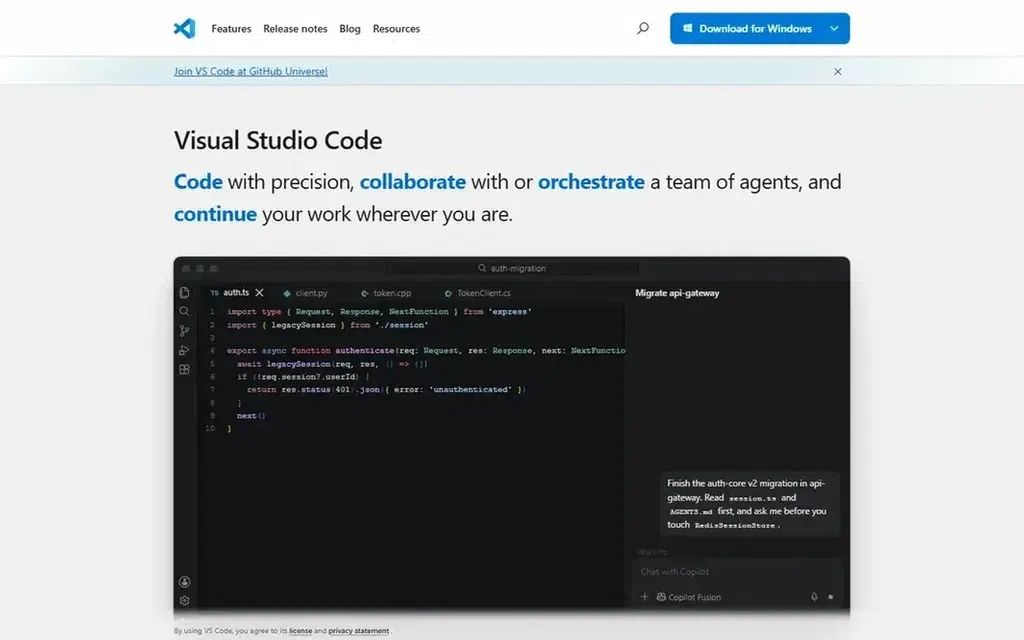
For light, extensible code editing, Visual Studio Code is a natural candidate. Its light design and wide extension ecosystem make it a practical choice for startups that want an adaptable editor without a heavy IDE footprint.
Limits to weigh: Can become slow with numerous plugins.
Teams that prefer a batteries-included IDE may want to compare WebStorm instead. Visual Studio Code shows no starting price here, so confirm the cost on the vendor site. Trial and free access: Not stated.
- Free and widely used
- Large extension marketplace
- Needs extensions for some workflows
JetBrains WebStorm
Best for: Focused JavaScript and TypeScript IDE
JetBrains WebStorm works best for focused JavaScript and TypeScript IDE. Startups that prefer a free, extensible editor may lean toward Visual Studio Code.
Honest limits: Heavier than a plain editor.
WebStorm is a JavaScript and TypeScript IDE from JetBrains, made for developers who want deep language support, refactoring, and debugging from day one. This comparison lists no price for JetBrains WebStorm; ask the vendor. On free options: Not stated.
- Built-in refactoring and debugging
- Agent-assisted coding features
- Commercial licensing for teams
Think of Netlify for building and running web apps. It suits startups that want a managed environment for building and deploying JavaScript applications without managing servers.
Beyond that, Netlify is oriented toward web apps and may not handle every backend or infrastructure need. On cost, Netlify starts like this: $9 per month. Free access exists with Netlify.
Downsides: A good match for web app patterns.
- Focus on creation and sharing
- Supports prompt, agent
- Feature set may overlap with other systems

GitLab serves integrated DevOps lifecycle. GitLab is an orchestration product for the software lifecycle, offering source control, CI/CD, and governance in one place.
Limits to weigh: May be more than small teams need.
Since it handles plenty of stages, initial setup can take effort, and very small teams may find some features unnecessary. Startups that primarily need code hosting may prefer GitHub for its more straightforward starting point. What you pay to start with GitLab: $15 per user per month. GitLab has a free plan.
- Governance and security features
- Built-in CI/CD
- Can be complicated to configure
Sentry serves error tracking and performance monitoring. Sentry is an application performance monitoring and error tracking tool that helps developers see errors plainly and resolve issues quicker.
It fits startups that want visibility into production behavior and a feedback loop for continuous improvement. Entry price for Sentry: $26 per month. You can start on Sentry without paying.
Upsides: Helps teams learn from issues.
Limits to weigh: Concentrates on monitoring, not deployment.
- Clear error reporting
- Performance monitoring
- Needs integration with your app
GitHub makes the most sense for Code hosting and team collaboration. GitHub is a developer product for hosting code, reviewing changes, and automating workflows. It is widely adopted by open source projects and companies.
Its pull request and issue tools make it a natural fit for startups that want a familiar, well-integrated home for their repositories. For everyday use, the product offers plenty of features, and teams may need time to configure permissions and automation to match their process. In practice, startups that prefer a single integrated DevOps suite may want to compare GitLab instead. Entry price for GitHub: $4 per user per month. A free plan is available with GitHub.
Limits to weigh: Advanced features may require setup.
- Capable collaboration features
- Widely used platform
- Can be overwhelming for new teams
Our selection method
We compared the tools on published pricing, free plan or trial availability, feature coverage for javascript developers software for startups, and the limits each vendor documents. Seat minimums, billing terms and add-ons can move the real cost, so the starting prices here are a guide and not a quote. Position on the page reflects fit for a typical buyer first, with price clarity and free access breaking ties. Treat it as a guide, not a ruling.
What to confirm before you sign up
- Ask Visual Studio Code and JetBrains WebStorm for a written quote, since no starting price is shown.
- Read the fine print on the free plans from Netlify, GitLab, Sentry and GitHub; seat, project and feature caps differ.
- Read the limits listed for Visual Studio Code first: needs extensions for some workflows.
- Read the plan comparison for JetBrains WebStorm carefully; key features often start on a higher tier.
- Before you load data into Sentry, check what an export looks like and who can run it.
FAQ
How are the javascript developers software for startups ordered?
The order follows typical fit for javascript developers software for startups, with Visual Studio Code first and GitHub last, then price clarity and free access. It is editorial judgement, not a score, so another team could rank the tools differently.
How does Sentry fit with the other tools?
It complements development and deployment tools by helping teams see and resolve production issues, instead of replacing code hosting or deployment systems.
Can I use Visual Studio Code and WebStorm together?
Yes, developers can use both, but most teams standardize on one editor or IDE for consistency. Visual Studio Code is light and extensible, whereas WebStorm gives you deeper built-in JavaScript and TypeScript support.
Do these tools publish their prices?
Not all of them. Visual Studio Code and JetBrains WebStorm publish no starting price, so expect a quote request for those. The rest, Netlify included, show a starting price, though seats and billing terms still change the final cost.
Can I try these tools before paying?
Often, yes. Netlify, GitLab, Sentry and GitHub have a free plan. Use your own data and a real task during the test, and check what the free tier or trial limits before you rely on it.
Which javascript developers software for startups have a free plan?
Netlify, GitLab, Sentry and GitHub offer a free plan in this list. Free plans usually cap users, projects or features, so check the limits on the vendor page.
Sources
- https://code.visualstudio.com
- https://www.jetbrains.com/webstorm
- https://www.netlify.com
- https://gitlab.com
- https://sentry.io
- https://github.com