Choosing JavaScript Developers Software for Enterprise in 2026: 5 Options Compared
Weighing the best javascript developers software for enterprise? We lined up 5 products by cost, free access and fit. Pros and cons for every tool. Facts only.
- Editor's choiceMicrosoft Visual Studio
Full IDE across products and languages
Starts at$45 per user a monthVisit visualstudio.microsoft.comFull review - Great alternative
 Sentry
Error tracking and performance monitoring
Starts at$26 a monthVisit sentry.ioFull review - Also consider
 Postman
API engineering and testing workflows
Starts at$9 per monthVisit postman.comFull review
Direct answer
Start with Microsoft Visual Studio if you need full IDE across systems and languages. Listed starting prices: Microsoft Visual Studio from $45 per user a month, Sentry from $26 a month and Postman from $9 per month. Alternatives: Sentry for error tracking and performance monitoring, and Postman for API engineering and testing workflows. Details, prices and limits for the rest of the 5 tools are below.
TL;DR:
- This list starts with Microsoft Visual Studio, which is built for full IDE across products and languages.
- Sentry comes with a trade-off: concentrated on monitoring, not development.
- Free plans exist at 3 of 5 tools (Sentry, Postman, GitLab).
- For the cheapest start, look at Postman: $9 per month.
Last checked November 2026. Prices and plan details were read from the vendors' own pages in November 2026; vendors change plans often, so confirm the current price on the vendor site before you buy.
Quick comparison
| Tool | Best for | Starts at | Free plan? | |
|---|---|---|---|---|
| Microsoft Visual Studio | Full IDE across products and languages | $45 per user a month | Not stated | Visit |
| Sentry | Error tracking and performance monitoring | $26 a month | Yes | Visit |
| Postman | API engineering and testing workflows | $9 per month | Yes | Visit |
| GitHub Enterprise | Governed, secure AI-assisted development at scale | See website | Not stated | Visit |
 GitLab | Integrated lifecycle orchestration with governance | $29 per user a month | Yes | Visit |
Javascript Developers Software for Enterprise compared in detail
Choosing javascript developers software for enterprise usually comes down to price, fit and limits. This LinkVetted guide sets 5 tools side by side on those three points, with the facts kept short and checkable.
Microsoft Visual Studio
Best for: Full IDE across products and languages
Microsoft Visual Studio is a good fit for full IDE across systems and languages. Microsoft Visual Studio is a full development environment offering IDE and code editor choices for building apps on any product and in numerous languages. For enterprises already invested in Microsoft tooling, it supplies a familiar, full workspace.
JavaScript and TypeScript teams can use it alongside backend and cloud work, keeping multiple disciplines in one environment. Match the choice to your primary workload. Starting cost for Microsoft Visual Studio: $45 per user per month. As for free access: Not stated.
Watch-outs: Heavier footprint than light editors.
- IDE and code editor choices in one family
- Supports several systems and languages
- JavaScript is one of plenty of supported languages
Think of Sentry for error tracking and performance monitoring. Sentry gives you application performance monitoring and error tracking so developers and software teams can see errors more plainly, solve issues quicker and keep learning.
In daily use, Sentry addresses monitoring instead of editing, repositories or pipelines, so it works alongside your development product. What you pay to start with Sentry: $26 per month. Free access exists with Sentry.
Where it is weaker: Value relies on production traffic.
- Clearer visibility into application errors
- Performance monitoring for software teams
- Concentrated on monitoring, not development
Postman serves API engineering and testing workflows. Postman centers on API engineering, describing quicker movement from development to production with higher accuracy and fewer tokens, and it frames its work around agents. From a buyer's view, for enterprise JavaScript teams building and consuming APIs, it supplies a dedicated space for designing, testing and validating endpoints.
Beyond that, Postman does not replace source control, IDEs or monitoring, so it joins your stack instead of consolidating it. Teams with minimal API surface may deal with requests inside their editor instead. Starting cost for Postman: $9 per month. Postman offers a free plan.
Watch-outs: Brings another tool to the stack.
- Centred on API development to production
- Aims at accuracy and efficiency
- Not a code editor or repository host
GitHub Enterprise
Best for: Governed, secure AI-assisted development at scale
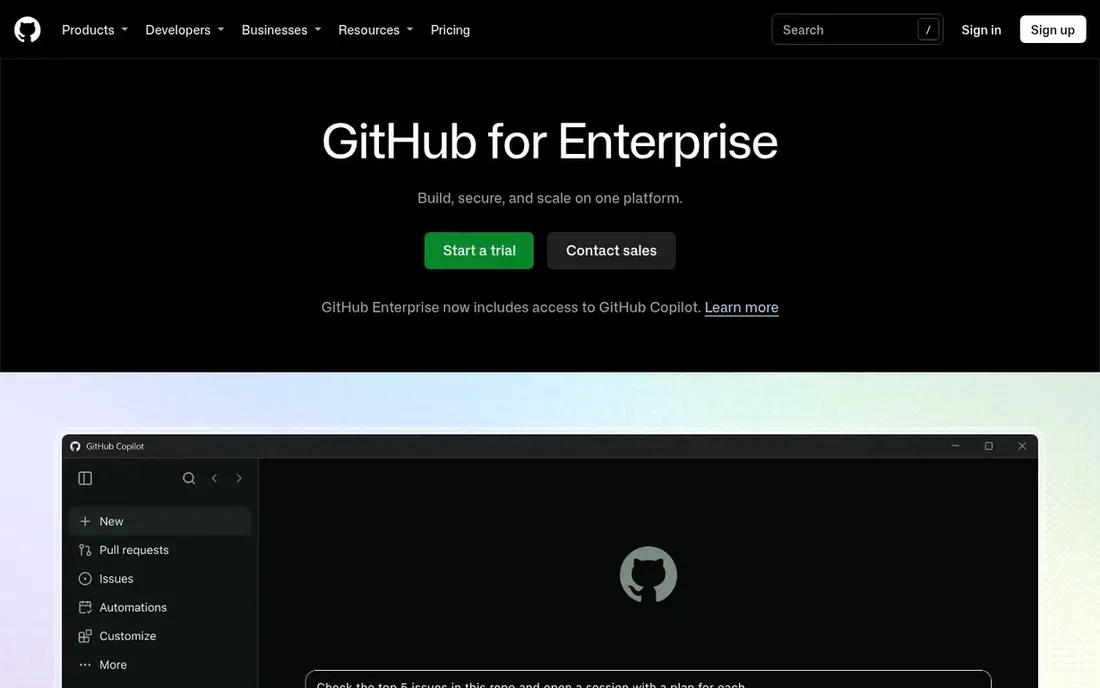
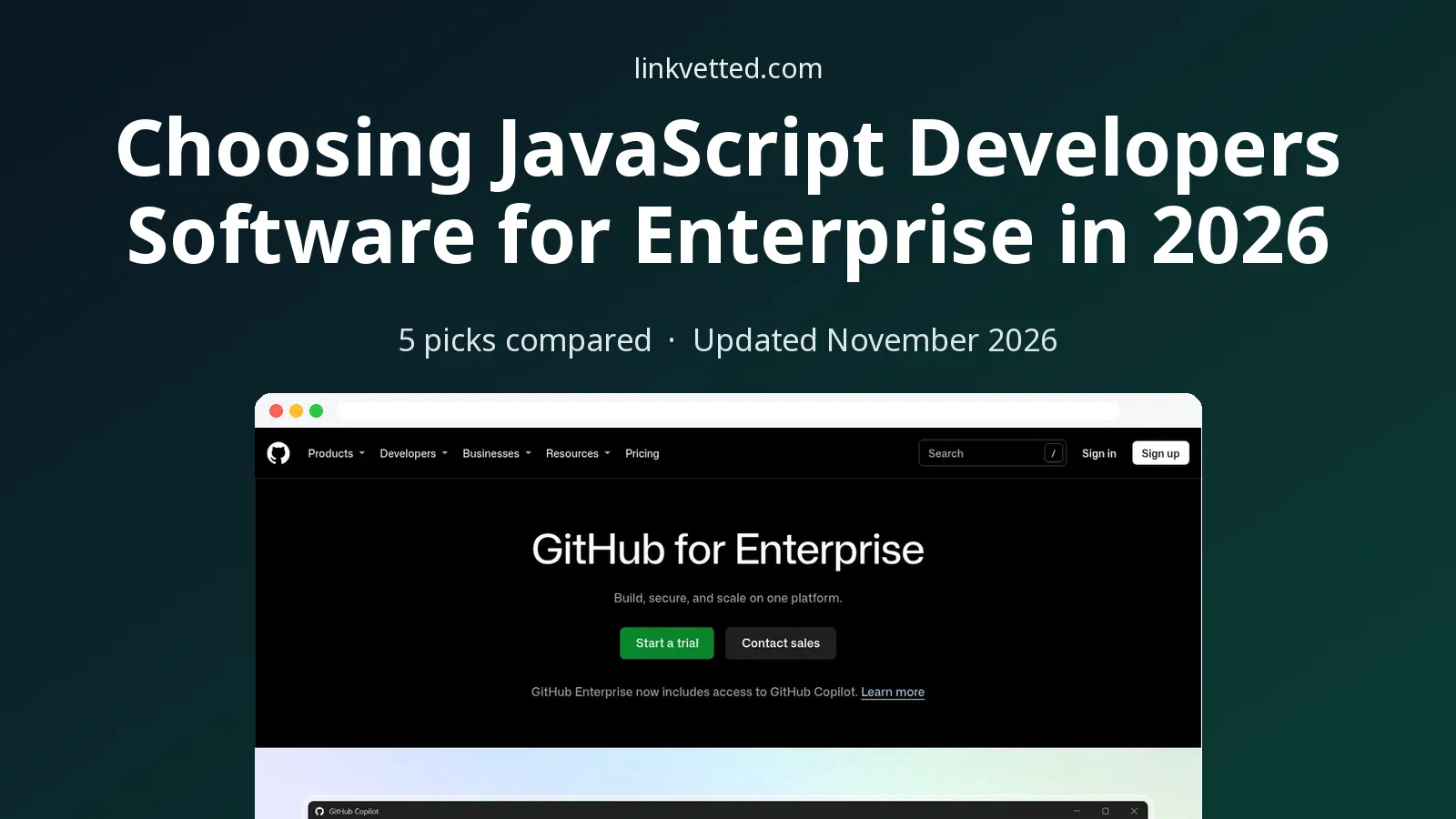
GitHub Enterprise was built for governed, secure AI-assisted development at scale. GitHub Enterprise presents itself as a single system for shipping software at scale, with governance, security and deployment choice as core themes. It now contains GitHub Copilot, so AI assistance sits alongside repository hosting and collaboration.
Where it is weaker: Enterprise setup adds administrative overhead.
If your priority is an integrated lifecycle with orchestration across planning and delivery, GitLab is the closer fit. In daily use, confirm current capabilities on the vendor site. The system's breadth means configuration and policy work before teams see value, and organizations with straightforward workflows may find lighter options sufficient. This comparison lists no price for GitHub Enterprise; ask the vendor. As for free access: Not stated.
- Contains GitHub Copilot for AI assistance
- Governance and security built into one system
- Wide scope may exceed small team needs

GitLab is built with integrated lifecycle orchestration with governance in mind. GitLab describes itself as an intelligent orchestration product that provides teams and agents context and governance for the whole software lifecycle.
From a buyer's view, evaluate how much of the lifecycle you actually want in one place before committing. The emphasis is on shipping trusted software quicker whereas keeping control. GitLab starts at: $29 per user per month. You can start on GitLab without paying.
Points against: Breadth needs deliberate setup.
- Context and governance across the lifecycle
- Positioned for teams working with agents
- May overlap with existing point tools
Our selection method
Selection started from tools commonly considered for javascript developers software for enterprise, then narrowed to 5 that have clear pricing information or a clear quote process. Plan names, prices and limits change often. Treat the figures here as a starting point and verify them with the vendor. We ordered the tools by general fit, then by how clearly pricing is shown, then by free access. A buyer with unusual needs may reorder them.
Before you commit
- Get a written quote from GitHub Enterprise; the list shows no starting price for them.
- Look at free plan limits closely: Sentry, Postman and GitLab have one, and the caps decide whether it is usable for real work.
- Before choosing Microsoft Visual Studio, weigh its main limit: heavier footprint than light editors.
- Make sure GitLab lets you export your data in a format another tool can read.
- The entry price of Microsoft Visual Studio is only the starting point; model the full cost with seats and extras.
FAQ
Where do Postman and Sentry fit in an enterprise stack?
Postman supports API engineering and testing, which matters when services communicate heavily. Neither replaces an IDE or system, but both strengthen quality and reliability around your core development workflow.
Is Microsoft Visual Studio the right pick for everyone comparing javascript developers software for enterprise?
No single tool suits every team. Microsoft Visual Studio comes first because it fits full IDE across platforms and languages, while Sentry suits error tracking and performance monitoring and Postman suits API engineering and testing workflows. Match the tool to your own size, budget and workflow before deciding.
Which tool should an enterprise JavaScript team start with?
Teams wanting an integrated lifecycle with orchestration may prefer GitLab. In practice, the right start relies on whether your priority is governed code hosting or end-to-end delivery control.
How are the tools for javascript developers software for enterprise ordered?
Microsoft Visual Studio sits first and GitLab last because the order follows typical fit for javascript developers software for enterprise, then price clarity and free access. It is a judgement call, so read each profile for fit and limits.
Can I try these tools before paying?
Often, yes. Sentry, Postman and GitLab have a free plan. Use your own data and a real task during the test, and check what the free tier or trial limits before you rely on it.
Do these tools publish their prices?
Not all of them. GitHub Enterprise publishes no starting price, so expect a quote request for it. The rest, Microsoft Visual Studio included, show a starting price, though seats and billing terms still change the final cost.
Sources
- https://visualstudio.microsoft.com
- https://sentry.io
- https://www.postman.com
- https://github.com/enterprise
- https://about.gitlab.com