Choosing Employee Scheduling Software for Plumbers in 2026: 6 Options Compared
Need the best employee scheduling software for plumbers? We compare 6 tools on cost, free access and who each suits. Real limits included. Skim the table first.
- Editor's choice
 Housecall Pro
Small plumbing shops wanting scheduling plus communication
Starts at$59 per monthVisit housecallpro.comFull review - Great alternative
 SimPRO
Plumbing businesses with project and job costing
Starts atSee websiteVisit simprogroup.comFull review - Also consider
 Kickserv
Small home service teams managing jobs
Starts at$60 a monthVisit kickserv.comFull review
Direct answer
This list puts Housecall Pro first for small plumbing shops wanting scheduling plus communication. Listed starting prices: Housecall Pro from $59 per month, Kickserv from $60 a month and Service Fusion from $220 a month. SimPRO is the stronger choice for plumbing businesses with project and job costing, while Kickserv suits small home service teams managing jobs. The full list of 6 tools follows, with prices and free plan facts.
TL;DR:
- Housecall Pro takes the first slot, best suited to small plumbing shops wanting scheduling plus communication.
- Neither Housecall Pro nor Service Fusion, nor any of the other 4 tools, has a permanent free plan; trials and quotes are the norm.
- Service Fusion suits contractors seeking all-in-one field management.
- The cheapest monthly starting price in the list is $59 per month, offered by Housecall Pro.
- Check the limits for ServiceTitan before you commit: wide product may feel heavy for small crews.
Last checked November 2026. Prices and plan details were read from the vendors' own pages in November 2026; vendors change plans often, so confirm the current price on the vendor site before you buy.
Quick comparison
| Tool | Best for | Starts at | Free plan? | |
|---|---|---|---|---|
| Housecall Pro | Small plumbing shops wanting scheduling plus communication | $59 per month | Free trial | Visit |
| SimPRO | Plumbing businesses with project and job costing | See website | Not stated | Visit |
| Kickserv | Small home service teams managing jobs | $60 a month | Free trial | Visit |
 ServiceTitan | Large plumbing teams needing full dispatch control | See website | Free trial | Visit |
 Jobber | Small plumbing crews organizing quotes and jobs | See website | Not stated | Visit |
 Service Fusion | Contractors seeking all-in-one field management | $220 a month | No | Visit |
6 employee scheduling software for plumbers in detail
Short on time? The summary and table above give the quick view of 6 employee scheduling software for plumbers, and the profiles that follow give the detail behind each entry.
Housecall Pro
Best for: Small plumbing shops wanting scheduling plus communication
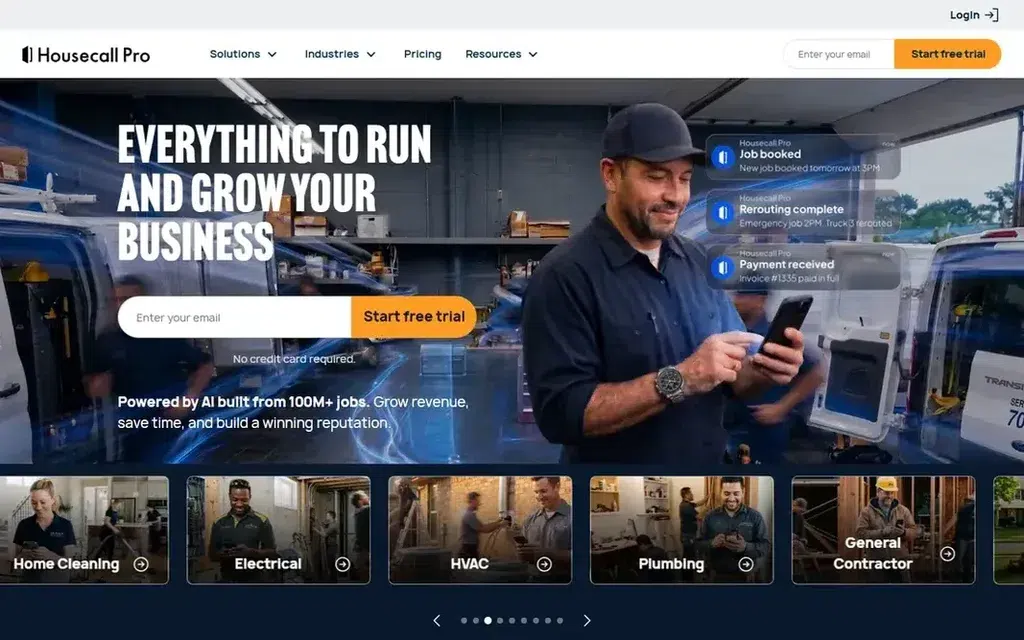
Housecall Pro is a good fit for small plumbing shops wanting scheduling plus communication. Plumbing firms handling large commercial projects with complicated job costing may find it less deep than project-oriented systems.
Downsides: Advanced needs can push you to larger products.
Housecall Pro pricing: $59 per month. As for free access: Free trial.
- Field-friendly mobile access
- Aimed at home service firms
- May lack depth for complicated commercial projects
Pick SimPRO if this describes you: plumbing businesses with project and job costing. The wider scope can mean more setup and training than a small plumbing shop expects.
Reasons to shortlist it: Includes job.
Honest limits: Can be more than a small shop needs.
Also, choose SimPRO when project management and job costing are central, and confirm scheduling details with the vendor before deciding. Pricing for SimPRO is not stated here, so ask the vendor for current figures. Free plan details: Not stated.
- Bundles job costing capabilities
- Project and asset management
- Broader scope may need training
In short, Kickserv is for small home service teams managing jobs. Plumbing teams that want scheduling connected to customer records and payment collection in a focused tool are a decent match.
Where it falls short: May not scale to complicated dispatch needs.
As for the details, plumbing firms with intricate dispatch rules or large commercial projects may outgrow its scope. Kickserv cost at the entry level: $60 per month. Trial and free access: Free trial.
- Manages payments alongside scheduling
- Customers and communication
- Fewer advanced project features
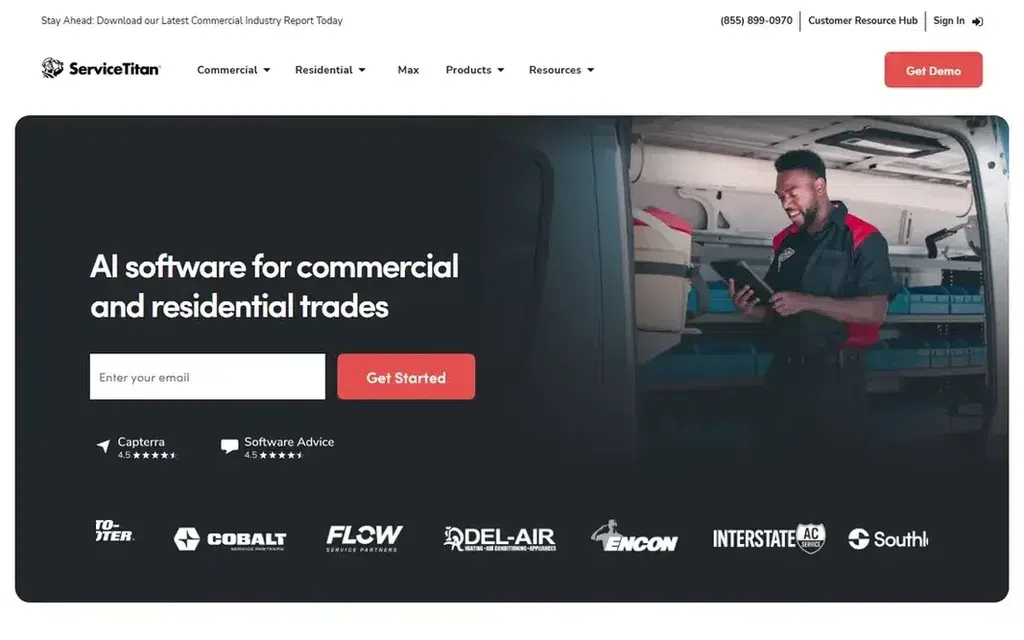
Think of ServiceTitan for large plumbing teams needing full dispatch control. Expect meaningful setup time to configure scheduling around your workflows. For everyday use, if you primarily need an entry-level calendar and invoicing, look at lighter choices for example Jobber or Kickserv instead.
Trade-offs to know: Broad system may feel heavy for small crews.
ServiceTitan is an all-in-one software made for home and commercial contractors. Its scheduling sits inside a wider system that tracks service visits and construction projects. No starting price is listed for ServiceTitan here; confirm pricing on the vendor site. Trial and free access: Free trial.
- Keeps service visits running smoothly
- All-in-one system for service and project work
- Setup and learning take real effort
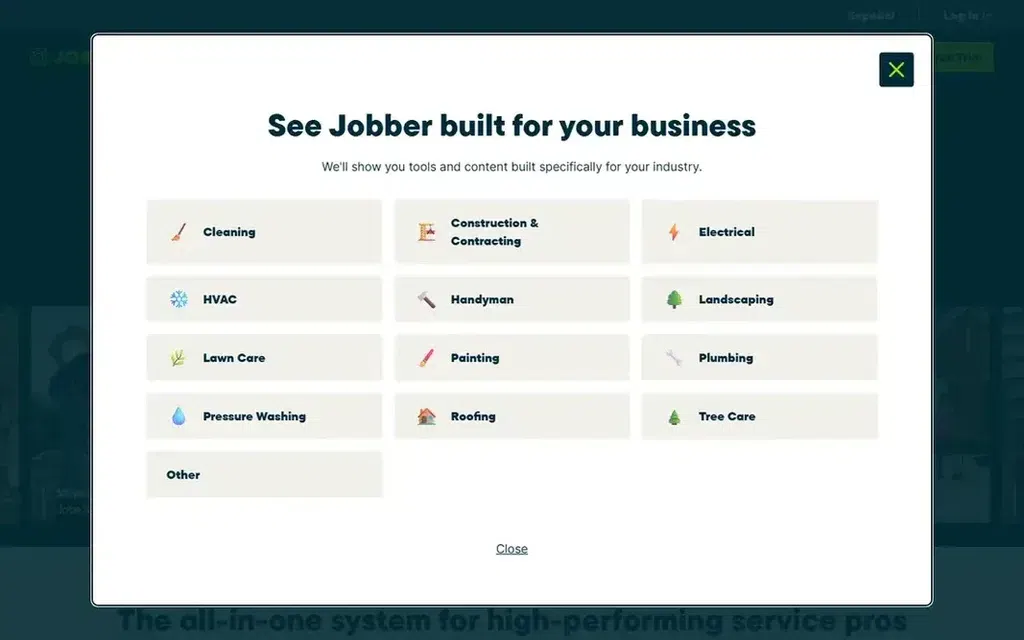
Jobber works best for small plumbing crews organizing quotes and jobs. As plumbing operations grow into multi-crew dispatch or large project costing, Jobber may feel restricted compared to broader products. It is best chosen when simplicity and fast adoption matter more than deep customization.
Limits to weigh: Less suited to complicated commercial project work.
More specifically, plumbing teams that want a clean, approachable app for booking jobs and keeping crews on track are a natural fit. It performs well for owner-operators and small crews that require scheduling without heavy configuration. Check the vendor site for Jobber pricing; none is listed in this comparison. Free plan details: Not stated.
- Organizes service business operations
- Quote
- May need extras for deeper reporting
Service Fusion is built with contractors seeking all-in-one field management in mind. Service Fusion gives you all-in-one field service management software made for service companies and contractors, positioning scheduling within a broader operations toolkit.
Since it spans numerous functions, some areas may be less specialized than dedicated tools, so map your must-have scheduling features first. Smaller plumbing shops may find the scope bigger than needed. What you pay to start with Service Fusion: $220 per month. No free plan comes with Service Fusion.
Downsides: Feature depth varies by module.
- Aimed at service firms and contractors
- All-in-one field service management
- Needs setup to match plumbing workflows
How these tools were picked
For each of the 6 tools we noted price, free plan or trial, fit for employee scheduling software for plumbers and the main limit, using vendor pages and documentation. Where a vendor does not publish a price, the entry says quote. Where a price depends on seats or billing term, the entry says so. Tools are placed by general fit for employee scheduling software for plumbers, with price clarity and free access as tie-breakers. A different team can reasonably rank them differently.
A buyer's checklist
- Get a written quote from SimPRO, ServiceTitan and Jobber; the list shows no starting price for them.
- Take the trial from Housecall Pro, Kickserv and ServiceTitan and push a live task through it before you pay.
- Before choosing Housecall Pro, weigh its main limit: may lack depth for complex commercial projects.
- Confirm that Housecall Pro connects to the apps your team already uses, on the plan you would actually buy.
- Check how data leaves Kickserv: formats, limits and whether exports are available on every plan.
FAQ
How are the tools for employee scheduling software for plumbers ordered?
Housecall Pro sits first and Service Fusion last because the order follows typical fit for employee scheduling software for plumbers, then price clarity and free access. It is a judgement call, so read each profile for fit and limits.
Is a wide system or a straightforward scheduler better for a plumbing business?
Small plumbing shops frequently adopt more straightforward tools quicker, whereas bigger operations with dispatchers and install crews may benefit from broader products.
Is Housecall Pro the right pick for everyone comparing employee scheduling software for plumbers?
No single tool suits every team. Housecall Pro comes first because it fits small plumbing shops wanting scheduling plus communication, while SimPRO suits plumbing firms with project and job costing and Kickserv suits small home service teams managing jobs. Match the tool to your own size, budget and workflow before deciding.
Do these tools publish their prices?
Not all of them. SimPRO, ServiceTitan and Jobber publish no starting price, so expect a quote request for those. The rest, Housecall Pro included, show a starting price, though seats and billing terms still change the final cost.
Does any tool for employee scheduling software for plumbers here have a free plan?
A permanent free plan is not offered by Housecall Pro, Service Fusion or the other tools here. Housecall Pro, Kickserv, ServiceTitan offer a trial. Plan a short evaluation period instead.
Sources
- https://www.housecallpro.com
- https://www.simprogroup.com
- https://www.kickserv.com
- https://www.servicetitan.com
- https://www.getjobber.com
- https://www.servicefusion.com