Best Apps for Plumbers in 2026: 9 Apps Compared
Best apps for plumbers compared for 2026, covering scheduling, quotes, invoicing, dispatch, price books and payments for solo plumbers and crews today.

- Editor's choice
 Jobber
Small plumbing shops
Starts at$29 per monthVisit getjobber.comFull review - Great alternative
 Housecall Pro
Residential online booking
Starts at$59 per monthVisit housecallpro.comFull review - Also consider
 ServiceTitan
Large fleets
Starts atSee websiteVisit servicetitan.comFull review
TL;DR:
- Jobber is our pick for most small plumbing shops, because it covers quotes, scheduling, invoicing and payments at a fair entry price.
- Housecall Pro suits call heavy residential shops that want online booking, a price book and strong customer messaging.
- ServiceTitan suits large fleets, but its quote based pricing and depth are more than most small shops need.
- Per user pricing matters more than the headline price, so price your real crew size, not just the solo rate.
- Joist is a useful free start for solo plumbers, but growing shops will soon need dispatch and accounting links.
Quick comparison
| Tool | Best for | Starts at | Free plan? | |
|---|---|---|---|---|
| Jobber | Small plumbing shops | $29 per month | Free trial | Visit |
| Housecall Pro | Residential online booking | $59 per month | Free trial | Visit |
| ServiceTitan | Large fleets | See website | No | Visit |
 Workiz | Call heavy shops | See website | Free trial | Visit |
 FieldEdge | Dispatch heavy shops | See website | Free trial | Visit |
 Simpro | Growing trade businesses | See website | Free trial | Visit |
 Service Fusion | Mid size flat rate pricing | $225 per month | Free trial | Visit |
 Kickserv | Budget small teams | $60 per month | Free trial | Visit |
 Joist | Solo plumbers starting out | Free | Yes | Visit |
The best apps for plumbers
We compared official pricing pages, feature lists and public reviews for apps that handle real plumbing work in October 2026, including scheduling, dispatch, quotes, invoicing, payments and customer messaging.
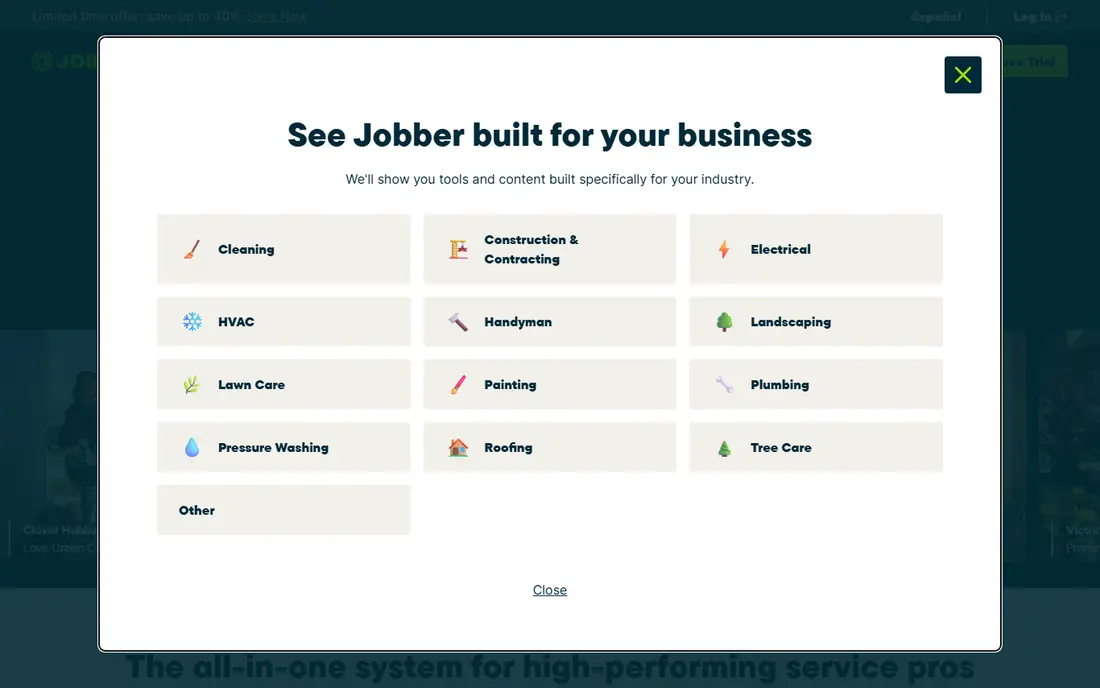
Jobber is our pick for most small plumbing shops, because it handles the daily chain well: online booking, scheduling, quotes, invoices and payments in one system. Quotes look professional, clients can approve and pay through a client hub, and automated reminders reduce no shows and late payments. A solo plumber can start quickly without a long setup project.
The catch is user pricing. Entry plans include one user, and each extra user adds cost, so a growing crew should price the Connect or higher tier, not just the Core headline. Job costing and deeper automation also sit on higher tiers. If you run a small crew and quote a lot of work, Jobber still offers the best balance of price and polish on this list.
- Clean quote to invoice flow
- Client hub for approvals and payments
- Good automation on higher tiers
- Cost rises per user
- Job costing needs higher tiers
- No native flat rate price book on entry plan
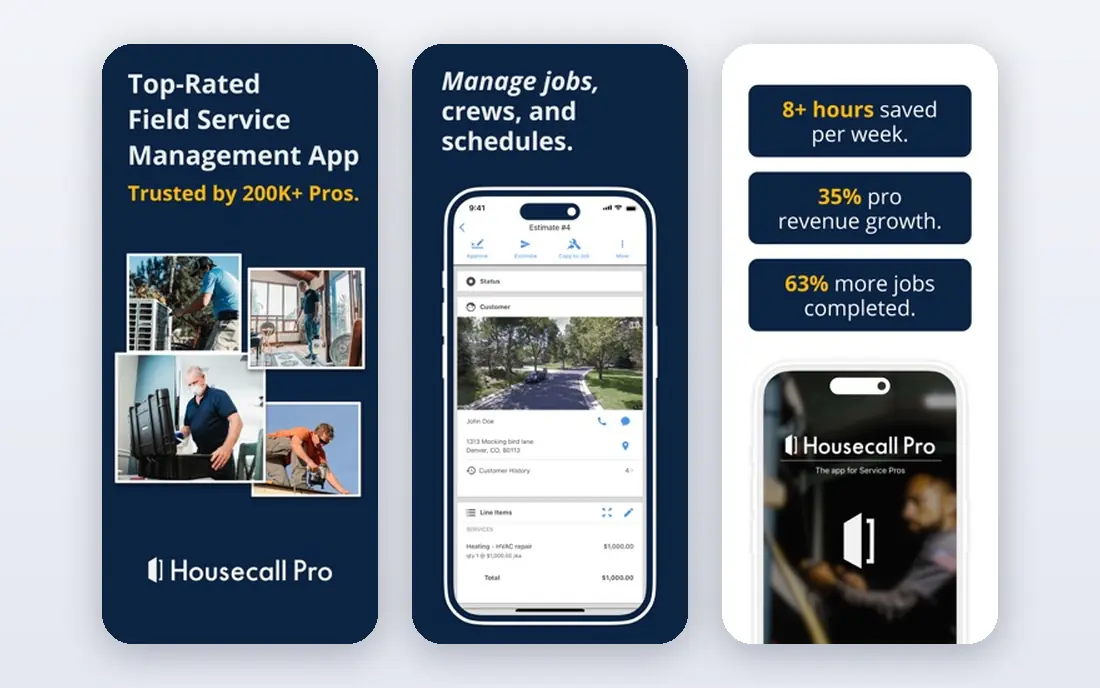
Housecall Pro suits residential plumbing shops where the phone and online booking drive the day. Customers can book from Google search, get text confirmations and tech on the way messages, and pay after the job, which reduces office chasing. The flat rate price book helps technicians quote consistent prices in the field, and GPS tracking helps dispatchers place the nearest tech on urgent calls.
Pricing needs a close read. Basic starts at 59 dollars per month billed annually for one user, while Essentials at 149 dollars per month billed annually adds five users and QuickBooks sync. If QuickBooks is your financial backbone, your real starting price is Essentials, not Basic. For call heavy shops, that extra cost can still pay for itself in booked jobs and reviews.
- Strong online booking and Google booking links
- Flat rate price book
- GPS and customer texts
- QuickBooks sync starts on Essentials
- Higher tiers needed for full team tools
- Per user costs on top tier
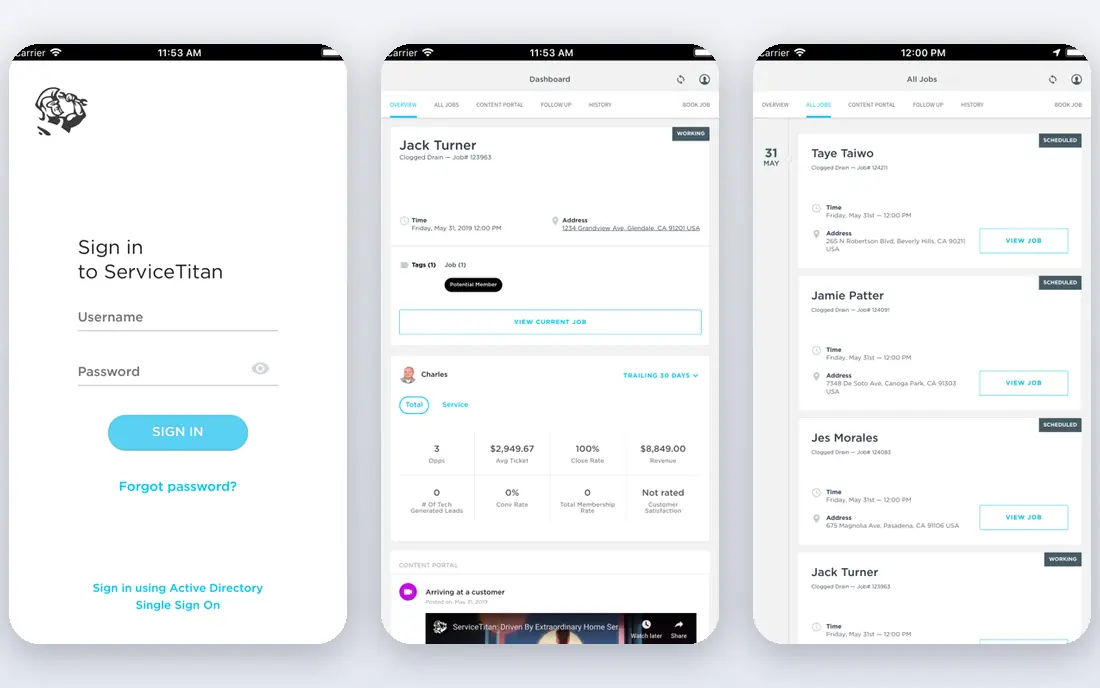
ServiceTitan is the fleet tool on this list, built for plumbing, HVAC and electrical companies with many technicians, dispatchers and sales staff. It combines scheduling, dispatch, price book, invoicing, payments, marketing, call tracking and detailed reporting in one platform. Large shops use its dashboards to track close rates, average tickets and technician performance across locations.
That depth comes with cost and effort. Pricing is by quote and is usually reported in the hundreds of dollars per technician per month, and onboarding takes time. Solo plumbers and two person shops will find it heavy and costly. If you run a real fleet and need that control, ServiceTitan is worth a demo, but price it per technician for your full crew.
- Deep dispatch, price book and reporting
- Strong marketing and call tools
- Built for scale
- Quote only pricing
- Long onboarding
- Overkill for solo operators
Workiz is built around the phone, which makes it a natural fit for plumbing shops where most jobs start with a call. Its built in phone system, call tracking and scheduling help office staff answer, book and dispatch without juggling separate tools. Online booking, invoicing, payments and customer messaging round out a system that covers the full job cycle.
The main drawback is pricing transparency. Workiz does not publish a simple starting price, so you need a sales quote based on users and features. That makes direct comparison harder, and buyers should ask for the full tier list in writing. If missed calls cost you jobs today, Workiz phone focus may justify the extra sales step.
- Built in phone system
- Strong scheduling and dispatch
- Online booking and payments
- No public pricing
- Some features need higher tiers
- Learning curve for phone setup
FieldEdge suits dispatch heavy plumbing shops that run many calls per day and need a clear board view of technicians, jobs and status. Its price book, quoting, invoicing and payment tools help techs close jobs in the field, while office staff track progress without constant phone calls. Accounting links help keep job and invoice data aligned with the books.
Pricing is by quote, so small shops should ask early whether the total fits their budget before investing in a long demo. The interface packs many fields into each job view, so plan training time for dispatchers and techs. For shops where dispatch is the bottleneck, FieldEdge dispatch strength is a real advantage.
- Strong dispatch board
- Flat rate price book
- QuickBooks and accounting links
- Quote only pricing
- Interface can feel busy
- Implementation help often needed
Simpro covers quoting, scheduling, dispatch, job management, invoicing and reporting for trade businesses, with strength in commercial and project style work as well as service calls. Growing plumbing firms that handle maintenance contracts, larger installs and recurring work will like its job costing and project tracking. Mobile apps let techs update jobs, capture photos and record time in the field.
Simpro pricing is by quote, and setup takes longer than a simple solo app, so it fits firms ready to standardise processes. Solo plumbers will find Jobber or Joist faster to start. If your firm is moving from residential service into commercial contracts, Simpro growth path is worth a close look.
- End to end job management
- Quoting, scheduling and invoicing
- Good for commercial work
- Quote only pricing
- Setup takes time
- Smaller shops may find it broad
Service Fusion targets mid size service firms that want flat rate pricing, dispatch, scheduling, invoicing and payments without fleet level pricing. Its price book helps techs present consistent options on site, and GPS plus customer notifications keep dispatch and customers informed. For shops that have outgrown a solo app but do not need ServiceTitan, Service Fusion sits in a useful middle band.
The entry price of 225 dollars per month is higher than Jobber or Housecall Pro entry plans, so it only makes sense once your job volume and team size justify it. Some integrations and advanced features sit on higher tiers, so check the tier table for your accounting and marketing needs. If flat rate pricing is central to your sales process, Service Fusion deserves a trial.
- Flat rate pricing built in
- Dispatch and GPS
- Customer notifications and payments
- Higher entry price than Jobber
- Some integrations need higher tiers
- Smaller community than leaders
Kickserv offers scheduling, dispatch, estimates, invoicing and payments at a lower team price than many rivals, with plans that cover several users for 60 dollars per month at entry level in published comparisons. That makes it attractive for small plumbing teams that want more than a solo app without paying per user for every helper. Setup is straightforward, and the core job flow is easy to learn.
The trade off is depth. Kickserv has fewer marketing, automation and reporting tools than Jobber, Housecall Pro or ServiceTitan, and its integration range is smaller. If your main needs are booking, quoting, invoicing and payment, Kickserv covers them well. If you need deep marketing or job costing, a higher tier rival may fit better.
- Lower cost for small teams
- Scheduling, invoicing and payments
- Simple setup
- Fewer advanced marketing tools
- Smaller integration range
- Reporting is basic
Joist is the best free start for a solo plumber who needs professional estimates and invoices quickly. You can create an estimate on site, send it to the customer, convert it to an invoice and take payment without a monthly subscription. That simplicity suits new businesses and part time operators who do not yet need dispatch, price books or team management.
Growth will reveal limits. Joist lacks the full dispatch board, GPS and automation of Jobber or Housecall Pro, and paid plans are needed for deeper features. Treat Joist as a launch pad: use it while you are solo, track what you miss each month, and move to a fuller system when dispatch and team scheduling become daily pain points.
- Free plan for estimates and invoices
- Fast setup
- Simple mobile workflow
- No full dispatch board
- Limited automation
- Paid features needed as you grow
How we picked these
We compared official pricing pages, feature lists and public reviews for apps used by plumbers in October 2026. We favoured apps with scheduling, quoting, invoicing and payment tools, plus mobile apps for field work. We excluded generic accounting tools without dispatch or field workflows, because they do not solve the daily plumbing job cycle.
How to choose the right app for your plumbing business
Start with your crew size and your biggest bottleneck. Solo operators should favour Jobber or Joist. Call heavy residential shops should trial Housecall Pro and Workiz. Dispatch heavy or commercial shops should trial FieldEdge, Simpro or ServiceTitan, depending on fleet size.
Price the whole crew, not the headline
Add up the monthly cost for every user who needs access, including office staff and technicians, plus payment processing fees and add ons. A cheap solo plan can become costly at five users, while a team plan that looks dear at first can be cheaper per user. Ask each vendor for a written quote for your exact user count.
Trial the field workflow, not just the office view
Run a trial job from booking to payment on a phone in the field, including photos, signatures and a price book quote. If technicians resist the app or customers struggle to pay, the office dashboard will not save the rollout. Pick the app your techs will actually use on a wet, busy day.
FAQ
What is the best app for plumbers?
Jobber is the best default for small plumbing shops, Housecall Pro suits residential online booking, and ServiceTitan suits large fleets. Solo plumbers can start free with Joist. Your crew size, call volume and need for a price book should decide the final pick.
What is the best software for plumbers?
Field service software for plumbers should cover scheduling, dispatch, quotes, invoices, payments and customer messaging. Jobber, Housecall Pro, Workiz, FieldEdge and ServiceTitan all cover that core, with different strengths in booking, phone, dispatch and fleet reporting. Trial two systems on real jobs before you buy.
How much does plumber software cost?
Entry plans for Jobber start at 29 dollars per month billed annually, and Housecall Pro starts at 59 dollars per month billed annually, both for one user. Service Fusion starts around 225 dollars per month, while ServiceTitan and several rivals price by quote. Add payment fees and extra user costs to get the true monthly total.
Does Jobber work for solo plumbers?
Yes, Jobber Core is built for solo operators and small teams, with quotes, scheduling, invoicing and payments in one system. A 14 day free trial lets you test the workflow without a card in many offers. As you add staff, check the per user cost on higher tiers before you commit.
Do plumber apps integrate with QuickBooks?
Yes, most leading apps offer QuickBooks links, but the tier matters. Housecall Pro QuickBooks sync starts on Essentials, not Basic, and other vendors gate accounting sync by plan. Confirm the exact sync direction and plan on the vendor pricing page, because a one way sync may not match your bookkeeping workflow.
Can customers book plumbing jobs online?
Yes, Jobber, Housecall Pro, Workiz and most rivals offer online booking, often with Google booking links and text confirmations. Online booking helps emergency and residential shops capture jobs outside office hours. Check whether booking, reminders and review requests are included on your chosen tier.