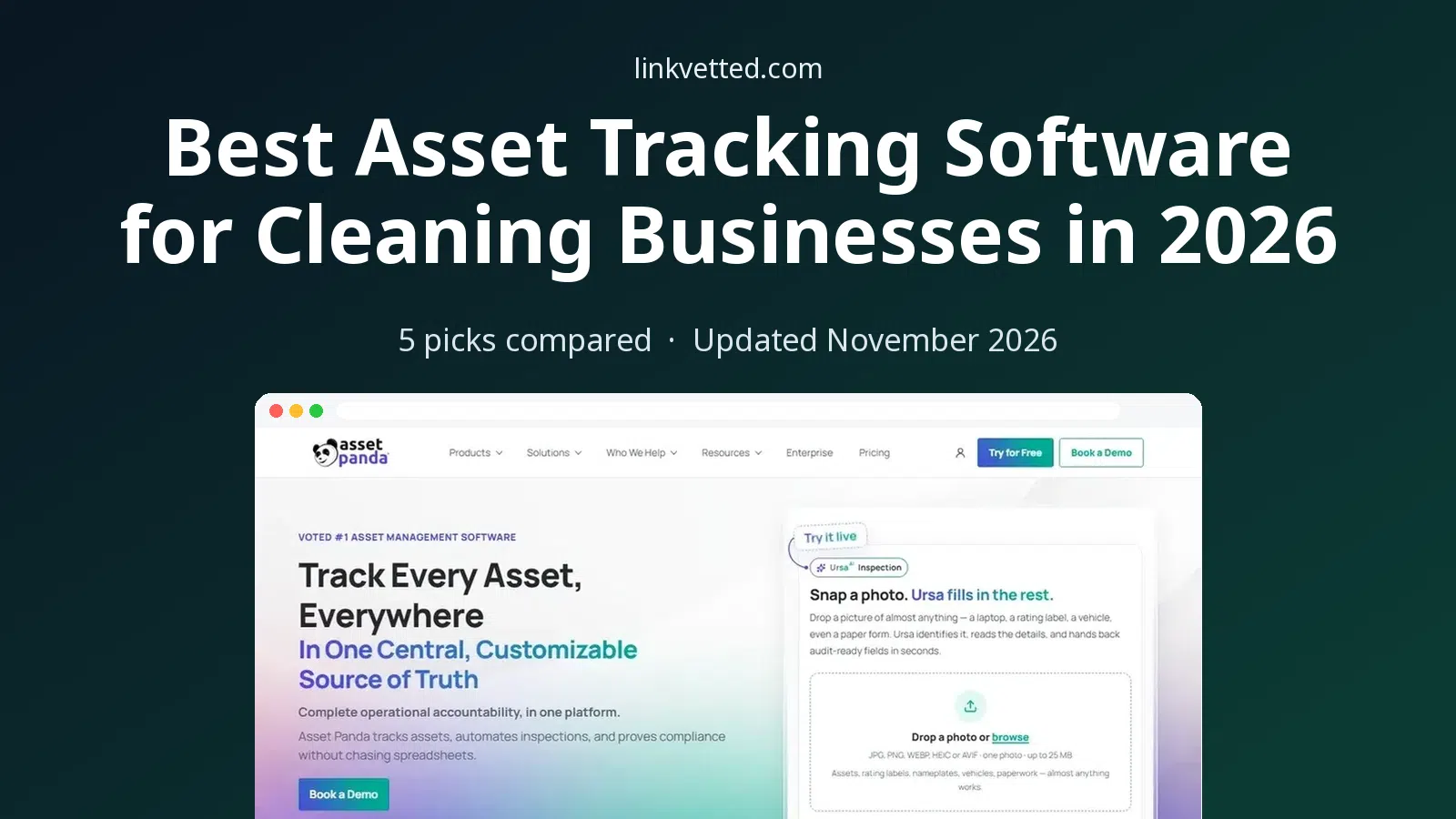
Best Asset Tracking Software for Cleaning Businesses in 2026: Prices, Free Plans and 5 Picks
Best asset tracking software for cleaning businesses: 5 tools compared on price, free plans and fit. Honest caveats for every entry. Reviewed this month.
- Editor's choice
 Fiix
Cloud CMMS with integrations
Starts at$45 per user per monthVisit fiixsoftware.comFull review - Great alternative
 Asset Panda
Mobile-first asset lifecycle tracking
Starts atSee websiteVisit assetpanda.comFull review - Also consider
 UpKeep
Maintenance work orders and assets
Starts at$24 per user a monthVisit upkeep.comFull review
Direct answer
If you need cloud CMMS with integrations, Fiix is the first tool to look at here. Listed starting prices: Fiix from $45 per user per month, UpKeep from $24 per user a month and Sortly from $24 per month. Asset Panda is better for mobile-first asset lifecycle tracking, and UpKeep is better for maintenance work orders and assets. The remaining 2 options are covered below with prices and limits.
TL;DR:
- Fiix sits first on this list: cloud CMMS with integrations.
- For field service scheduling and invoicing, Jobber is worth a look.
- 2 of 5 tools offer a free plan: Fiix, Sortly.
- For the cheapest start, look at UpKeep: $24 per user per month.
Last checked November 2026. Prices and plan details were read from the vendors' own pages in November 2026; vendors change plans often, so confirm the current price on the vendor site before you buy.
Quick comparison
| Tool | Best for | Starts at | Free plan? | |
|---|---|---|---|---|
| Fiix | Cloud CMMS with integrations | $45 per user per month | Yes | Visit |
| Asset Panda | Mobile-first asset lifecycle tracking | See website | Not stated | Visit |
| UpKeep | Maintenance work orders and assets | $24 per user a month | Free trial | Visit |
 Sortly | Straightforward inventory tracking across locations | $24 per month | Yes | Visit |
 Jobber | Field service scheduling and invoicing | See website | Not stated | Visit |
5 asset tracking software for cleaning businesses in detail
If you are comparing asset tracking software for cleaning businesses, this page covers 5 tools in one place: what each is best for, what it costs to start, whether it has a free plan, and the main limit to know about.
Fiix is aimed squarely at cloud CMMS with integrations. Fiix is a cloud-based CMMS that helps plan, track, and optimize maintenance with integrations, reports, and embedded AI tools.
Watch-outs: May need configuration.
Fiix is made for maintenance management, so it may not include inventory tracking for supplies in detail. Starting cost for Fiix: $45 per user per month. You can start on Fiix without paying.
- Cloud-based access
- Capable integrations
- Maintenance-centric
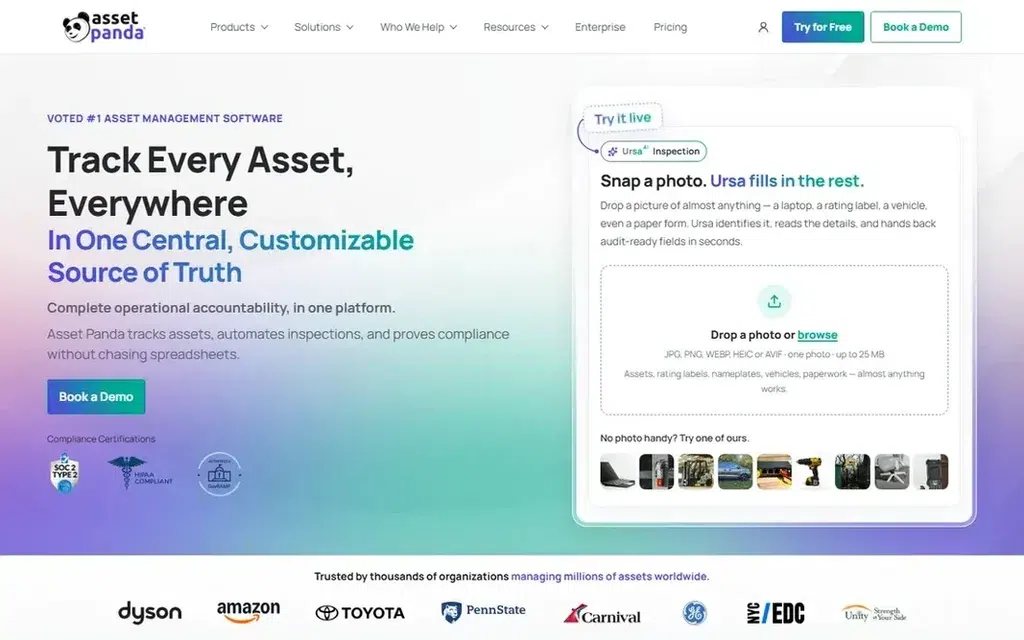
Asset Panda makes the most sense for mobile-first asset lifecycle tracking. Asset Panda is an asset management platform that includes the full asset lifecycle, from tracking and inspections to audits and compliance. It is mobile-first and needs no coding, making it accessible for cleaning teams that require to record equipment conditions and locations on the go.
From a buyer's view, pick Asset Panda when inspections and audits are part of your asset tracking needs. On top of that, since it includes a wide lifecycle, Asset Panda may bundle more features than a small cleaning business needs, which can add complexity. Asset Panda does not show a starting price in this comparison, so check the vendor site for current pricing. On free options: Not stated.
Where it is weaker: Feature depth may need training.
- Supports inspections and audits
- Mobile-first design
- Can be more than entry-level needs need
In short, UpKeep is for maintenance work orders and assets. It suits operations that want to cut downtime by organizing maintenance activities in one place, notably when several technicians or locations are involved.
Trade-offs to know: May need setup for cleaning workflows.
Worth adding: UpKeep is built around maintenance management instead of supply inventory, so it may not replace a dedicated inventory tool. The starting price for UpKeep: $24 per user per month. Free access: Free trial.
- Accessible from any device
- Preventive task scheduling
- Concentrated on maintenance, not inventory
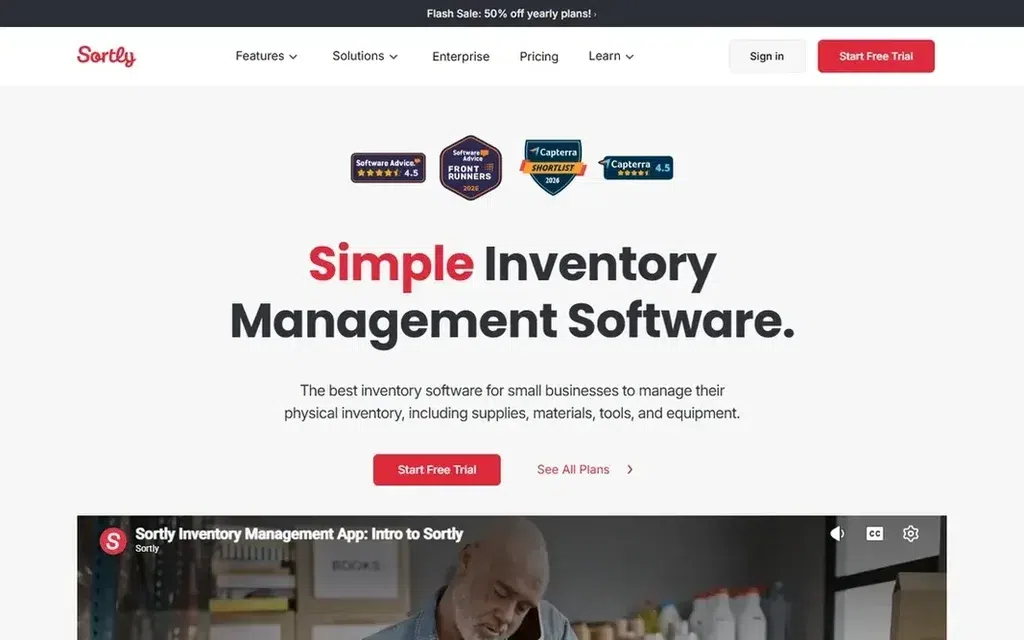
Sortly works best for straightforward inventory tracking across locations. Sortly is an inventory management tool designed to monitor supplies and equipment across people, locations, and workflows. For everyday use, for cleaning firms, it can help monitor cleaning chemicals, tools, and machines stored in different closets or vehicles.
Also, the visual approach makes it simple for staff to find and update item counts without broad training, which fits small to mid-size teams that require straightforward tracking instead of complicated maintenance scheduling. Sortly concentrates on inventory instead of maintenance management, so it may not manage work orders or preventive maintenance for cleaning equipment. Also, if your priority is scheduling repairs or managing a fleet of machines, a CMMS like UpKeep or Limble may be a better fit. On cost, Sortly starts like this: $24 per month. A free plan is available with Sortly.
Honest limits: May lack deep CMMS features.
- Tracks items across people and locations
- Simple visual inventory system
- Restricted maintenance workflows
Jobber was built for field service scheduling and invoicing. Jobber is home and commercial service software that helps organize a service business by handling quotes, scheduling, invoicing, and payments in one place.
Points against: Asset features may be restricted.
- All-in-one quoting and scheduling
- Invoicing and payments
- Not a dedicated asset tracker
How we built this list
LinkVetted looked at what each vendor publishes: pricing, plan limits, feature coverage for asset tracking software for cleaning businesses and stated drawbacks. No hands-on testing is claimed. Where a price is missing, the vendor does not list one publicly or ties it to a quote. Always confirm before budgeting. The order reflects how well each tool fits the most common buying scenario for asset tracking software for cleaning businesses, then price clarity, then free plan access. It is a starting point, not a verdict.
What to confirm before you sign up
- Ask Asset Panda and Jobber for a written quote, since no starting price is shown.
- Read the fine print on the free plans from Fiix and Sortly; seat, project and feature caps differ.
- Take the trial from UpKeep and push a live task through it before you pay.
- Read the limits listed for Fiix first: maintenance-centric.
- Ask Jobber which support channels and response times come with the plan you would buy.
- Look at the renewal terms for Fiix: auto-renewal, notice periods and price changes can matter more than the first-year price.
FAQ
Which options for asset tracking software for cleaning businesses have a free plan?
On this list, Fiix and Sortly include a free plan. Caps on seats, usage or features are common, so test the free plan against your real workload. One other tool offers a trial instead. Prices, free plan details and limits for all 5 tools in this asset tracking software for cleaning businesses roundup sit on the individual cards above.
Which tool is a good match for a small cleaning business with several locations?
For most readers this guide would start with Fiix, built for cloud CMMS with integrations. Asset Panda is the alternative for mobile-first asset lifecycle tracking, and UpKeep for maintenance work orders and assets. The right answer depends on budget and workflow.
Can I try these tools before paying?
Often, yes. Fiix and Sortly have a free plan and UpKeep offers a free trial. Use your own data and a real task during the test, and check what the free tier or trial limits before you rely on it. Each of the 5 options in this asset tracking software for cleaning businesses guide has its own card above with the price, free plan and limits.
Do these tools require training to use?
Most offer approachable interfaces, but complexity varies. Sortly and Jobber are usually considered simple to adopt, whereas CMMS tools like Fiix or Asset Panda may need some setup and training. Consider your team's comfort with technology when choosing.
What is the difference between asset tracking and CMMS for cleaning firms?
Cleaning firms may need both, but commonly one is the priority. Sortly leans toward inventory tracking, whereas UpKeep and Fiix focus on maintenance.
How are the tools for asset tracking software for cleaning businesses ordered?
Fiix sits first and Jobber last because the order follows typical fit for asset tracking software for cleaning businesses, then price clarity and free access. It is a judgement call, so read each profile for fit and limits.
Sources
- https://www.fiixsoftware.com
- https://www.assetpanda.com
- https://www.upkeep.com
- https://www.sortly.com
- https://www.getjobber.com