Asset Tracking Software for Plumbers in 2026: The 6 Best Options Side by Side
Best asset tracking software for plumbers: 6 contenders ranked by fit, with entry costs and free tiers. Each pick comes with its main catch. See the full list.
- Editor's choice
 Kickserv
Managing jobs, customers and payments just
Starts at$60 a monthVisit kickserv.comFull review - Great alternative
 Jobber
Organizing quotes, schedules and invoices
Starts atSee websiteVisit getjobber.comFull review - Also consider
 Service Fusion
Contractors wanting an all-in-one field service system
Starts at$220 a monthVisit servicefusion.comFull review
Direct answer
Our first pick is Kickserv, best for managing jobs, customers and payments just. Listed starting prices: Kickserv from $60 a month, Service Fusion from $220 a month and Sortly from $24 per month. Look at Jobber for organizing quotes, schedules and invoices, and at Service Fusion for contractors wanting an all-in-one field service system. The full list of 6 tools follows, with prices and free plan facts.
TL;DR:
- Kickserv takes the first slot, best suited to managing jobs, customers and payments just.
- For all-in-one tracking for expanding plumbing contractors, ServiceTitan is worth a look.
- Service Fusion comes with a trade-off: asset tracking depth relies on configuration.
- Just one of the 6 tools, Sortly, has a free plan.
Last checked November 2026. Prices and plan details were read from the vendors' own pages in November 2026; vendors change plans often, so confirm the current price on the vendor site before you buy.
Quick comparison
| Tool | Best for | Starts at | Free plan? | |
|---|---|---|---|---|
| Kickserv | Managing jobs, customers and payments just | $60 a month | Free trial | Visit |
| Jobber | Organizing quotes, schedules and invoices | See website | Not stated | Visit |
| Service Fusion | Contractors wanting an all-in-one field service system | $220 a month | No | Visit |
 Sortly | Straightforward inventory of parts and equipment | $24 per month | Yes | Visit |
 Housecall Pro | Home service teams wanting scheduling and customer tools | $59 a month | Free trial | Visit |
 ServiceTitan | All-in-one tracking for expanding plumbing contractors | See website | Free trial | Visit |
6 asset tracking software for plumbers in detail
If you are comparing asset tracking software for plumbers, this page covers 6 tools in one place: what each is best for, what it costs to start, whether it has a free plan, and the main limit to know about.
Choose Kickserv for managing jobs, customers and payments just. Kickserv gives you field service management software for jobs, customers, communication and payments in home service firms.
Where it is weaker: May be entry-level for complicated operations.
For plumbers, it supplies a straightforward way to keep job details and customer records organized without a sprawling system. The starting price for Kickserv: $60 per month. Free access: Free trial.
- Made for home service companies
- Runs jobs and customers
- Restricted emphasis on equipment tracking
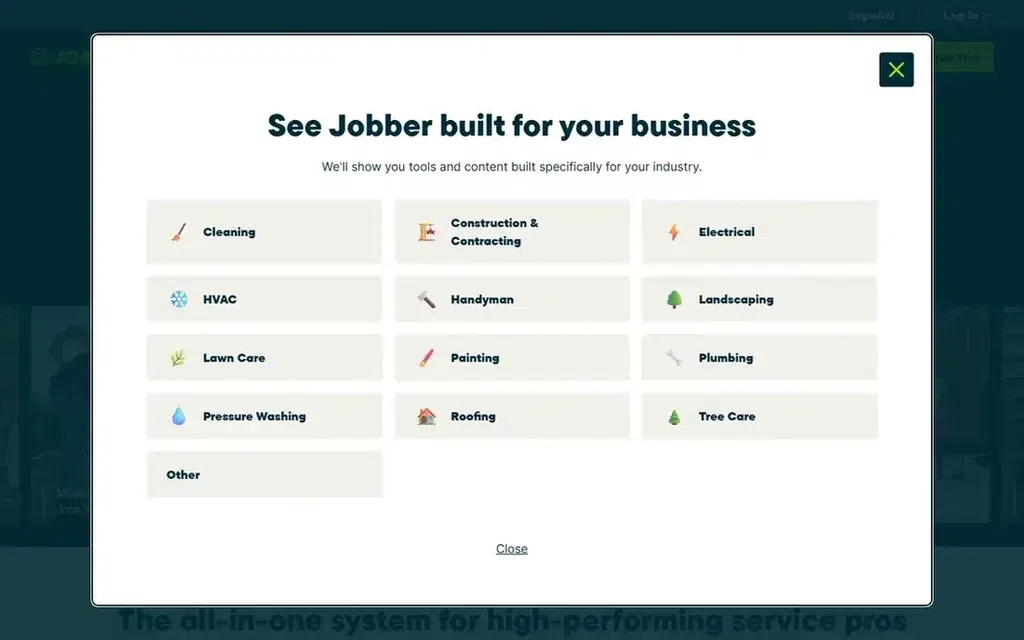
Jobber was built for organizing quotes, schedules and invoices. Jobber is built around running the service business instead of managing an in-depth asset register, so plumbers tracking pumps, tools or parts at a granular level may need a separate inventory tool.
Drawbacks to consider: May need extras for in-depth equipment records.
As for the details, Jobber presents itself as home and commercial service software that helps organize a service business by combining quoting, scheduling, invoicing and payments. From a buyer's view, consider it when scheduling and invoicing matter more than equipment history. Check the vendor site for Jobber pricing; none is listed in this comparison. As for free access: Not stated. Main advantages: Quote, schedule.
- Supports sales and customer service workflows
- Invoice and get premium in one place
- Asset tracking is not the core focus
Service Fusion
Best for: Contractors wanting an all-in-one field service system
Service Fusion works best for contractors wanting an all-in-one field service system. Service Fusion supplies all-in-one field service management software aimed at service companies and contractors, positioning itself around saving time and increasing productivity.
If you only need a straightforward parts inventory, a lighter tool may be simpler to adopt. Plumbers can use it to coordinate jobs, customers and daily operations in a single system. The starting price for Service Fusion: $220 per month. Service Fusion has no permanent free option.
Honest limits: Asset tracking depth relies on configuration.
- Geared toward saving time and boosting productivity
- Aimed at service companies and contractors
- Full evaluation takes time
Choose Sortly for straightforward inventory of parts and equipment. It fits firms that already deal with scheduling elsewhere and primarily need a clear view of what inventory they have and where it sits.
Sortly starts at: $24 per month. You can start on Sortly without paying.
What to check first: No dispatch or invoicing focus.
- Inventory management made straightforward
- Supports varied workflows
- Not a full field service system
Housecall Pro
Best for: Home service teams wanting scheduling and customer tools
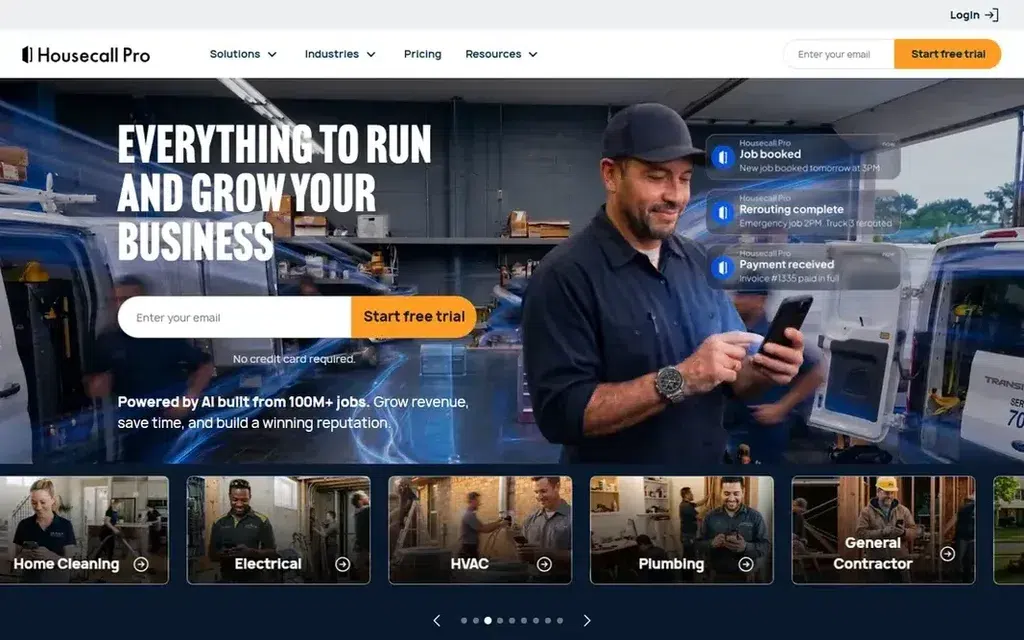
Choose Housecall Pro for home service teams wanting scheduling and customer tools. For plumbers, it can serve as the operational hub where jobs, customers and communication are organized in one place.
Where it is weaker: Asset-level tracking is secondary.
It suits residential plumbing businesses that want a modern, approachable system for daily field work. Price to start with Housecall Pro: $59 per month. Free plan details: Free trial.
- Merges scheduling with customer service features
- Made for home service companies
- Feature depth varies by how you configure it
ServiceTitan
Best for: All-in-one tracking for expanding plumbing contractors
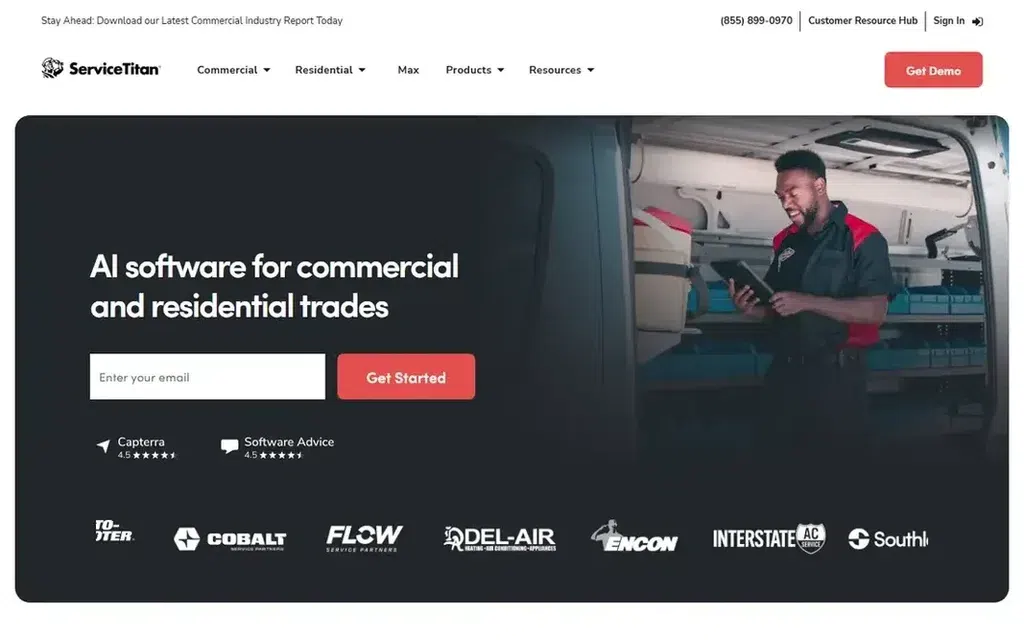
Pick ServiceTitan if this describes you: all-in-one tracking for expanding plumbing contractors. ServiceTitan describes itself as all-in-one software for home and commercial contractors, built to keep service visits and construction projects running smoothly.
Limits to weigh: Setup and training take real effort.
As for the details, if you run a one or two person operation focused chiefly on parts inventory, a lighter tool may be a better match. The breadth of the system is also its central drawback: smaller shops may find more capability than they need, and getting a team onboarded takes time. No starting price is listed for ServiceTitan here; confirm pricing on the vendor site. Free access: Free trial.
- Designed for home and commercial contractors
- Handles service visits and construction projects
- Wide product that may feel heavy for small crews
Our selection method
LinkVetted looked at what each vendor publishes: pricing, plan limits, feature coverage for asset tracking software for plumbers and stated drawbacks. No hands-on testing is claimed. Treat prices as a snapshot: vendors change plans often, so check the vendor site for the figure that applies today. The sequence is a judgement call: typical use case first, then pricing transparency, then free access. Use the profiles to check fit.
A buyer's checklist
- Confirm the entry price on the vendor page. For Jobber and ServiceTitan that means a quote rather than a fixed price.
- Test the free plan from Sortly against your real workload before relying on it.
- Take the trial from Kickserv, Housecall Pro and ServiceTitan and push a live task through it before you pay.
- Before choosing Kickserv, weigh its main limit: restricted emphasis on equipment tracking.
- Involve the people who will use ServiceTitan daily; a short pilot beats a long feature checklist.
- Ask Housecall Pro how an export works before you move any records in; an easy exit lowers the risk.
FAQ
Is Kickserv the right pick for everyone comparing asset tracking software for plumbers?
No single tool suits every team. Kickserv comes first because it fits managing jobs, customers and payments simply, while Jobber suits organizing quotes, schedules and invoices and Service Fusion suits contractors wanting an all-in-one field service platform. Match the tool to your own size, budget and workflow before deciding.
Do these tools publish their prices?
Not all of them. Jobber and ServiceTitan publish no starting price, so expect a quote request for those. The rest, Kickserv included, show a starting price, though seats and billing terms still change the final cost. All 6 picks in this asset tracking software for Plumbers comparison list a starting price, free plan details and the main limits on their cards above.
Can I try these tools before paying?
Often, yes. Sortly has a free plan and Kickserv, Housecall Pro and ServiceTitan offer a free trial. Use your own data and a real task during the test, and check what the free tier or trial limits before you rely on it.
How should a small plumbing business choose?
Start with the workflow you struggle with most, whether that is dispatch, invoicing or knowing what parts are on each van. Smaller teams frequently prefer more straightforward tools like Kickserv or Sortly, whereas expanding businesses may benefit from broader systems.
How are the tools for asset tracking software for plumbers ordered?
The order follows typical fit for asset tracking software for plumbers, with Kickserv first and ServiceTitan last, then price clarity and free access. It is editorial judgement, not a score, so another team could rank the tools differently.
Sources
- https://www.kickserv.com
- https://getjobber.com
- https://www.servicefusion.com
- https://www.sortly.com
- https://www.housecallpro.com
- https://www.servicetitan.com