Top 5 Employee Scheduling Software for Cleaning Businesses for 2026 (Prices and Free Plans)
Compare 5 best employee scheduling software for cleaning businesses, with prices, free plans and who each fits. Cost notes and weak points included. Facts only.
- Editor's choice
 Deputy
Labor forecasting and payroll integration
Starts at$5 per user a monthVisit deputy.comFull review - Great alternative
 When I Work
Straightforward shift scheduling and messaging
Starts at$2.50 per user a monthVisit wheniwork.comFull review - Also consider
 Connecteam
Frontline crews needing one app
Starts at$29 a monthVisit connecteam.comFull review
Direct answer
Deputy is the first pick on this list for labor forecasting and payroll integration. Listed starting prices: Deputy from $5 per user a month, When I Work from $2.50 per user a month and Connecteam from $29 a month. When I Work is better for straightforward shift scheduling and messaging, and Connecteam is better for frontline crews needing one app. The other 2 tools in the list cover narrower or pricier cases.
TL;DR:
- Deputy is the opening pick, best for labor forecasting and payroll integration.
- When I Work is the lowest-priced starter here at $2.50 per user per month.
- The main caution on Deputy: forecasting may be more than small teams need.
- 2 of 5 tools offer a free plan: Connecteam, Homebase.
Last checked November 2026. Prices and plan details were read from the vendors' own pages in November 2026; vendors change plans often, so confirm the current price on the vendor site before you buy.
Quick comparison
| Tool | Best for | Starts at | Free plan? | |
|---|---|---|---|---|
| Deputy | Labor forecasting and payroll integration | $5 per user a month | Free trial | Visit |
| When I Work | Straightforward shift scheduling and messaging | $2.50 per user a month | Free trial | Visit |
| Connecteam | Frontline crews needing one app | $29 a month | Yes | Visit |
 Jobber | Cleaning firms quoting and invoicing | See website | Not stated | Visit |
 Homebase | Small hourly teams needing payroll | $30 per location per month | Yes | Visit |
The full employee scheduling software for cleaning businesses list
LinkVetted put together this guide to employee scheduling software for cleaning businesses for readers who want a clear shortlist without reading every vendor page. It compares 5 tools on starting price, free plans, who each one suits and where each one falls short.
Deputy serves labor forecasting and payroll integration. Deputy offers employee scheduling, HR, AI labor forecasting, and payroll software, with the vendor emphasizing simplicity and time savings.
Setup and administration can take more effort than a straightforward shift planner. Cleaning companies that schedule variable crews against fluctuating job demand can use forecasting to plan shifts around expected workload. Deputy cost at the entry level: $5 per user per month. Trial and free access: Free trial.
Where it is weaker: Forecasting may be more than small teams need.
- AI labor forecasting for shift planning
- Scheduling with HR and payroll features
- Broader HR scope takes setup time
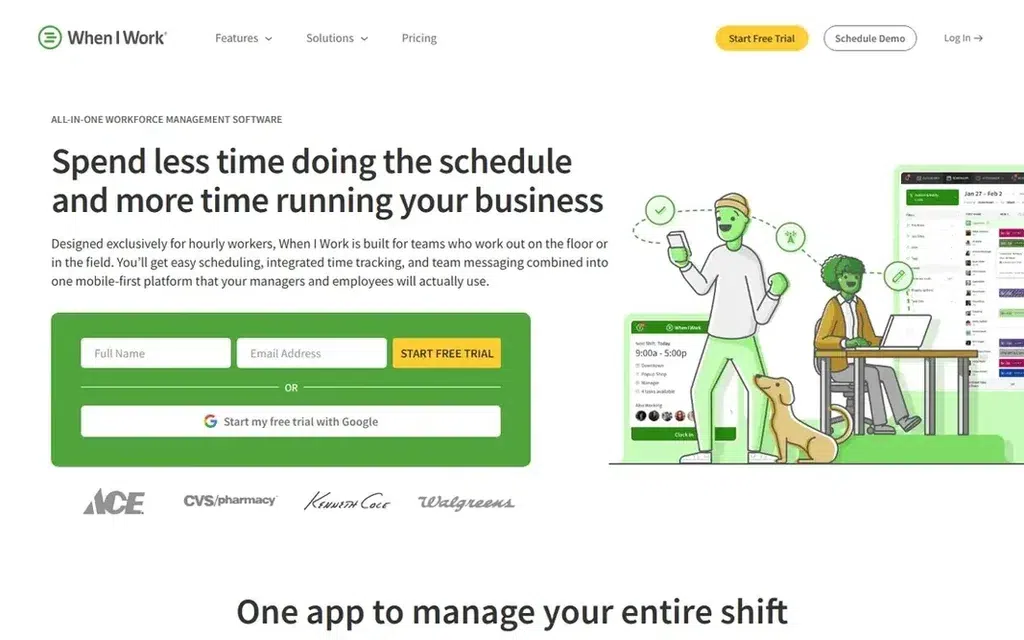
When I Work targets straightforward shift scheduling and messaging. For cleaning companies with recurring weekly jobs and crews spread across locations, that focus keeps shift planning and team updates in a single place.
The product is built around scheduling and time instead of quoting, invoicing, or customer job records, so cleaning businesses that require those functions will likely pair it with another tool. From a buyer's view, firms wanting payroll and hiring bundled in one place may prefer a broader product. The starting price for When I Work: $2.50 per user per month. Free plan details: Free trial.
Downsides: May need extras for broader HR tasks.
- Mobile app for team communication
- Straightforward employee scheduling focus
- Restricted job and invoicing features
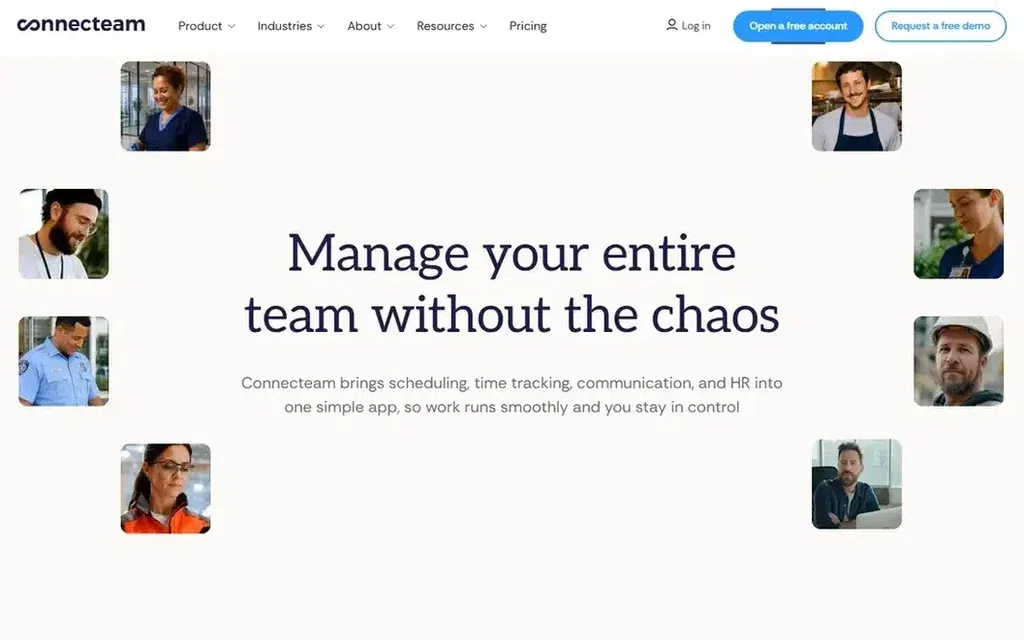
Choose Connecteam for frontline crews needing one app. Connecteam presents itself as a single employee management app for frontline teams, handling scheduling, time tracking, and communication with what the vendor describes as full clarity and control. On top of that, consider Connecteam when shift scheduling and crew communication are the priority.
Main advantages: Designed for frontline and mobile teams.
Worth adding: cleaning firms whose core requirement is quoting, invoicing, and customer job records may prefer a field service system. Beyond that, for cleaning companies, that combination suits crews who move between sites and need shifts, hours, and updates in one place instead of across separate tools. What you pay to start with Connecteam: $29 per month. You can start on Connecteam without paying.
Watch-outs: Wide feature set may feel like more than needed.
- Messaging in one app
- Geared toward replacing scattered tools
- Not a dedicated field service job product
Pick Jobber if this describes you: cleaning firms quoting and invoicing. Jobber describes home and commercial service software that lets firms quote, schedule, invoice, and get premium in one place, with an app supporting sales and operations.
As for the details, in-depth crew scheduling features may be less central than in dedicated scheduling tools. More specifically, Jobber is a wide service business platform, so teams that only need employee shift scheduling may find the scope bigger than necessary. This comparison lists no price for Jobber; ask the vendor. As for free access: Not stated.
Honest limits: More operations scope than pure scheduling needs.
What Jobber does well: Quote, schedule, invoice.
- App includes sales and operations
- Get premium in one place
- Employee scheduling is one part of a broader product
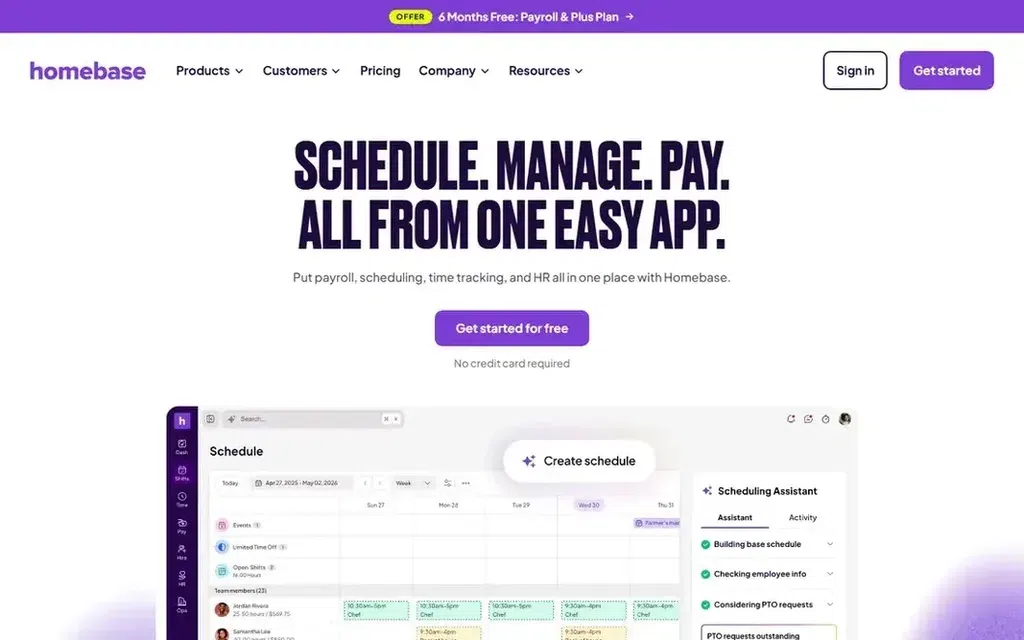
Where Homebase fits: small hourly teams needing payroll. That profile matches plenty of residential cleaning businesses where the same people schedule shifts, clock in and out, and get premium. Worth adding: Homebase suits best when hourly scheduling and payroll are the core needs.
Trade-offs to know: Payroll features may be unnecessary for some.
Worth adding: teams that already run payroll through an accountant or another system may not need the payroll side. The product is less oriented toward in-depth job and quote management for service work. Homebase cost at the entry level: $30 per location per month. Free access exists with Homebase.
Highlights: time clocks.
- Geared toward hourly small business teams
- Comes with hiring tools alongside scheduling
- Less concentrated on multi-site field service jobs
Our selection method
LinkVetted looked at what each vendor publishes: pricing, plan limits, feature coverage for employee scheduling software for cleaning businesses and stated drawbacks. No hands-on testing is claimed. Treat prices as a snapshot: vendors change plans often, so check the vendor site for the figure that applies today. The sequence is a judgement call: typical use case first, then pricing transparency, then free access. Use the profiles to check fit.
What to confirm before you sign up
- Ask Jobber for a written quote, since no starting price is shown.
- Read the fine print on the free plans from Connecteam and Homebase; seat, project and feature caps differ.
- Use real work to test the free trial from Deputy and When I Work, rather than a demo project.
- Before choosing Deputy, weigh its main limit: forecasting may be more than small teams need.
- Confirm you can export your data from Deputy, so leaving later does not mean losing records.
- Work out what Homebase costs with your real seat count, add-ons and usage, not just the entry price.
FAQ
Is Deputy the right pick for everyone comparing employee scheduling software for cleaning businesses?
No single tool suits every team. Deputy comes first because it fits labor forecasting and payroll integration, while When I Work suits simple shift scheduling and messaging and Connecteam suits frontline crews needing one app. Match the tool to your own size, budget and workflow before deciding.
What should cleaning businesses look for in scheduling software?
Prioritize shift scheduling that deals with recurring jobs and several locations, plus time tracking that records hours against the right job. If you also bill customers, check whether scheduling links to quoting and invoicing.
Which options for employee scheduling software for cleaning businesses have a free plan?
On this list, Connecteam and Homebase include a free plan. Caps on seats, usage or features are common, so test the free plan against your real workload. Several others offer a trial instead. Prices, free plan details and limits for all 5 tools in this employee scheduling software for cleaning businesses roundup sit on the individual cards above.
Do these tools publish their prices?
Not all of them. Jobber publishes no starting price, so expect a quote request for it. The rest, Deputy included, show a starting price, though seats and billing terms still change the final cost.
Can I try these tools before paying?
Often, yes. Connecteam and Homebase have a free plan and Deputy and When I Work offer a free trial. Use your own data and a real task during the test, and check what the free tier or trial limits before you rely on it.
Sources
- https://www.deputy.com
- https://wheniwork.com
- https://connecteam.com
- https://getjobber.com
- https://www.joinhomebase.com