Best Employee Scheduling Software for Electricians for 2026: Our 5 Vetted Picks
Weighing the best employee scheduling software for electricians? We lined up 5 products by cost, free access and fit. Real limits included. Easy to scan.
- Editor's choice
 Simpro
Project and asset management
Starts atSee websiteVisit simprogroup.comFull review - Great alternative
 Kickserv
Job and customer management
Starts at$60 a monthVisit kickserv.comFull review - Also consider
 Service Fusion
All-in-one field service management
Starts at$220 a monthVisit servicefusion.comFull review
Direct answer
Our first pick is Simpro, best for project and asset management. Listed starting prices: Kickserv from $60 a month, Service Fusion from $220 a month and Housecall Pro from $59 a month. Alternatives: Kickserv for job and customer management, and Service Fusion for all-in-one field service management. Details, prices and limits for the rest of the 5 tools are below.
TL;DR:
- This list starts with Simpro, which is built for project and asset management.
- A permanent free plan is missing from all 5 tools, Simpro and ServiceTitan included; plan for a trial or a premium start.
- ServiceTitan fits all-in-one contractor management.
- The cheapest monthly starting price in the list is $59 per month, offered by Housecall Pro.
Last checked November 2026. Prices and plan details were read from the vendors' own pages in November 2026; vendors change plans often, so confirm the current price on the vendor site before you buy.
Quick comparison
| Tool | Best for | Starts at | Free plan? | |
|---|---|---|---|---|
| Simpro | Project and asset management | See website | Not stated | Visit |
| Kickserv | Job and customer management | $60 a month | Free trial | Visit |
| Service Fusion | All-in-one field service management | $220 a month | No | Visit |
 Housecall Pro | Home service business management | $59 a month | Free trial | Visit |
 ServiceTitan | All-in-one contractor management | See website | Free trial | Visit |
Tool-by-tool breakdown
Choosing employee scheduling software for electricians usually comes down to price, fit and limits. This LinkVetted guide sets 5 tools side by side on those three points, with the facts kept short and checkable.
Choose Simpro for project and asset management. Simpro is a strong match for mid-size to large electrical contractors that require integrated project and asset management capabilities.
Drawbacks to consider: Needs training to completely utilize.
Simpro is a field service management software with an AI-first product. Pricing for Simpro is not stated here, so ask the vendor for current figures. As for free access: Not stated.
- Job costing features
- Links field to office
- May be complicated for small operations
In short, Kickserv is for job and customer management. Kickserv supplies field service management software that supplies management of jobs, customers, communication, and payments for home service companies.
It is a straightforward tool for electricians who require to monitor their jobs and customer interactions. The product helps simplify entry-level scheduling and payment processes. On cost, Kickserv starts like this: $60 per month. Trial and free access: Free trial.
Trade-offs to know: Restricted scalability for large teams.
- Manages jobs, customers, communication, payments
- Field service management focus
- May lack advanced scheduling features
Service Fusion is a good fit for all-in-one field service management. Service Fusion provides all-in-one field service management software made for service companies and contractors. It aims to save time and increase productivity.
Honest limits: Restricted advanced features for specialized needs.
On top of that, the system is meant to deal with scheduling, dispatching, and job management for trades like electrical. More specifically, Service Fusion may not offer the same depth of customization as some enterprise-level options. What you pay to start with Service Fusion: $220 per month. Service Fusion does not include a free plan.
- Aims to save time and increase productivity
- All-in-one field service management software
- May have a ramp-up time

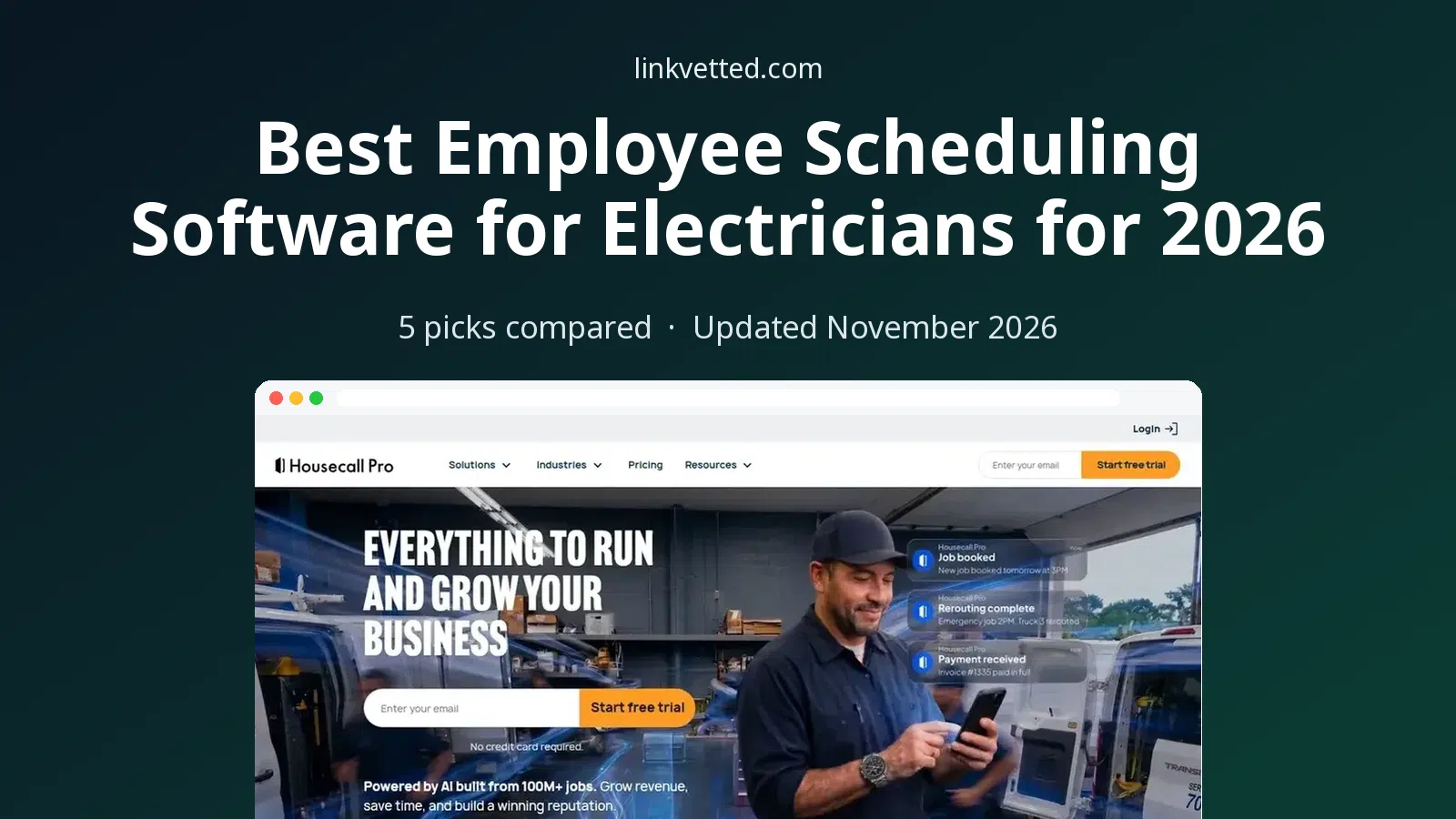
Housecall Pro is a good fit for home service business management. Housecall Pro is a software option for home service companies, offering scheduling and management tools. It is built to help field service professionals organize their operations.
Watch-outs: May need a subscription for full features.
Housecall Pro may not be as tailored to commercial electrical work as some other choices. Electricians who primarily serve residential customers can use it to handle appointments, dispatch, and customer interactions. Price to start with Housecall Pro: $59 per month. Free options: Free trial.
- Supports field service operations
- Scheduling and management features
- Restricted customization for specialized trades

Choose ServiceTitan for all-in-one contractor management. ServiceTitan is an all-in-one software aimed at home and commercial contractors. It aims to keep service visits and construction projects running smoothly.
Points against: Needs setup and training.
On top of that, ServiceTitan is a good match for established contractors seeking an integrated option. The product is aimed at firms that require a full system to handle scheduling, dispatching, and job workflows. ServiceTitan does not show a starting price in this comparison, so check the vendor site for current pricing. Free plan details: Free trial.
- Thorough all-in-one software
- Keeps service visits and projects running smoothly
- May be complicated for smaller operations
Selection criteria
Questions to settle before buying
- Get a written quote from Simpro and ServiceTitan; the list shows no starting price for them.
- Use real work to test the free trial from Kickserv, Housecall Pro and ServiceTitan, rather than a demo project.
- Read the limits listed for Simpro first: may be complicated for small operations.
- Verify that exporting from Service Fusion is possible on your plan and covers all your records.
- List the apps you already depend on and check that Housecall Pro supports each one on the plan you would buy.
FAQ
Can I try these tools before paying?
Often, yes. Kickserv, Housecall Pro and ServiceTitan offer a free trial. Use your own data and a real task during the test, and check what the free tier or trial limits before you rely on it. Each of the 5 options in this employee scheduling software for electricians guide has its own card above with the price, free plan and limits.
What is the cheapest option for employee scheduling software for electricians in this list?
On published monthly entry prices, Housecall Pro is the lowest here at $59 per month. Entry price is only part of the cost, because seats, add-ons and billing terms can change the total. All 5 picks in this employee scheduling software for electricians comparison list a starting price, free plan details and the main limits on their cards above.
Is Simpro the right pick for everyone comparing employee scheduling software for electricians?
No single tool suits every team. Simpro comes first because it fits project and asset management, while Kickserv suits job and customer management and Service Fusion suits all-in-one field service management. Match the tool to your own size, budget and workflow before deciding.
How are the tools for employee scheduling software for electricians ordered?
Simpro sits first and ServiceTitan last because the order follows typical fit for employee scheduling software for electricians, then price clarity and free access. It is a judgement call, so read each profile for fit and limits.
Sources
- https://www.simprogroup.com
- https://www.kickserv.com
- https://www.servicefusion.com
- https://www.housecallpro.com
- https://www.servicetitan.com