6 Best E-Signature Software for Wholesale Distributors for 2026, Vetted and Compared
Best E-Signature software for wholesale distributors: 6 tools compared on price, free plans and fit. Limits and pricing notes included. Checked this month.
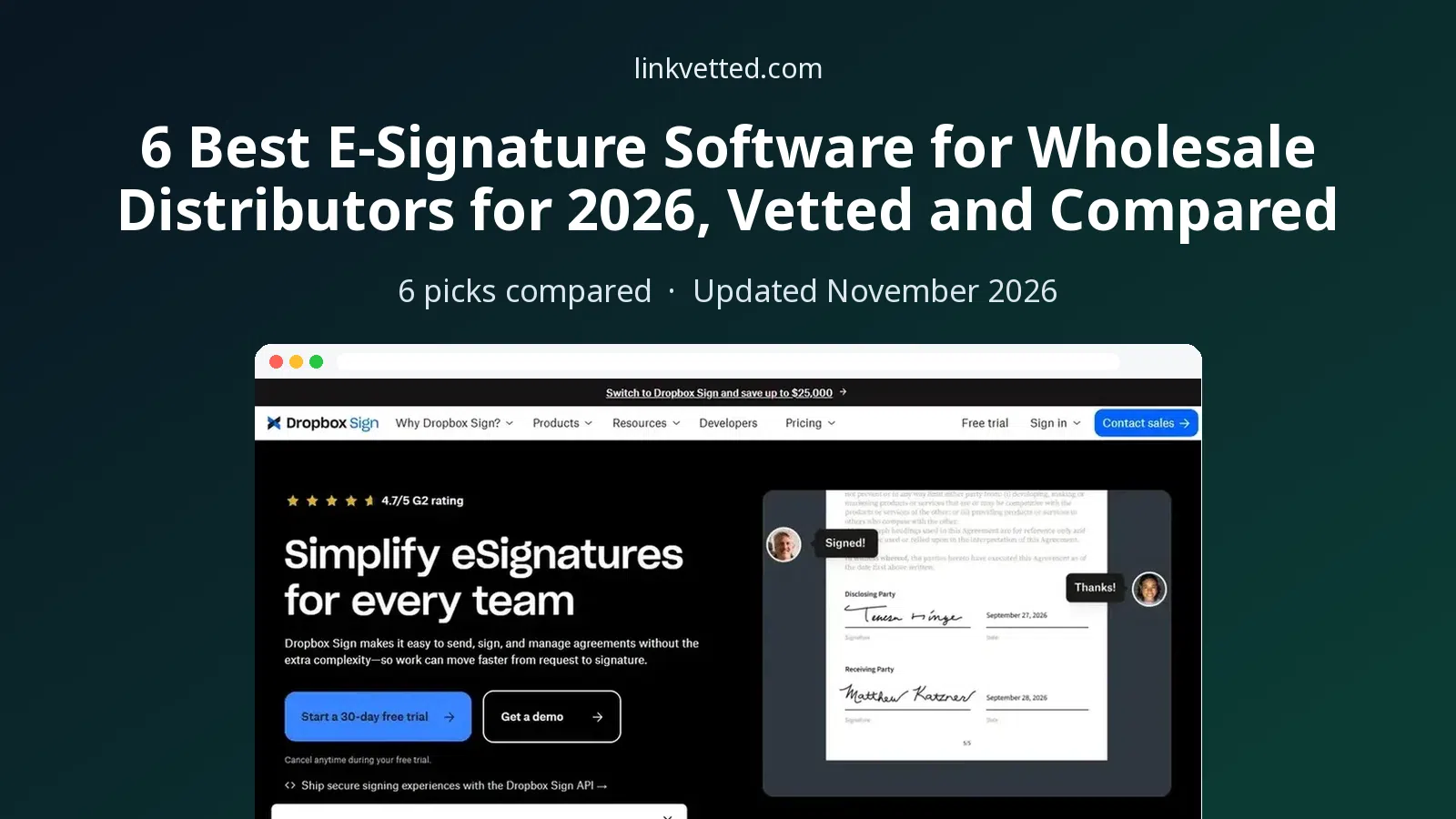
- Editor's choice
 Dropbox Sign
Straightforward send and sign workflows
Starts at$15 USD / moVisit hellosign.comFull review - Great alternative
 Adobe Acrobat Sign
PDF-centric distributors using Adobe tools
Starts atSee websiteVisit adobe.comFull review - Also considerConga Sign
Signing within document automation suites
Starts atSee websiteVisit conga.comFull review
Direct answer
If you need straightforward send and sign workflows, Dropbox Sign is the first tool to look at here. Listed starting prices: Dropbox Sign from $15 USD / mo, DocuSign eSignature from $45 per user a month and OneSpan Sign from $0.40 per transaction. Alternatives: Adobe Acrobat Sign for PDF-centric distributors using Adobe tools, and Conga Sign for signing within document automation suites. All 6 tools are compared below on price, free plan and limits.
TL;DR:
- The list opens with Dropbox Sign, aimed at straightforward send and sign workflows.
- OneSpan Sign fits authentication-heavy signing processes.
- DocuSign eSignature is the lowest-priced starter here at $45 per user per month.
- Before buying DocuSign eSignature, weigh this: full agreement features may exceed straightforward signing needs.
- Dropbox Sign, OneSpan Sign and the 4 others all need a premium plan or a trial, since no free plan is listed.
Last checked November 2026. Prices and plan details were read from the vendors' own pages in November 2026; vendors change plans often, so confirm the current price on the vendor site before you buy.
Quick comparison
| Tool | Best for | Starts at | Free plan? | |
|---|---|---|---|---|
| Dropbox Sign | Straightforward send and sign workflows | $15 USD / mo | Free trial | Visit |
| Adobe Acrobat Sign | PDF-centric distributors using Adobe tools | See website | Not stated | Visit |
| Conga Sign | Signing within document automation suites | See website | Not stated | Visit |
| DocuSign eSignature | Wide agreement management for distributors | $45 per user a month | Not stated | Visit |
 SignNow | Custom e-signature workflows | See website | Not stated | Visit |
 OneSpan Sign | Authentication-heavy signing processes | $0.40 per transaction | Free trial | Visit |
Every option for E-Signature software for wholesale distributors explained
LinkVetted put together this guide to E-Signature software for wholesale distributors for readers who want a clear shortlist without reading every vendor page. It compares 6 tools on starting price, free plans, who each one suits and where each one falls short.
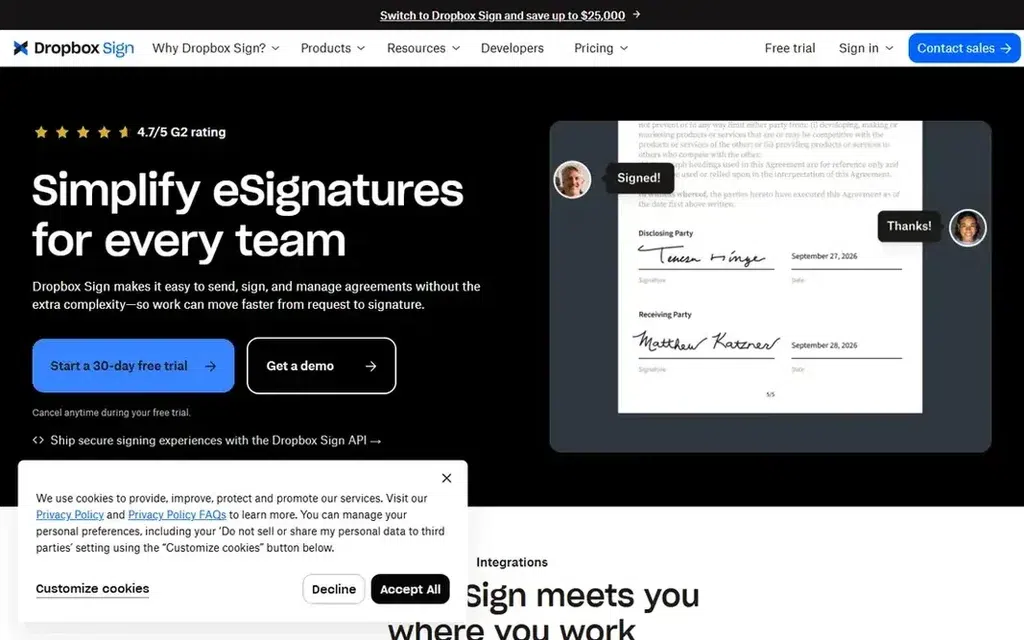
Dropbox Sign serves straightforward send and sign workflows. For wholesale distributors, it can include routine documents for example delivery acknowledgments or vendor forms without a heavy setup.
Downsides: Fewer agreement management features described.
Worth adding: the homepage emphasizes ease of signing instead of broader agreement management, so distributors needing advanced workflow automation may outgrow it. Dropbox Sign starts at: $15 USD / mo. As for free access: Free trial.
- Handles legally binding electronic signatures
- Straightforward sending and receiving of signatures
- May suit more straightforward signing needs best
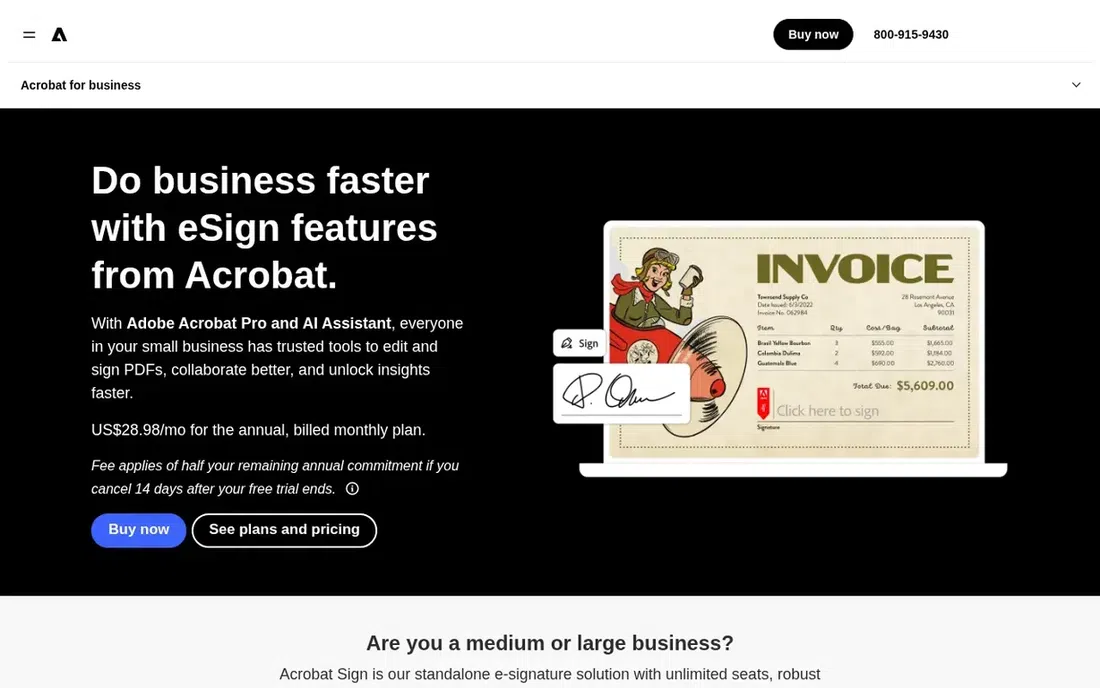
Think of Adobe Acrobat Sign for PDF-centric distributors using Adobe tools. Check current capabilities on the vendor site.
Worth adding: evaluate whether its payment and website signature features match how your buyers actually sign. Adobe Acrobat Sign does not show a starting price in this comparison, so check the vendor site for current pricing. On free options: Not stated.
Honest limits: Feature set centers on document workflows.
- Supports signatures embedded on a website
- Can collect digital payments
- Best value for teams already in Adobe tools
Conga Sign
Best for: Signing within document automation suites
Conga Sign works best for signing within document automation suites. It suits organizations planning to standardize commercial documents across a single system.
In practice, check how Conga Sign suits your document processes on the vendor site. Check the vendor site for Conga Sign pricing; none is listed in this comparison. Free options: Not stated.
Honest limits: Best fit for teams adopting the full suite.
- AI-oriented system positioning
- Part of a document automation system
- Broader product than signing alone
DocuSign eSignature
Best for: Wide agreement management for distributors
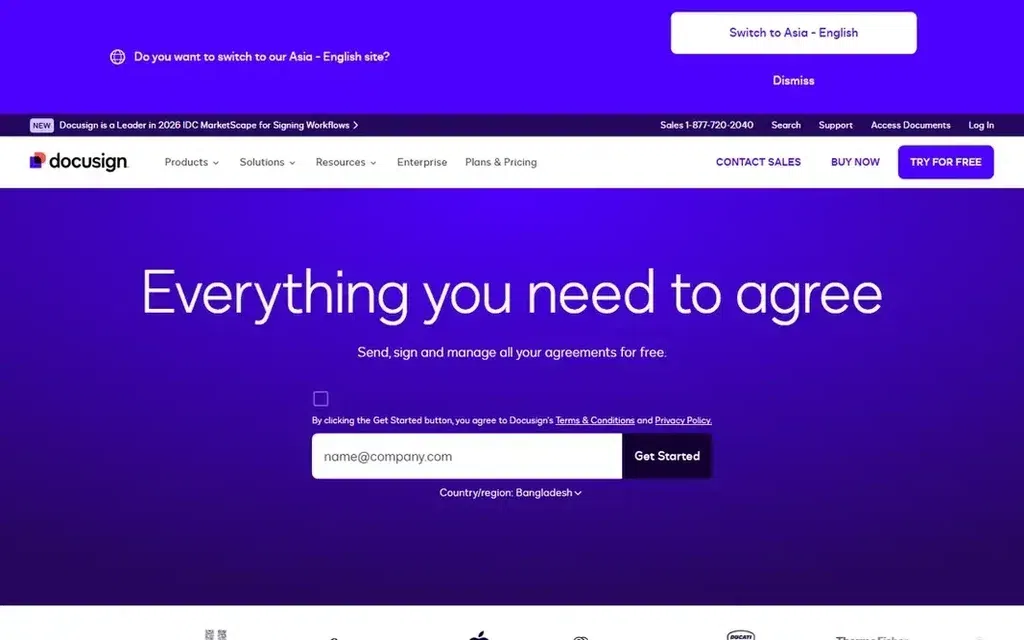
DocuSign eSignature is designed for wide agreement management for distributors. For wholesale distributors, that means order confirmations, supplier contracts and customer agreements can move through a consistent signing process.
Trade-offs to know: Setup depth can suit bigger teams better.
More specifically, confirm which features are included for your workflow on the vendor site before committing. Entry price for DocuSign eSignature: $45 per user per month. On free options: Not stated.
- Signing and agreement management in one system
- Supports electronic signing workflows
- Full agreement features may exceed straightforward signing needs
SignNow is a good fit for custom e-signature workflows. SignNow, from airSlate, provides electronic signatures with custom eSignature workflows and positions signing as usable anytime, anywhere and on any device. Wholesale distributors can map signing steps to recurring documents like purchase orders or vendor agreements.
Limits to weigh: Workflow setup may need planning.
Distributors needing only occasional signatures may find a more straightforward tool sufficient. Custom workflows can take planning to configure well, and the experience relies on how the tool is set up for your documents. No starting price is listed for SignNow here; confirm pricing on the vendor site. Trial and free access: Not stated.
- Custom eSignature workflows
- Legally binding signatures
- Feature depth varies by configuration
Choose OneSpan Sign for authentication-heavy signing processes. OneSpan Sign is part of OneSpan's cybersecurity and digital agreements portfolio, which the vendor describes as protecting users, devices and apps whereas speeding business processes through electronic signature. Also, teams seeking a light signing tool may prefer a more straightforward choice.
Distributors with compliance-sensitive contracts may value the security orientation. Worth adding: review authentication choices and integration details on the vendor site before deciding. OneSpan Sign starts at: $0.40 per transaction. Free plan details: Free trial.
What to check first: Security emphasis may suit regulated teams.
- E-signatures paired with authentication
- Security-focused vendor background
- Broader system than straightforward signing
How we chose
LinkVetted used vendor pricing pages and product documentation as the base, then compared plans, free access and documented limits for 6 tools. Prices and plan limits come from vendor pages and can change, so confirm them on the vendor site before you buy. The order reflects how well each tool fits the most common buying scenario for E-Signature software for wholesale distributors, then price clarity, then free plan access. It is a starting point, not a verdict.
Pre-purchase checklist
- Ask Adobe Acrobat Sign, Conga Sign and SignNow for a written quote, since no starting price is shown.
- Run a trial of Dropbox Sign and OneSpan Sign with real work before paying for a year; your own workflow is the best test.
- Read the limits listed for Dropbox Sign first: fewer agreement management features described.
- Before you load data into Dropbox Sign, check what an export looks like and who can run it.
- Look at the renewal terms for OneSpan Sign: auto-renewal, notice periods and price changes can matter more than the first-year price.
FAQ
What should wholesale distributors look for in e-signature software?
Distributors should prioritize traceable signing for recurring documents for example purchase orders, vendor contracts and delivery confirmations. Check authentication choices, audit trails and how signing links to existing order or contract systems.
Do these tools publish their prices?
Not all of them. Adobe Acrobat Sign, Conga Sign and SignNow publish no starting price, so expect a quote request for those. The rest, Dropbox Sign included, show a starting price, though seats and billing terms still change the final cost.
How do authentication features matter for distributor agreements?
Distributors handling routine confirmations may need less. As for the details, review the authentication and audit choices each vendor documents before deciding.
Can I try these tools before paying?
Often, yes. Dropbox Sign and OneSpan Sign offer a free trial. Use your own data and a real task during the test, and check what the free tier or trial limits before you rely on it. All 6 picks in this E-Signature software for wholesale distributors comparison list a starting price, free plan details and the main limits on their cards above.
How are the tools for E-Signature software for wholesale distributors ordered?
The order follows typical fit for E-Signature software for wholesale distributors, with Dropbox Sign first and OneSpan Sign last, then price clarity and free access. It is editorial judgement, not a score, so another team could rank the tools differently.
Does any tool for E-Signature software for wholesale distributors here have a free plan?
A permanent free plan is not offered by Dropbox Sign, OneSpan Sign or the other tools here. Dropbox Sign, OneSpan Sign offer a trial. Plan a short evaluation period instead.
Sources
- https://www.hellosign.com
- https://www.adobe.com/sign.html
- https://conga.com
- https://www.docusign.com
- https://www.signnow.com
- https://www.onespan.com