Choosing E-Signature Software for Universities in 2026: 5 Options Compared
Best E-Signature software for universities in 2026: 5 contenders with entry costs and free tiers. Short, factual notes on every option. Pick with confidence.
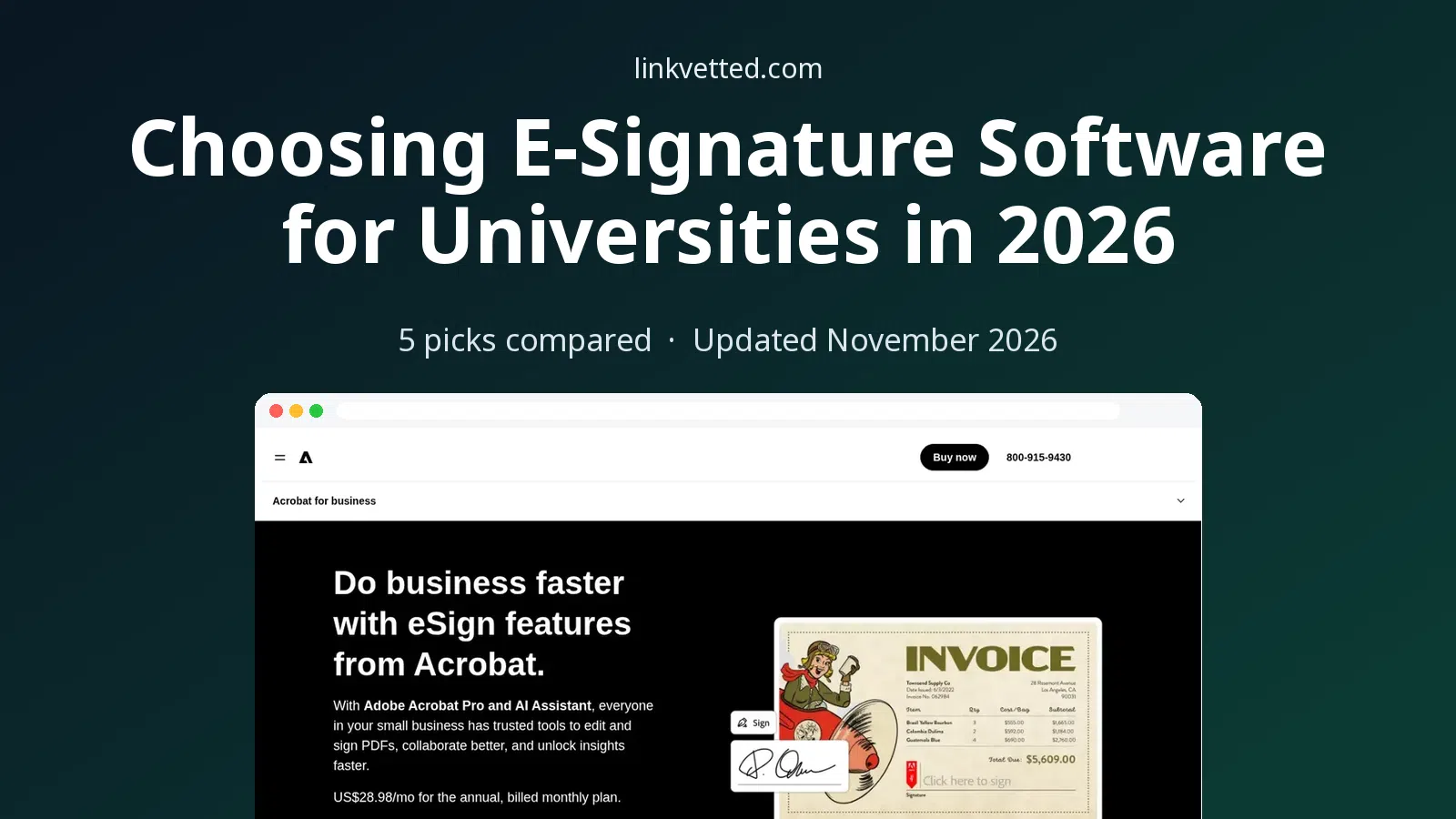
- Editor's choice
 Adobe Acrobat Sign
PDF-centric campus document flows
Starts atSee websiteVisit adobe.comFull review - Great alternative
 OneSpan Sign
Security-focused signing workflows
Starts at$0.40 per transactionVisit onespan.comFull review - Also consider
 Dropbox Sign
Straightforward sending and receiving
Starts at$15 USD / moVisit hellosign.comFull review
Direct answer
Adobe Acrobat Sign leads the list, best for PDF-centric campus document flows. Listed starting prices: OneSpan Sign from $0.40 per transaction, Dropbox Sign from $15 USD / mo and DocuSign from $45 per user a month. Look at OneSpan Sign for security-focused signing workflows, and at Dropbox Sign for straightforward sending and receiving. All 5 tools are compared below on price, free plan and limits.
TL;DR:
- Top of the list is Adobe Acrobat Sign, which targets PDF-centric campus document flows.
- DocuSign fits wide campus agreement workflows.
- Adobe Acrobat Sign, DocuSign and the 3 others all need a premium plan or a trial, since no free plan is listed.
- Before buying Adobe Acrobat Sign, weigh this: best value may rely on existing Adobe usage.
Last checked November 2026. Prices and plan details were read from the vendors' own pages in November 2026; vendors change plans often, so confirm the current price on the vendor site before you buy.
Quick comparison
| Tool | Best for | Starts at | Free plan? | |
|---|---|---|---|---|
| Adobe Acrobat Sign | PDF-centric campus document flows | See website | Not stated | Visit |
| OneSpan Sign | Security-focused signing workflows | $0.40 per transaction | Free trial | Visit |
| Dropbox Sign | Straightforward sending and receiving | $15 USD / mo | Free trial | Visit |
 Foxit eSign | PDF and Word document signing | See website | Not stated | Visit |
 DocuSign | Wide campus agreement workflows | $45 per user a month | Not stated | Visit |
The full E-Signature software for universities list
This LinkVetted guide covers 5 E-Signature software for universities. Each profile lists a starting price, free plan details, strengths and drawbacks, so you can drop poor fits quickly.
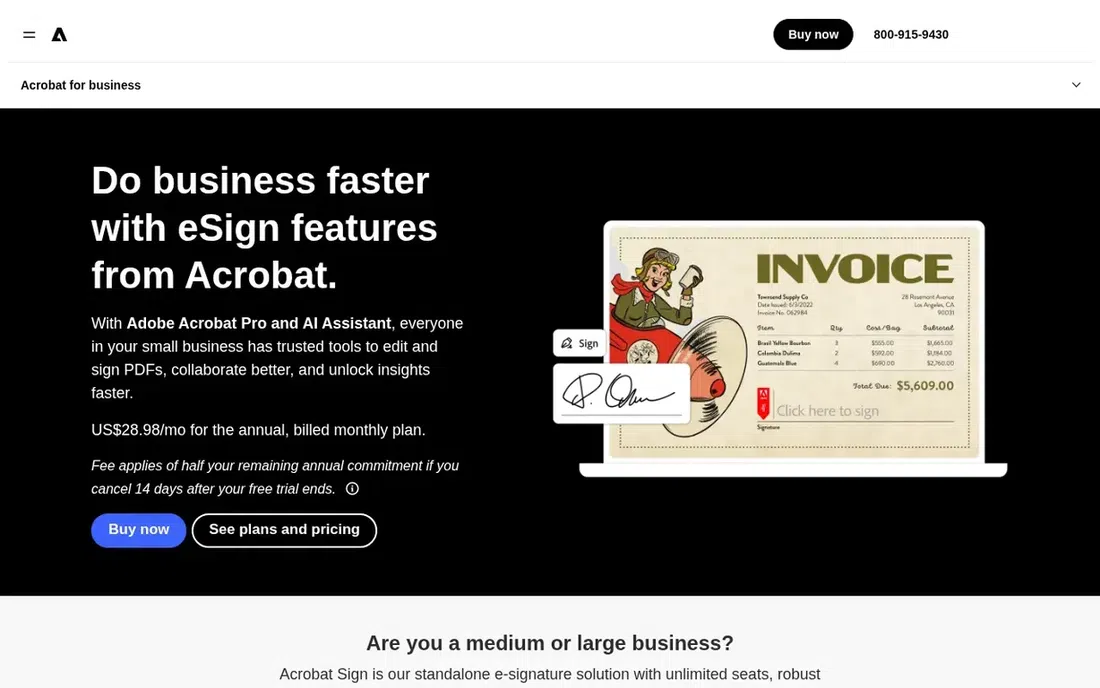
Think of Adobe Acrobat Sign for PDF-centric campus document flows. Adobe Acrobat Sign is Adobe's electronic signature offering for business. Its homepage flags e-signing documents, collecting digital payments, and accepting electronic signatures on a website.
For everyday use, for universities already standardizing on Adobe PDF tools, it can keep signing close to document creation and review. Departments needing only entry-level sending might compare Dropbox Sign or Foxit eSign. Campuses without Adobe document workflows may find another dedicated signing tool more straightforward to adopt. Adobe Acrobat Sign shows no starting price here, so confirm the cost on the vendor site. Free plan details: Not stated.
Where it is weaker: Advanced workflows may need setup and training.
- Supports collecting signatures and digital payments
- Electronic signatures within Adobe's document ecosystem
- Best value may rely on existing Adobe usage
OneSpan Sign makes the most sense for security-focused signing workflows. The security-first approach may be more than a small department needs for routine forms.
The company describes options that protect users, devices, and apps, with digital agreements speeding business processes through electronic signature. Confirm how authentication choices align with campus identity systems before selecting. Starting cost for OneSpan Sign: $0.40 per transaction. Trial and free access: Free trial.
Downsides: May need more administrative planning.
- Merges e-signature with authentication capabilities
- Cybersecurity focus across users, devices, apps
- Security emphasis may add complexity for straightforward forms
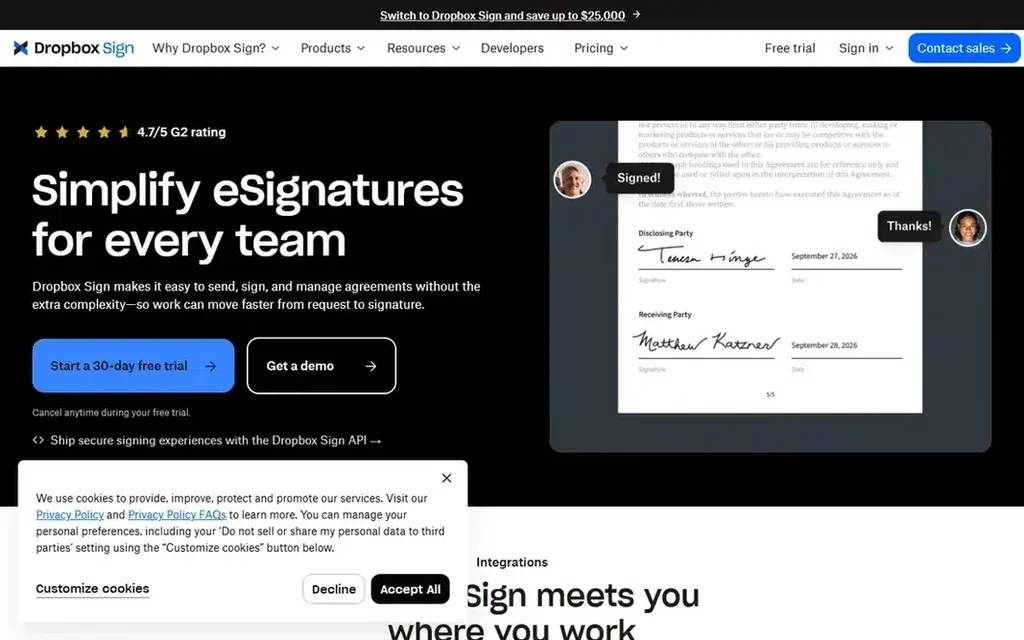
Dropbox Sign works best for straightforward sending and receiving. Institutions with wide workflow needs might compare DocuSign or OneSpan Sign.
Main advantages: Straightforward interface for occasional signers.
Its simplicity can help staff and students who sign infrequently and need a guided process. Price to start with Dropbox Sign: $15 USD / mo. Free access: Free trial.
The main drawbacks: May be entry-level for complicated multi-department workflows.
- Legally binding electronic signatures
- Managing signatures
- Less emphasis on full agreement management
Pick Foxit eSign if this describes you: PDF and Word document signing. Foxit eSign lets users send and receive electronic signatures for PDF or Word documents.
Its homepage flags simpler and more secure eSigning and sending wherever users are. More specifically, check document format support and record-keeping features before adopting it campus-wide. Pricing for Foxit eSign is not stated here, so ask the vendor for current figures. As for free access: Not stated.
Where it is weaker: May be entry-level for complicated campus-wide routing.
- Focus on easier and more secure eSigning
- Send and receive signatures for PDF or Word files
- Less emphasis on wide agreement management
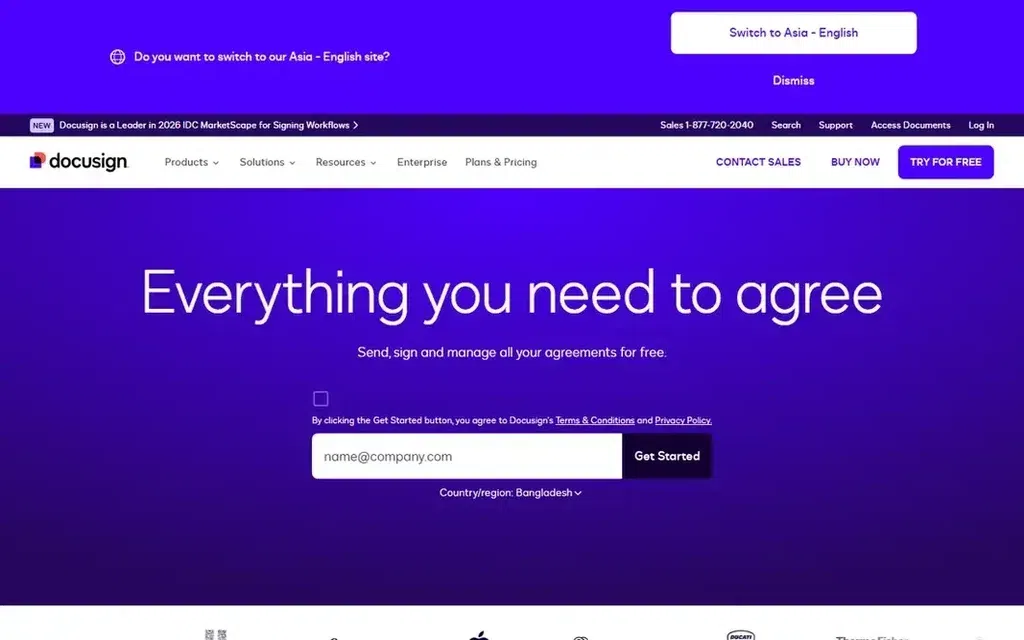
DocuSign is designed for wide campus agreement workflows. DocuSign presents itself as an electronic signature and intelligent agreement management product.
Watch-outs: Configuration can need administrative effort.
It lets users produce, commit to, and handle agreements in one place, which fits universities that require a consistent signing process across registrar, financial aid, HR, and procurement teams. In practice, confirm integration and administrative requirements with the vendor before committing. Entry price for DocuSign: $45 per user per month. Free access: Not stated.
- Electronic signature plus agreement management features
- Supports sending and managing agreements in one system
- Feature depth may exceed what small offices need
How we chose
The comparison looks at four things: starting price, free access, how well the feature set matches E-Signature software for universities, and the main limit of each tool. Treat prices as a snapshot: vendors change plans often, so check the vendor site for the figure that applies today. The order reflects how well each tool fits the most common buying scenario for E-Signature software for universities, then price clarity, then free plan access. It is a starting point, not a verdict.
What to check before you buy
- Ask Adobe Acrobat Sign and Foxit eSign for a written quote, since no starting price is shown.
- Run a trial of OneSpan Sign and Dropbox Sign with real work before paying for a year; your own workflow is the best test.
- Read the limits listed for Adobe Acrobat Sign first: best value may rely on existing Adobe usage.
- Compare total cost, not headline price: for OneSpan Sign, add extra seats, add-ons and any usage-based charges.
- Check the integration list for Foxit eSign against the tools you run today, and note which ones need a higher plan.
FAQ
What should universities look for in e-signature software?
They should also consider how well the tool manages high-volume workflows across departments and whether external signers find it straightforward to use.
Does any tool for E-Signature software for universities here have a free plan?
No tool in this list, Adobe Acrobat Sign and DocuSign included, has a permanent free plan. OneSpan Sign, Dropbox Sign offer a trial. Trials and quotes are the usual route, so plan a short evaluation period.
What is the cheapest option for E-Signature software for universities in this list?
On published monthly entry prices, DocuSign is the lowest here at $45 per user per month. Entry price is only part of the cost, because seats, add-ons and billing terms can change the total. Each of the 5 options in this E-Signature software for Universities guide has its own card above with the price, free plan and limits.
Is Adobe Acrobat Sign the right pick for everyone comparing E-Signature software for universities?
No single tool suits every team. Adobe Acrobat Sign comes first because it fits PDF-centric campus document flows, while OneSpan Sign suits security-focused signing workflows and Dropbox Sign suits simple sending and receiving. Match the tool to your own size, budget and workflow before deciding.
Can I try these tools before paying?
Often, yes. OneSpan Sign and Dropbox Sign offer a free trial. Use your own data and a real task during the test, and check what the free tier or trial limits before you rely on it.
Sources
- https://www.adobe.com/sign.html
- https://www.onespan.com
- https://www.hellosign.com
- https://www.foxit.com/esign
- https://www.docusign.com