Choosing E-Signature Software for Retail Stores in 2026: 5 Options Compared
Best E-Signature software for retail stores: 5 tools compared on price, free plans and fit. Each listing flags where it falls short. Refreshed for 2026.
- Editor's choice
 Foxit eSign
Simple PDF and Word document signing
Starts atSee websiteVisit foxit.comFull review - Great alternative
 OneSpan Sign
Security-focused retail signing
Starts at$0.40 per transactionVisit onespan.comFull review - Also consider
 Dropbox Sign
Straightforward, familiar signing workflows
Starts at$15 USD / moVisit sign.dropbox.comFull review
Direct answer
Foxit eSign comes first here, mainly for simple PDF and Word document signing. Listed starting prices: OneSpan Sign from $0.40 per transaction, Dropbox Sign from $15 USD / mo and PdfFiller Sign from $9.99 per month. OneSpan Sign is better for security-focused retail signing, and Dropbox Sign is better for straightforward, familiar signing workflows. The other 2 tools in the list cover narrower or pricier cases.
TL;DR:
- The list opens with Foxit eSign, aimed at simple PDF and Word document signing.
- The cheapest monthly starting price in the list is $9.99 per month, offered by PdfFiller Sign.
- None of the 5 tools, from Foxit eSign to DocuSign eSignature, has a free plan, so budget for a subscription or use a trial.
- DocuSign eSignature fits high-volume retail agreement management.
- PdfFiller Sign comes with a trade-off: E-signature is one part of a broader suite.
Last checked November 2026. Prices and plan details were read from the vendors' own pages in November 2026; vendors change plans often, so confirm the current price on the vendor site before you buy.
Quick comparison
| Tool | Best for | Starts at | Free plan? | |
|---|---|---|---|---|
| Foxit eSign | Simple PDF and Word document signing | See website | Not stated | Visit |
| OneSpan Sign | Security-focused retail signing | $0.40 per transaction | Free trial | Visit |
| Dropbox Sign | Straightforward, familiar signing workflows | $15 USD / mo | Free trial | Visit |
| PdfFiller Sign | All-in-one PDF editing and signing | $9.99 per month | Free trial | Visit |
| DocuSign eSignature | High-volume retail agreement management | $45 per user a month | Not stated | Visit |
The best E-Signature software for retail stores
This LinkVetted guide covers 5 E-Signature software for retail stores. Each profile lists a starting price, free plan details, strengths and drawbacks, so you can drop poor fits quickly.
Think of Foxit eSign for simple PDF and Word document signing. Foxit eSign lets users send and receive electronic signatures easily and securely.
It supports eSigning and sending PDF or Word documents from anywhere. This comparison lists no price for Foxit eSign; ask the vendor. Trial and free access: Not stated.
What to check first: Less emphasis on advanced workflows.
- Supports PDF and Word documents
- Accessible from anywhere
- May lack deeper agreement management
OneSpan Sign works best for security-focused retail signing. OneSpan Sign is part of OneSpan's cybersecurity and digital agreements options, meant to protect users and speed business processes via electronic signature.
Drawbacks to consider: May be complicated for entry-level retail needs.
Beyond that, for everyday retail agreements, OneSpan Sign may offer more security features than needed, and the setup could be more involved. The starting price for OneSpan Sign: $0.40 per transaction. As for free access: Free trial.
- Capable security and authentication focus
- Accelerates business processes with e-signatures
- Less emphasis on straightforward document workflows
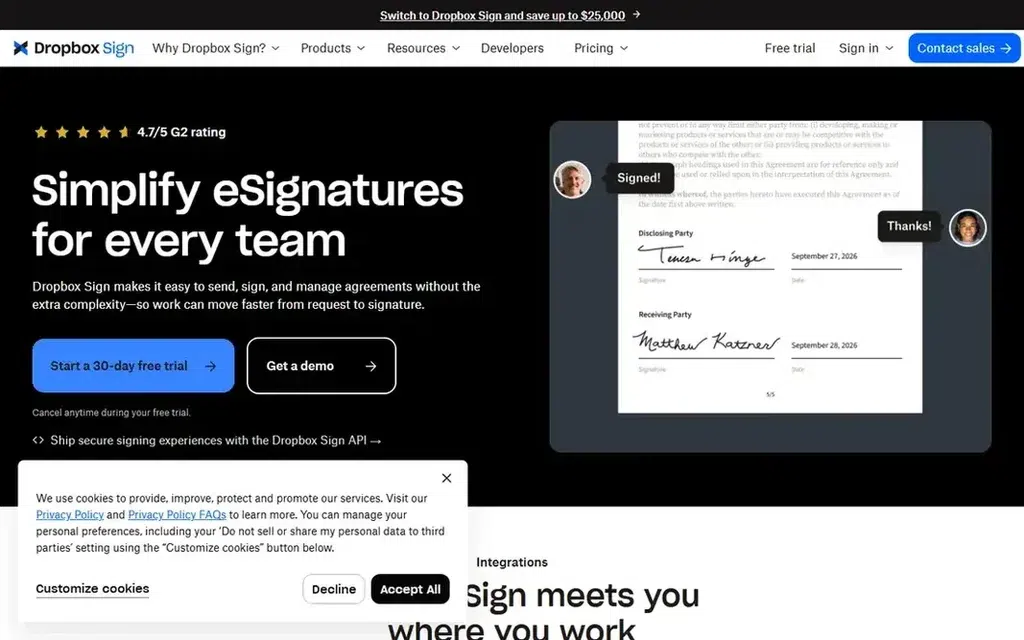
Dropbox Sign makes the most sense for straightforward, familiar signing workflows. Dropbox Sign, formerly HelloSign, is described as the easiest way to send, receive, and handle legally binding electronic signatures.
Trade-offs to know: Restricted advanced agreement features.
It suits retail keeps that want a no-fuss tool for getting documents signed, particularly if they already use Dropbox for file storage and sharing. The starting price for Dropbox Sign: $15 USD / mo. Free access: Free trial.
- Legally binding signatures
- Performs well for teams using Dropbox
- May not suit complex retail contract flows
PdfFiller Sign
Best for: All-in-one PDF editing and signing
PdfFiller Sign is a good fit for all-in-one PDF editing and signing. PdfFiller Sign is part of pdfFiller's all-in-one PDF editing and document management option, which comes with smooth eSignatures, cloud storage, and form libraries.
The main drawbacks: May be overwhelming for signature-only use.
Beyond that, for a more focused e-signature experience, consider Dropbox Sign or Foxit eSign. If your store only needs e-signatures and not PDF editing, PdfFiller may bundle features you will not use. Starting cost for PdfFiller Sign: $9.99 per month. Free options: Free trial.
- Merges PDF editing with eSignatures
- Deep form libraries
- E-signature is one part of a broader suite
DocuSign eSignature
Best for: High-volume retail agreement management
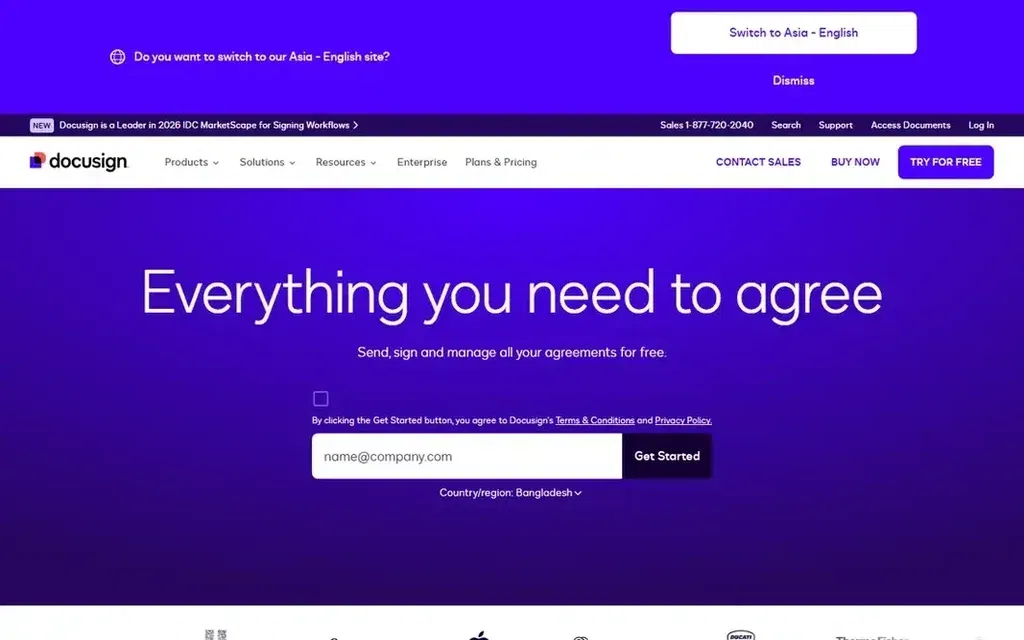
DocuSign eSignature serves high-volume retail agreement management. For a very small shop with occasional signing needs, DocuSign may offer more capability than necessary.
On top of that, DocuSign eSignature is part of the Docusign agreement management system, built to produce, commit to, and handle agreements in one place. DocuSign eSignature starts at: $45 per user per month. Free options: Not stated.
Drawbacks to consider: Setup can need planning.
- Supports in-store and remote signing
- Wide agreement management system
- May be more than small keeps need
How we compared the tools
For each of the 5 tools we noted price, free plan or trial, fit for E-Signature software for retail stores and the main limit, using vendor pages and documentation. Where a vendor does not publish a price, the entry says quote. Where a price depends on seats or billing term, the entry says so. Position on the page reflects fit for a typical buyer first, with price clarity and free access breaking ties. Treat it as a guide, not a ruling.
Questions to settle before buying
- Ask Foxit eSign for a written quote, since no starting price is shown.
- Use real work to test the free trial from OneSpan Sign, Dropbox Sign and PdfFiller Sign, rather than a demo project.
- Before choosing Foxit eSign, weigh its main limit: less emphasis on advanced workflows.
- Look at the renewal terms for OneSpan Sign: auto-renewal, notice periods and price changes can matter more than the first-year price.
- Ask PdfFiller Sign which support channels and response times come with the plan you would buy.
FAQ
Is it necessary to have PDF editing features in an e-signature tool?
Not always. Otherwise, a dedicated e-signature tool like Dropbox Sign may be more straightforward and more focused.
Does any tool for E-Signature software for retail stores here have a free plan?
No tool in this list, Foxit eSign and DocuSign eSignature included, has a permanent free plan. OneSpan Sign, Dropbox Sign, PdfFiller Sign offer a trial. Trials and quotes are the usual route, so plan a short evaluation period.
What should a retail store look for in e-signature software?
Retail keeps should prioritize simplicity for both staff and customers, support for typical document types. The capacity to collect signatures in person or remotely. Integration with existing tools and security features are also important.
How are the tools for E-Signature software for retail stores ordered?
Foxit eSign sits first and DocuSign eSignature last because the order follows typical fit for E-Signature software for retail stores, then price clarity and free access. It is a judgement call, so read each profile for fit and limits.
Can I try these tools before paying?
Often, yes. OneSpan Sign, Dropbox Sign and PdfFiller Sign offer a free trial. Use your own data and a real task during the test, and check what the free tier or trial limits before you rely on it.
How do e-signature tools support in-store signing?
Plenty of e-signature tools offer mobile apps or web interfaces that let staff collect signatures on a tablet or computer in the store.
Sources
- https://www.foxit.com/esign
- https://www.onespan.com
- https://sign.dropbox.com
- https://www.pdffiller.com
- https://www.docusign.com